tencent cloud

Chat

News and Announcements
Release Notes
Announcements
Product Introduction
Overview
Basic Concepts
Scenarios
Features
Account System
User Profile and Relationship Chain
Message Management
Group Related
Official Account
Audio/Video Call
Use Limits
Purchase Guide
Billing Overview
Pricing
Purchase Instructions
Renewal Guide
Service Suspension Explanation
Refund Policy
Development Guidelines
Demo Zone
Activate Service
Free Demos
Quick Run
Download
SDK and Demo Source Code
Update Log
Chat Interaction (UI Included)
TUIKit Introduction
Getting Started
Full-feature Integration
Single-function Integration
Build with AI
Build Basic Interfaces
More Features
Customizing Appearance
Internationalization
Push Service
Overview
Noun explanation
Activate the Service
Quick Start
Manufacturer Channel
Statistics
Troubleshooting Tool
Client APIs
REST API
Push Callback
Advanced Features
Release Notes
Error Codes
FAQS
Desk
Overview
Quick Start
Integration Guide
Admin Operation Manual
Agent Manual
More Practices
Live Streaming Setup Guide
AI Chatbot
Super Large Entertainment and Collaboration Community
Discord Implementation Guide
How to Integrate Chat into Games
WhatsApp Channel-style Official Account Integration Solution
Send Red Packet
Firewall Restrictions
No UI Integration
Quick Start
SDK Integration
Initialization
Login and Logout
Message
Conversation
Group
Community Topic
User Profile and Relationship Chain
Offline Push
Cloud Search
Local Search
Official Channel Management
Client APIs
JavaScript
Android
iOS & macOS
Swift
Flutter
Electron
Unity
React Native
C APIs
C++
Server APIs
Secure authentication with UserSig
RESTful APIs
Webhooks
Console Guide
New Console Introduction
Creating and Upgrading an Application
Basic Configuration
Feature Configuration
Account Management
Group Management
Official Channel Management
Webhook Configuration
Usage
Viewing Guide for Resource Packages
Real-Time Monitor
Auxiliary Development Tools
Access Management
Advanced Features
FAQs
uni-app FAQs
Purchase
SDK
Account Authentication
User Profile and Relationship Chain
Message
Group
Audio-Video Group
Nickname and Profile Photo
Security Compliance Certification
Service Level Agreement
Security Compliance Certification
Chat Policies
Privacy Policy
Data Privacy and Security Agreement
Migration
Migration Solutions
Migration Solutions Lite
Error Codes
Contact Us
DocumentationChatMore PracticesSuper Large Entertainment and Collaboration Community

Super Large Entertainment and Collaboration Community

PDF
Focus Mode
Font Size
Last updated: 2025-06-10 14:23:42

Overview

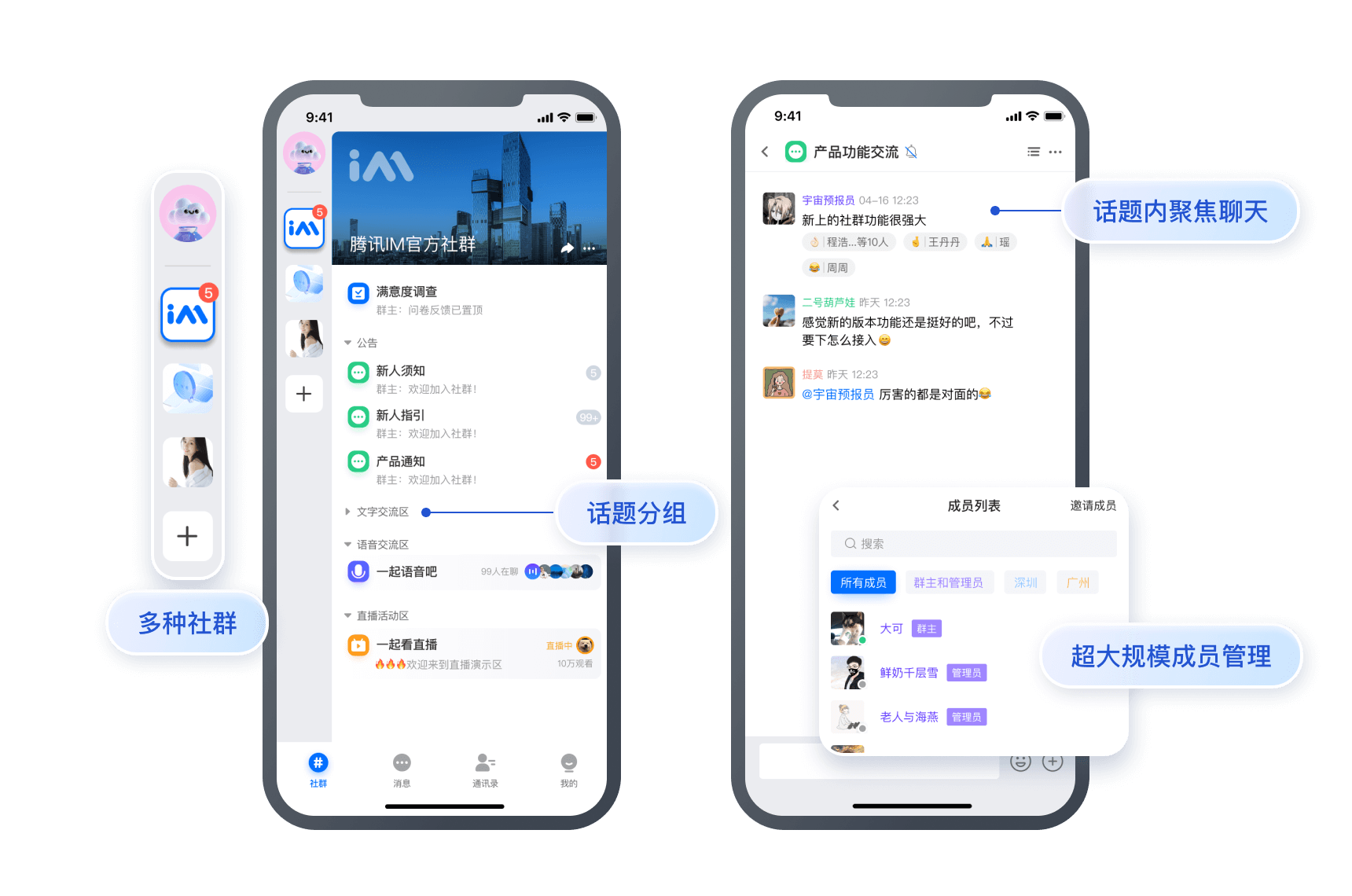
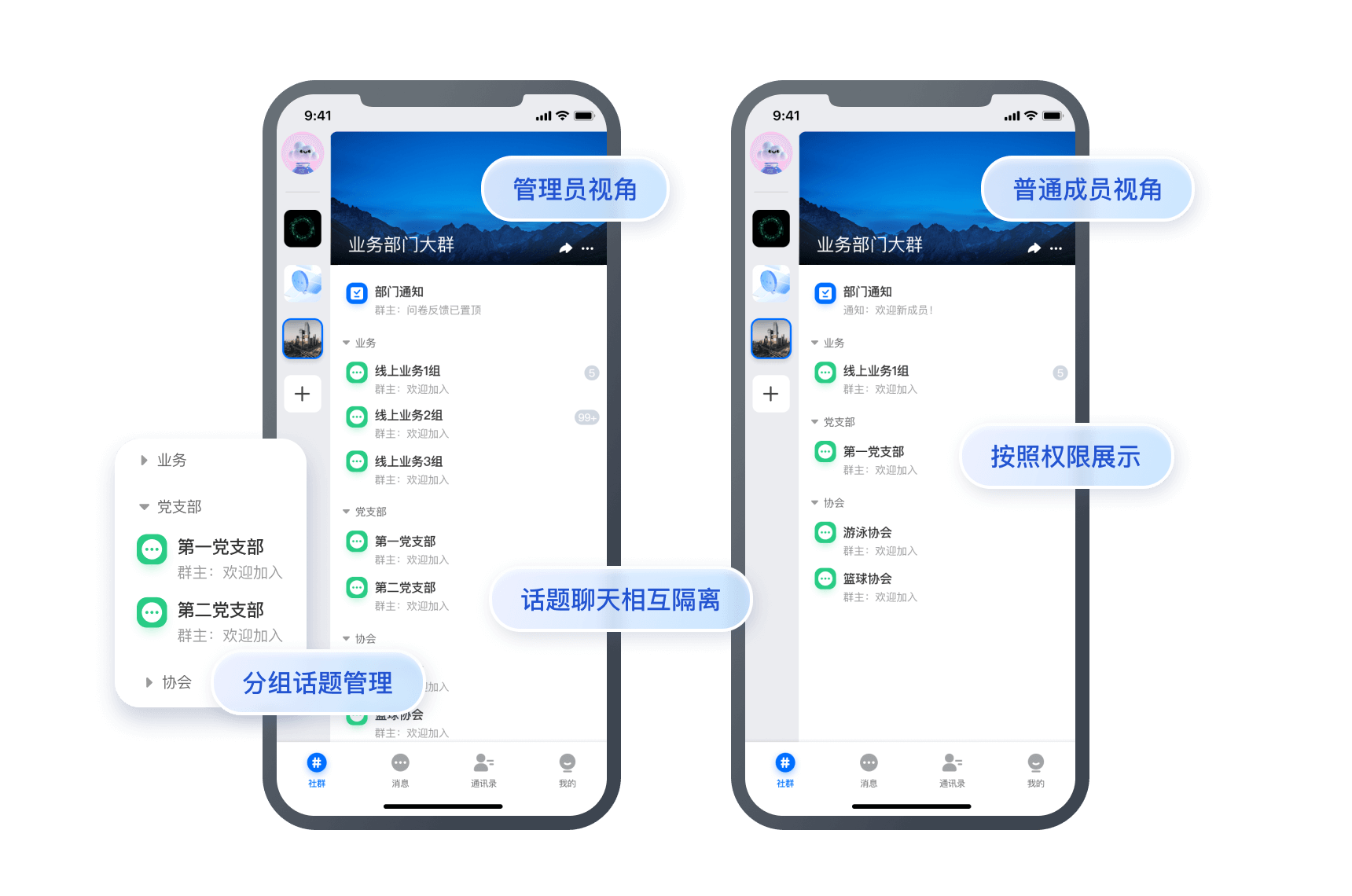
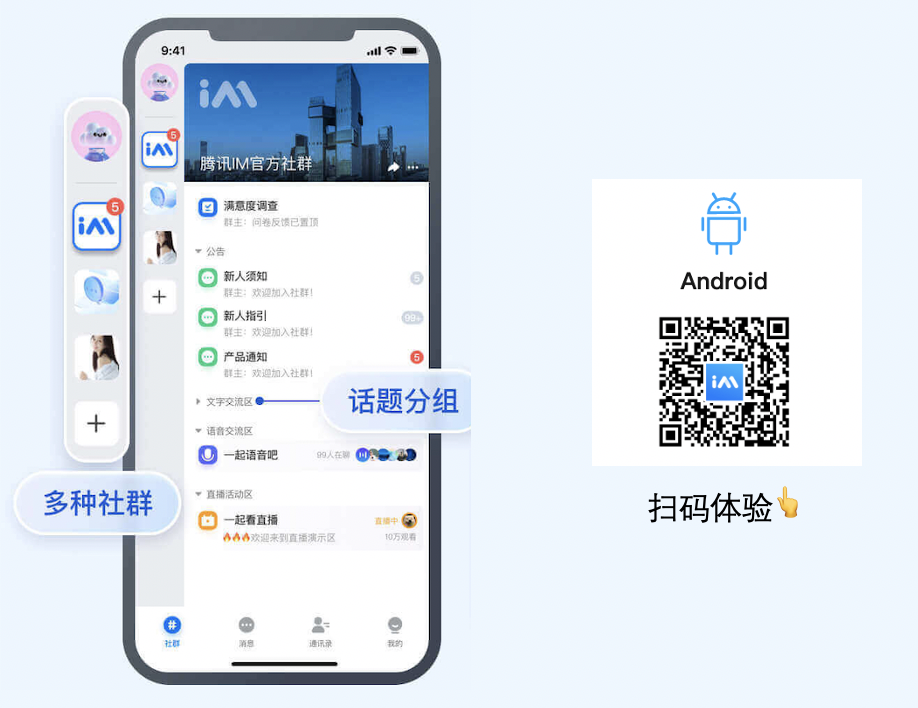
Community is a powerful tool for entertainment collaboration. It supports the community-group-topic hierarchy where messages are isolated and a high number of members share the same set of friend relationships. In addition, it allows you to group members and set group permissions for viewing, speaking, and managing things.


Use Cases

Finding like-minded people: a new way of user expansion

Community supports the accommodation of a high number of enthusiasts in the community-group-topic hierarchy.
A large, open community provides more refined topics, so that users can talk and interact more freely and proactively.


Game-based social networking: higher user stickiness and engagement

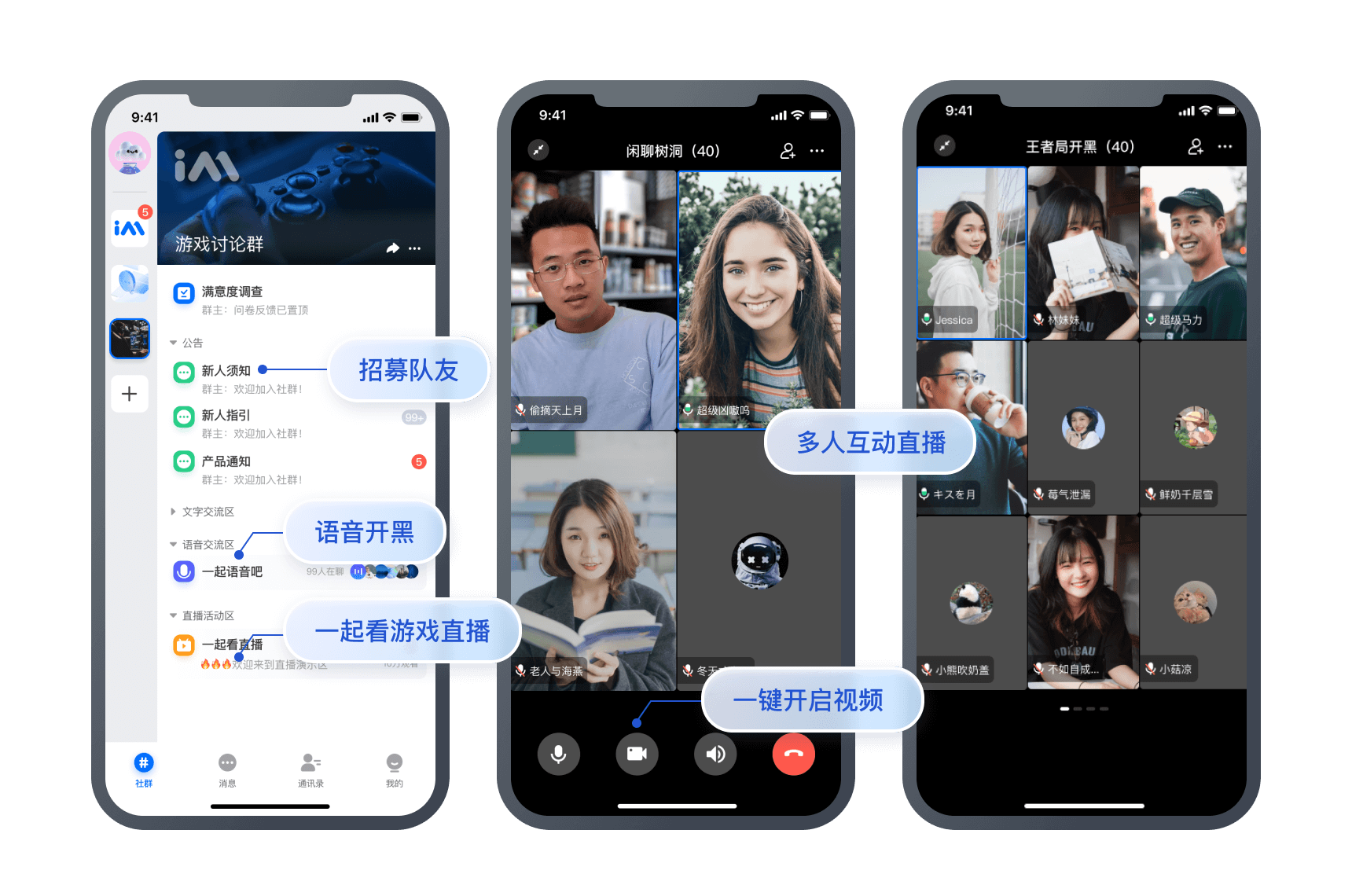
Various community topics allow game players to access news, look for teammates, discuss plots, and share tips. Before the game, users can search for advice; during the game, they can always talk to others (through an always online chat room); after the game, they can dig deeper into the topics.


Fan marketing: an efficient operations tool

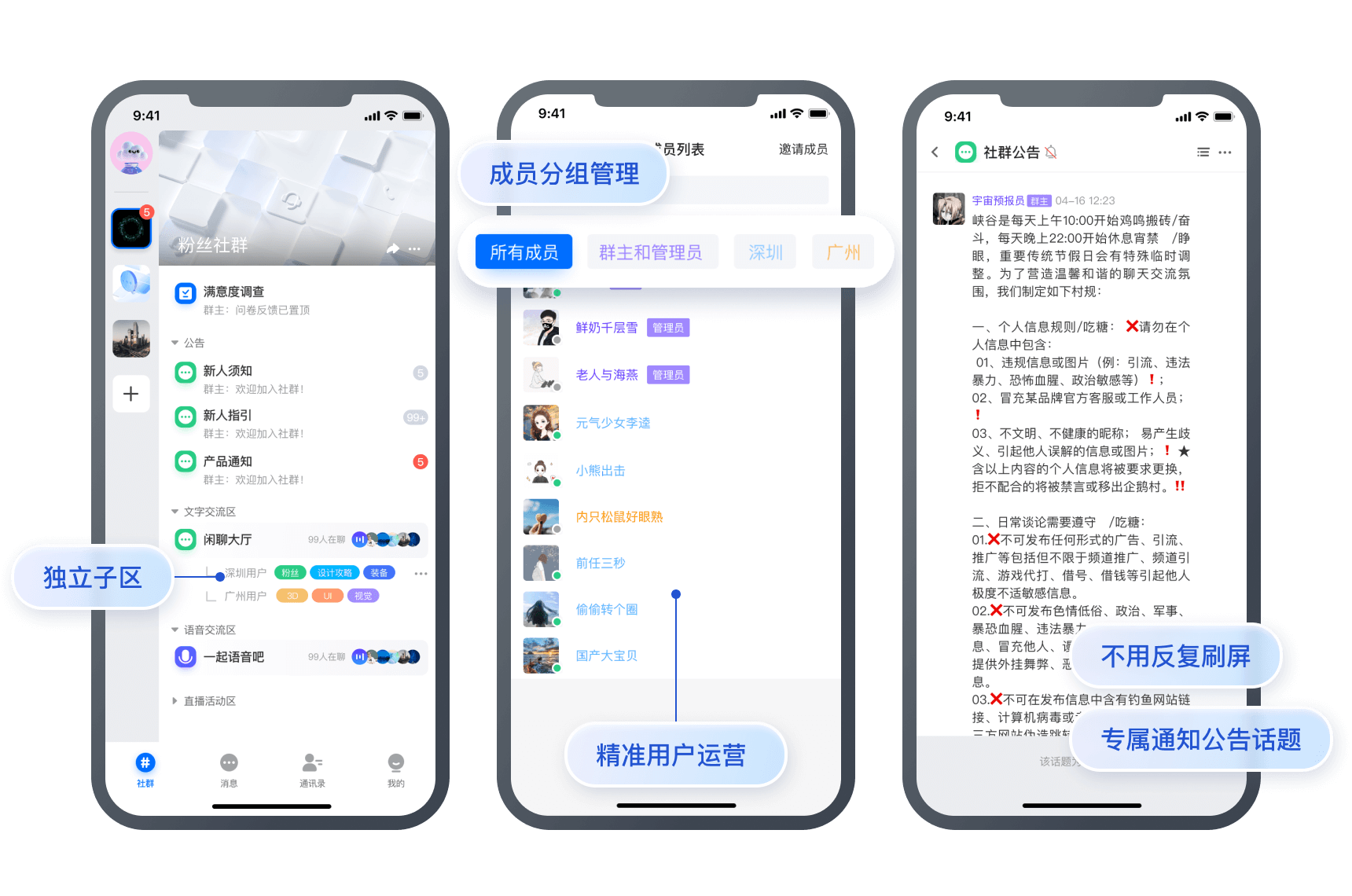
The diversified topics in a community can perfectly replace endless groups (such as group 1 of Shenzhen users, group 2 of Shenzhen users, group 1 of Guangzhou users, and group 1 of Shanghai users), eliminating the need to operate a number of tiring groups and making fan marketing more precise.


Organization management: a clear and layered communication method

All the members in an organization can join the same community, which supports hierarchical communication through the community hierarchy and permission settings.


Technical Strengths

A super large number of community members

The Tencent Chat community is nearly ten thousand times larger, perfectly meeting your needs to accommodate massive members in use cases such as finding like-minded people, fan marketing, game-based social networking, and organization management.

Message reliability

The Tencent Chat community greatly increases the number of members while incorporating Tencent's powerful messaging capabilities. With the complete and reliable messaging system built on over 20 years of technology accumulation, it delivers over 99.99% message sending/receiving success rate and service availability, helping you easily handle hundreds of millions of concurrent requests.

Message push performance

The Tencent Chat community adopts a new message push architecture with "fast and slow channels" plus "two-level push". This special type of architecture can well balance time and space for higher system push performance and lower terminal performance consumption. Users can enjoy the same message interaction experience in super-large groups as in general ones.

Message status and user permission management

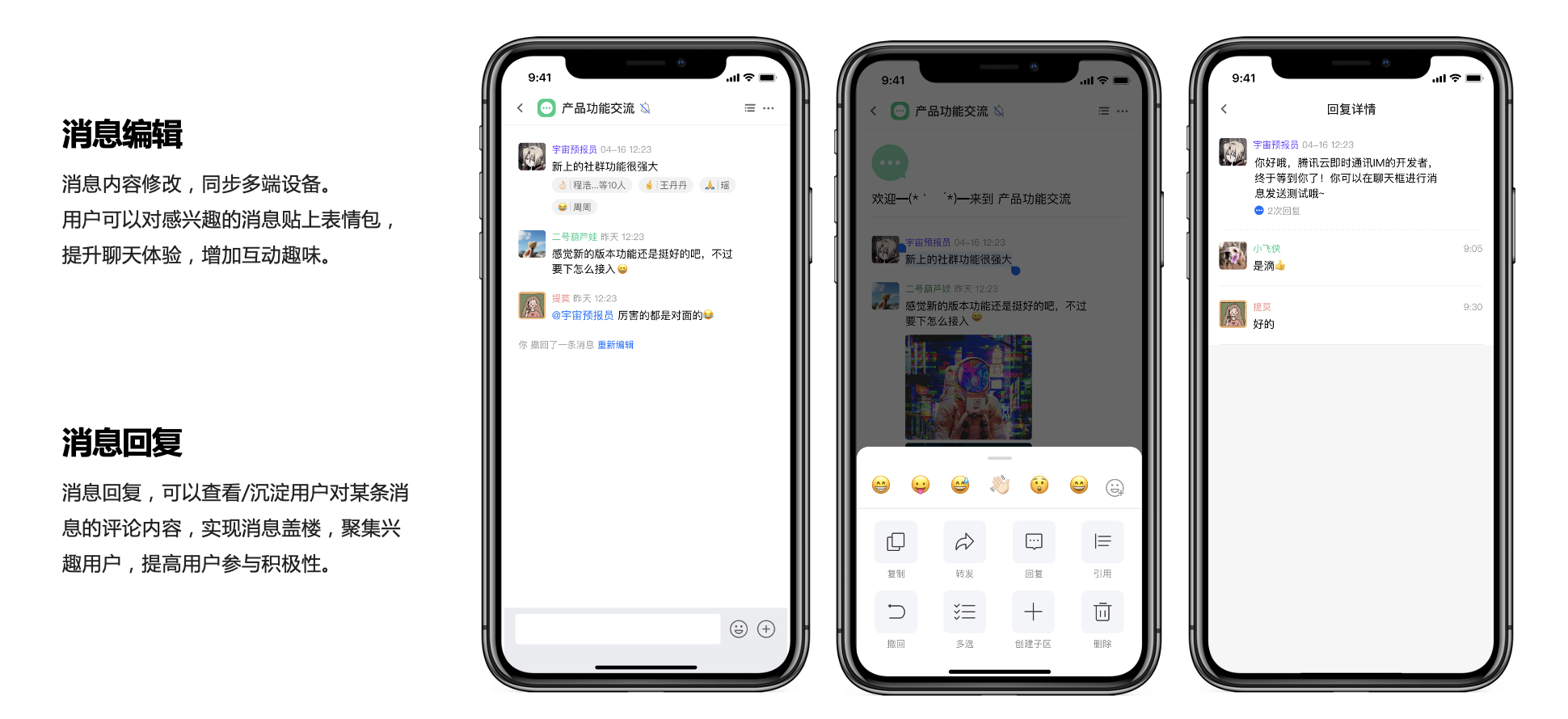
The Tencent Chat community offers extended capabilities such as message editing, recall, and forwarding. It allows setting muting, enabling do-not-disturb, counting unread messages, and editing profiles globally or by community or topic.

Native SDK Integration Guide

Caution:
The community topic feature is supported only by the Chat native SDK Enhanced edition on v6.2.2363 or later. To use it, purchase the Pro edition 、Pro Plus edition or Enterprise edition.
The following describes community topic APIs for Android.

Calling a community topic API

1. Call the createGroup API to create a topic-enabled community as instructed in the Community Management.
2. Call the getJoinedCommunityList API to get the list of created and joined communities.
Caution:
A community is used for managing group members but doesn't support sending or receiving messages. For more information on other community features, see the list of "other management APIs".
3. After the community is created successfully, call the createTopicInfoCommunity API to create topics as instructed in Topic Management.
4. Topic management also includes deleting a topic, modifying the topic information, getting the topic list, and listening for topic callbacks. In addition, topics support message sending and receiving for user communication. For more information on the APIs, see Topic Message.
5. Group community members: You can specify group information in group member custom fields to display community members in groups. To achieve this effect, all community members need to be pulled to the local for sorting by group. If the number of group members is large, it is recommended that you implement member grouping on the server side.

Web SDK Integration Guide

Caution:
The community topic feature is supported only by the Chat web SDK on v2.19.1 or later. To use it, purchase the Pro edition 、Pro Plus edition or Enterprise edition, go to the console, select Group feature configuration, and enable the Community feature.
The features of the community topic APIs are as follows:

Downloading and configuring the demo source code

For a quick tryout of the Chat features, see Android. The following describes how to use the community topic feature by calling the APIs:

Calling a community topic API

1. Call the createGroup API to create a topic-enabled community as instructed in the Community Management.
2. Call the getJoinedCommunityList API to get the list of created and joined communities. A community is used for managing group members but doesn't support sending or receiving messages. For more information on other community features, see the ordinary group APIs.
3. After the community is created successfully, call the createTopicInfoCommunity API to create topics as instructed in Topic Management.
4. Topic management also includes deleting a topic, modifying the topic information, getting the topic list, and listening for topic callbacks. In addition, topics support message sending and receiving for user communication. For more information on the APIs, see Topic Messages.
5. Group community members: You can specify group information in group member custom fields to display community members in groups. To achieve this effect, all community members need to be pulled to the local for sorting by group. If the number of group members is large, it is recommended that you implement member grouping on the server side.

References

Contact Us

If you experience any issues, contact us.

Help and Support

Was this page helpful?

Help us improve! Rate your documentation experience in 5 mins.

Feedback