Android(View)
Download
Focus Mode
Font Size
Local search is implemented in the TUISearch component of TUIKit. It allows users to quickly find the expected information from massive amounts of complex data, such as the chat history, contacts, and group chats. It can also be used as an operations tool to easily and efficiently navigate to extensive content.
Note:
The local search feature is only available on the Chat Ultimate edition. To use it, purchase the Pro edition 、Pro Plus edition 、Enterprise edition. For more information, see Pricing.
Feature Demonstration
The search API UI consists of three parts: the first part is for friend search, the second part is for group and group member search, and the third part is for message search, where messages are classified by conversation.
Integration Guide
The following introduces how to integrate the TUISearch component.
Purchasing the package
Integrating TUISearch
Add dependencies on
tuisearch to the build.gradle file in APP:api project(':tuisearch')
Logging in to TUIKit
You need to call
TUILogin of TUICore to log in to TUIKit. Initialization is implemented inside the login API by default, and no additional call to the initialization API is required.TUILogin.login(this, SDKAPPID, userID, userSig, new TUICallback() {@Overridepublic void onError(final int code, final String desc) {// Login fails.}@Overridepublic void onSuccess() {// Login succeeded}});
Starting the search UI
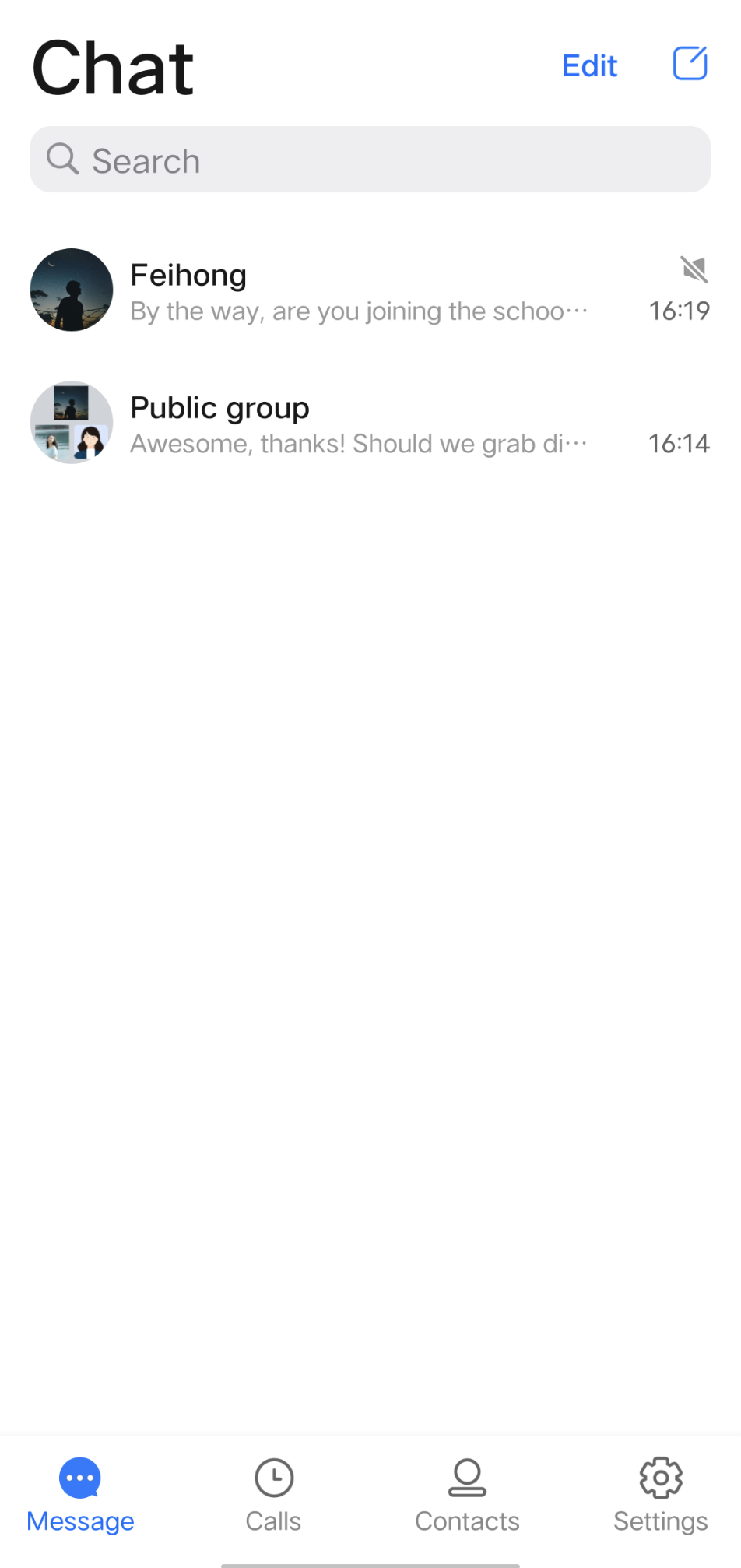
1. Should you integrate the TUIConversation and TUISearch components, no additional handling is required at this juncture, as the searchBar is by default displayed atop the conversation list, as illustrated below:
2. Should you opt to integrate solely with TUISearch, it becomes necessary to incorporate your own search view. Subsequently, initiating the SearchMainMinimalistActivity (for the Classic UI, refer to SearchMainActivity) suffices.
FAQs
1. How do I search for custom messages?
For custom messages created and sent via the createCustomMessage (byte[] data, String description, byte[] extension) API, specify the text to search in the
description parameter.
Custom messages created via the createCustomMessage (byte[] data) API cannot be searched because binary data streams are saved locally.If you configure the offline push feature and the
description parameter, custom messages will also be pushed offline, and the content specified in the description parameter will be displayed in the notification bar.
If you do not need the offline push feature, use disablePush in V2TIMOfflinePushInfo of the sendMessage API to disable it.
If you don't want to display the content pushed on the notification bar as the text to be searched for, you can use setDesc in V2TIMOfflinePushInfo to set the push content.2. How do I search for rich media messages?
Rich media messages include file, image, audio, and video messages.
For a file message, the filename is usually displayed on the UI. Therefore, you can set the
fileName parameter as the searched content when creating a file message. If fileName is not set, the system gets the filename from filePath and saves it to both the local device and the server.
For an image, audio, or video message, the thumbnail or duration is usually displayed on the UI. In this case, you can specify the message type for search but cannot specify keywords for search.
Help and Support
Was this page helpful?
You can also Contact sales or Submit a Ticket for help.
Help us improve! Rate your documentation experience in 5 mins.
Feedback