TUIKit is a UI component library based on Chat SDK. It provides universal UI components to offer features such as conversation, chat, search, contacts, group, and audio/video call features.
With these UI components, you can quickly build your own business logic.
When implementing UI features, components in TUIKit will also call the corresponding APIs of the Chat SDK to implement Chat-related logic and data processing, allowing developers to focus on their own business needs or custom extensions.
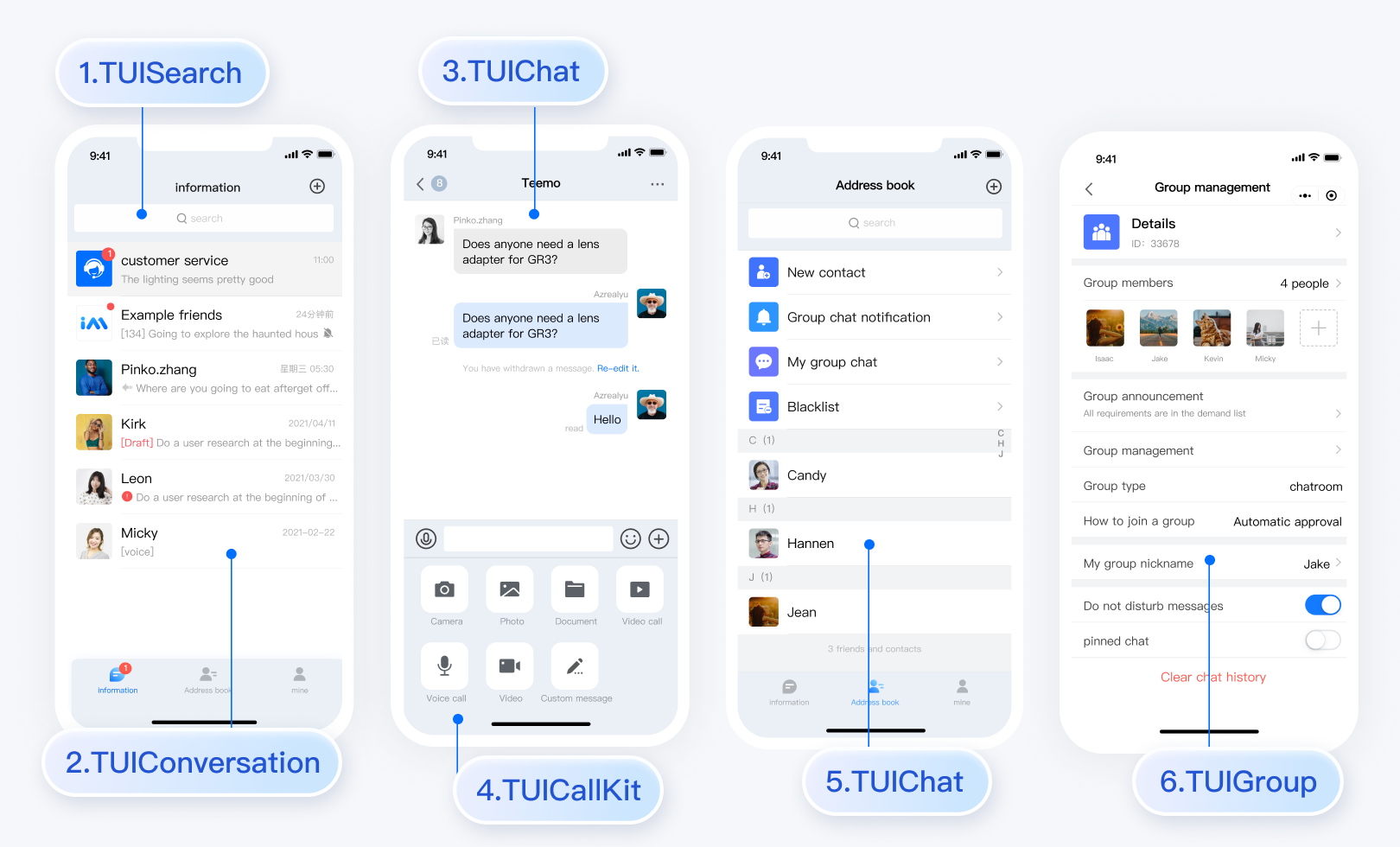
Starting from version 6.9.3557, TUIKit provides a new set of minimalist version UI components. The previous version UI components are still retained, which are called the classic version UI components. You can choose either the classic or minimalist version as needed.
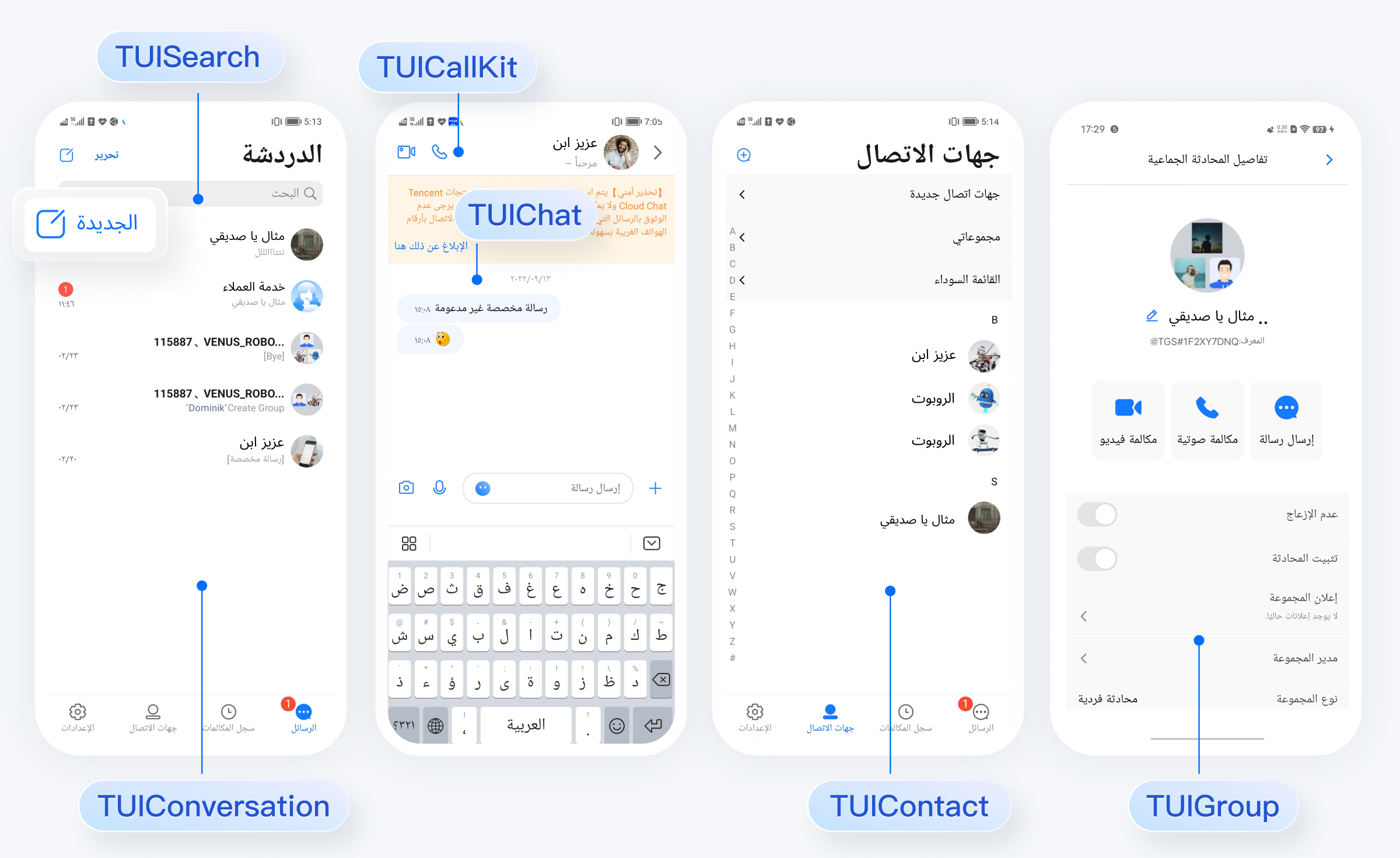
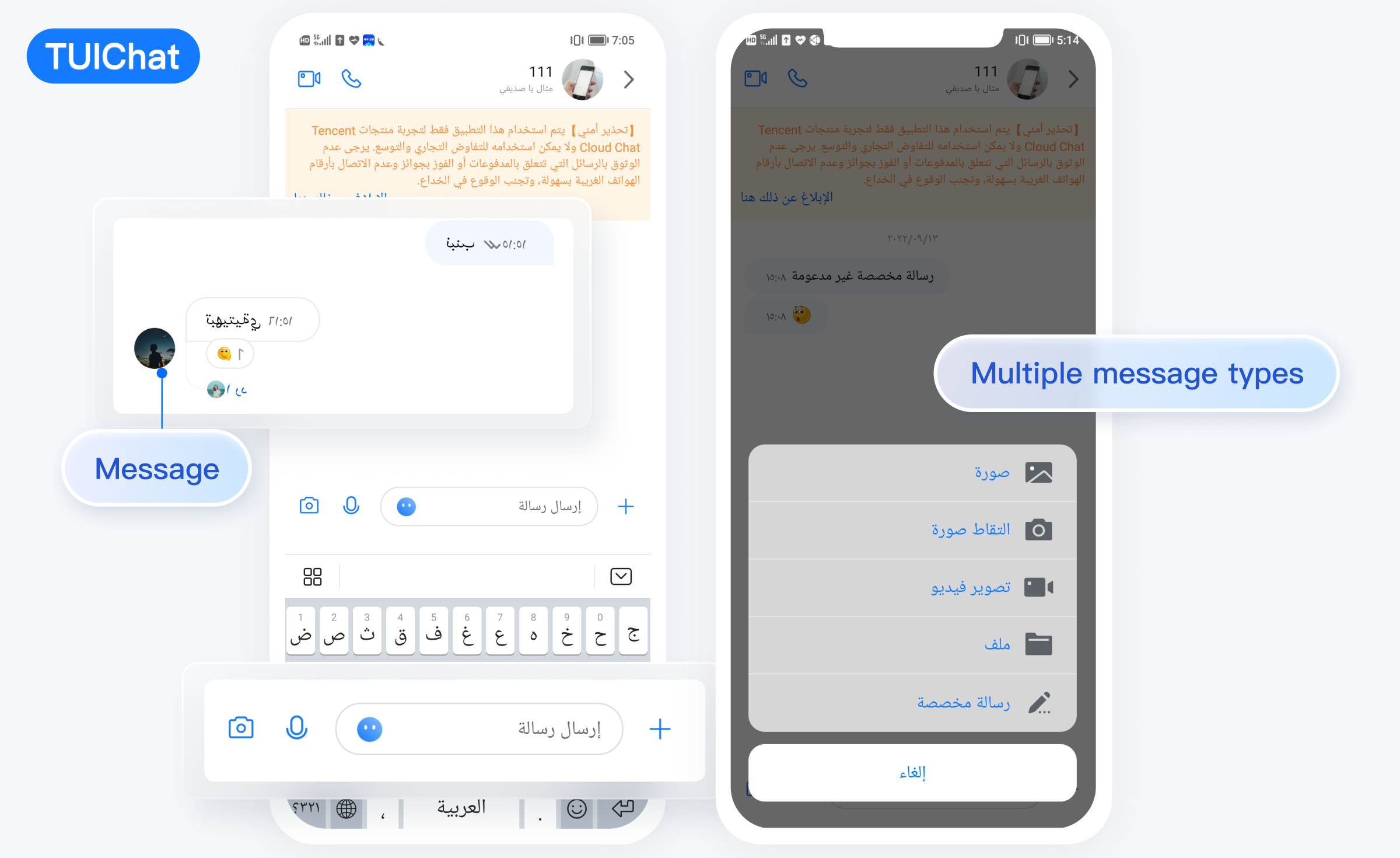
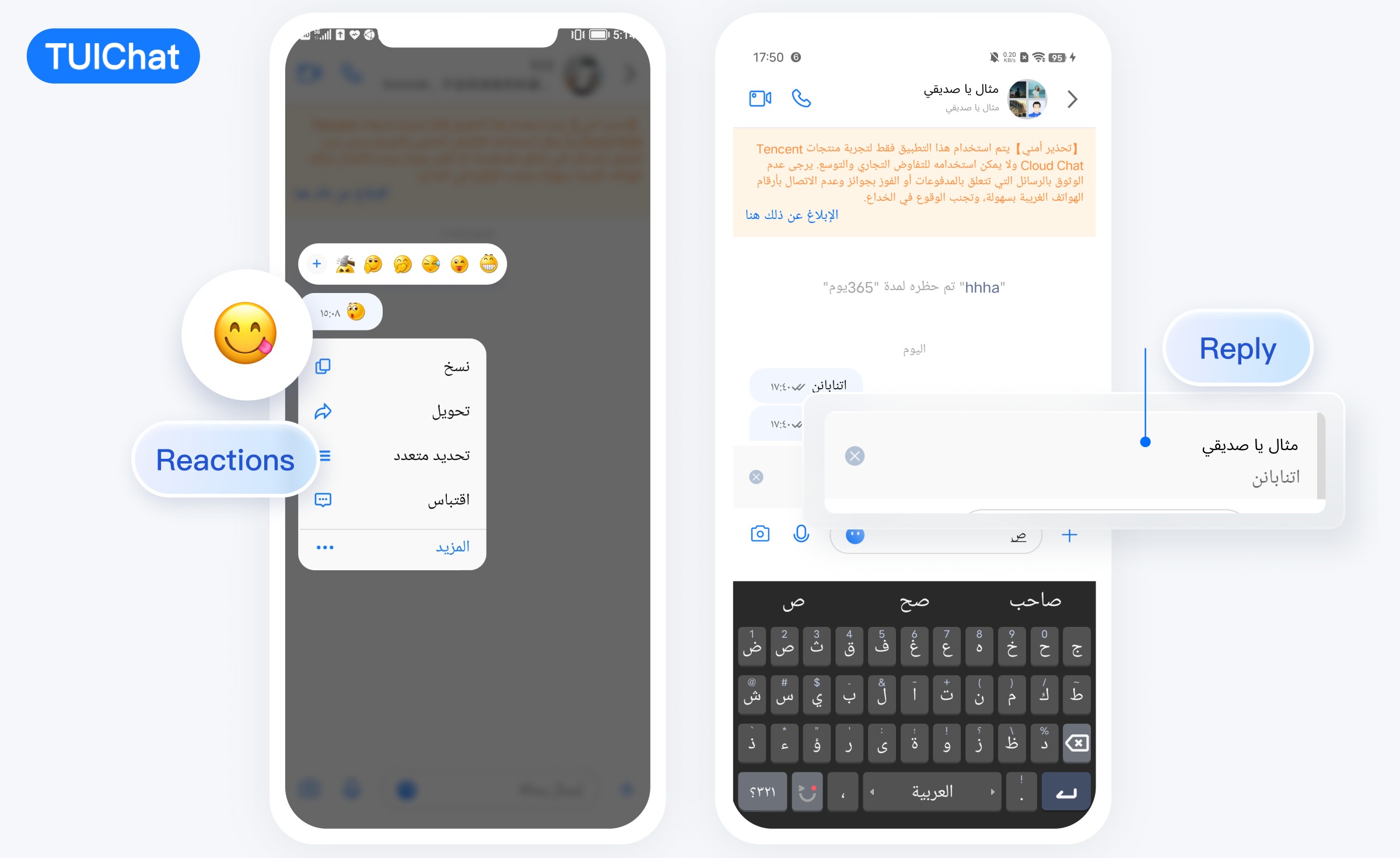
Starting from version 7.5.4852, TUIKit has added support for RTL languages (languages with right-to-left text direction, such as Arabic and Hebrew). When the application language is set to an RTL language, TUIKit will automatically switch to RTL style. Additionally, Arabic language has been added to the built-in language options.
TUIKit Components
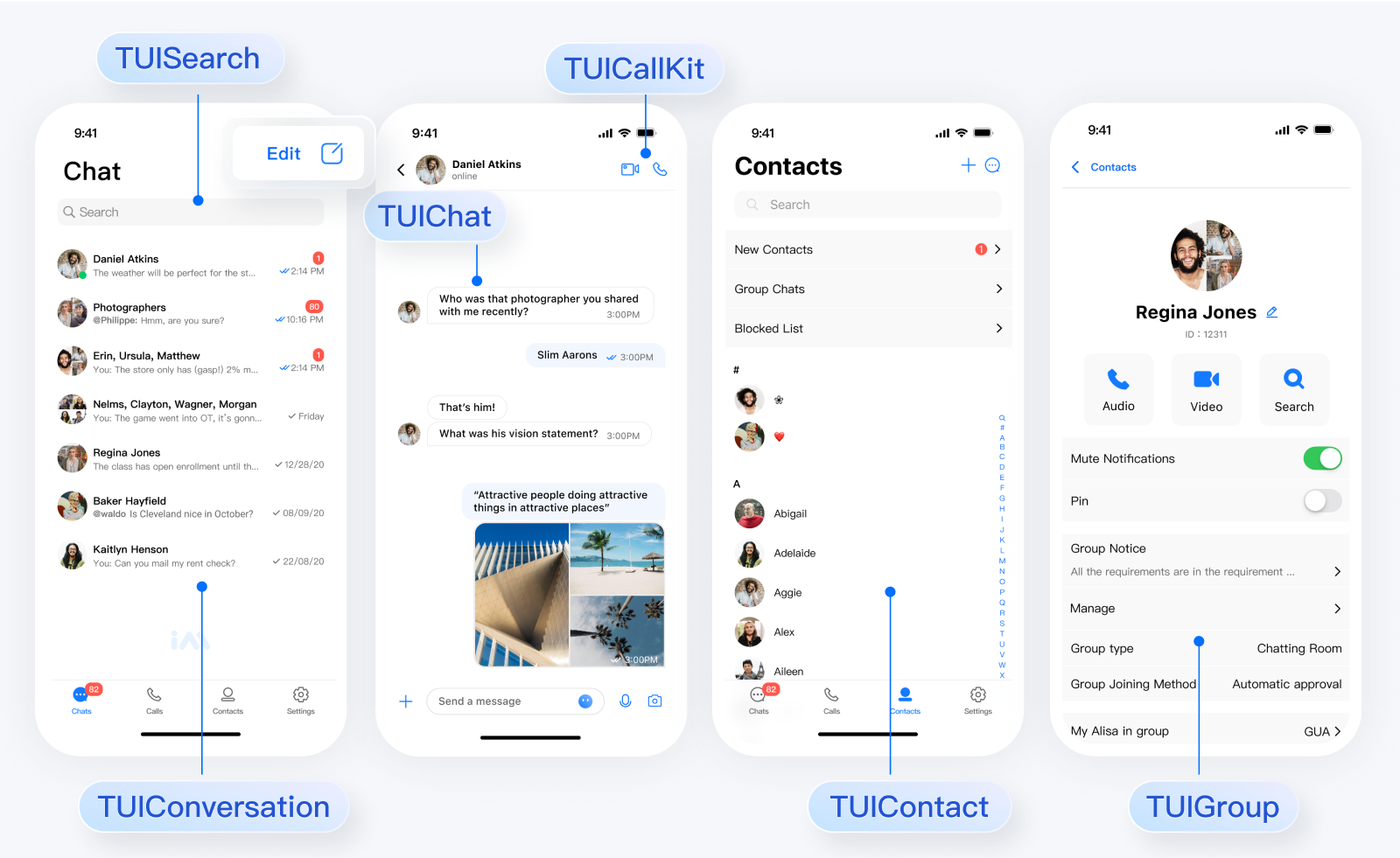
TUIKit provides the following UI components: TUISearch, TUIConversation, TUIChat, TUICallKit, TUIContact, TUIGroup, and TUIOfflinePush. Each of these components is responsible for displaying different content.
The UI effect is as shown below:
Minimalist
RTL
Classic
TUIChat
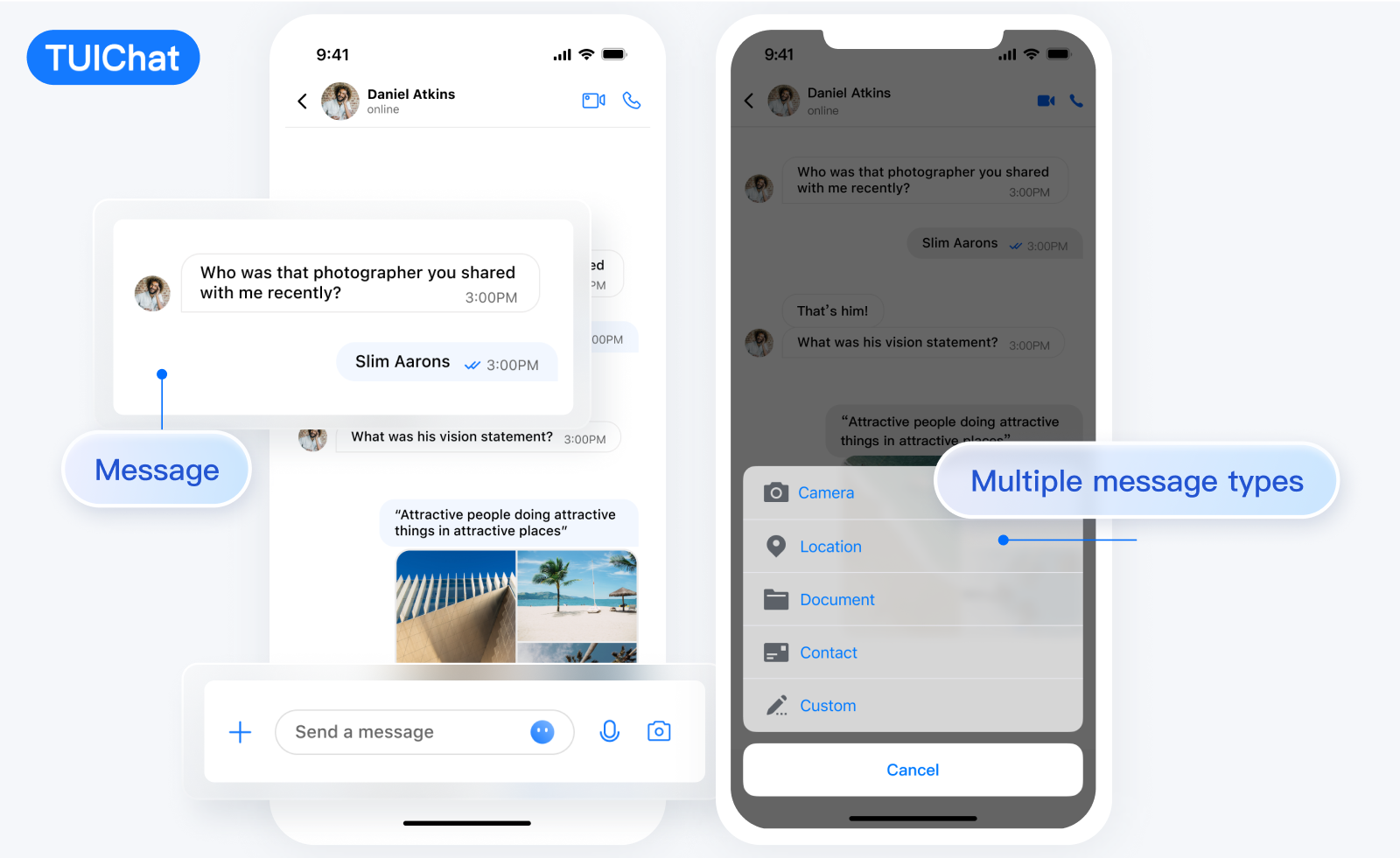
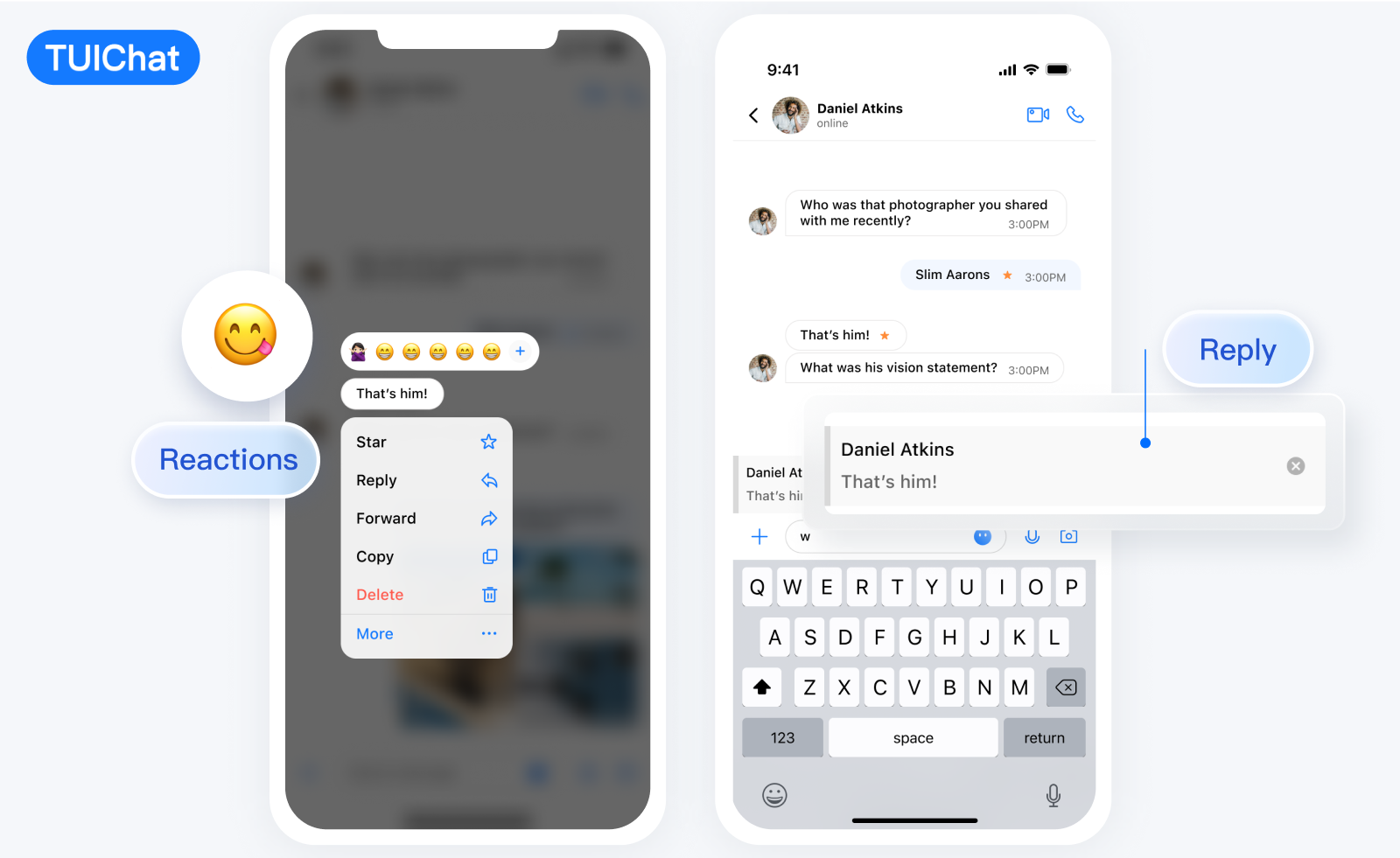
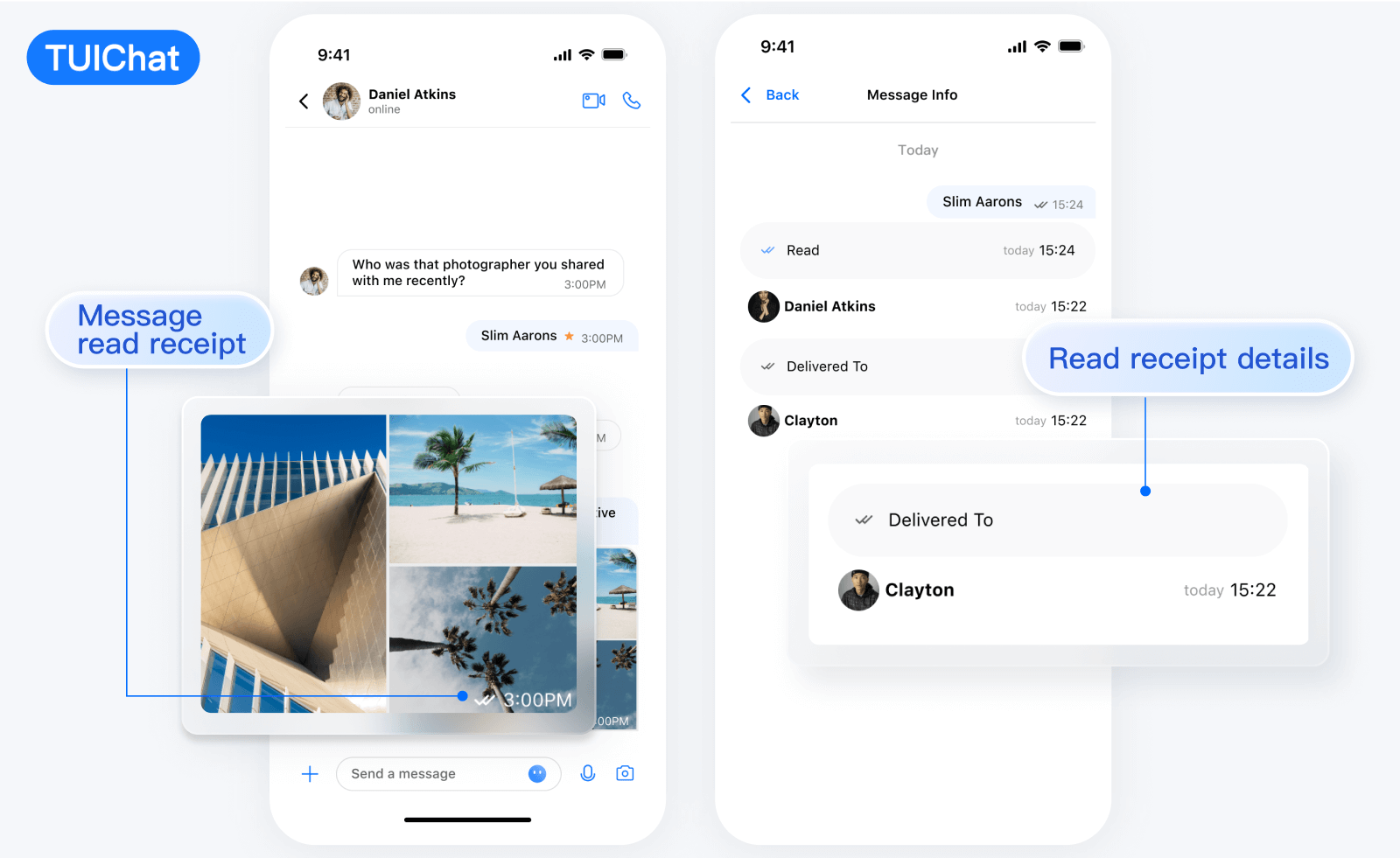
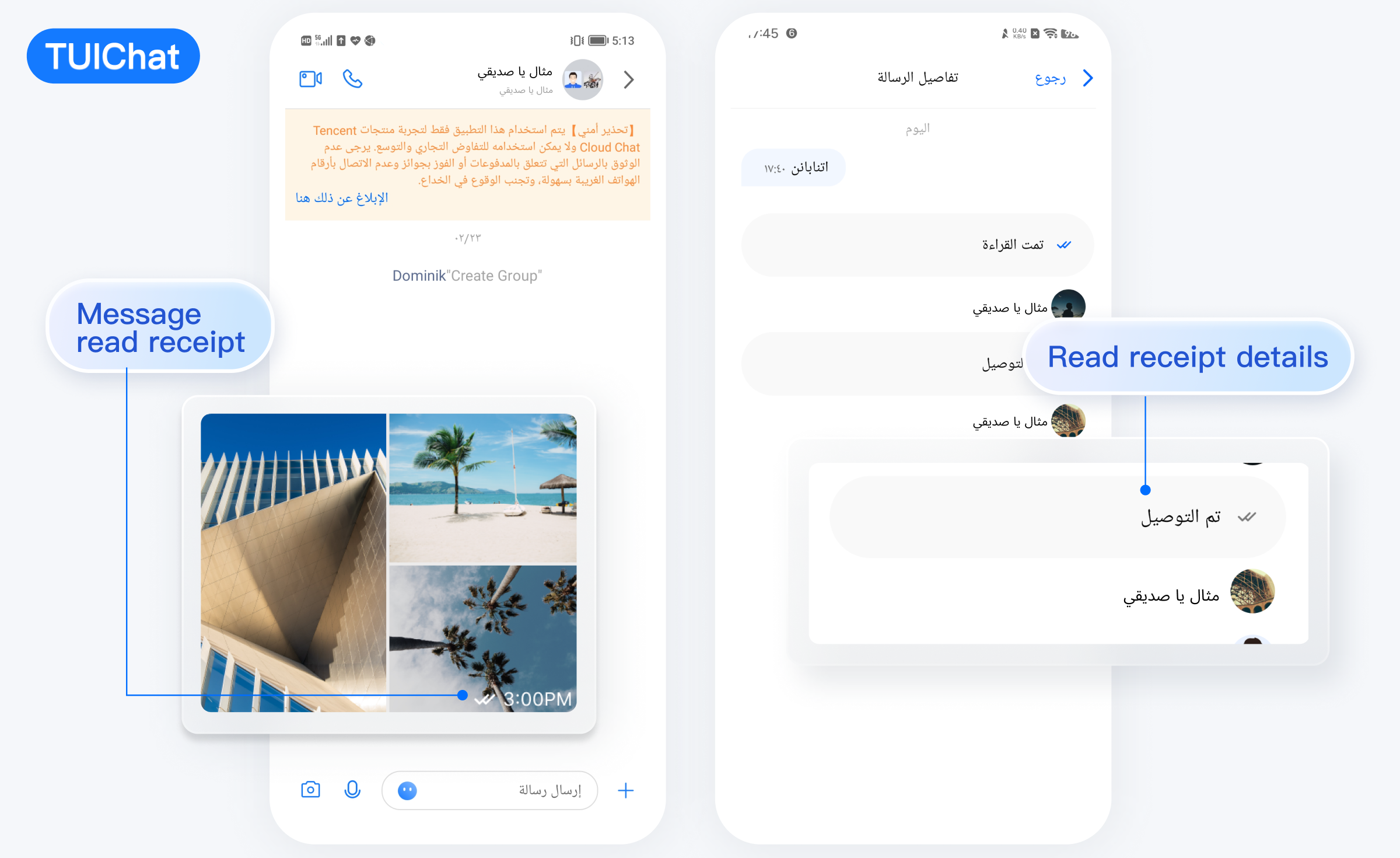
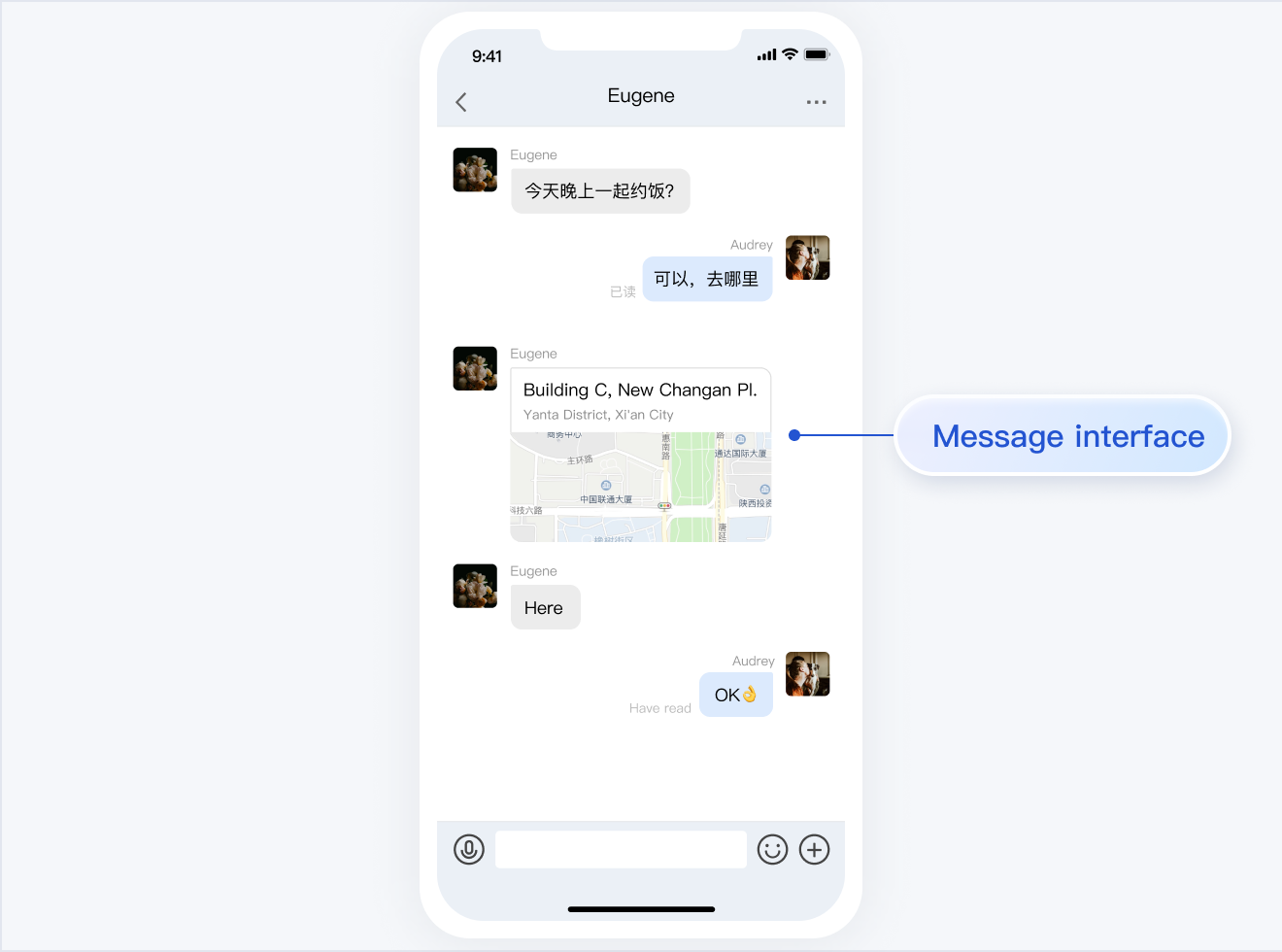
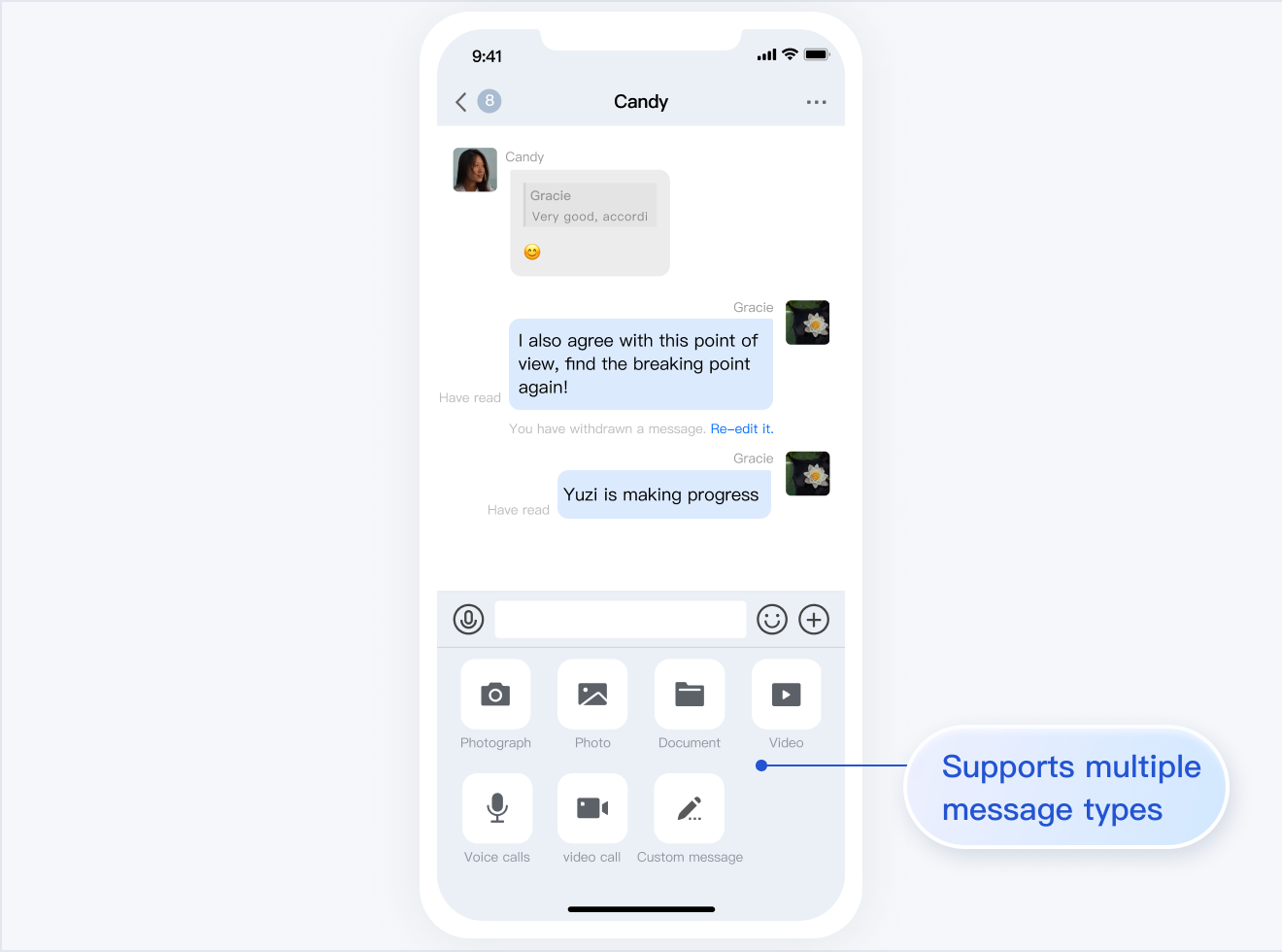
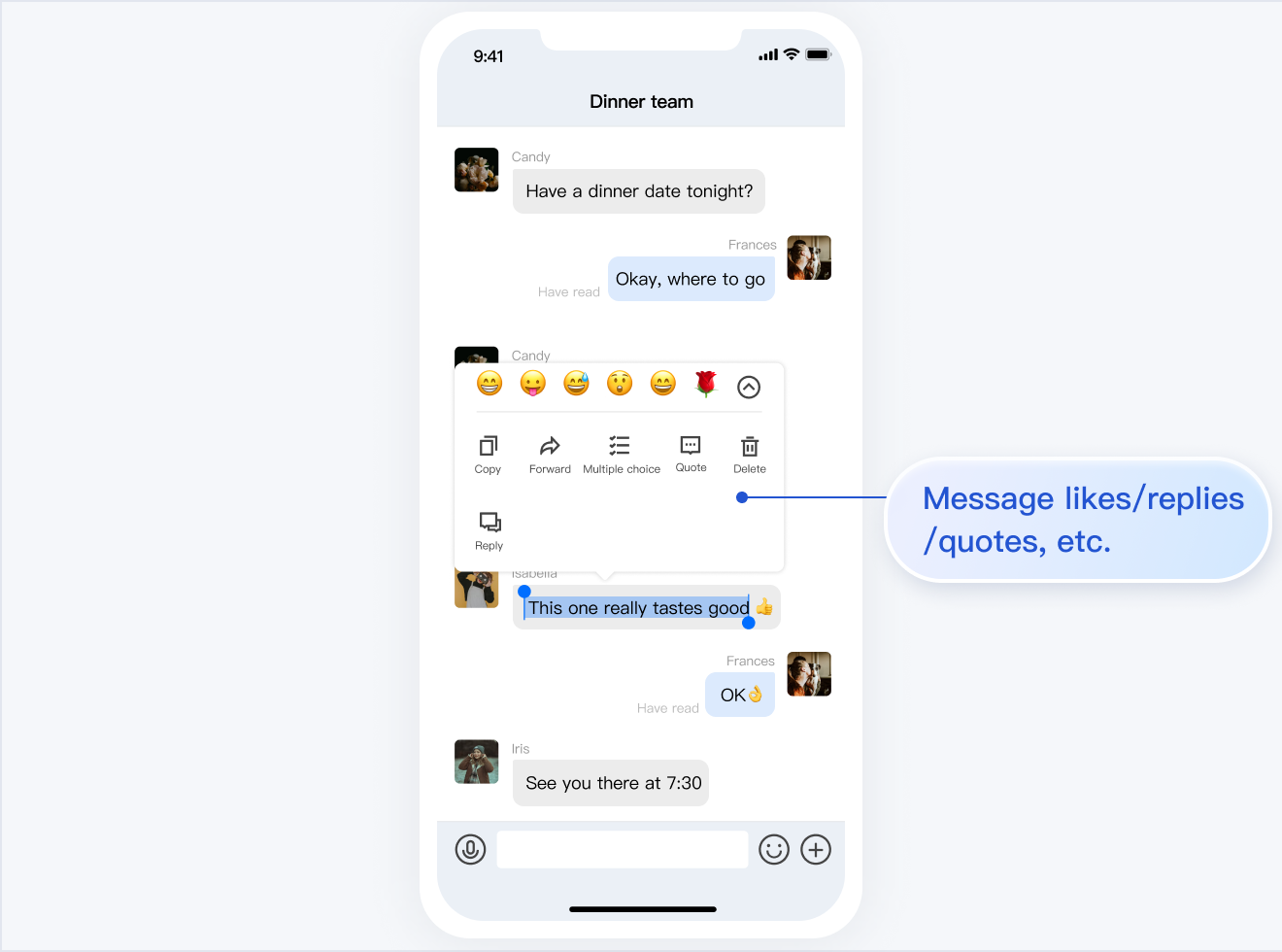
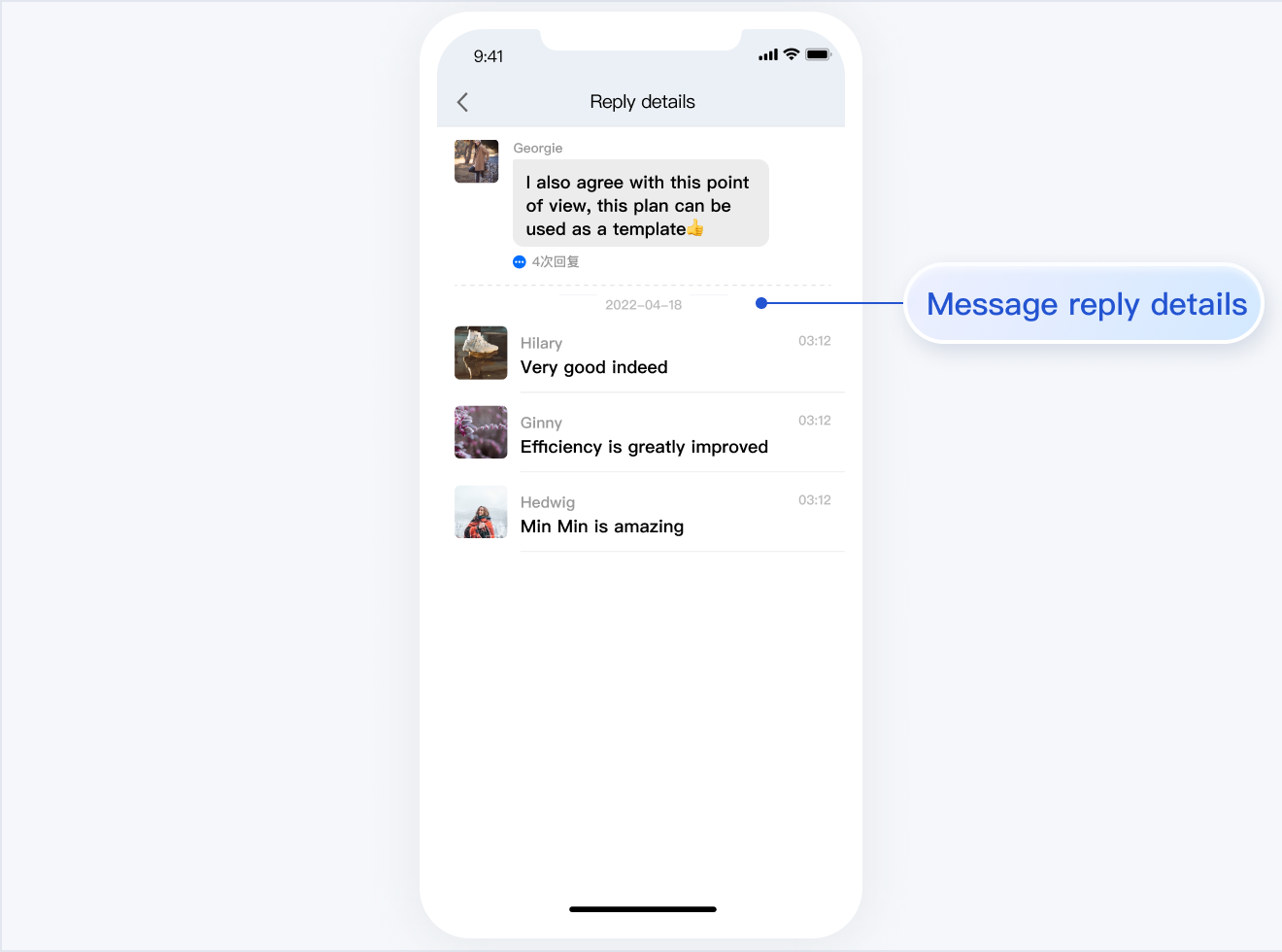
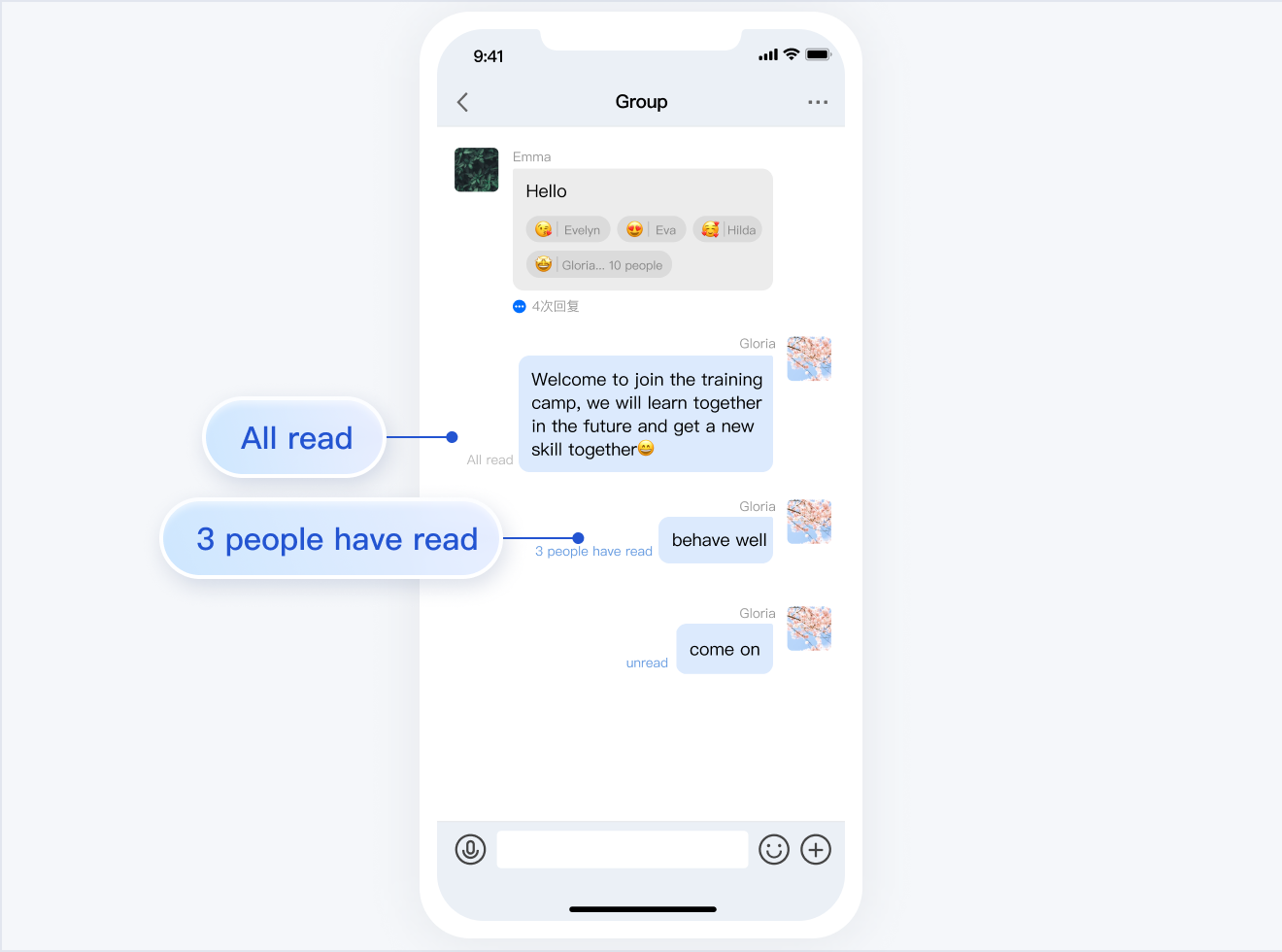
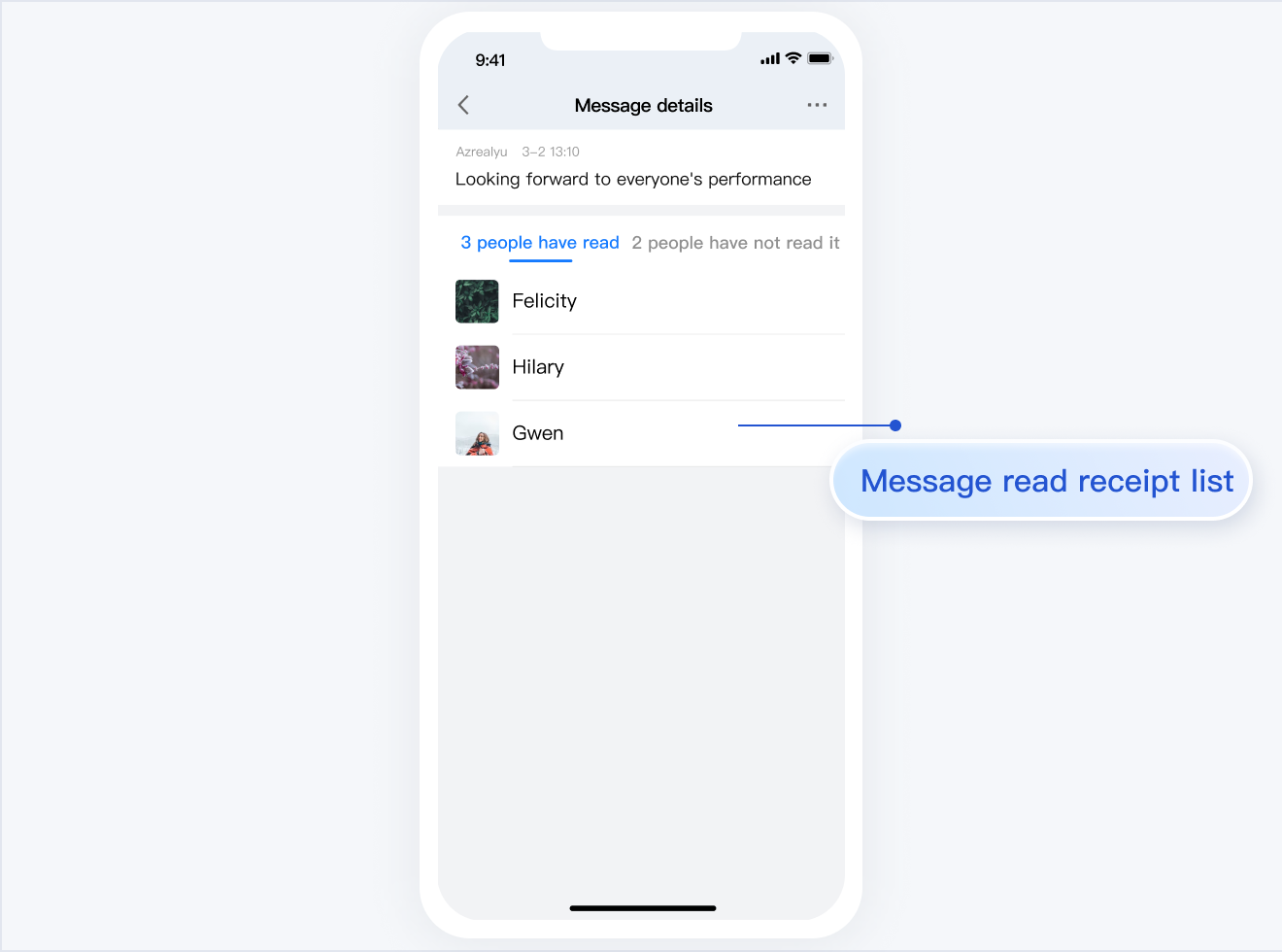
TUIChat is responsible for message UI display. You can use it to directly send different types of messages, long press on a message to like/reply to/quote messages, query message read receipt details, etc.
The UI effect is as shown below:
Minimalist
RTL
Classic
Message UI | Sending Multiple Types of Messages
Message Liking | Reply
Message Read Receipt | Read Receipt Details
Message UI | Sending Multiple Types of Messages
Message Liking | Reply
Message Read Receipt | Read Receipt Details
Message UI
Sending Multiple Types of Messages
Message Liking
Reply
Message Read Receipt
Read Receipt Details
TUIContact
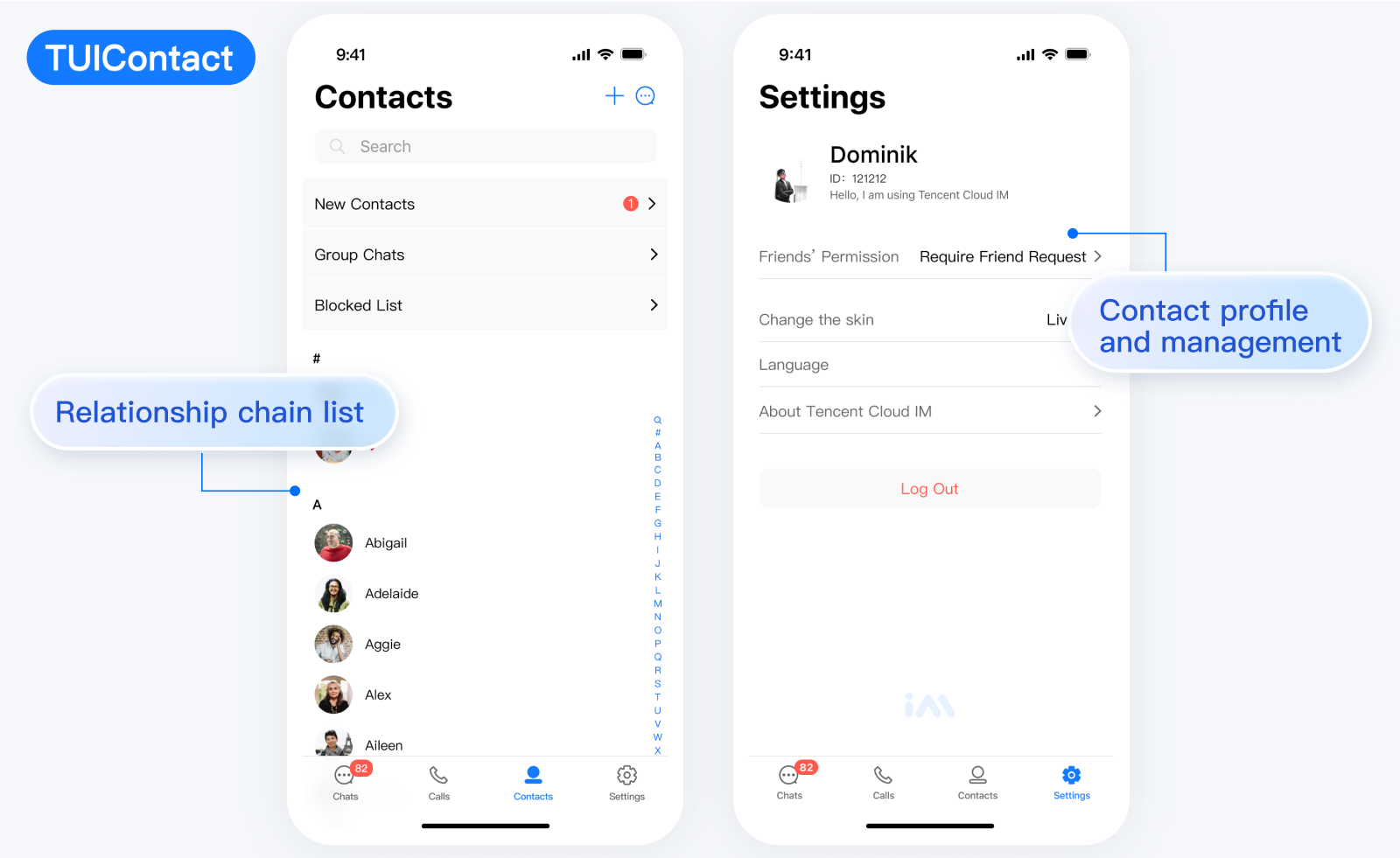
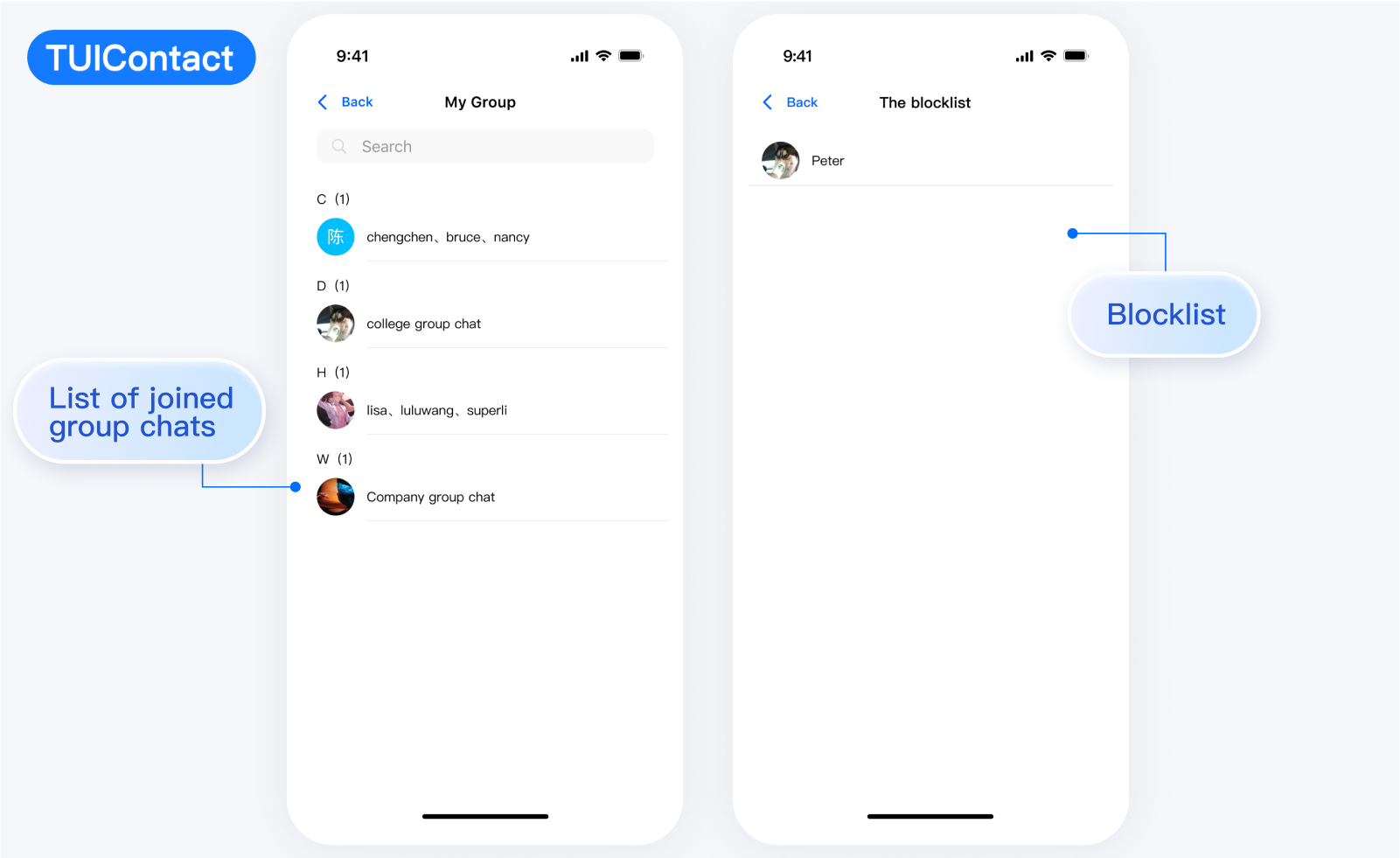
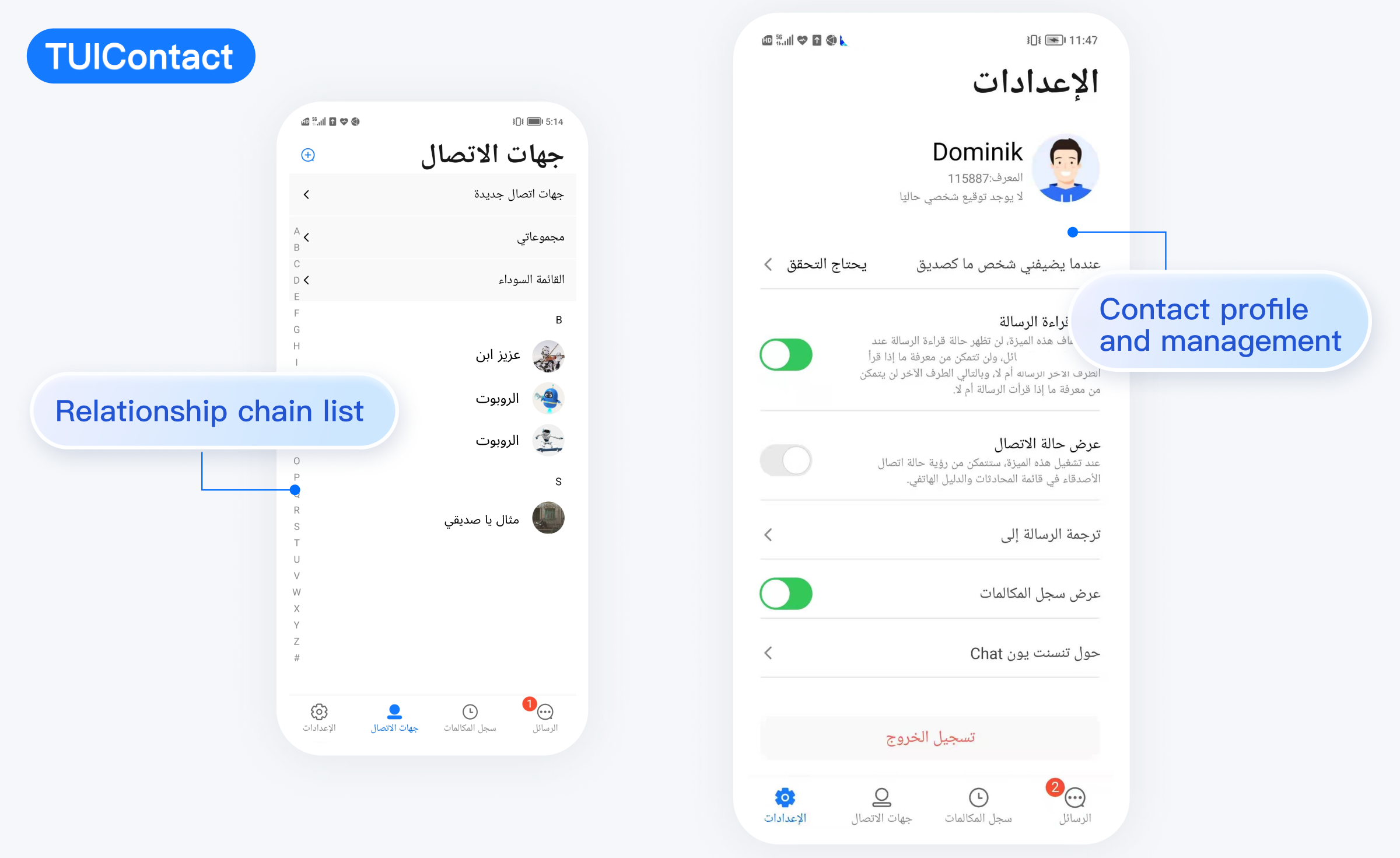
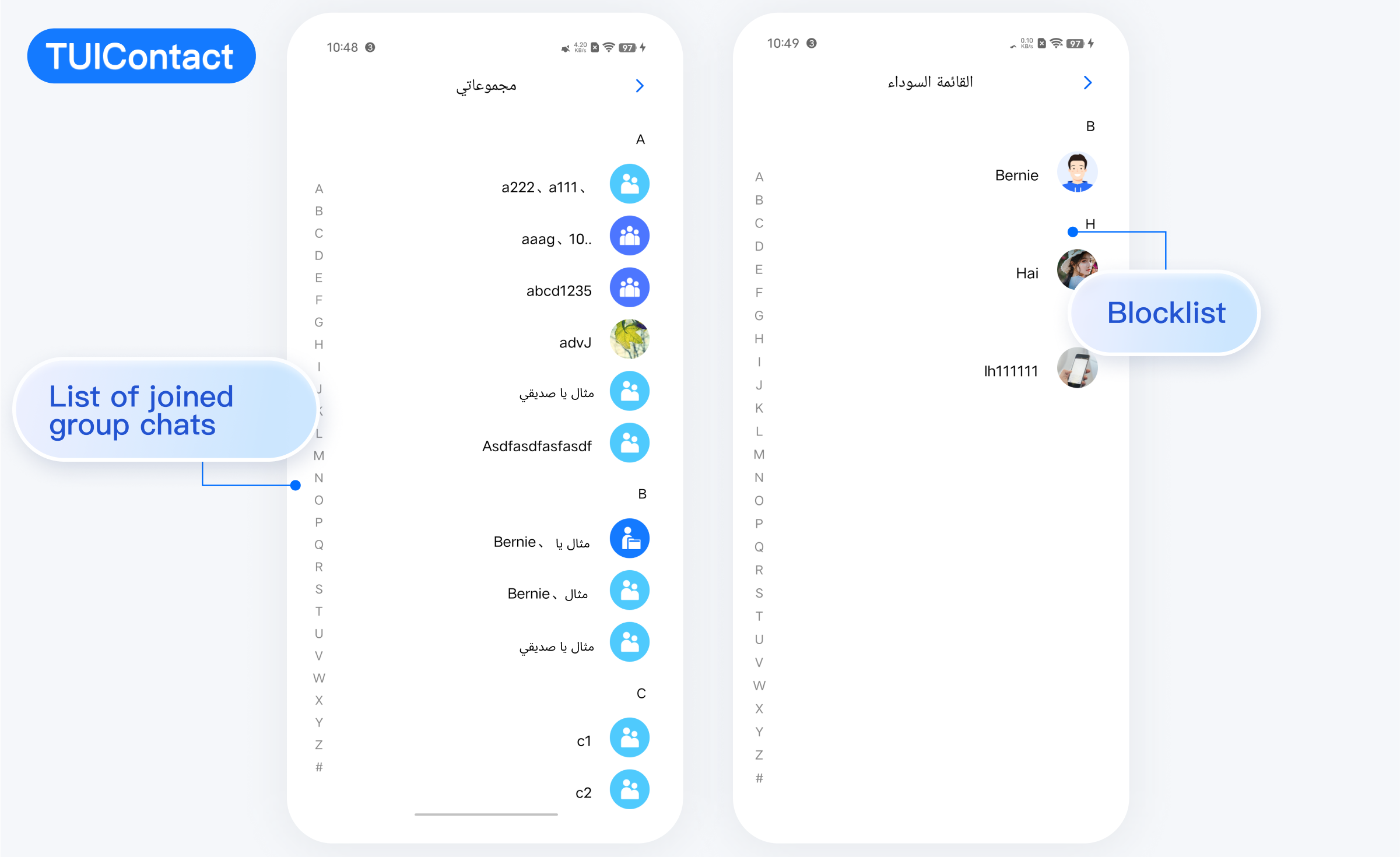
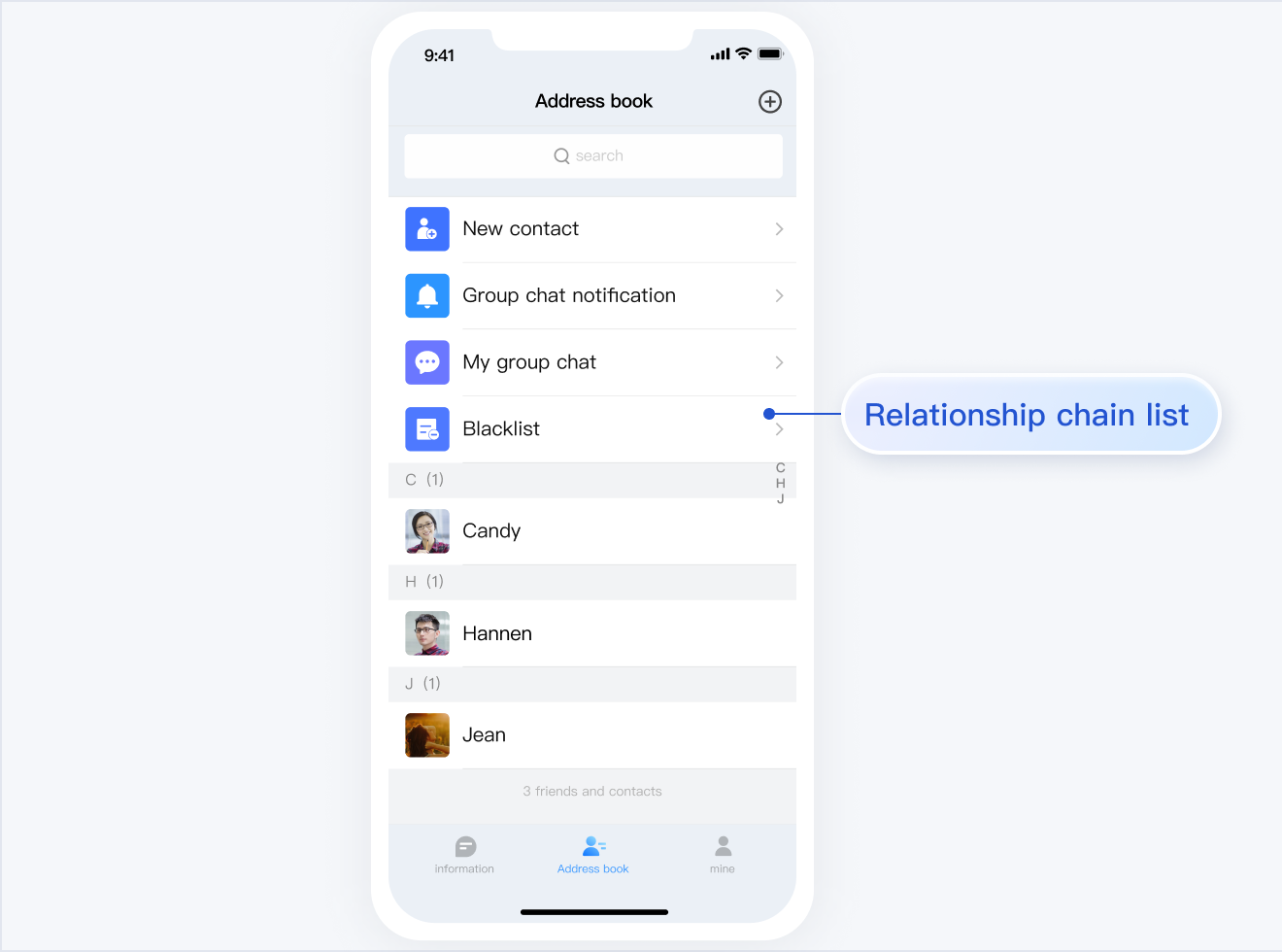
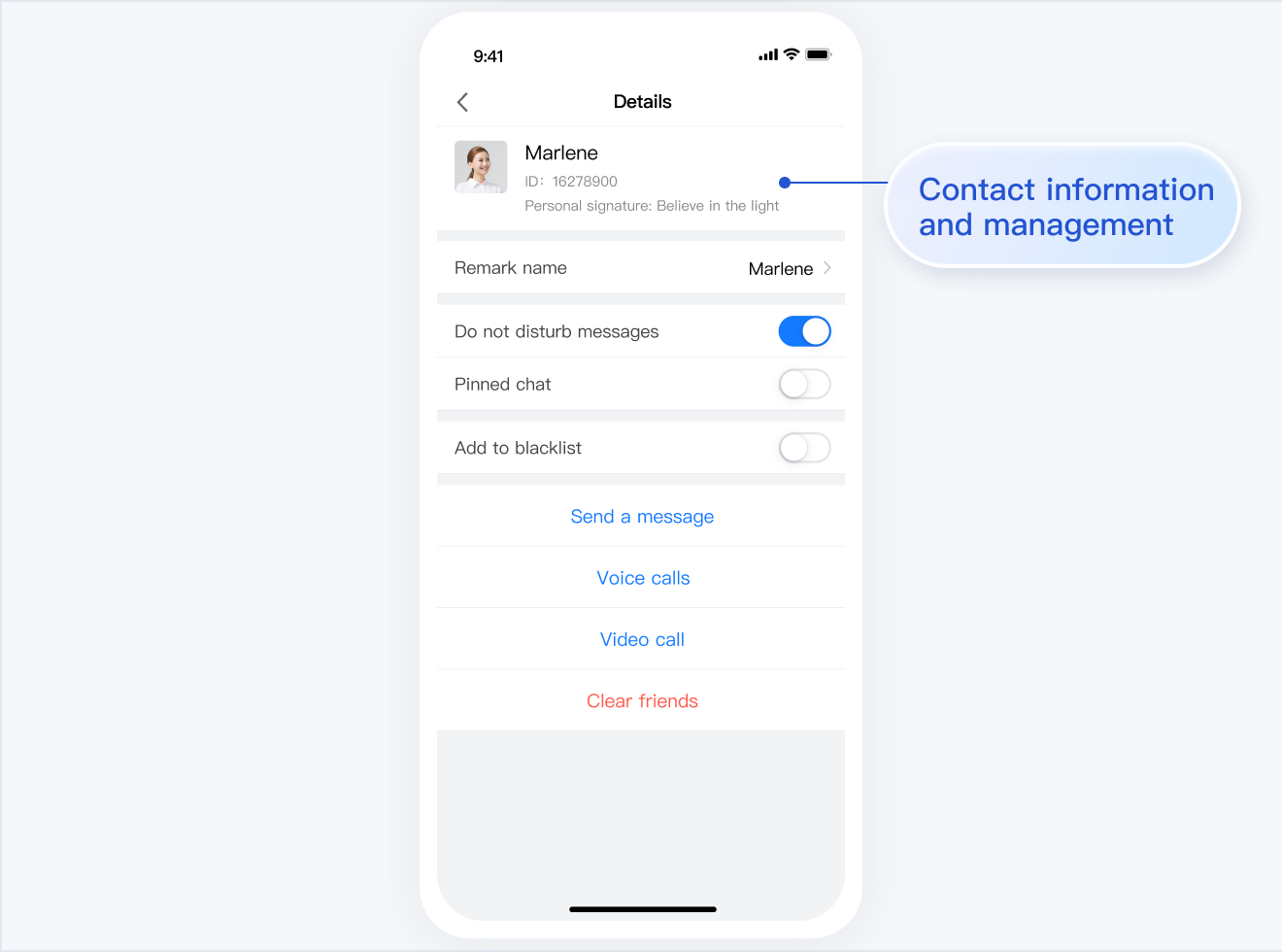
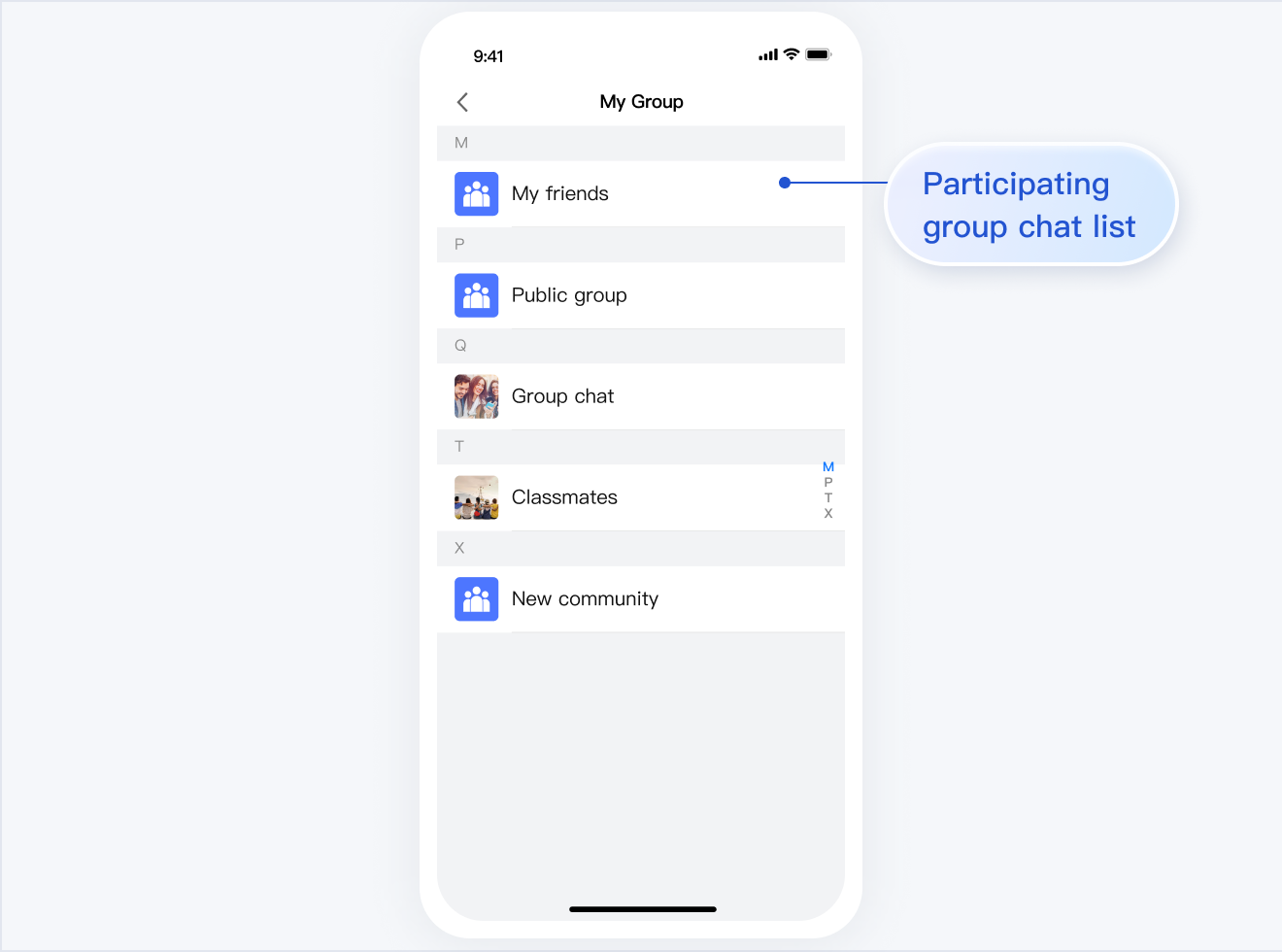
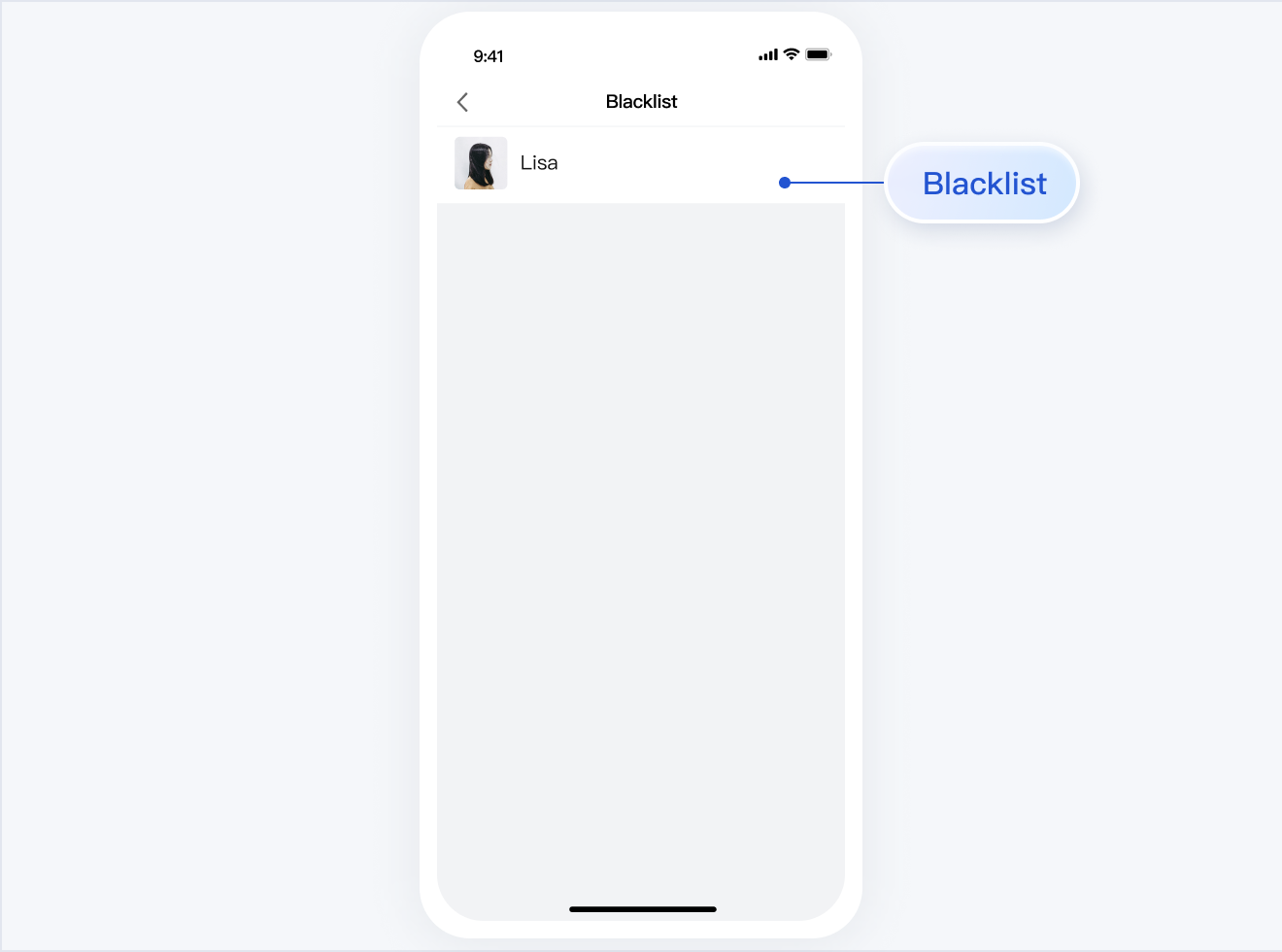
TUIContact is responsible for contacts display and permission setting.
The UI effect is as shown below:
Minimalist
RTL
Classic
Relationship Chain List | Contact Profiles and Management
List of Joined Group Chats | Blocklist
Relationship Chain List | Contact Profiles and Management
List of Joined Group Chats | Blocklist
Relationship Chain List
Contact Profiles and Management
List of Joined Group Chats
Blocklist
Note:
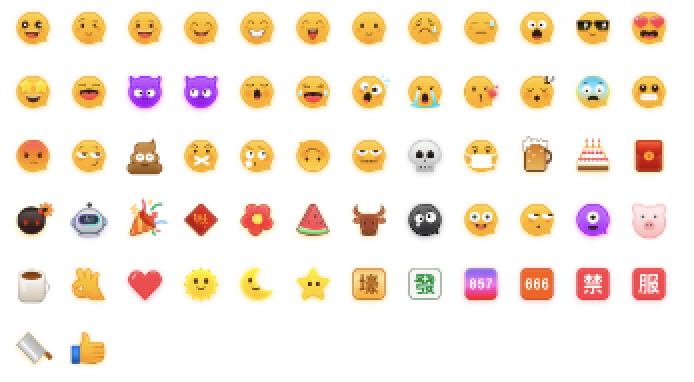
To respect the copyright of emoji designs, the Chat Demo/TUIKit project does not include cutouts of large emoji elements. Please replace them with your own designs or other emoji packs for which you hold the copyright before officially launching for commercial use. The default smiley face emoji pack shown below is copyrighted by Tencent RTC, you can upgrade to Chat Pro Plus Edition and Enterprise Edition to use it for free.
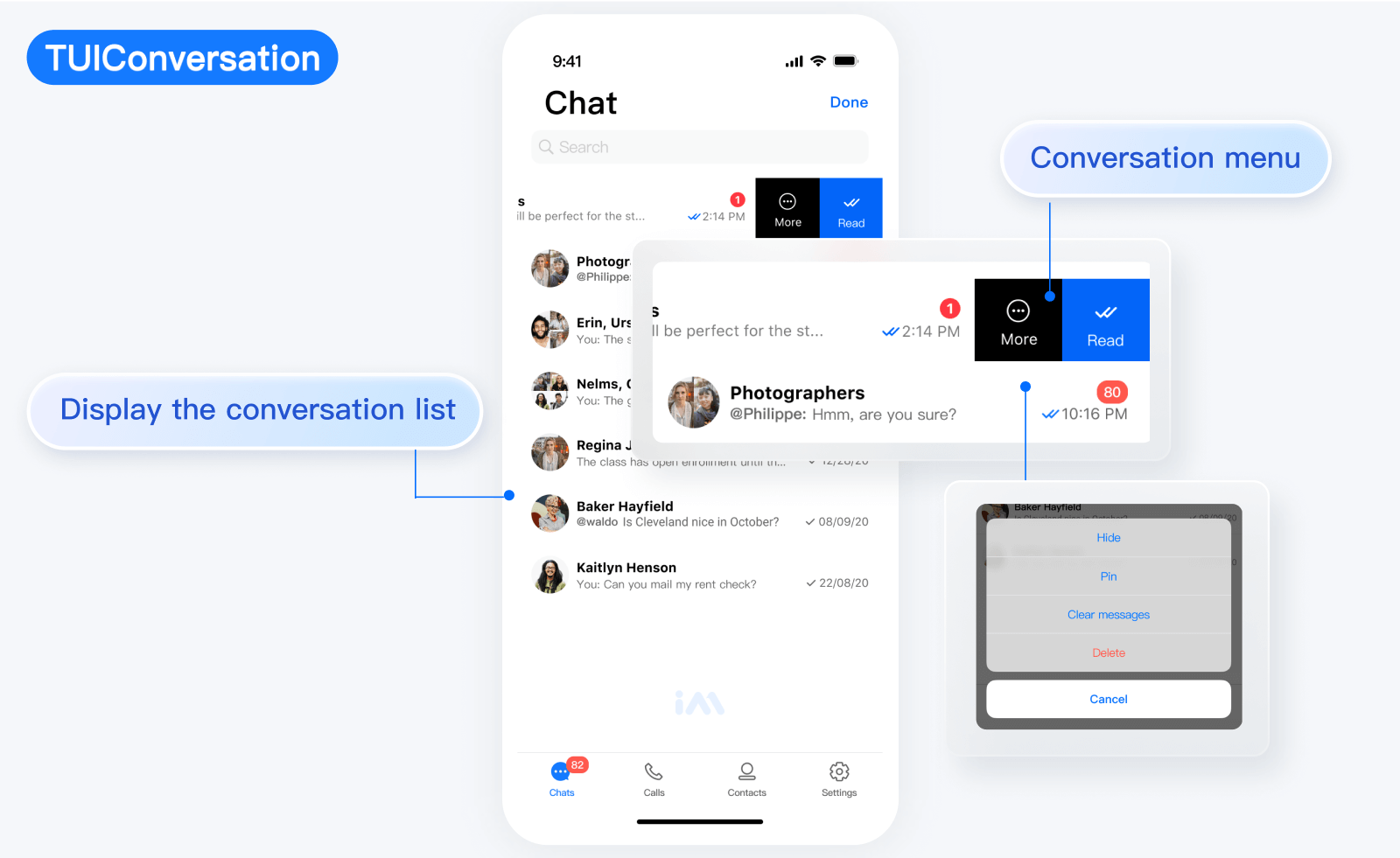
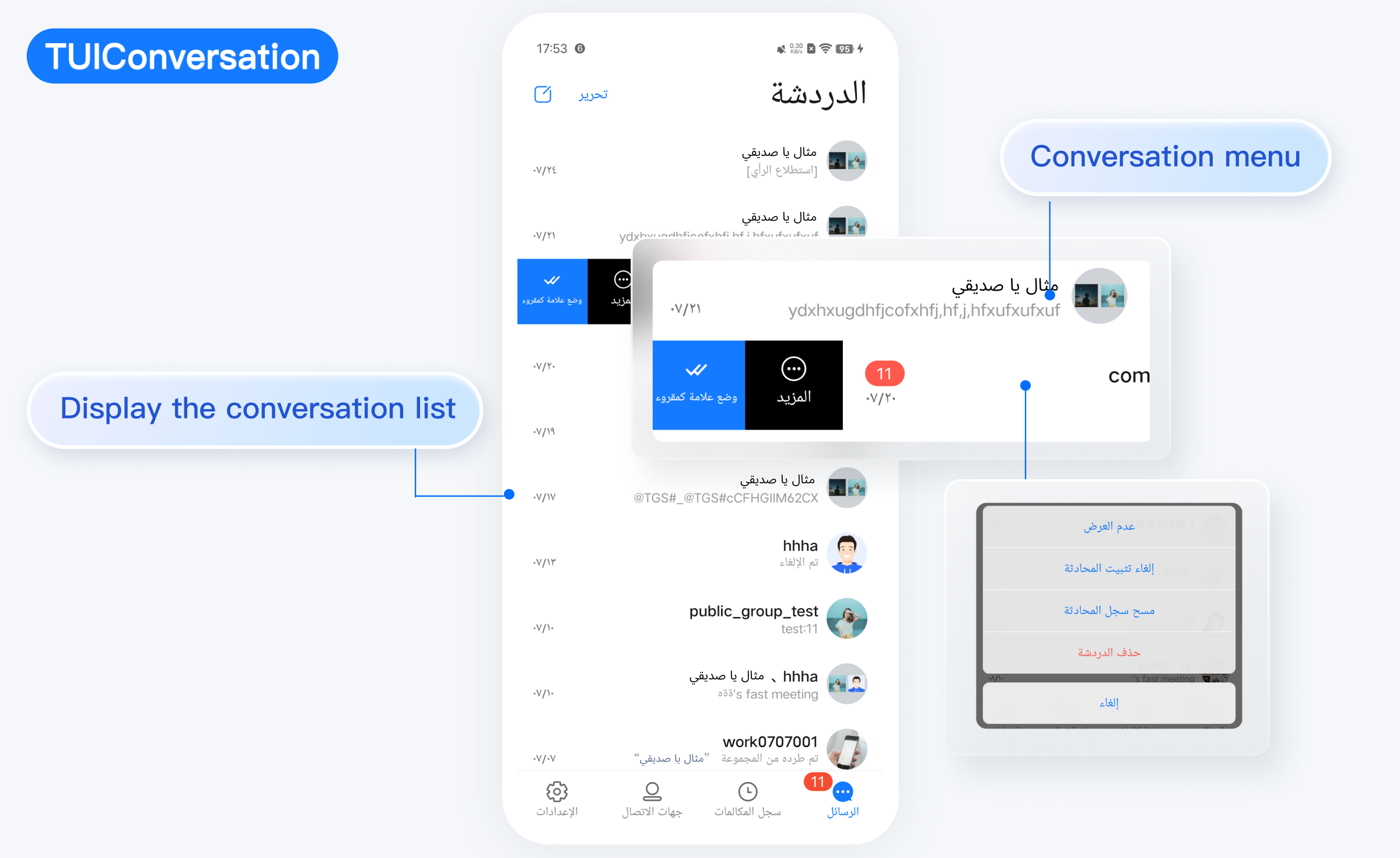
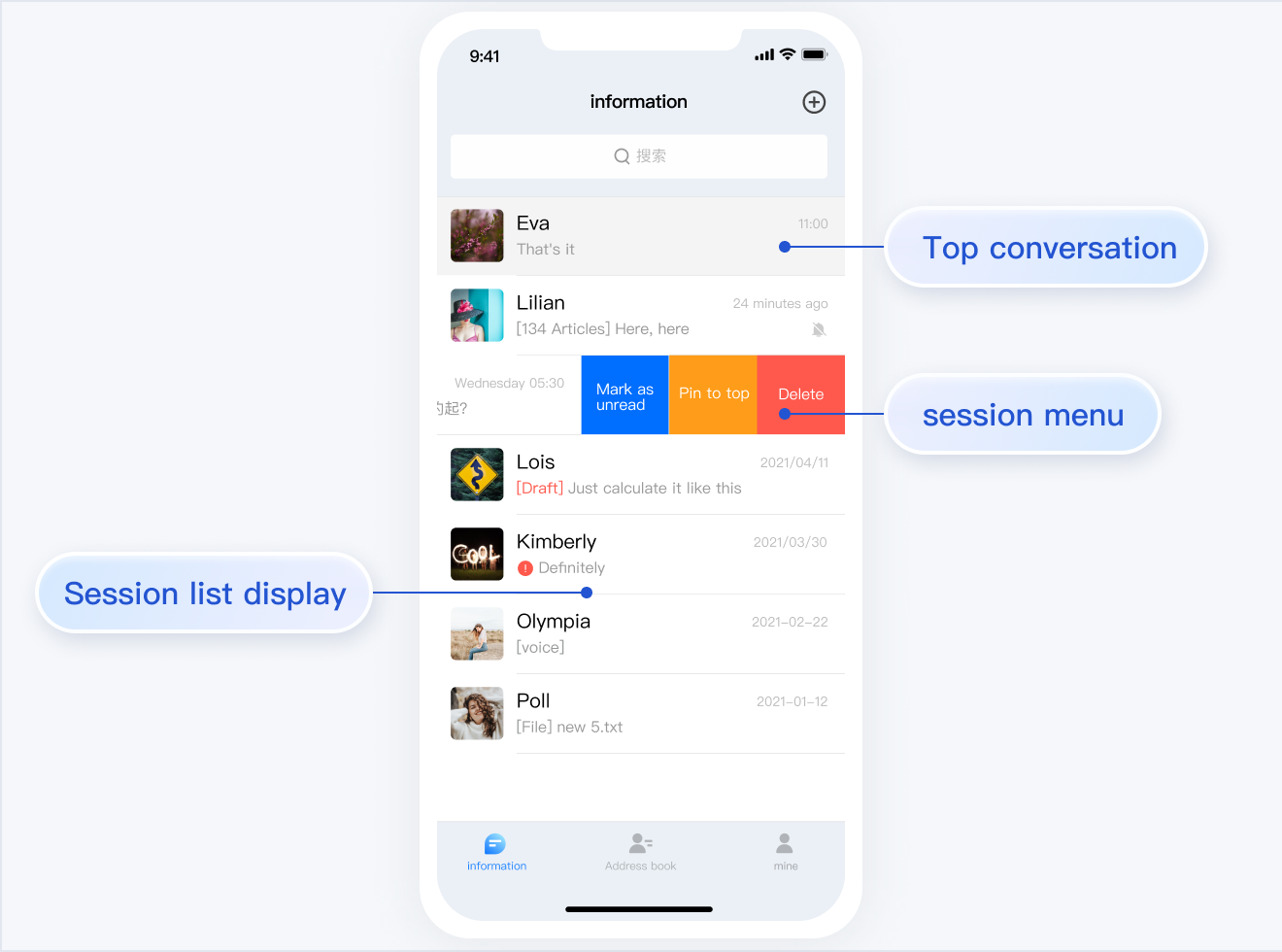
TUIConversation
TUIConversation is responsible for conversation list display and editing.
The UI effect is as shown below:
Minimalist
RTL
Classic
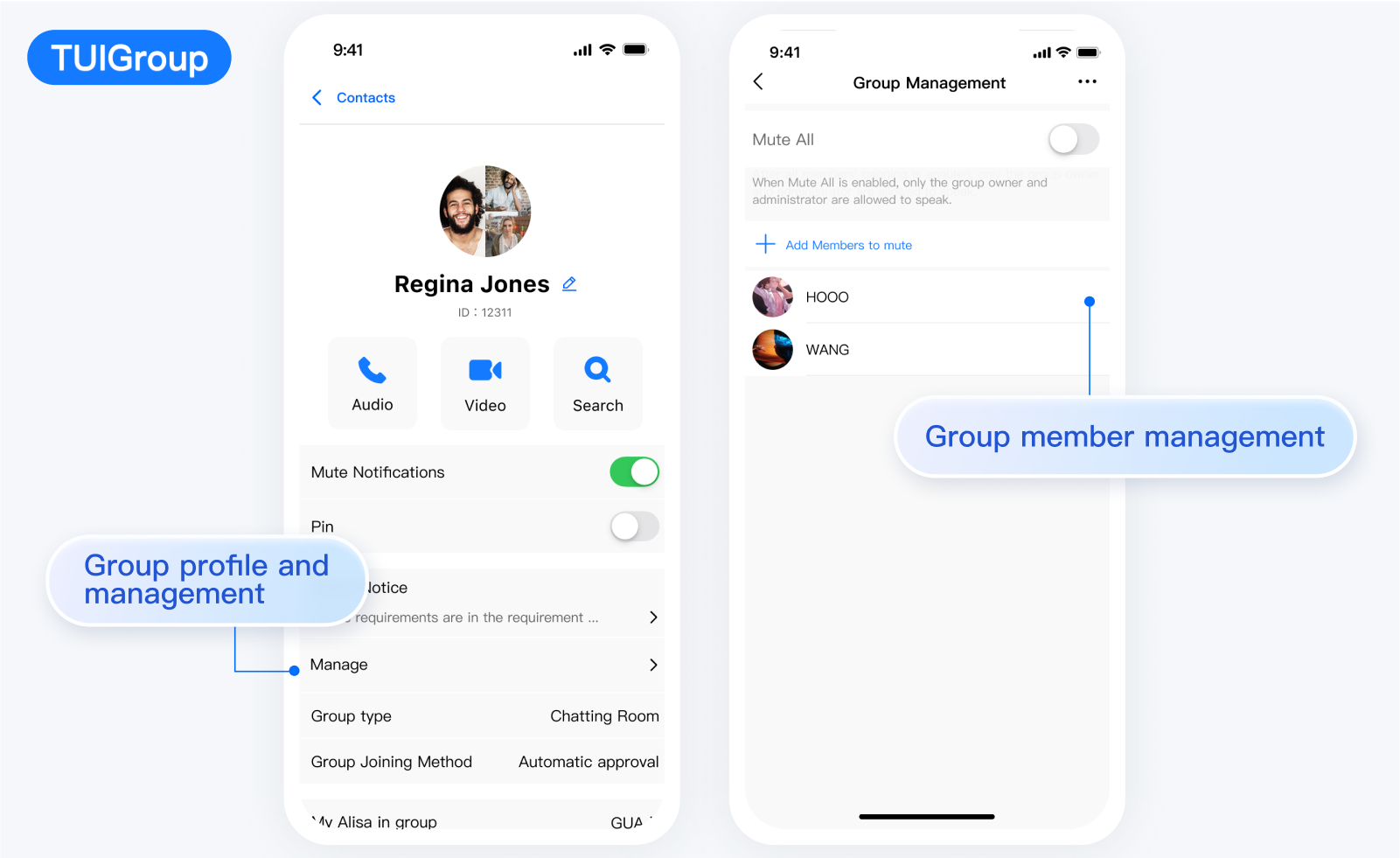
TUIGroup
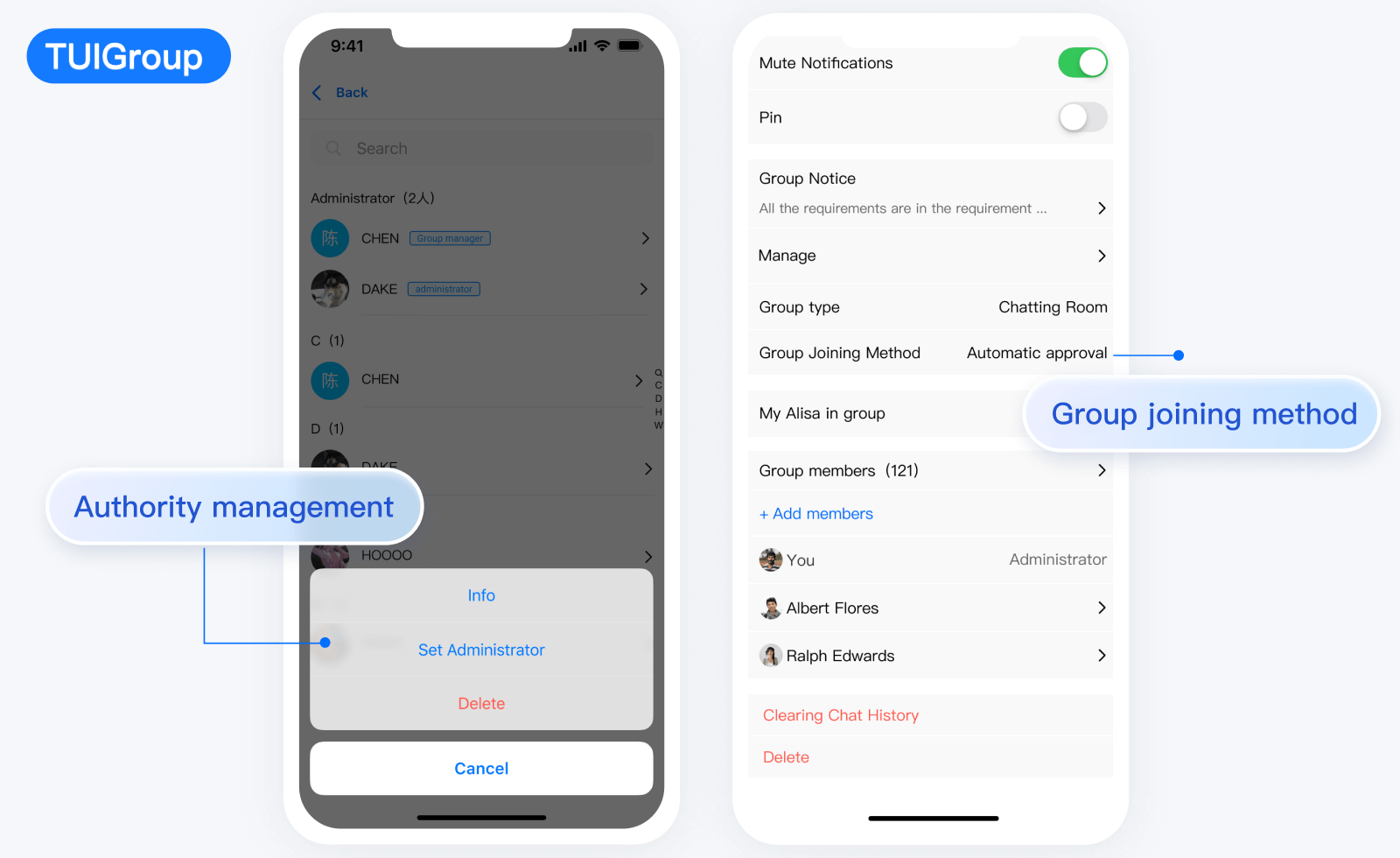
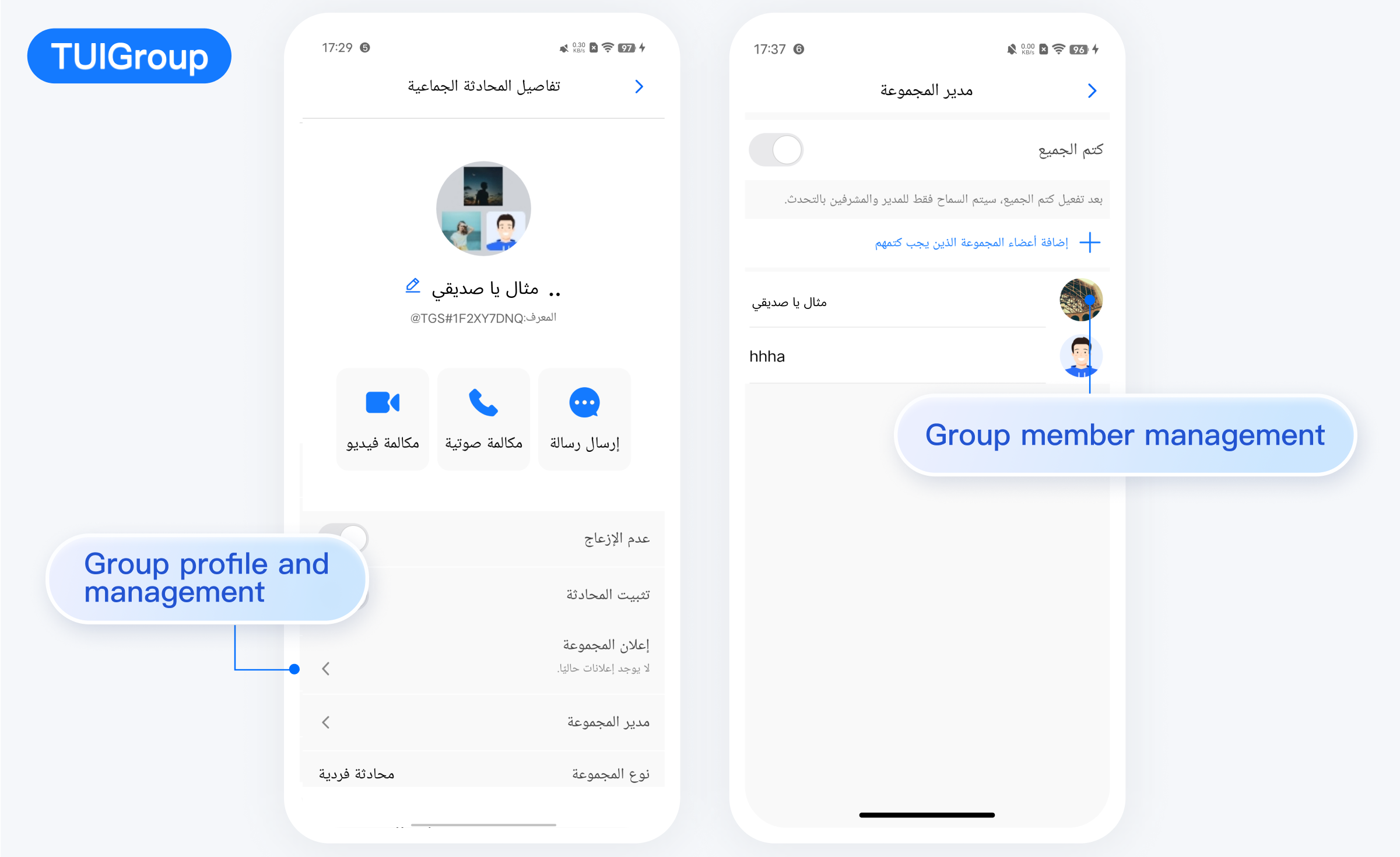
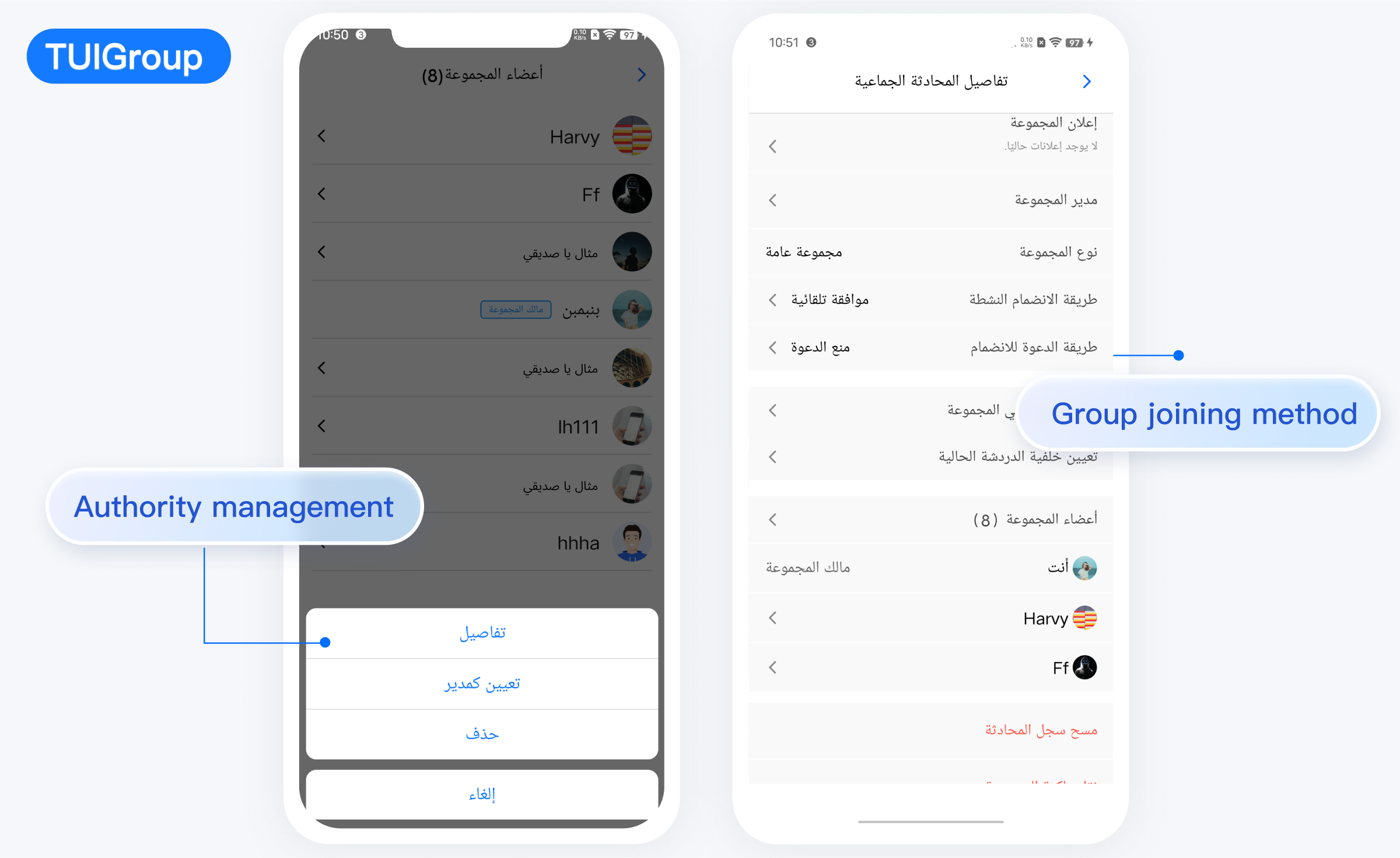
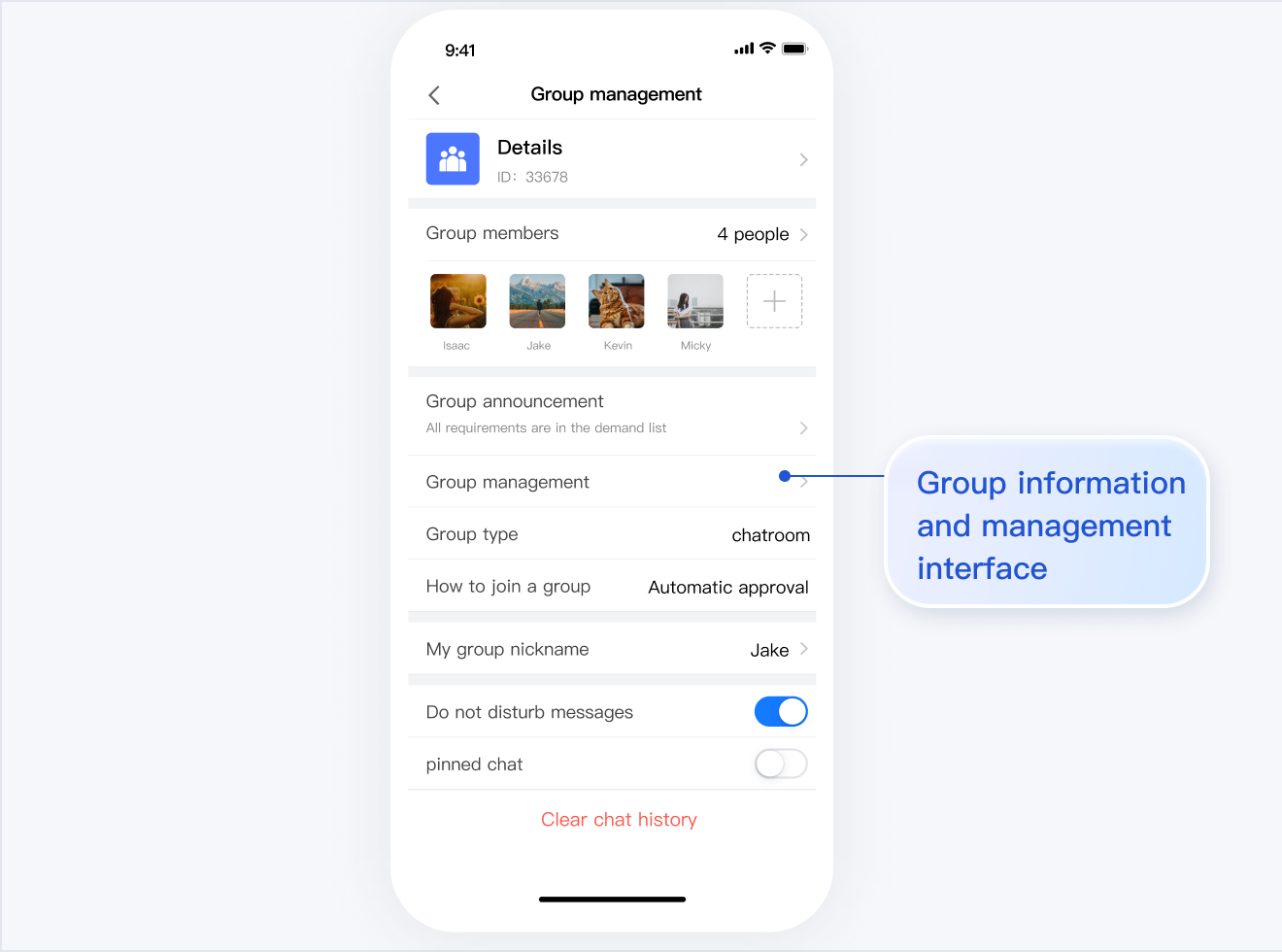
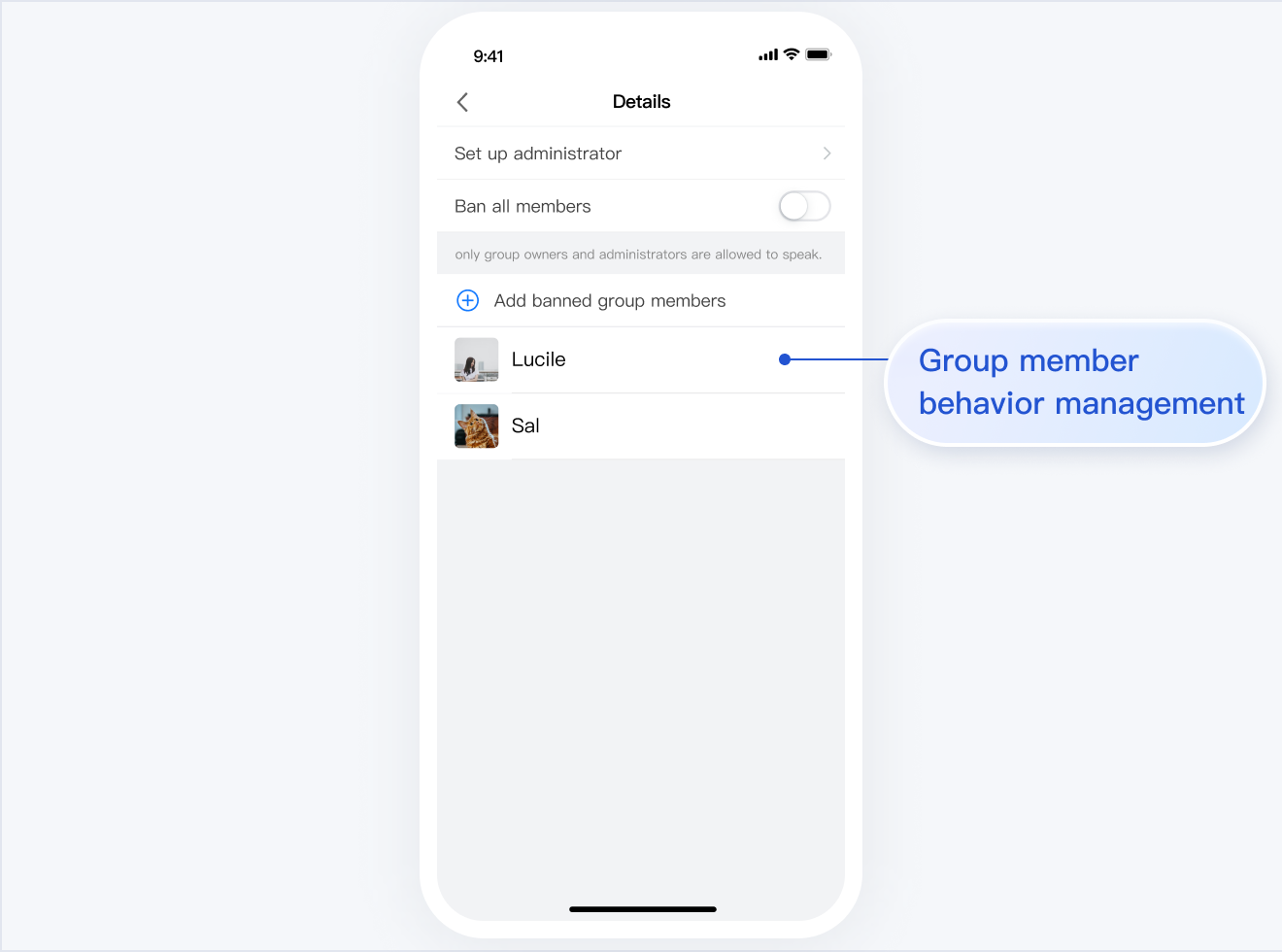
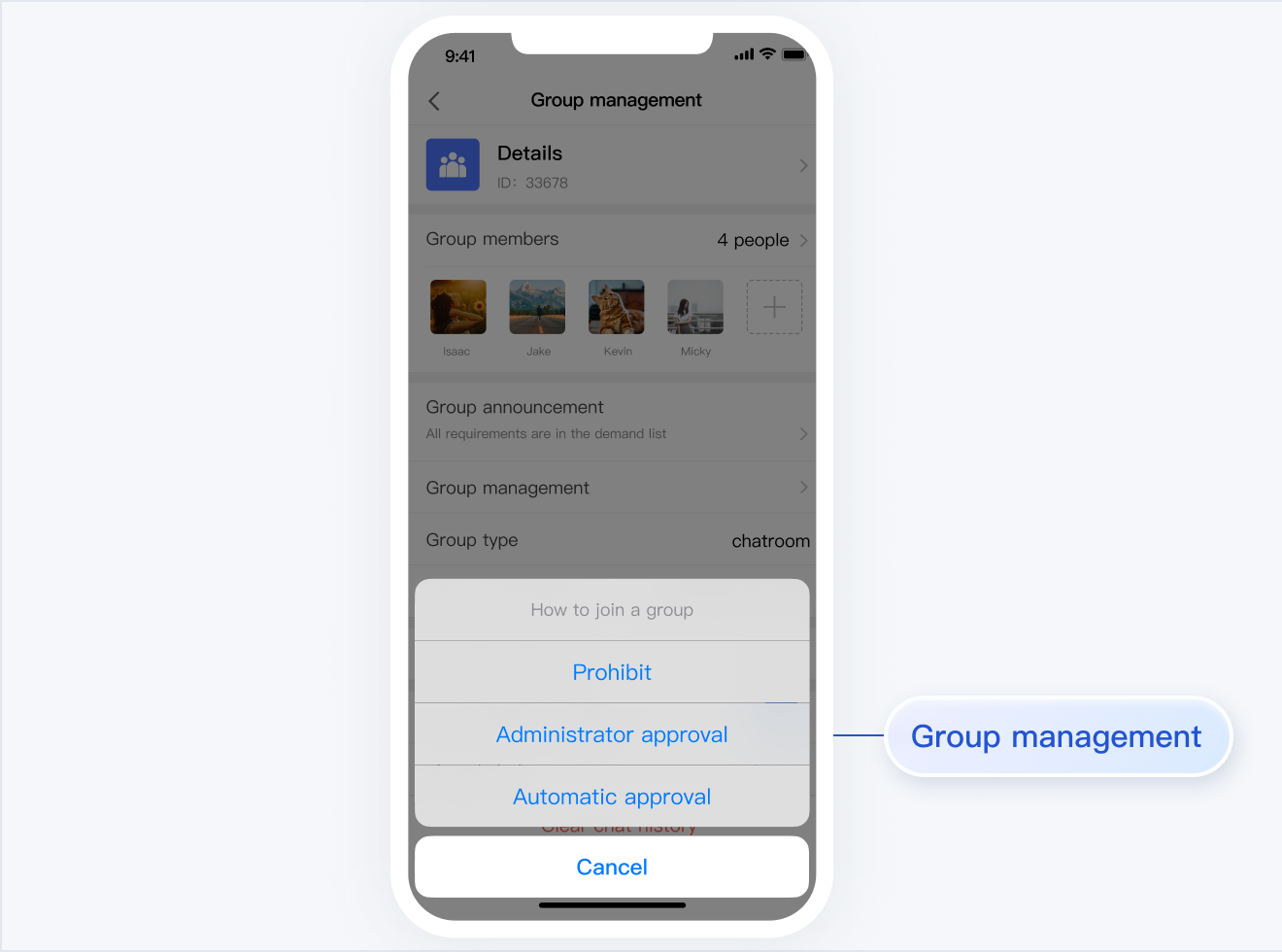
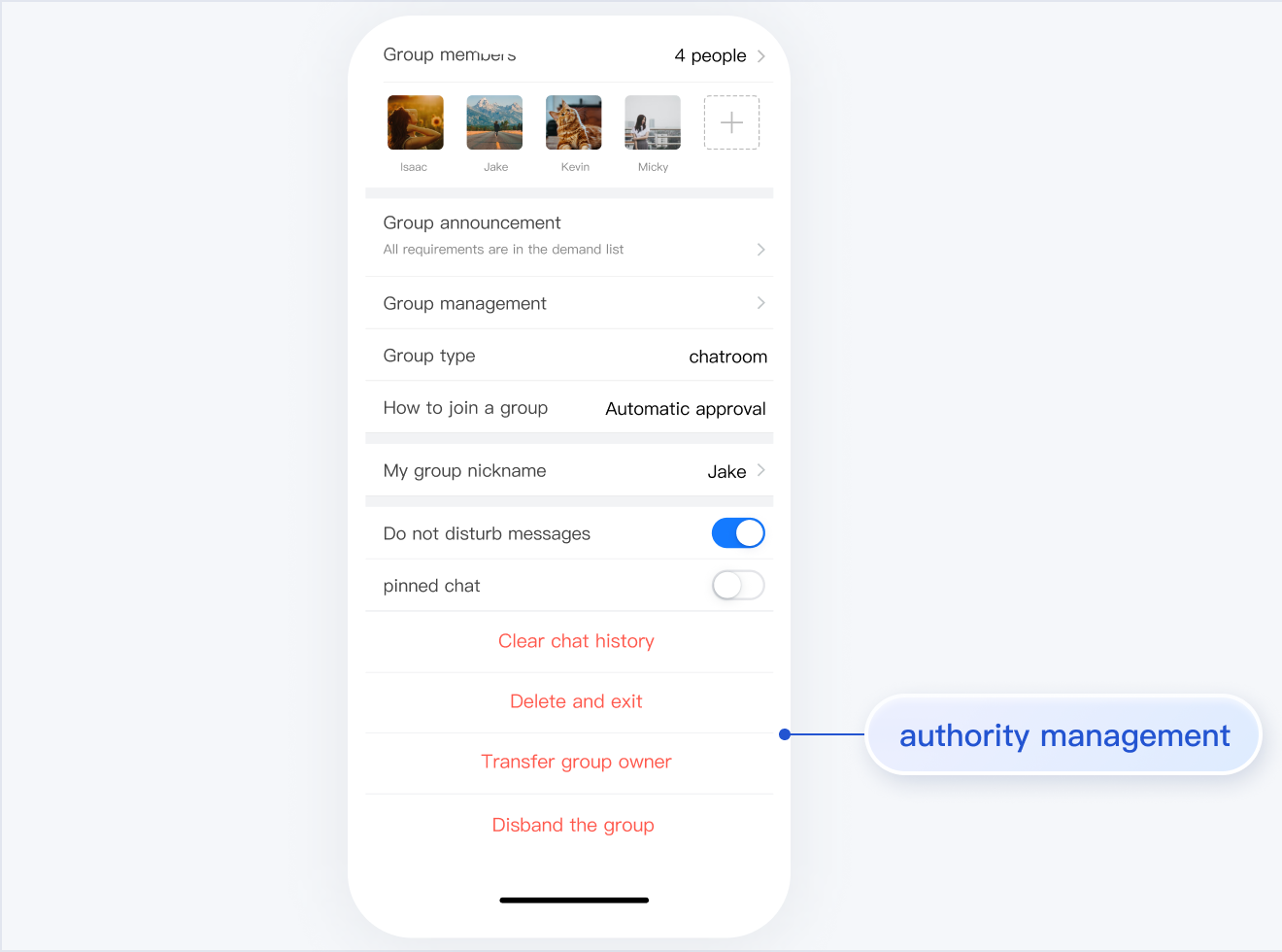
TUIGroup is responsible for managing group profiles, group members, and group permissions.
The UI effect is as shown below:
Minimalist
RTL
Classic
Group Profile and Management | Group Member Management
Group Joining Mode Management | Permission Management
Group Profile and Management | Group Member Management
Group Joining Mode Management | Permission Management
Group Profile and Management
Group Member Management
Group Joining Mode Management
Permission Management
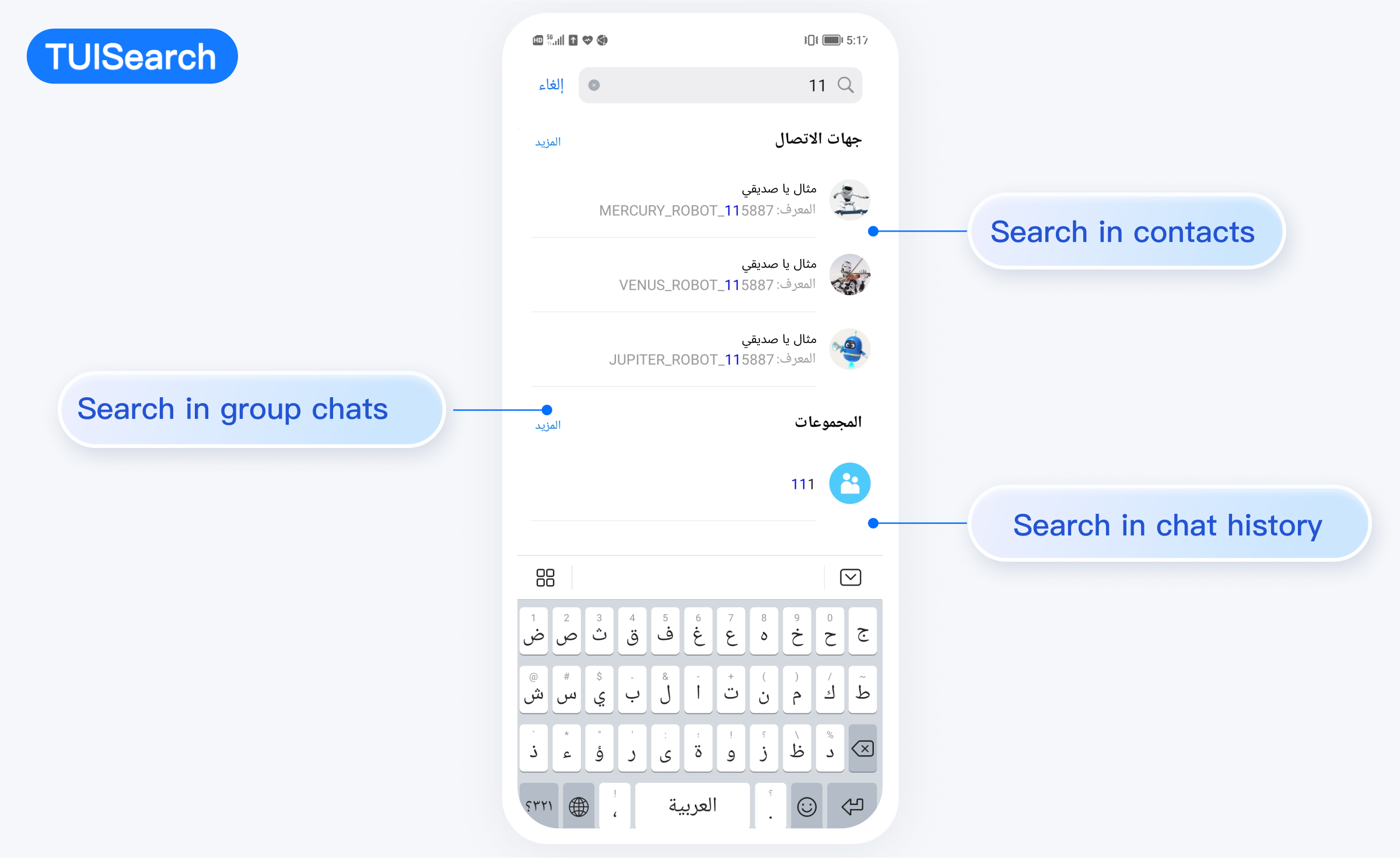
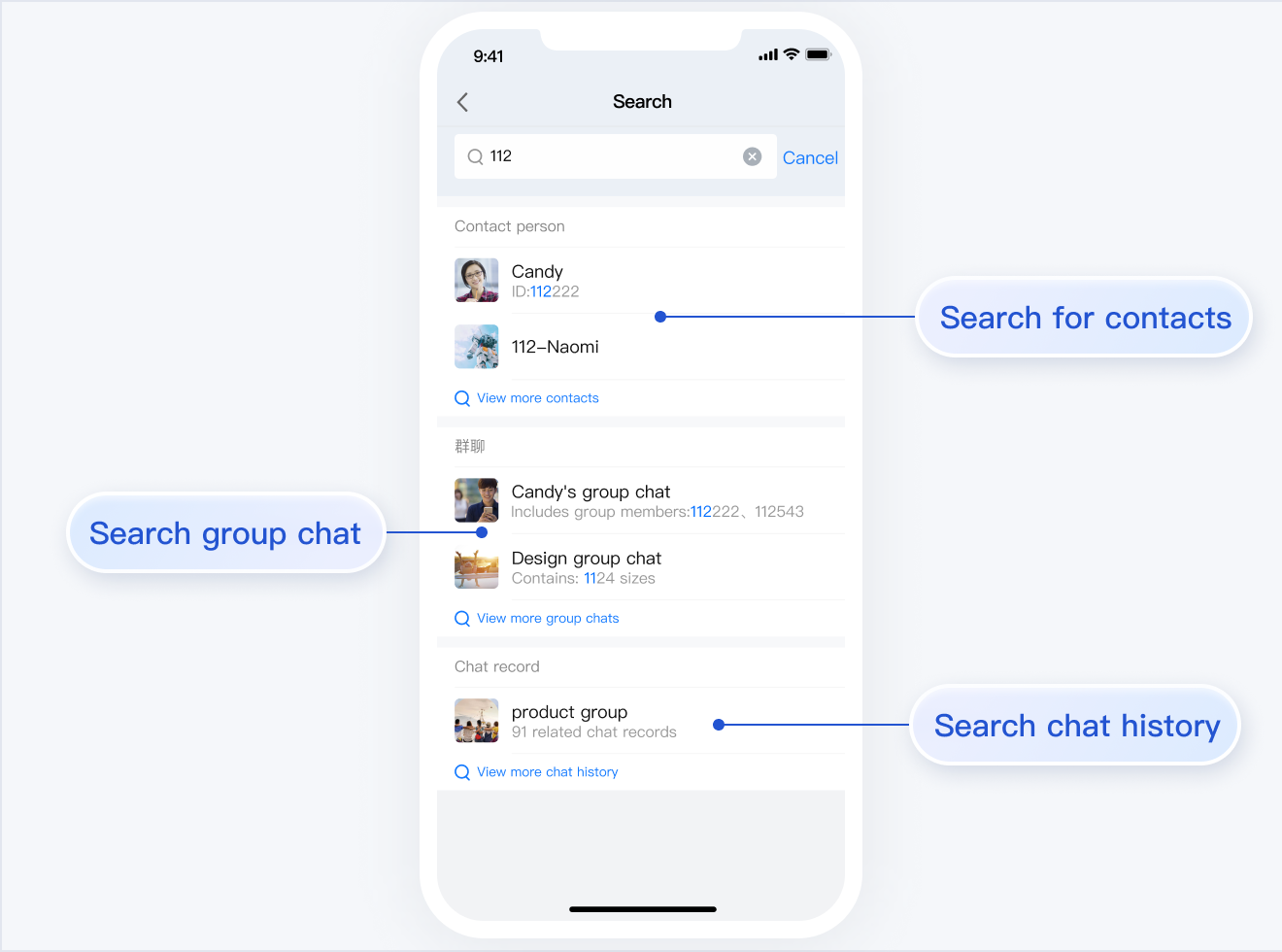
TUISearch
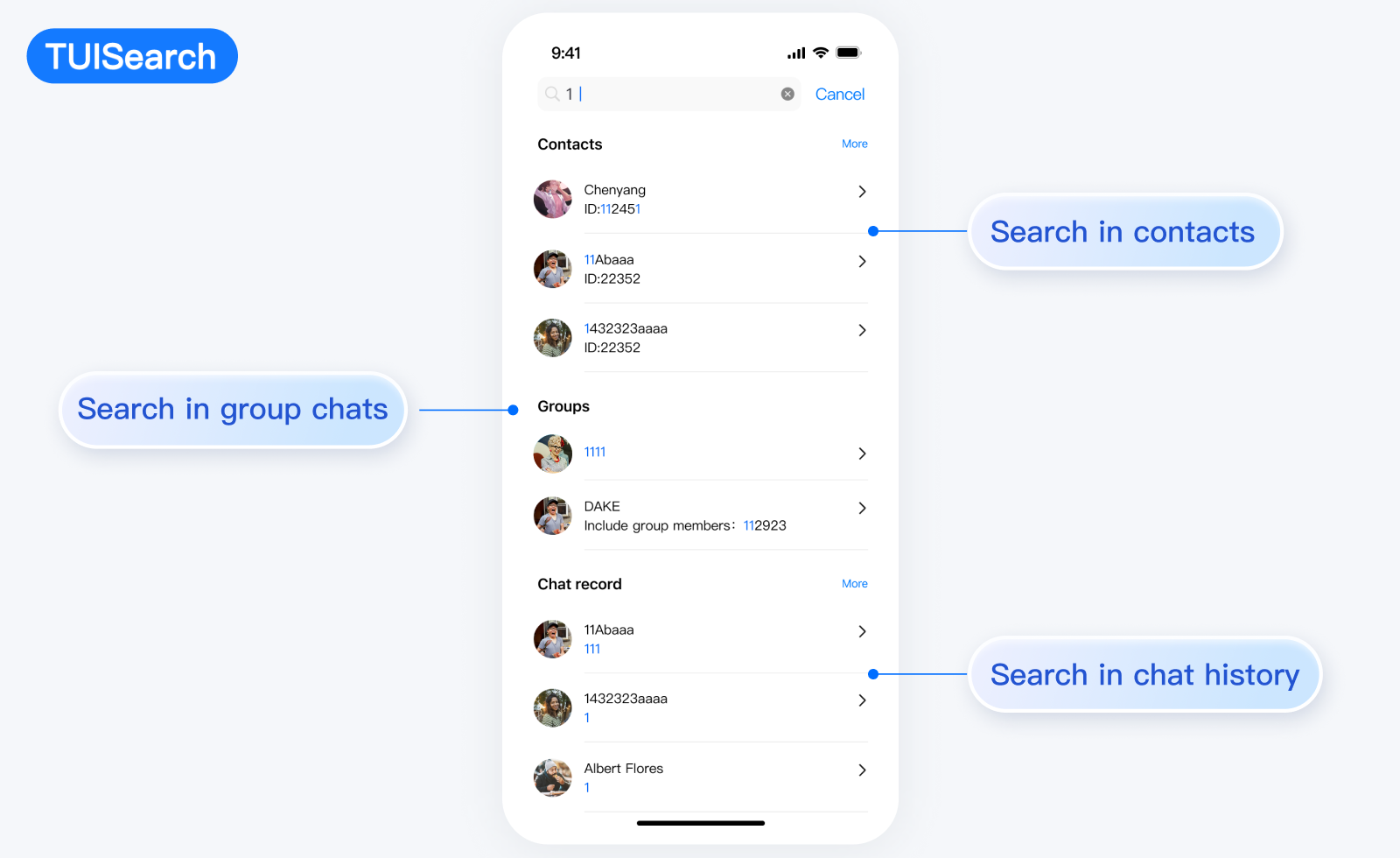
TUISearch is responsible for local search, including contacts, group chat, and chat record search.
The UI effect is as shown below:
Minimalist
RTL
Classic
TUICallKit
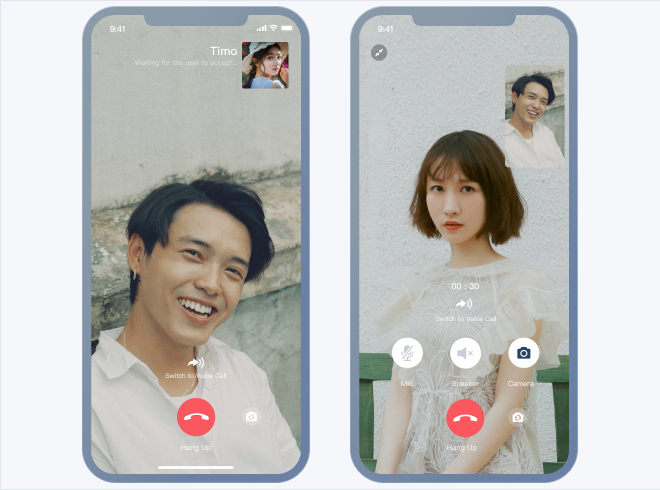
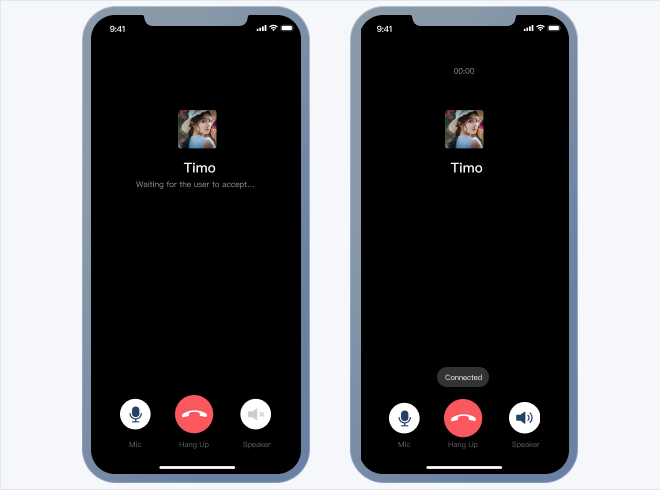
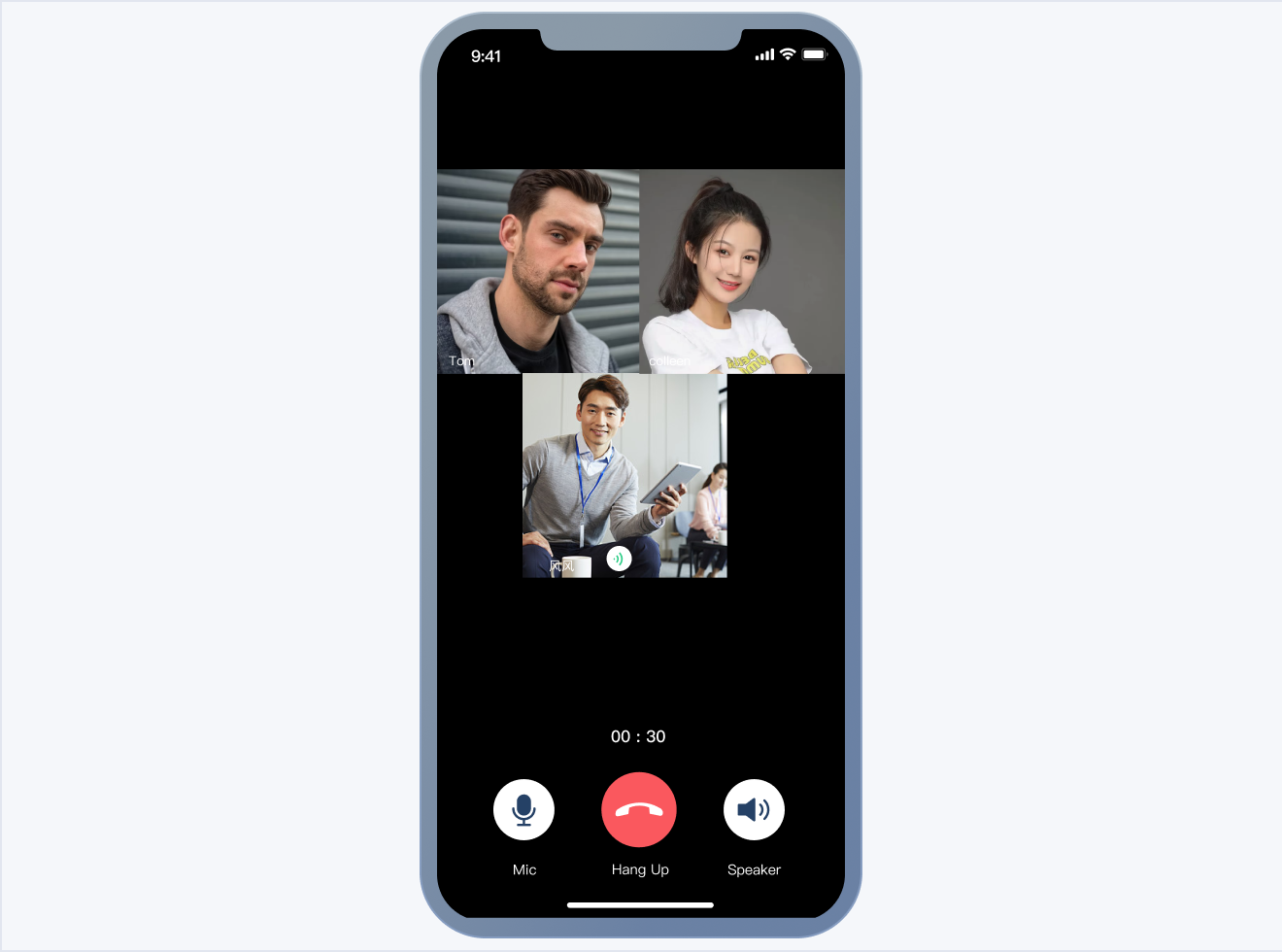
TUICallKit is responsible for audio or video calls.
The one-to-one chat UI is as shown below:
Video Call
Audio Call
The group chat UI is as shown below:
Video Call
Audio Call
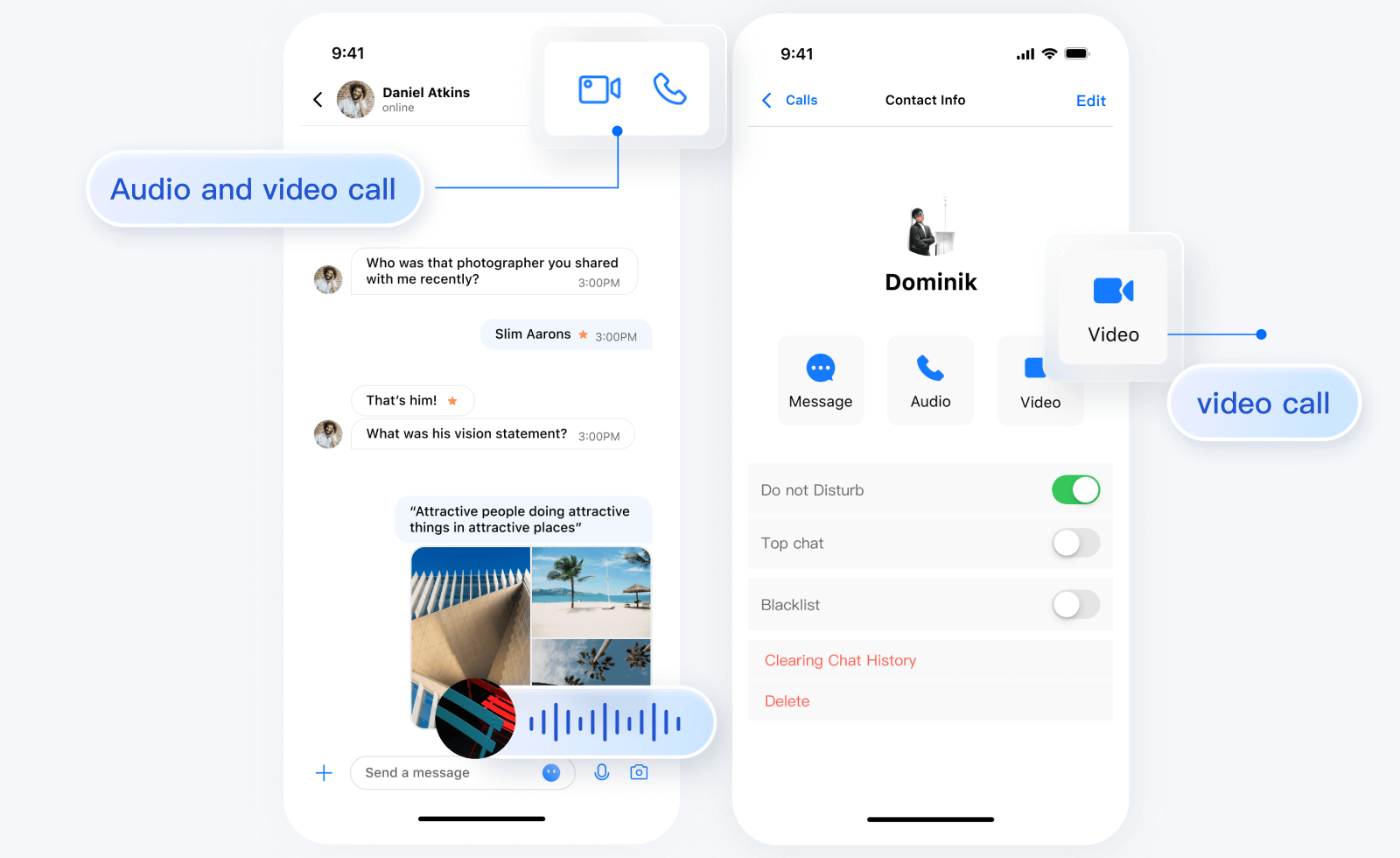
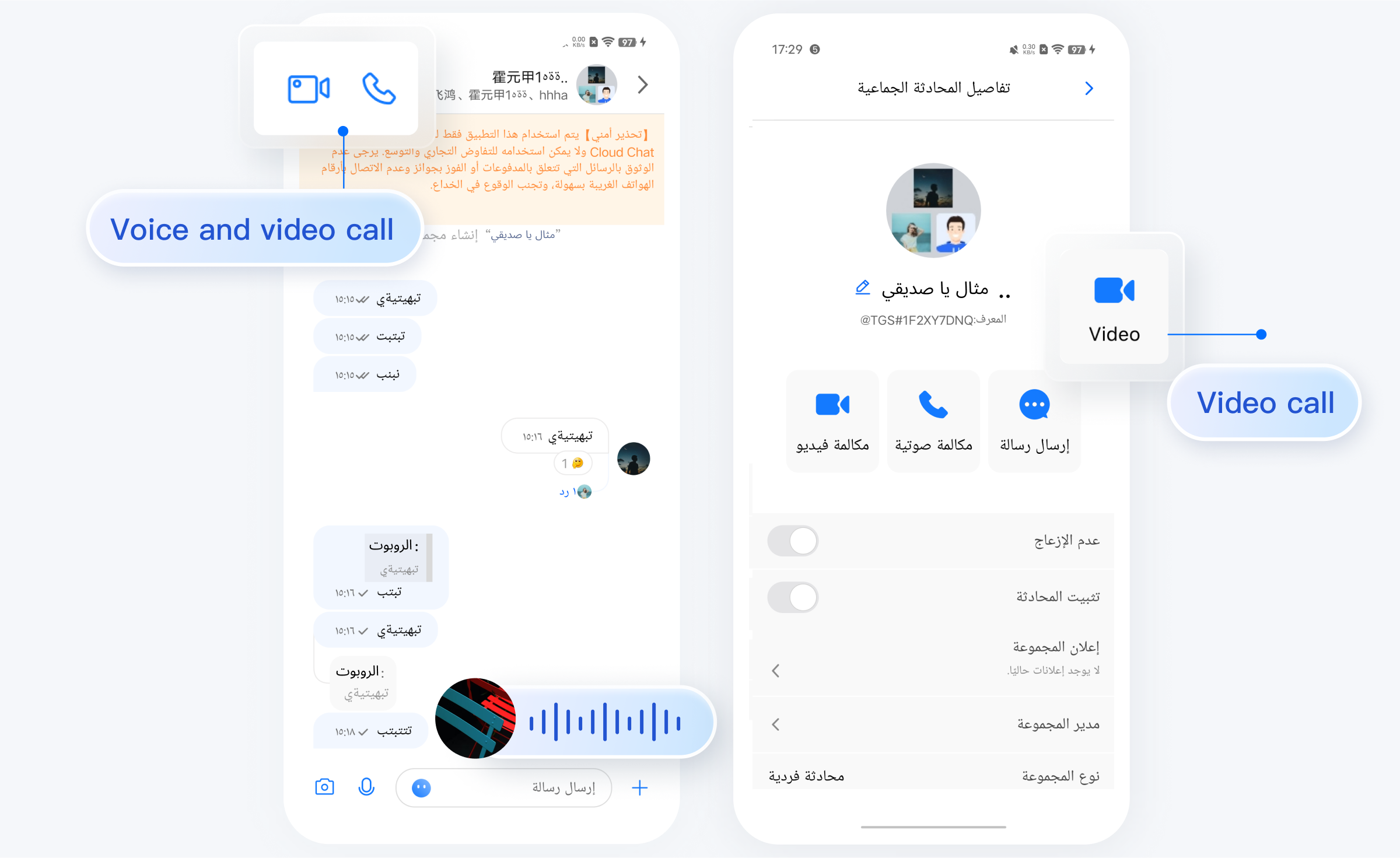
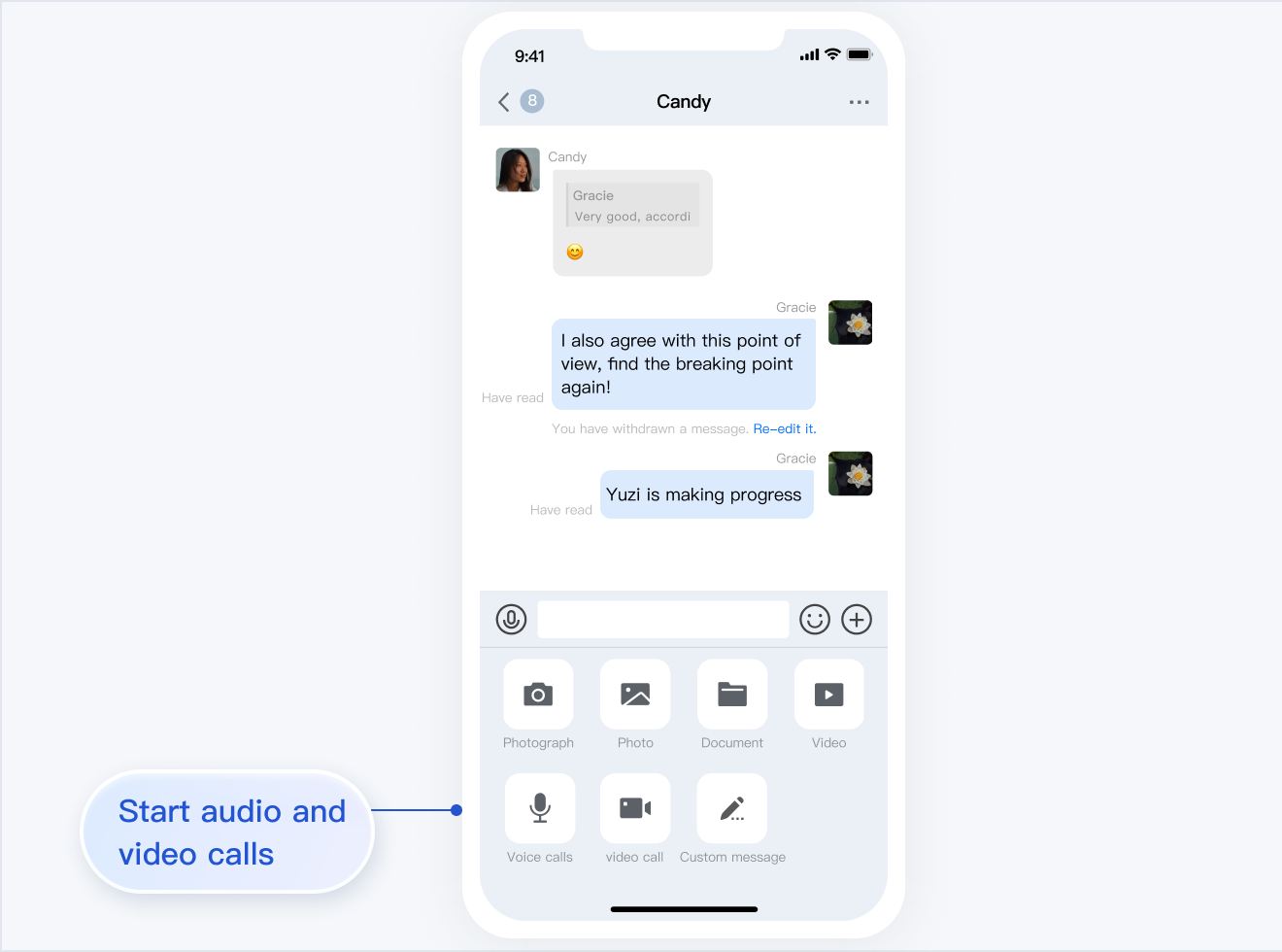
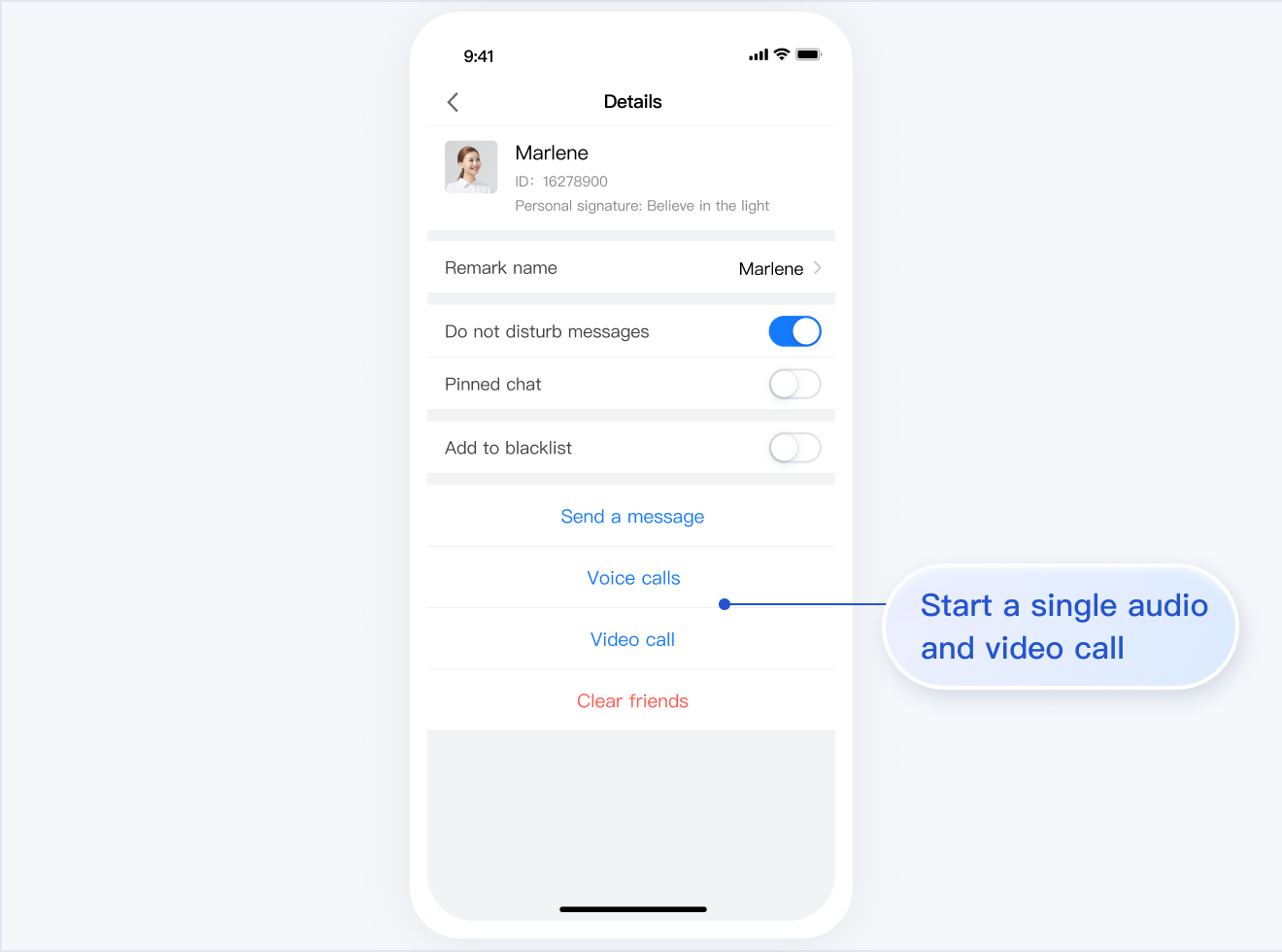
If you have integrated TUIChat, TUIContact, and TUICallKit, you can initiate an audio or video call via a TUIChat message page or TUIContact individual profile page.
The UI effect is as shown below:
Minimalist
RTL
Classic
Initiating a Call via a Message Page | Initiating a Call via a Profile Page
Initiating a Call via a Message Page | Initiating a Call via a Profile Page
Initiating a Call via a Message Page
Initiating a Call via a Profile Page
TUIOfflinePush
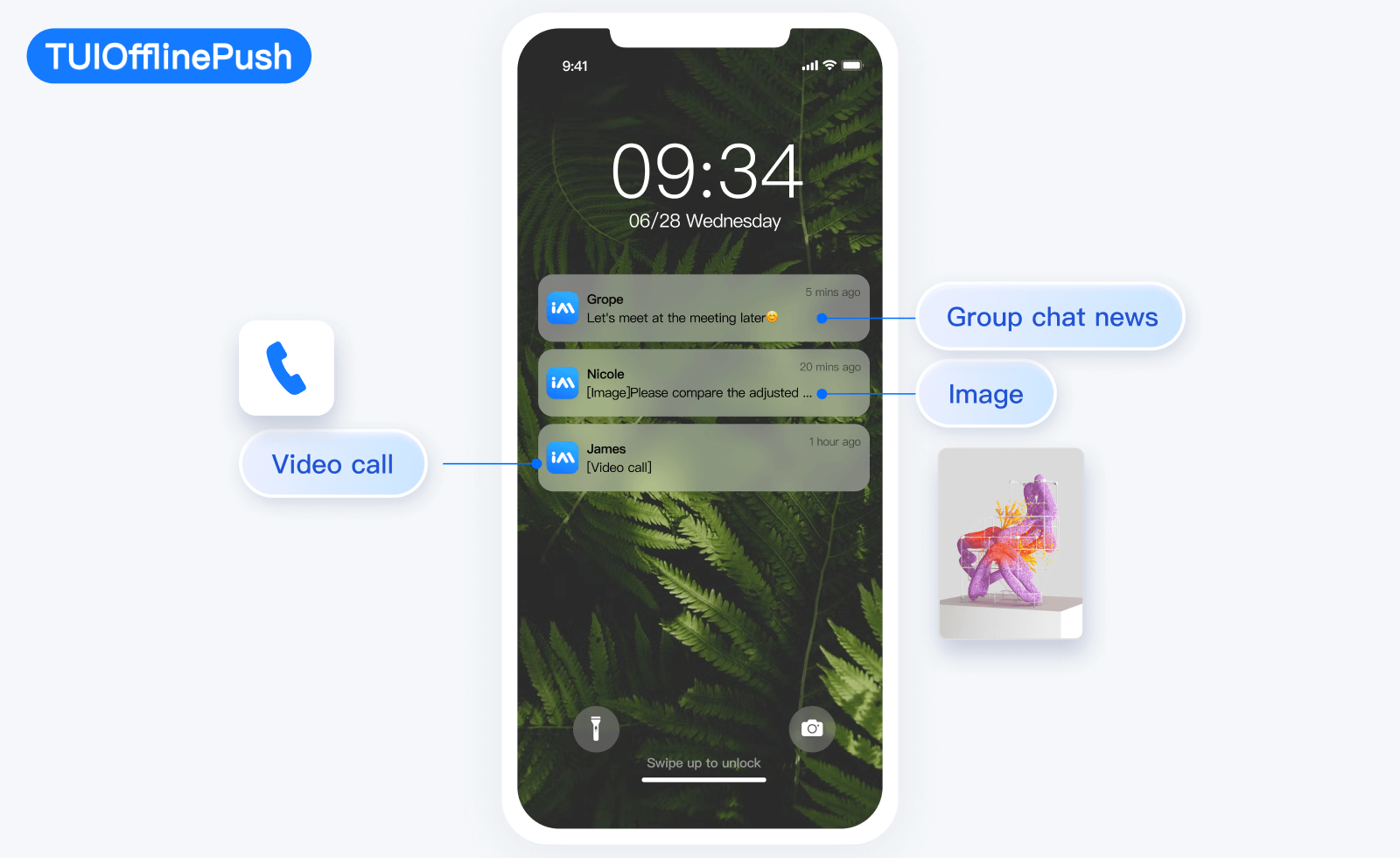
TUIOfflinePush is responsible for displaying messages pushed offline.