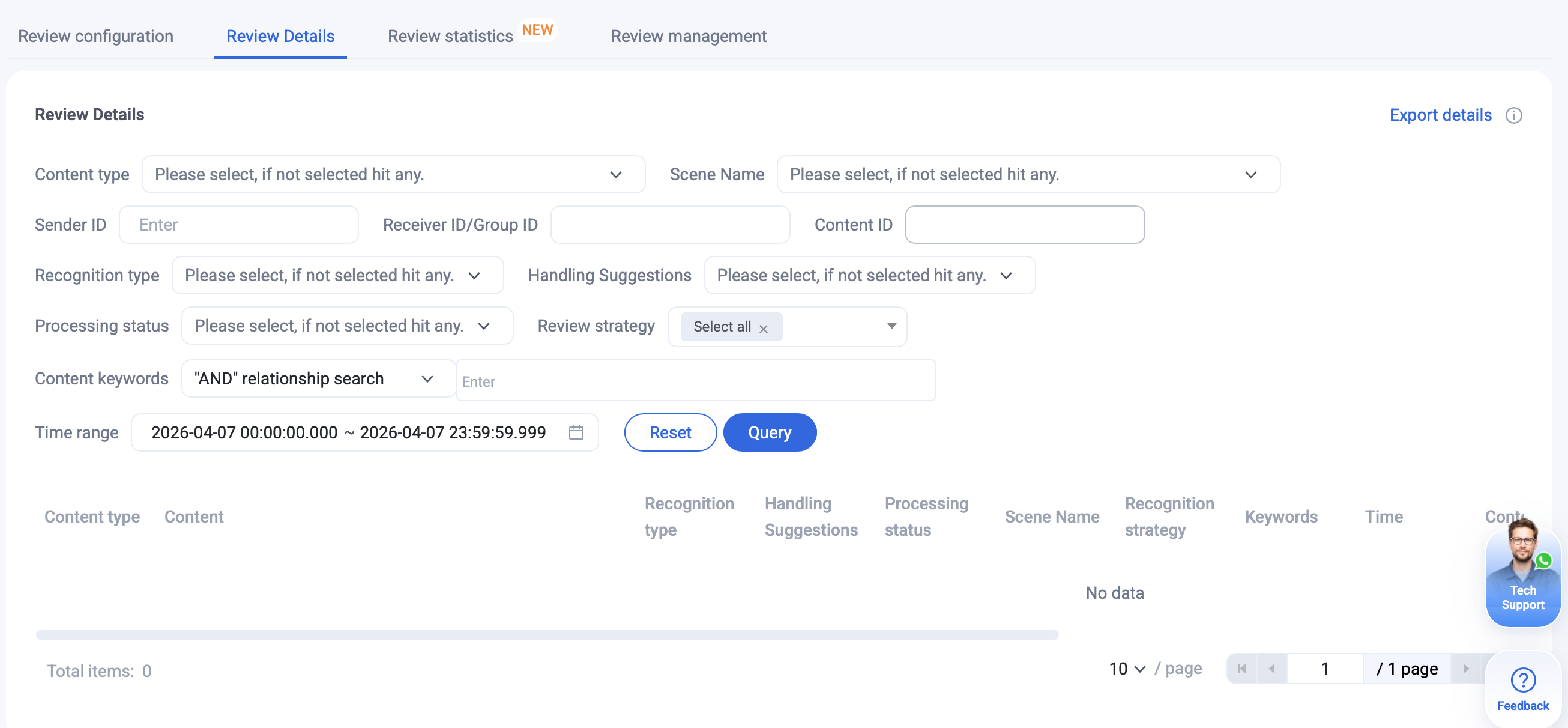
View detailed records of past recognition events. Use the filter bar to enter your search criteria and narrow down the results. You can access up to one month of recognition history.
View Review Statistics
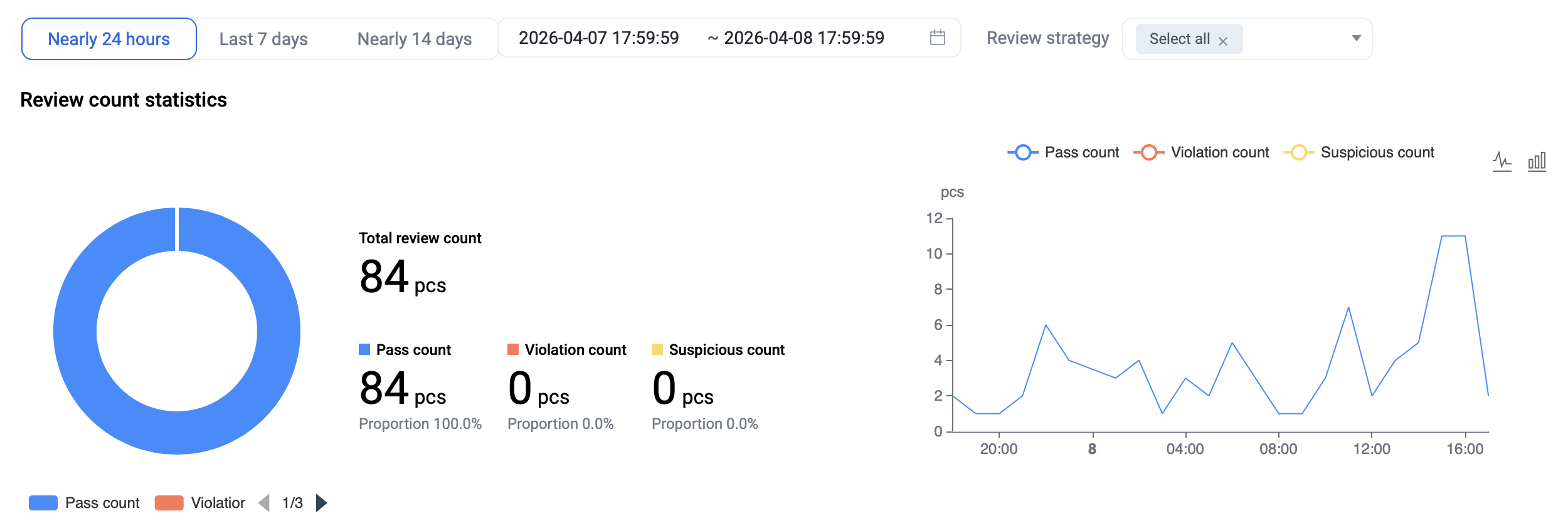
Review Count Statistics
Review statistical data on the total number of recognition events.
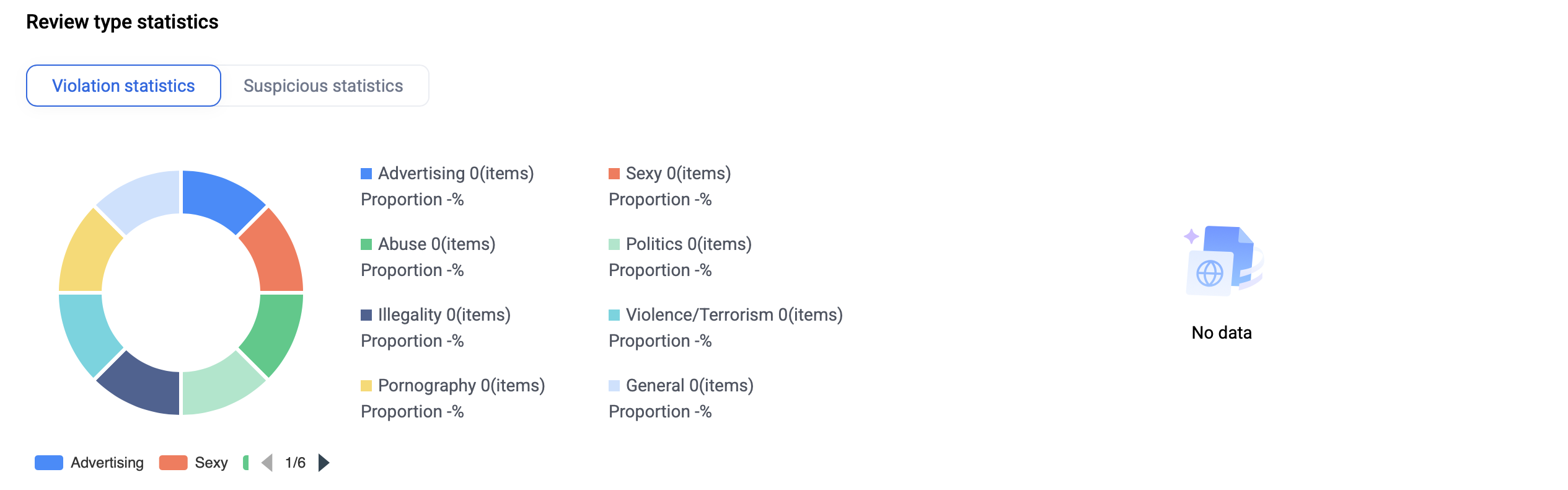
Review Type Statistics
Analyze statistics for different types of recognition events.
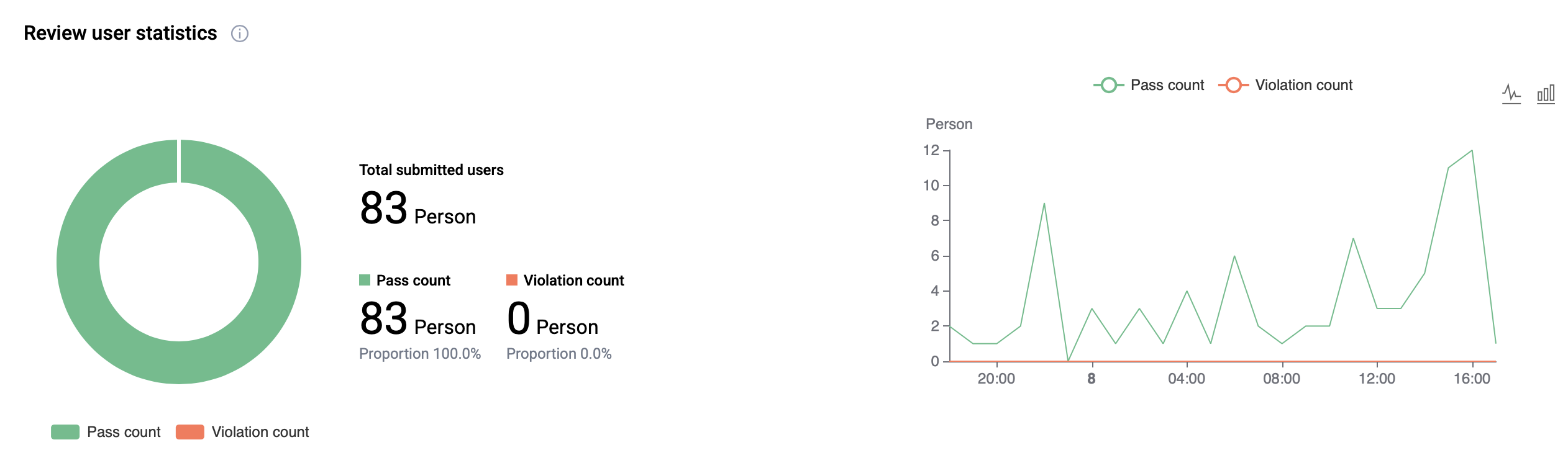
Review User Statistics
View statistics on users who participated in recognition events.
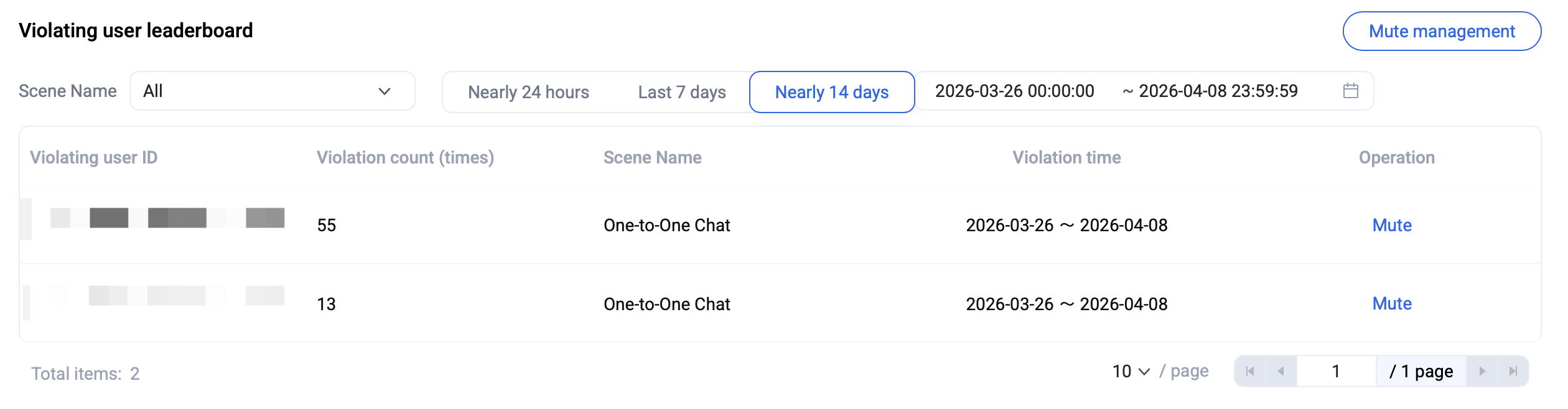
Violating User Leaderboard
Access the Violating User Leaderboard to identify and directly mute users who have violated rules.
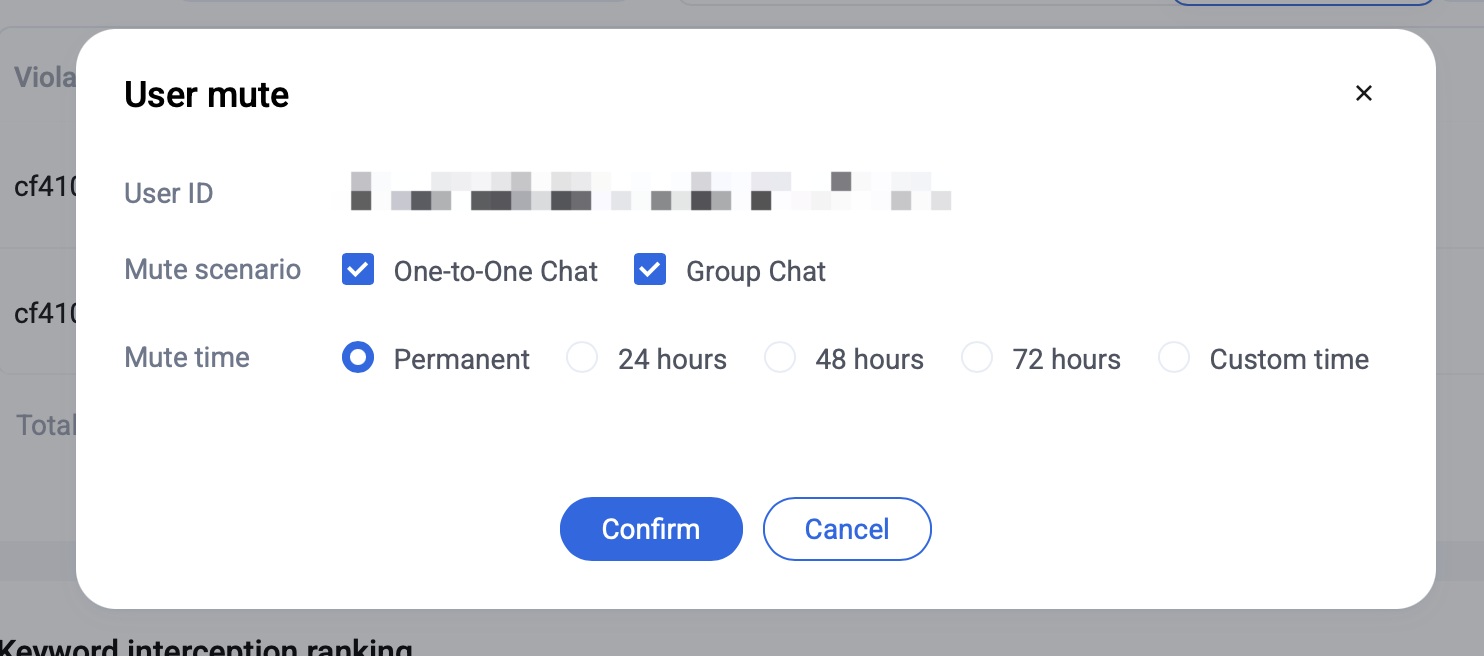
When muting a user, select the mute scenario and specify the mute time.
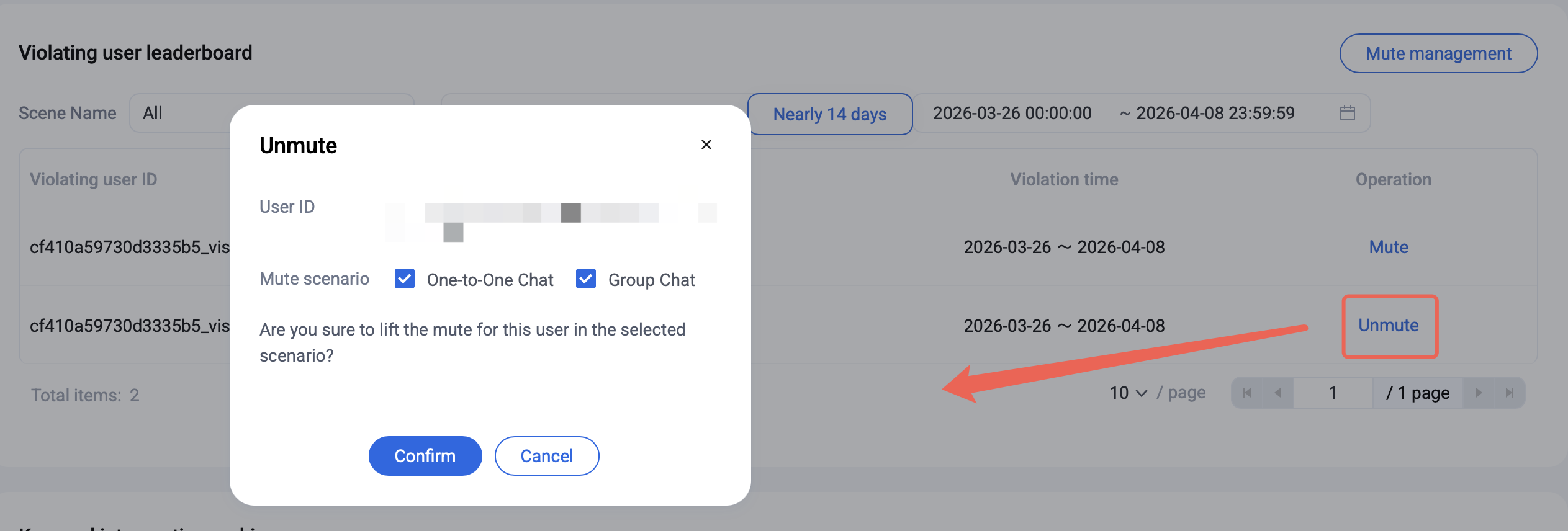
For users who are already muted, you can perform the Unmute operation and choose the scenario for unmuting.
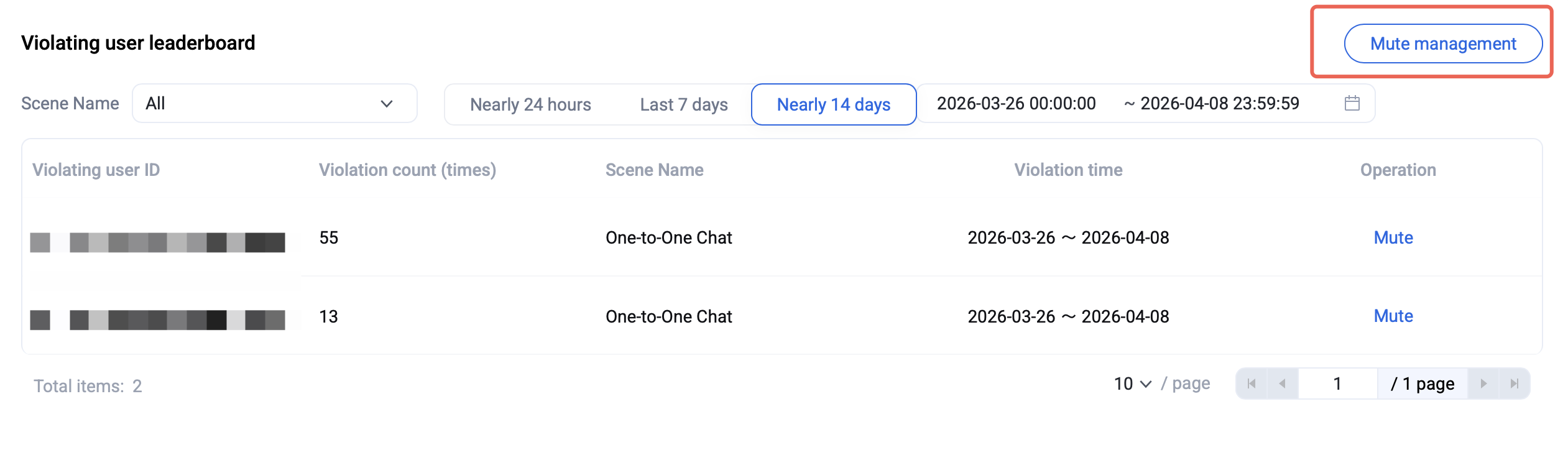
To view the list of muted or unmuted users, click Mute Management.
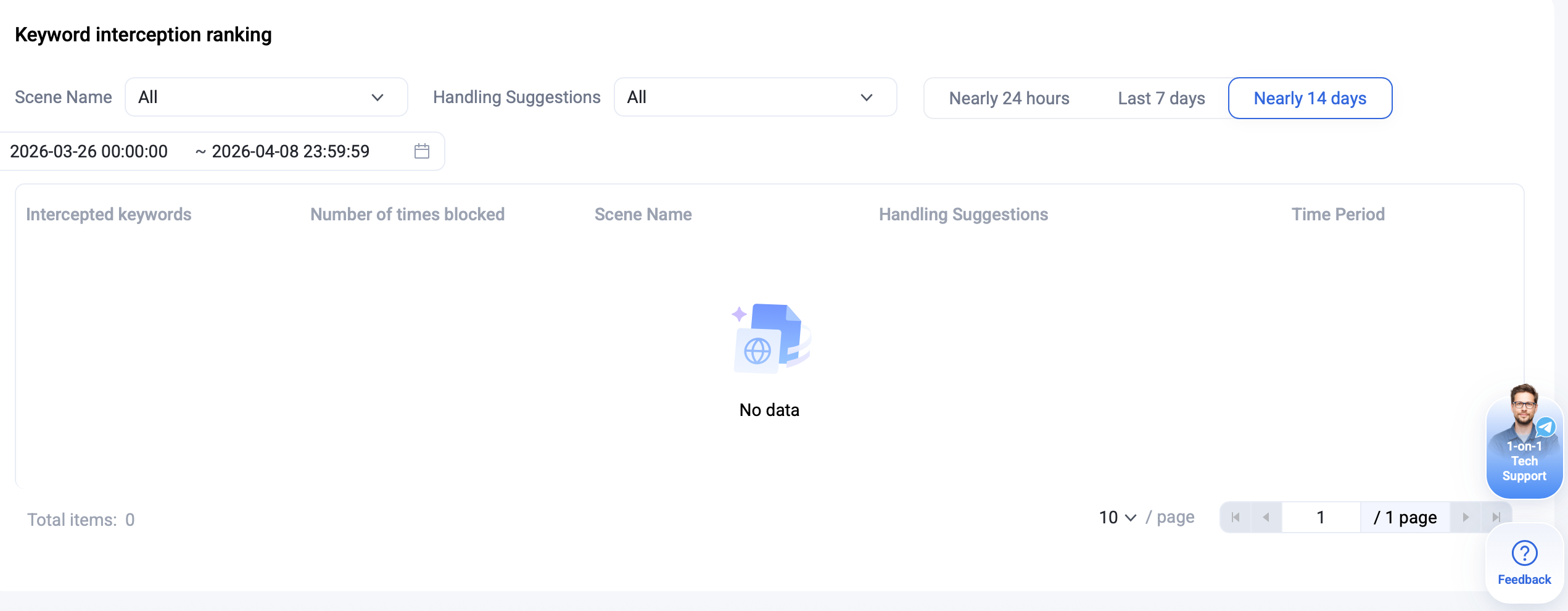
Keyword interception ranking
View the historical leaderboard for keyword blocking events.