Resetting a password
다운로드
포커스 모드
폰트 크기
Scenarios
If a user forgets their password or a user is locked after too many failed login attempts, administrators can reset the user's password.
Steps
1. Log in to the Customer Identity and Access Management console and select User management -> User management in the left navigation pane.
2. On the User management page, click Reset password in the operation column.

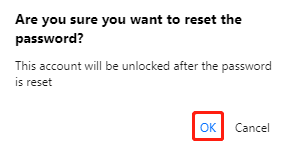
3. In the confirmation window displayed, click OK to reset the password.
Note:
This account will be unlocked after the password is reset.
피드백