Username-password authentication
Download
포커스 모드
폰트 크기
Prerequisites
You cannot edit an enabled authentication source. You must disable the authentication source before editing.
Steps
1. Log in to the Customer Identity and Access Management console and select Authentication management -> General authentication source in the left navigation pane.
2. On the General authentication source page, select the authentication source to edit and click Edit.

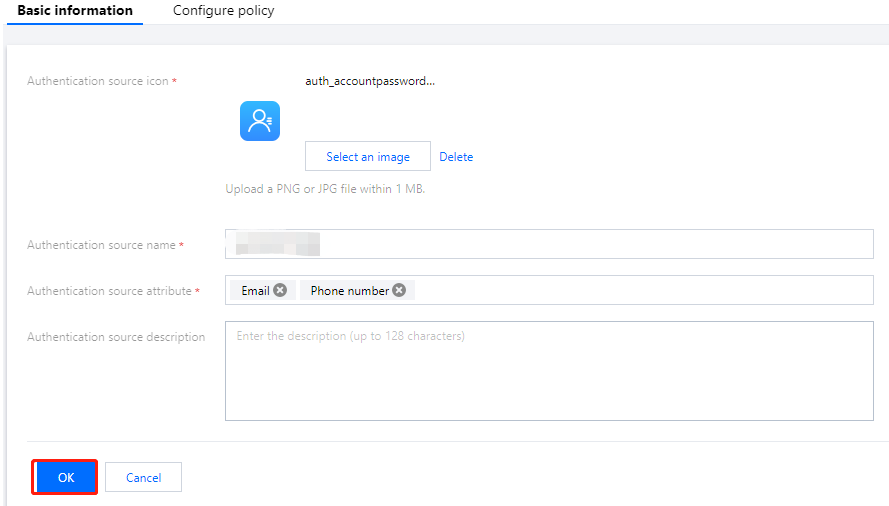
3. On the Basic information tab, modify the basic information as needed and click OK to modify the basic information.
4. Click the Password policies tab.
5. On the Password policies tab, modify the authentication source policy and click OK to modify the password policy.
Note:
피드백