Viewing User Group Members
포커스 모드
폰트 크기
Overview
When you need to view the members of a user group, you can use the user group management feature to check the group's members.
Directions
1. Log in to the BH console.
2. In the left sidebar, choose User Mgmt > User group.
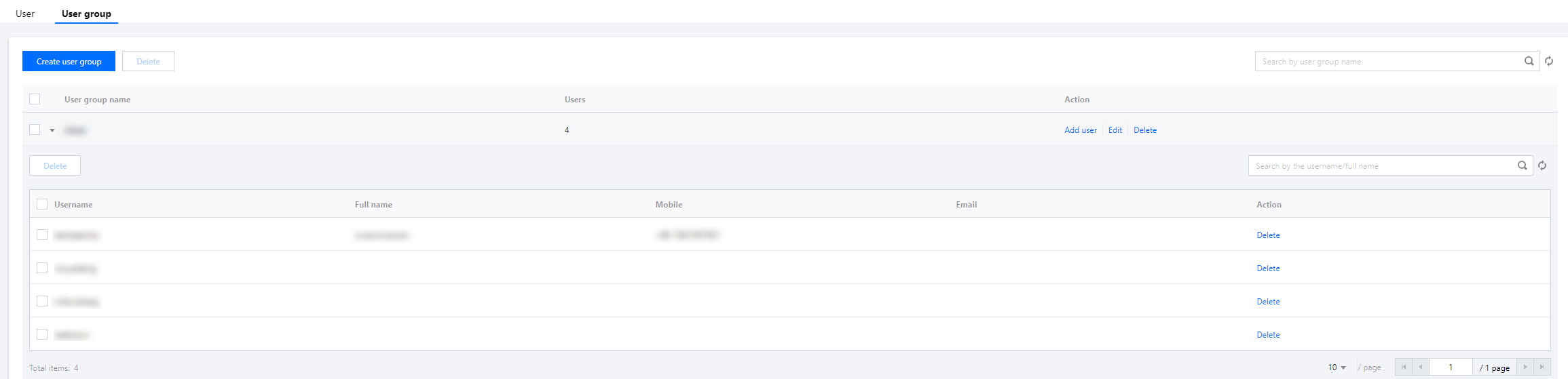
3. On the User group page, click the 

4. In the expanded information, you can check the details of the group members.
피드백