Captcha Statistics
Download
Focus Mode
Font Size
1. Log in to the Captcha console, and select View Statistics in the left sidebar.
2. On the View statistics page, you can view all verification statistics.
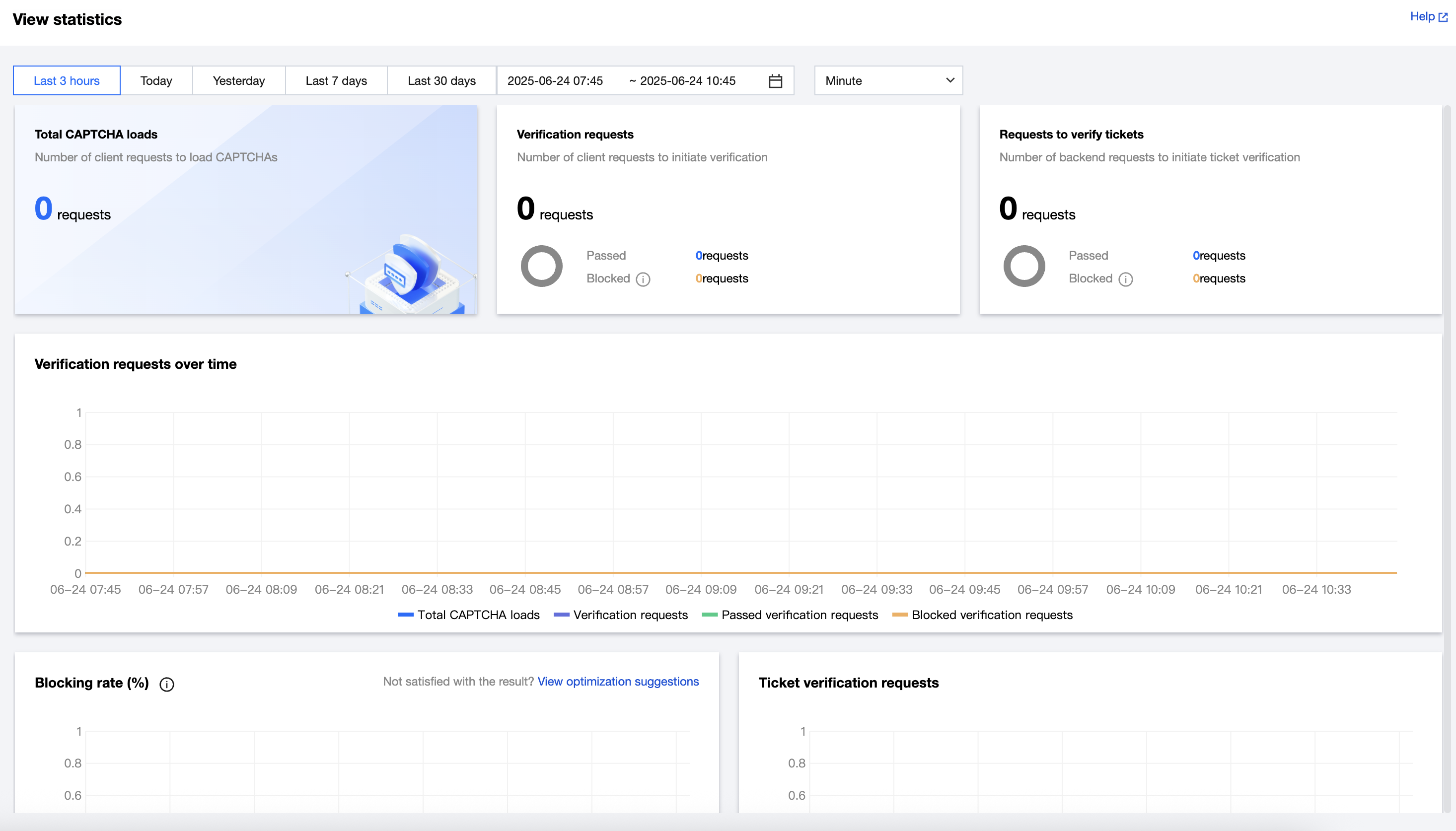
Metric Description:
Metric Name | Description |
Total CAPTCHA loads | Number of times the captcha was loaded by the client. |
Verification requests | Number of times verification was initiated after the user answered the captcha challenge. |
Passed verification requests | Number of times verification was passed. |
Blocked verification requests | Number of times verification was blocked (failed). |
Blocking rate | Rate of verification blocks (failures). |
Incorrect answers | Rate of verification blocks due to incorrect answers. |
Blocked insecure requests | Rate of verification blocks due to security policy enforcement. |
Requests to verify tickets | Number of times ticket validation was initiated by the server. |
Passed ticket verification requests | Number of times ticket validation was passed. |
Blocked ticket verification requests | Number of times ticket validation was blocked (failed). |
Help and Support
Was this page helpful?
You can also Contact sales or Submit a Ticket for help.
Help us improve! Rate your documentation experience in 5 mins.
Feedback