tencent cloud

Managing Inter-VPC Firewall Instances

Download
Focus Mode
Font Size
Last updated: 2023-11-28 20:45:15
After an inter-VPC firewall is created, you can manage its instances separately.
1. Log in to the Cloud Firewall console, and select Firewall toggle > Inter-VPC toggle in the left sidebar.
2. On the Inter-VPC toggle page, click Firewall instance.

Viewing Instance Details

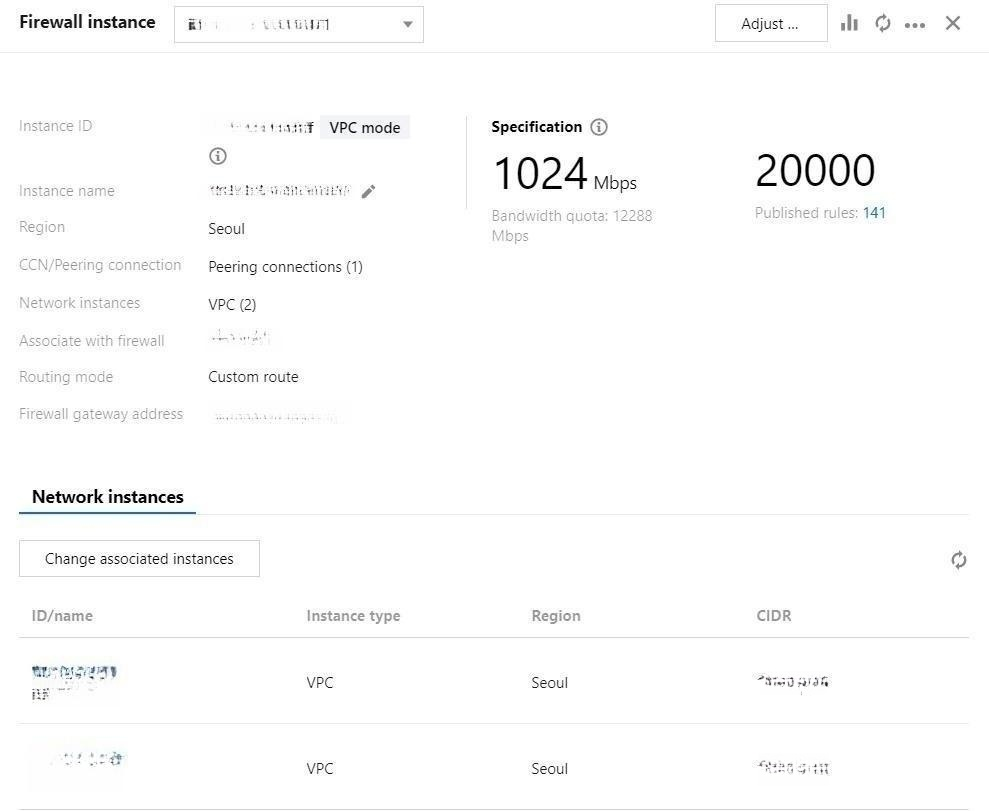
1. On the firewall instance page, click the Firewall instance ID or Instance details on the right.

2. The instance details page appears and displays the instance configuration.


Viewing Associated Toggles

To filter ‍associated firewall toggles, click More > View ‍firewall toggles on the firewall instance page.

Notes
A toggle can be associated with multiple firewall instances and controls traffic going through these firewall instances.

Terminating Inter-VPC Firewall Instances

To terminate any firewall instance, all toggles must be disabled.
1. On the firewall instance page, click Toggles on the right of the corresponding inter-VPC firewall.

2. Click Disable all to disable all toggles.
3. Click More > Terminate instance. The current firewall instance will be terminated after confirmation.
Notes
After termination, the VPCs will be automatically disconnected and the corresponding quota will be returned.


Changing Associated Instances

To change the associated instance, all toggles must be turned off.
1. On the firewall instance page, click Toggles on the right of the corresponding inter-VPC firewall.

2. Click Disable all to disable all toggles.

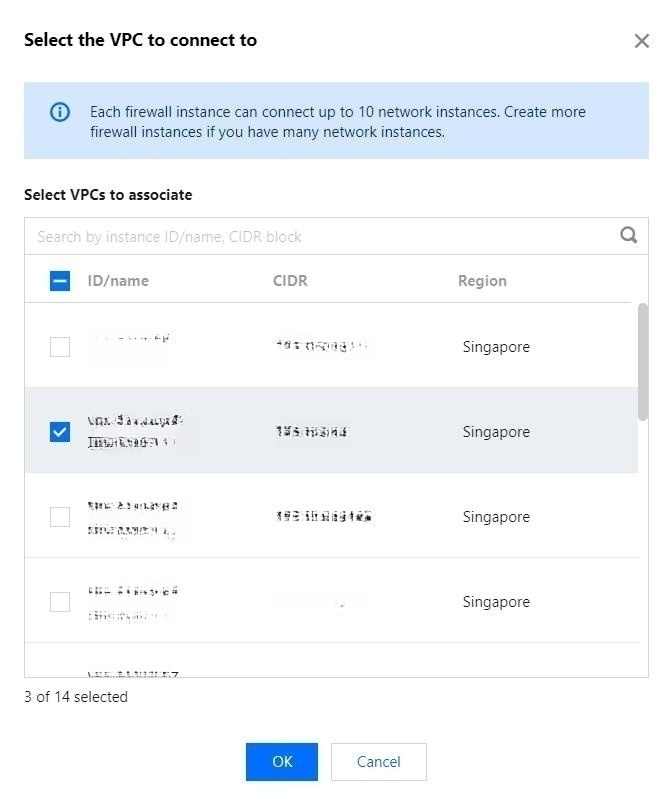
3. Click More > Change associated instances to edit the settings.
Important
Associated instances can be changed if an inter-VPC firewall is connected in ‍the VPC mode.
If it's connected in the CCN mode, this feature is unavailable.

4. In the pop-up window, select a VPC to reconnect to and click OK.


Bypass Mode

Inter-VPC firewalls provide Bypass mode that allows instance traffic to bypass your firewall. Use this mode only for debugging.
On the firewall instance page, click More > Enable Bypass / Disable Bypass.
Important
Disable Bypass mode once the debugging completes.


Help and Support

Was this page helpful?

Help us improve! Rate your documentation experience in 5 mins.

Feedback