Before reading this section, please ensure that you have completed the integration guide for Web and H5.
What can be achieved through Self Definition?
The user interfaces for iOS/Android/Electron classrooms are all based on web page implementation. Therefore, Self Definition allows you to modify the interface on all ends and supplement the business logic according to your needs, as in the following scenarios:
1. Key Concepts Copy replacement.
2. Block irrelevant business features.
3. Modifying Interface Styles.
4. Adding Business Components, etc.
Preparing the Development Environment
This article assumes you have the following skills:
1. Setting up a Local Static Server.
2. Understanding the development and operation principles of js/css on the browser side.
See Web and H5 Integration Guide, assuming your local server is running on port 8080, and you have created files test.js, test.css in the root directory.
Preparing the test classroom
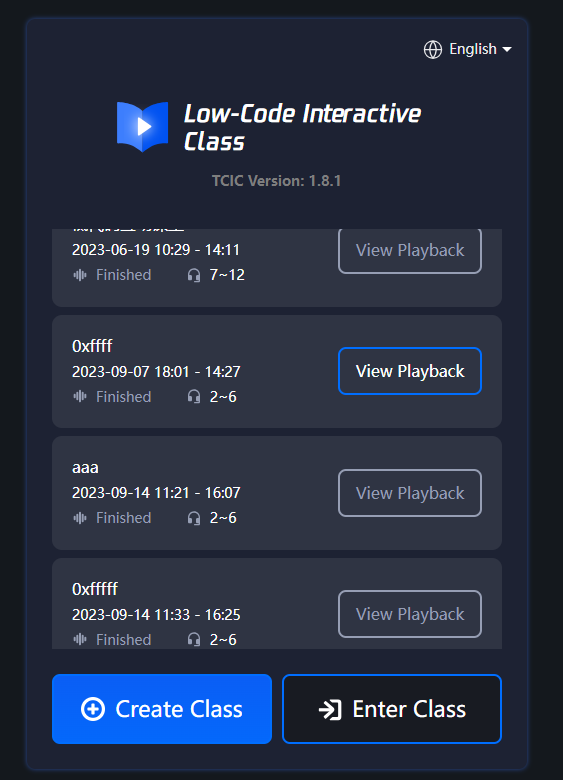
1. Click on the log in to page of the classroom demonstration, select Create Class, and then click Enter Class, you will be redirected to the course page.
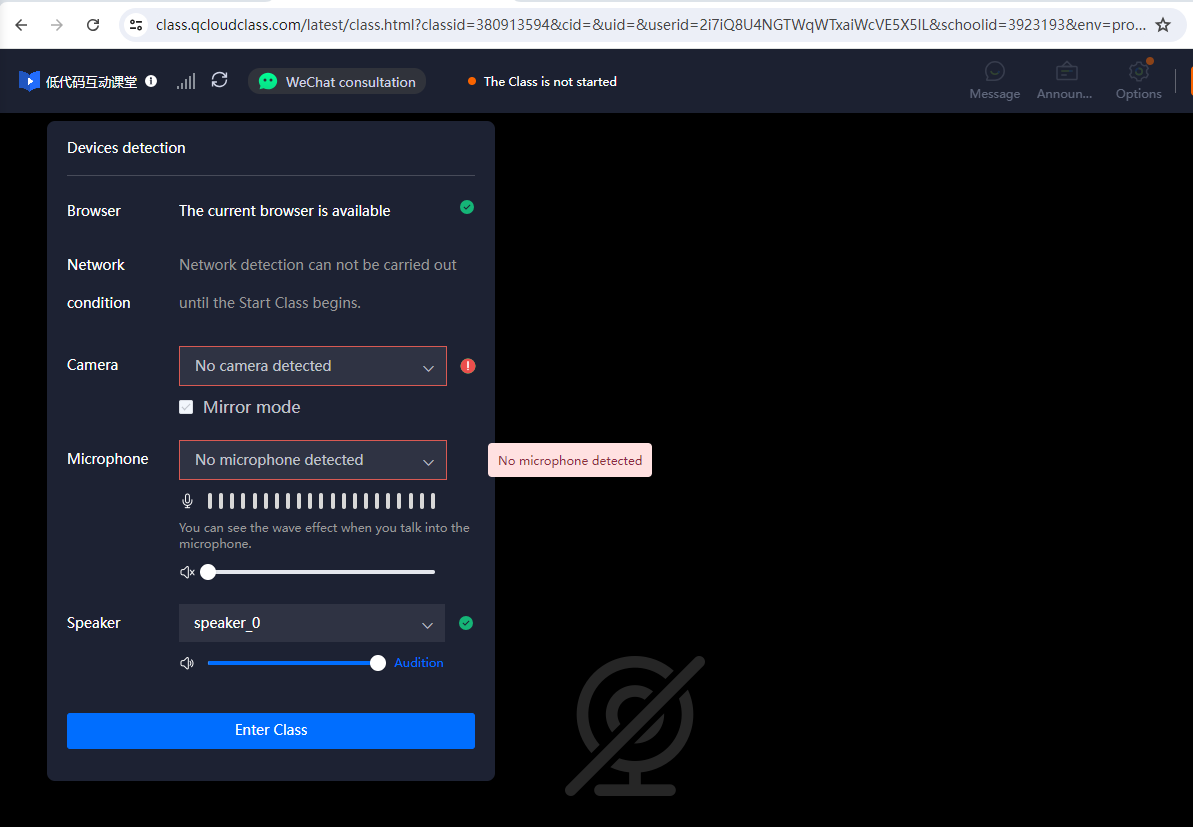
2. Upon entering the course page, you will see the following image. Please copy the URL of the course page.
3. Append the JS/CSS string to the URL, with the appended string as follows.