tencent cloud
最新优惠
产品
解决方案
价格中心
合作伙伴网络
云市场
探索更多
Prev
Next
云拨测
产品简介
产品概述
产品优势
应用场景
购买指南
计费概述
购买方式
欠费说明
快速入门
操作指南
新建自定义拨测
暂停任务
恢复任务
即时拨测
多维分析
多任务对比
访问管理
参考信息
常见问题
一般性问题
服务等级协议
CAT 政策
CAT 隐私协议
CAT 数据处理和安全协议
文档
云拨测
购买指南
购买方式
购买方式
下载
聚焦模式
字号
最后更新时间: 2023-12-22 11:42:25
云拨测提供控制台购买方式,本文将为您介绍如何购买云拨测服务。
操作步骤
试用版
1.
登录
云拨测控制台-任务列表
。
2.
单击
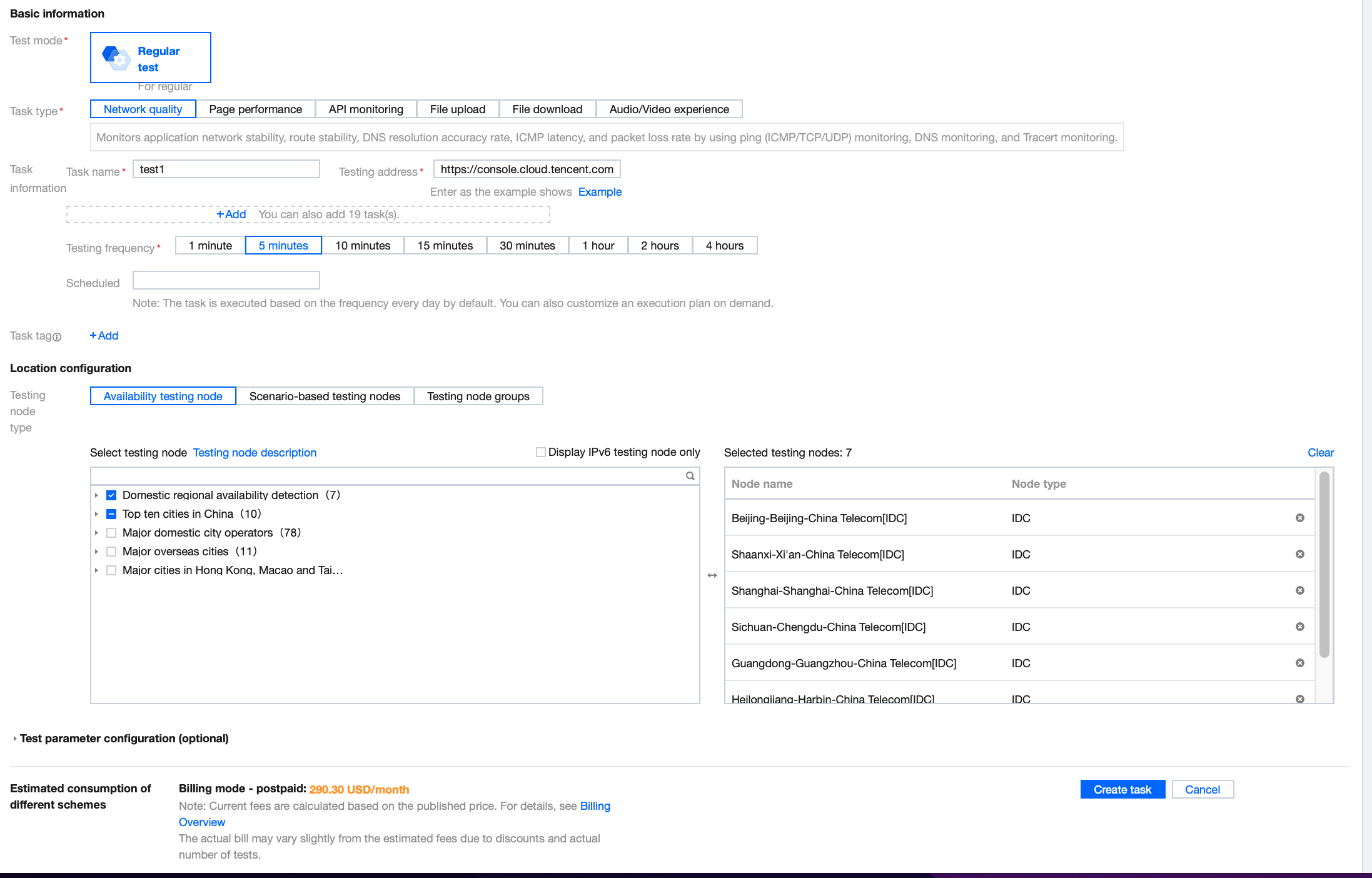
新建任务
根据您的需求选择相关配置,完成后单击
创建任务
,首次使用云拨测并创建成功创建任务即为试用版。
说明:
试用版免费试用期为15天。
专家版
1.
登录
云拨测控制台-新建任务
。
2.
把鼠标移动到右上角的试用版,单击选框中的
升级专家版
。
3.
在弹框中勾选服务等级协议并单击
确认
即可。
上一篇: 计费概述
下一篇: 欠费说明
帮助和支持
本页内容是否解决了您的问题?
是
否
您也可以
联系销售
或
提交工单
以寻求帮助。
填写满意度调查问卷,共创更好文档体验。
点击前往
文档反馈
搜索
仅搜索标题
请输入关键词搜索文档