Data Reports - Resource Dashboard
Download
Focus Mode
Font Size
The resource dashboard primarily counts statistical resources related data, provides data dashboard and data details, such as model amount, model concurrency amount, knowledge base capacity, plug-in amount, etc. It offers user metric dashboard, line chart, donut chart and resource conditions of each space call. The product provides resource dashboards for corporate view and space view.
Note:
Only users who purchase packages can view this feature page. Customers using old billing can only view the Billing Details of Resource Usage feature and check the Billing Overview (Package Subscription) to understand package billing methods.
Enterprise View - Resource Dashboard
Feature entrance: View in the upper-right corner avatar > Enterprise Management > Reports. Only the super administrator has permission to view.
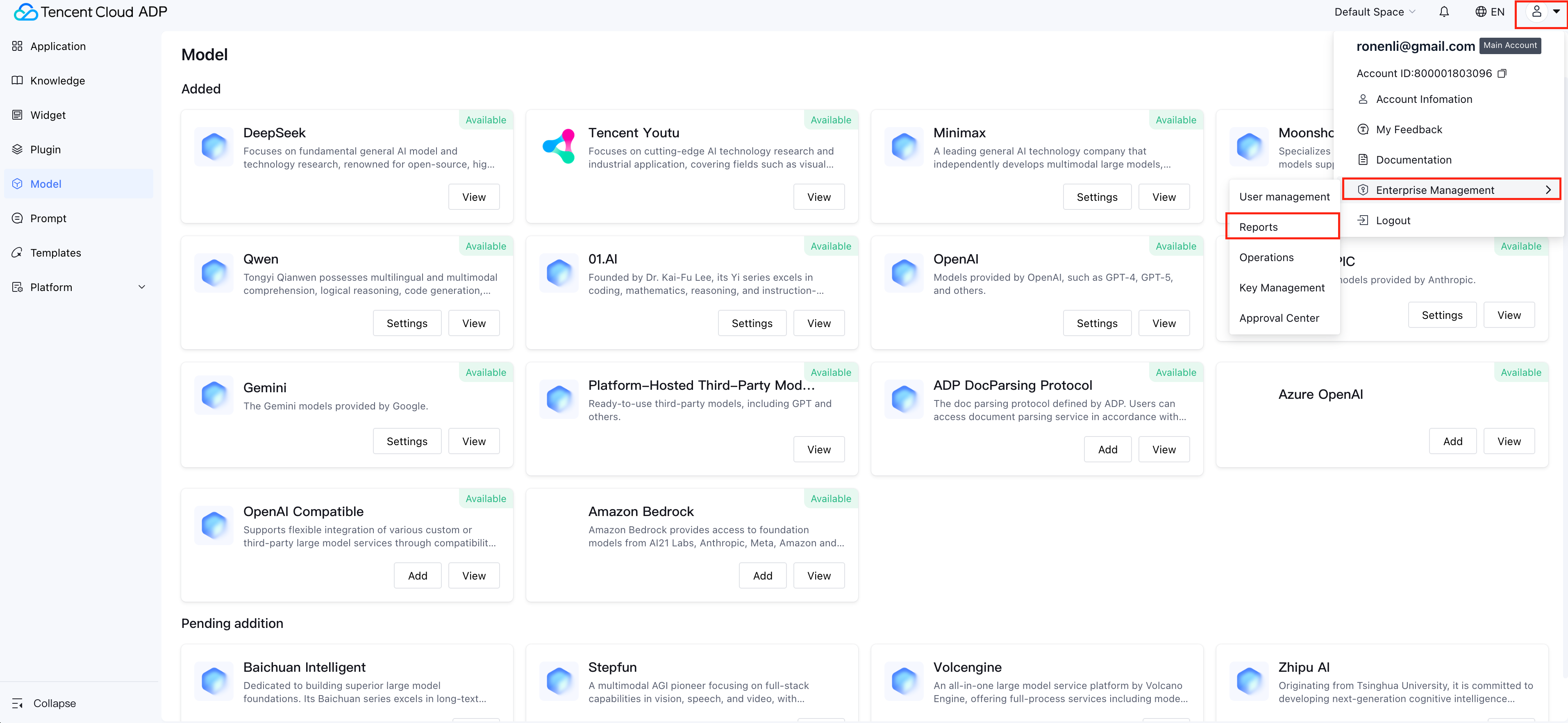
Feature Description: The resource dashboard of the corporate view can view the amount of models, knowledge base, plug-ins, platform, etc. in all spaces under the business, and supports viewing call conditions of each space.
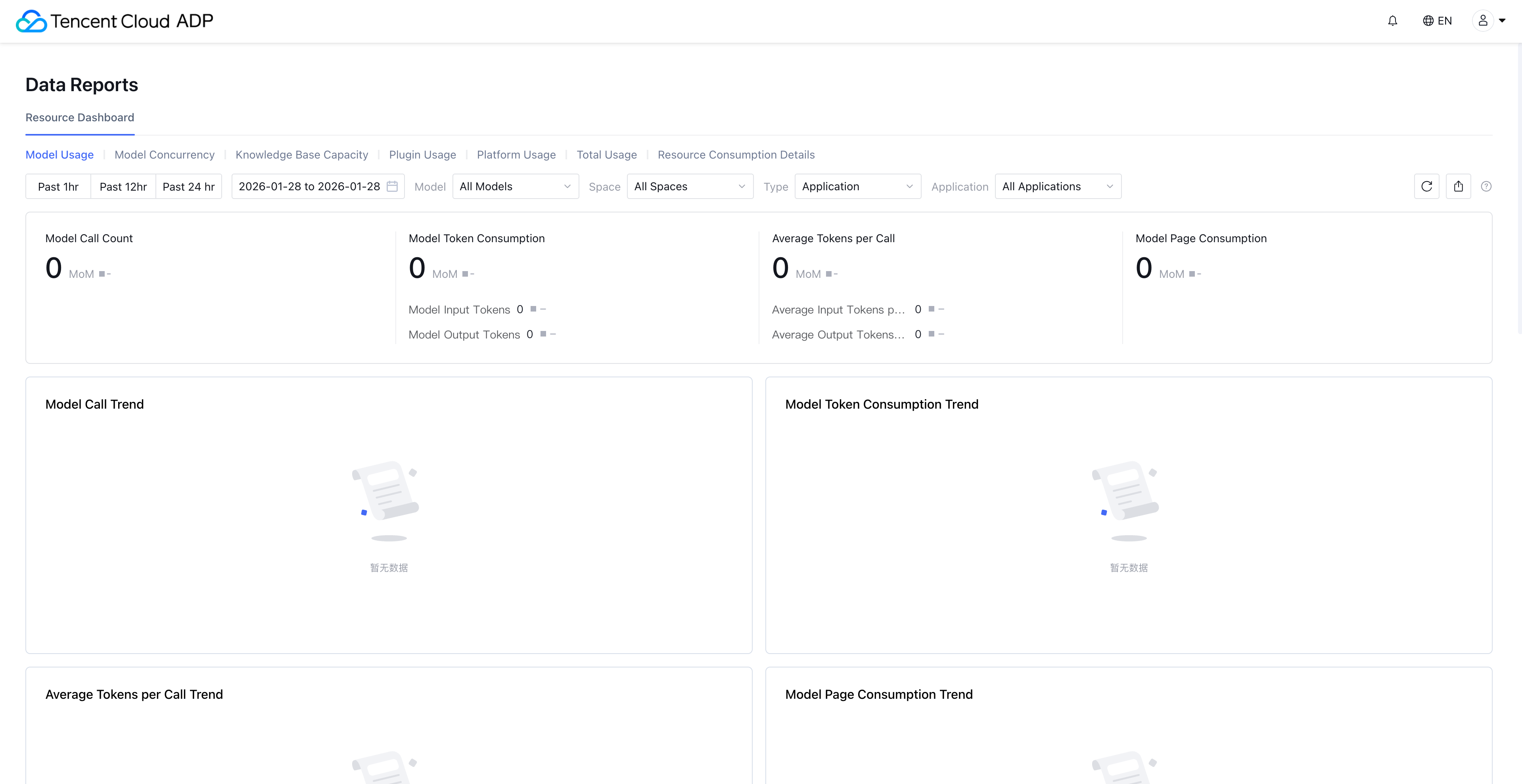
Space View - Resource Dashboard
Feature entrance: View in Platform Management > Reports > Resource Dashboard of each space. It is visible to space admins by default. Other space users need to be granted feature permissions in user management on the platform side to view it.
Feature Description: The resource dashboard of the space view can view the overview and detail of resource usage in the current space, including usage details of each application/knowledge base and resource invocation details.
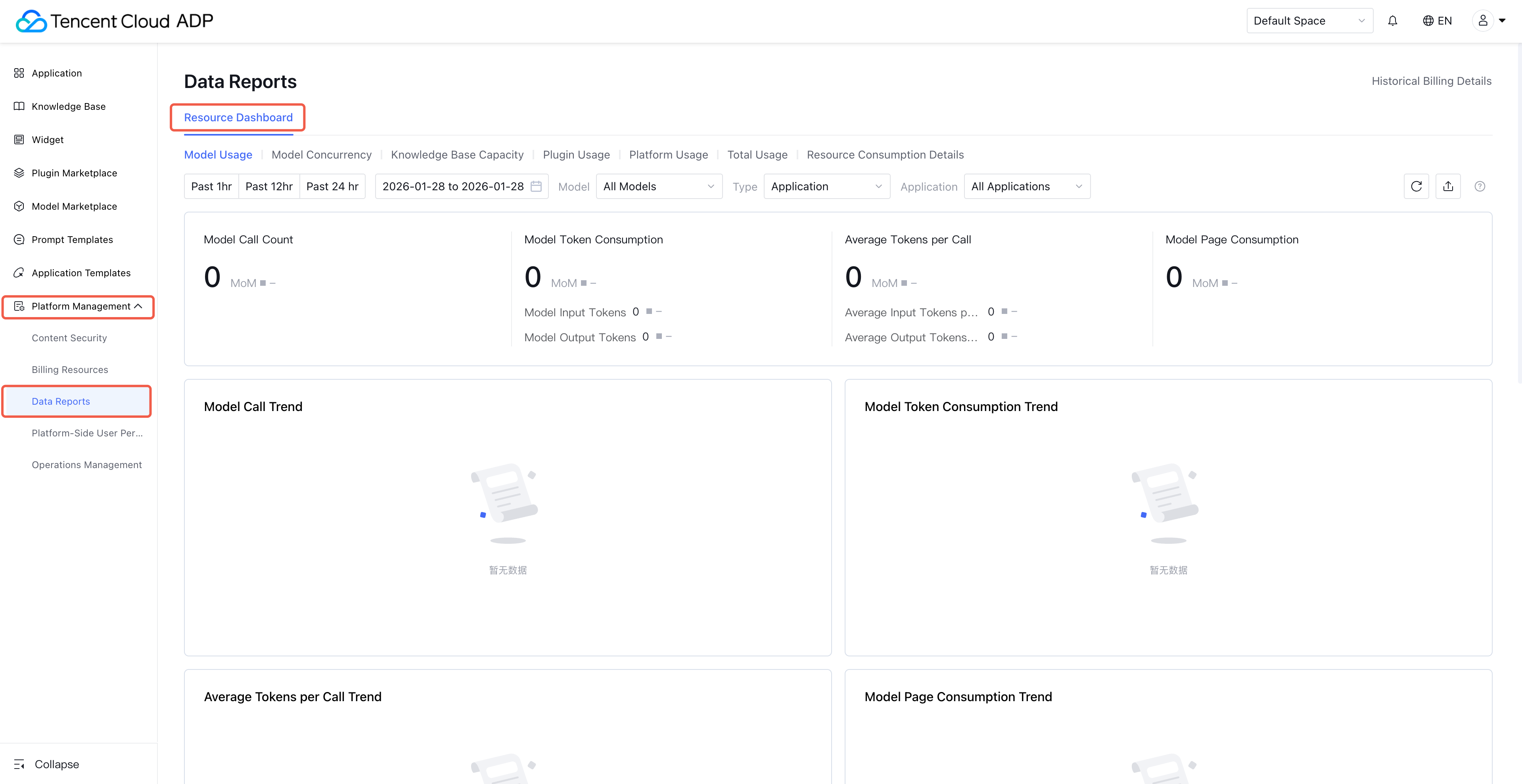
Resource Dashboard Description
Model Usage: Support viewing the usage of built-in models provided by Tencent Cloud ADP and integrated third-party models, including generative models, thinking models, multimodal models, rewrite models, vector models, reorder models, and document parsing models. Among them, document parsing models are consumed by page number, while other models are consumed by tokens.
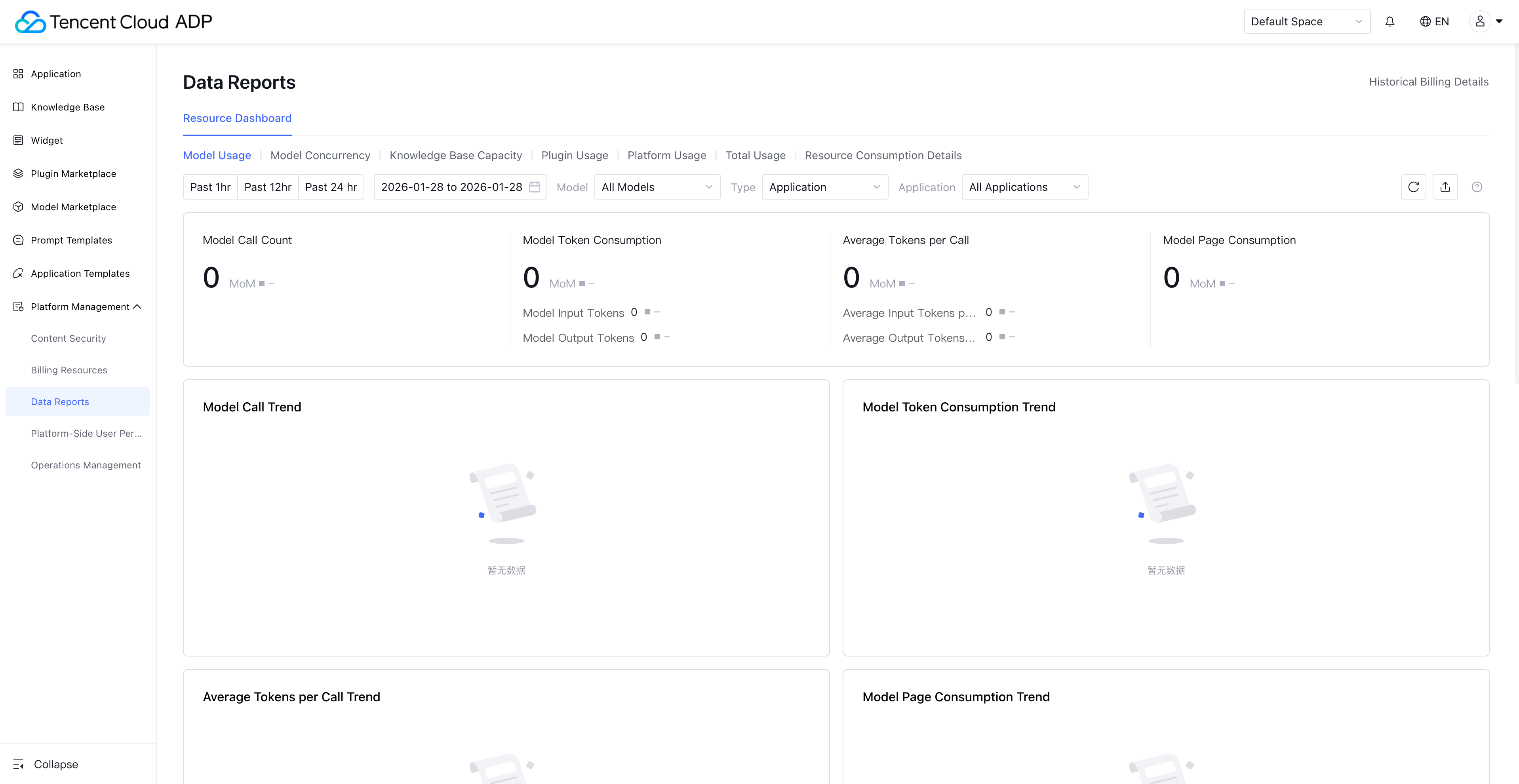
Support viewing the model usage of applications in the workspace and model invocation details each time.

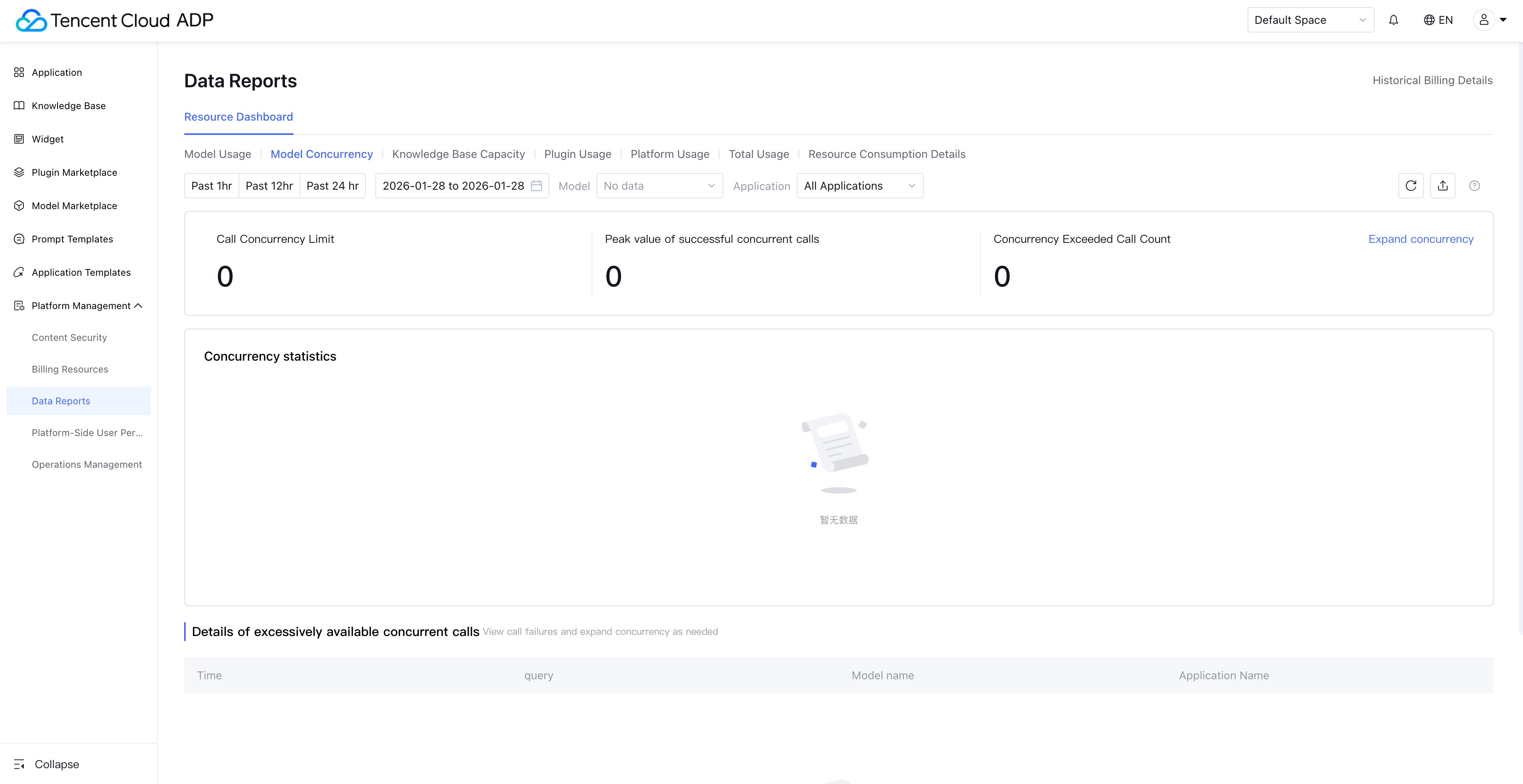
Model Concurrency: Support viewing the concurrency usage of generative models and thinking models. Models consumed by tokens are limited by QPM and TPM call frequency, while models with exclusive concurrency purchases are limited by concurrency limit.
QPM: QPM (Queries Per Minute) refers to the request count your application or service can send to the model API within one minute.
TPM: TPM (Tokens Per Minute) indicates the maximum total amount of input and output tokens a large model can handle per minute.
Number of concurrencies: the number of times a model can be called in the same time period.
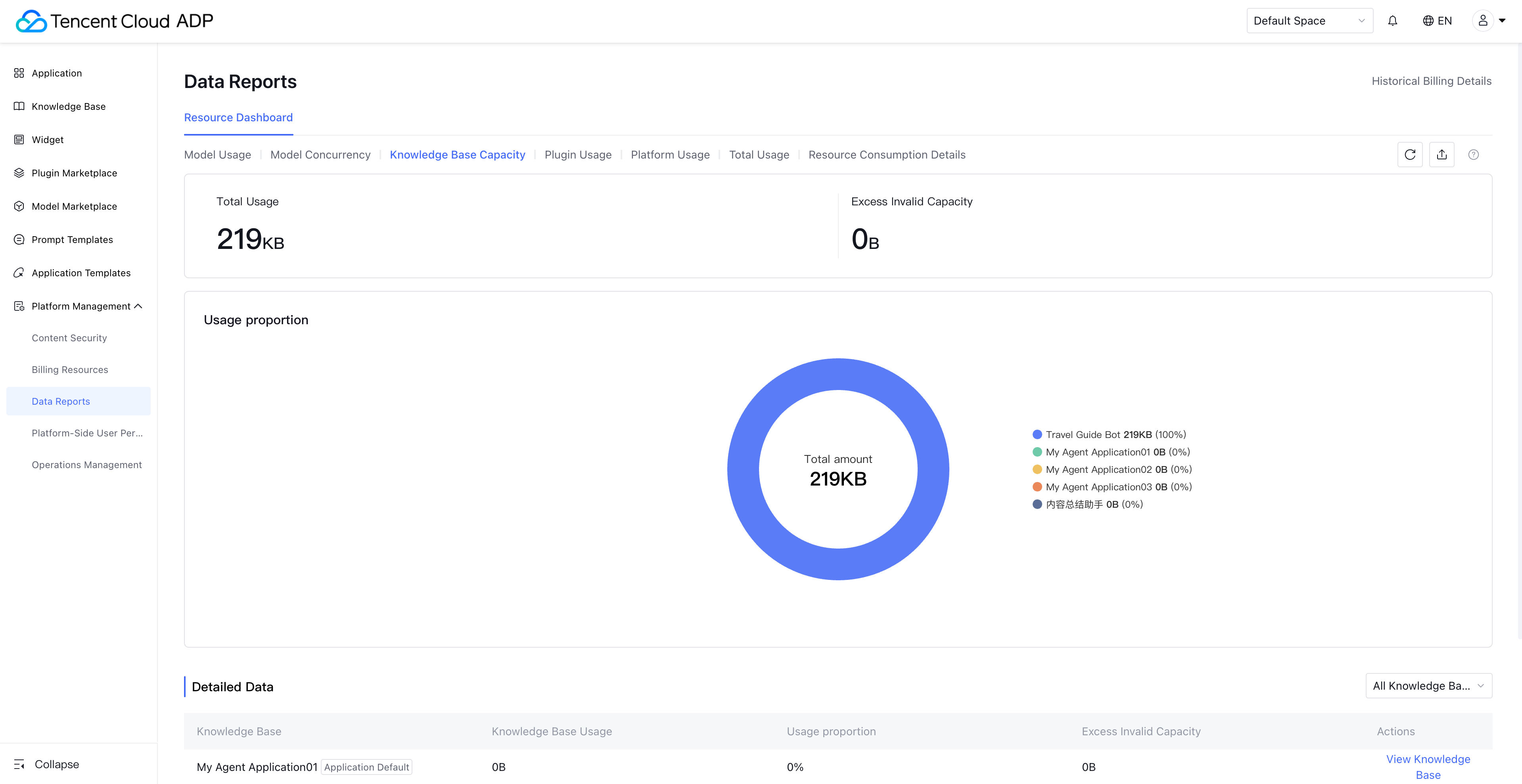
Knowledge Base Capacity: View the usage of knowledge in the knowledge base as well as the usage percentage of each knowledge base.
In the corporate view, you can view the amount of all knowledge bases under the business and resource usage.
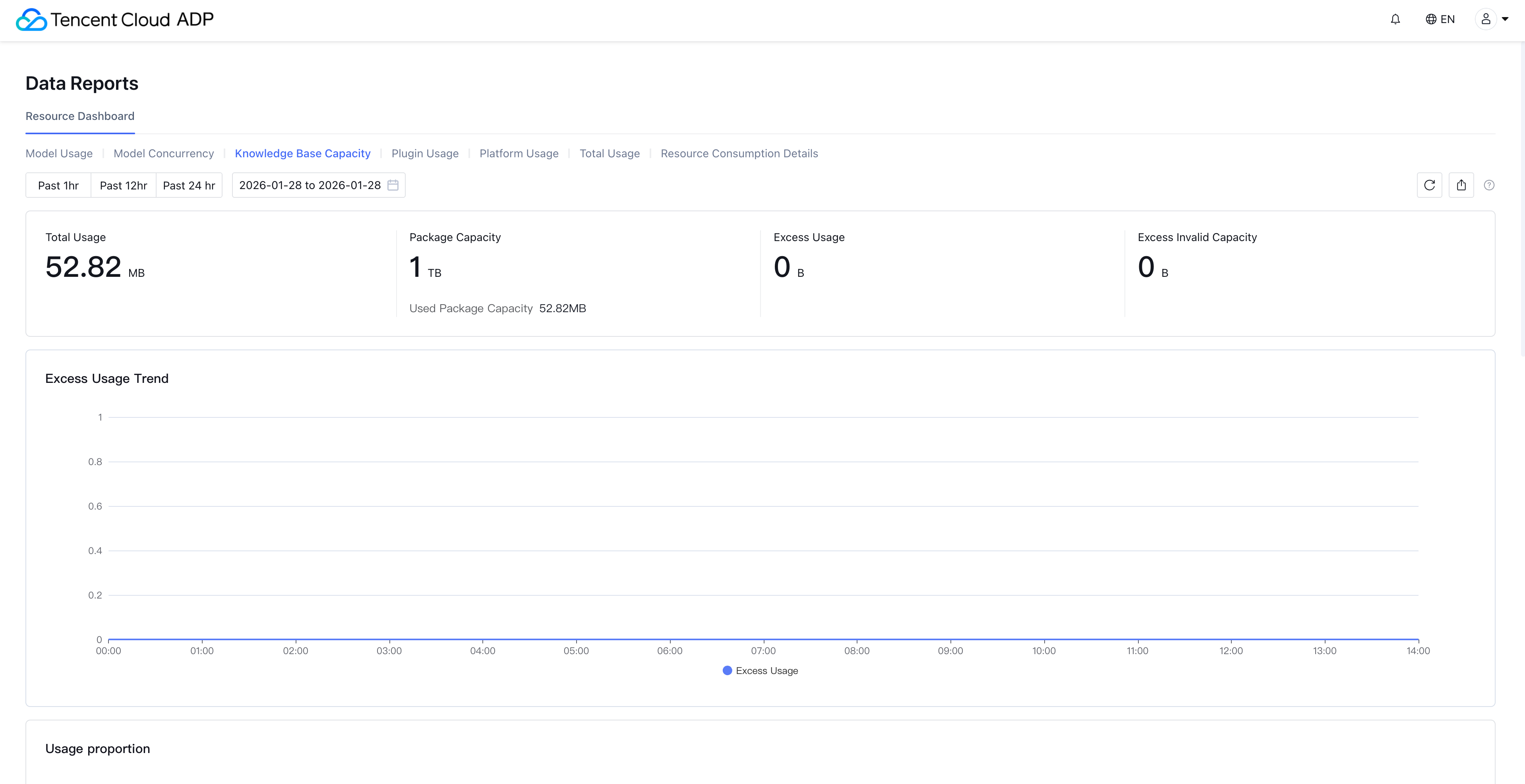
In the space view, you can view the usage of knowledge bases in the workspace and knowledge overage invalidation.
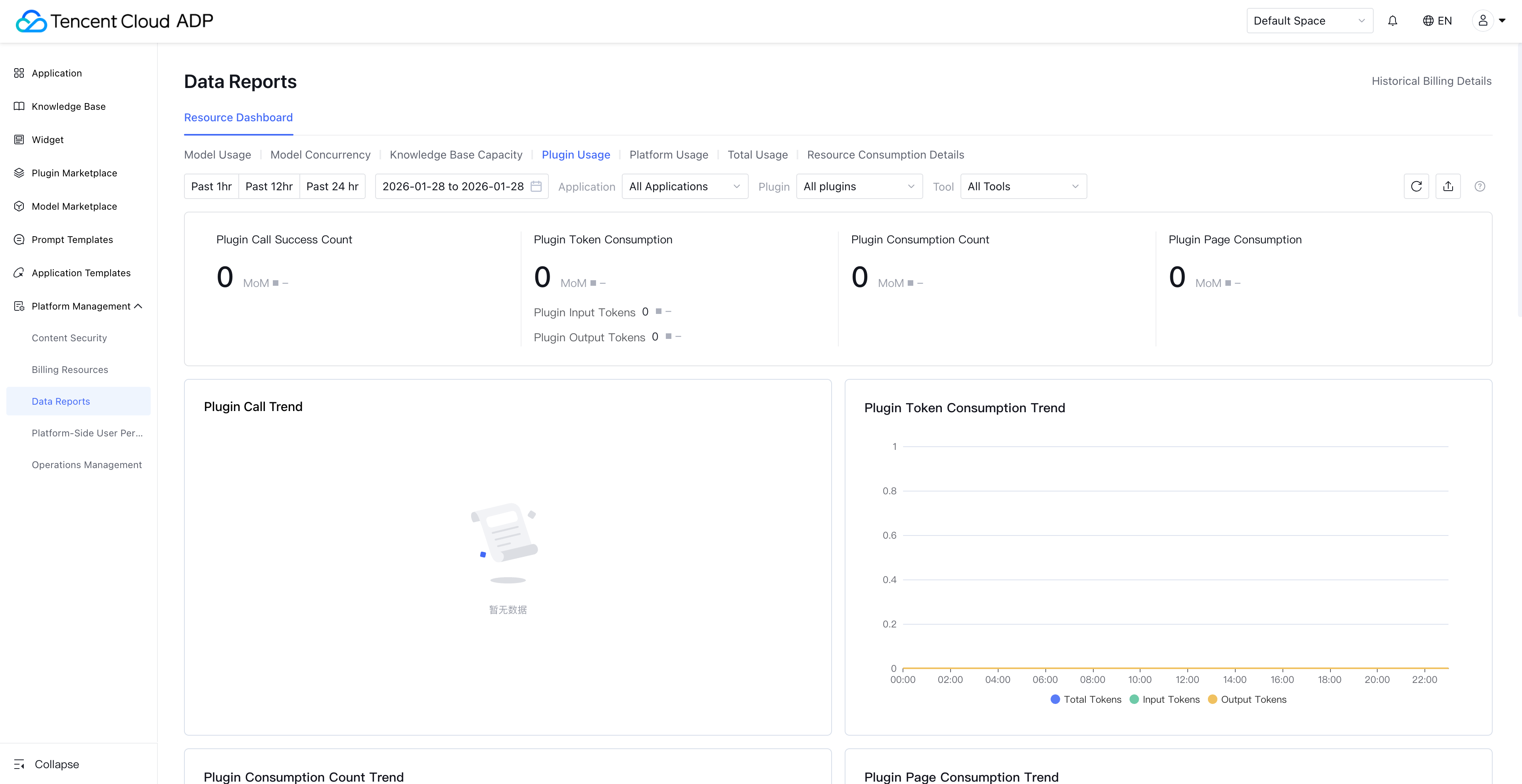
Plugin Usage: For paid plugins provided by Tencent Cloud ADP, you can view the usage in this report. For other third-party plugins and open beta plugins, you can only view the call count.
Note:
The knowledge base QA plug-in currently views consumption data in model amount.
Platform Usage: including long-term memory storage, security review calls, and online search call data.
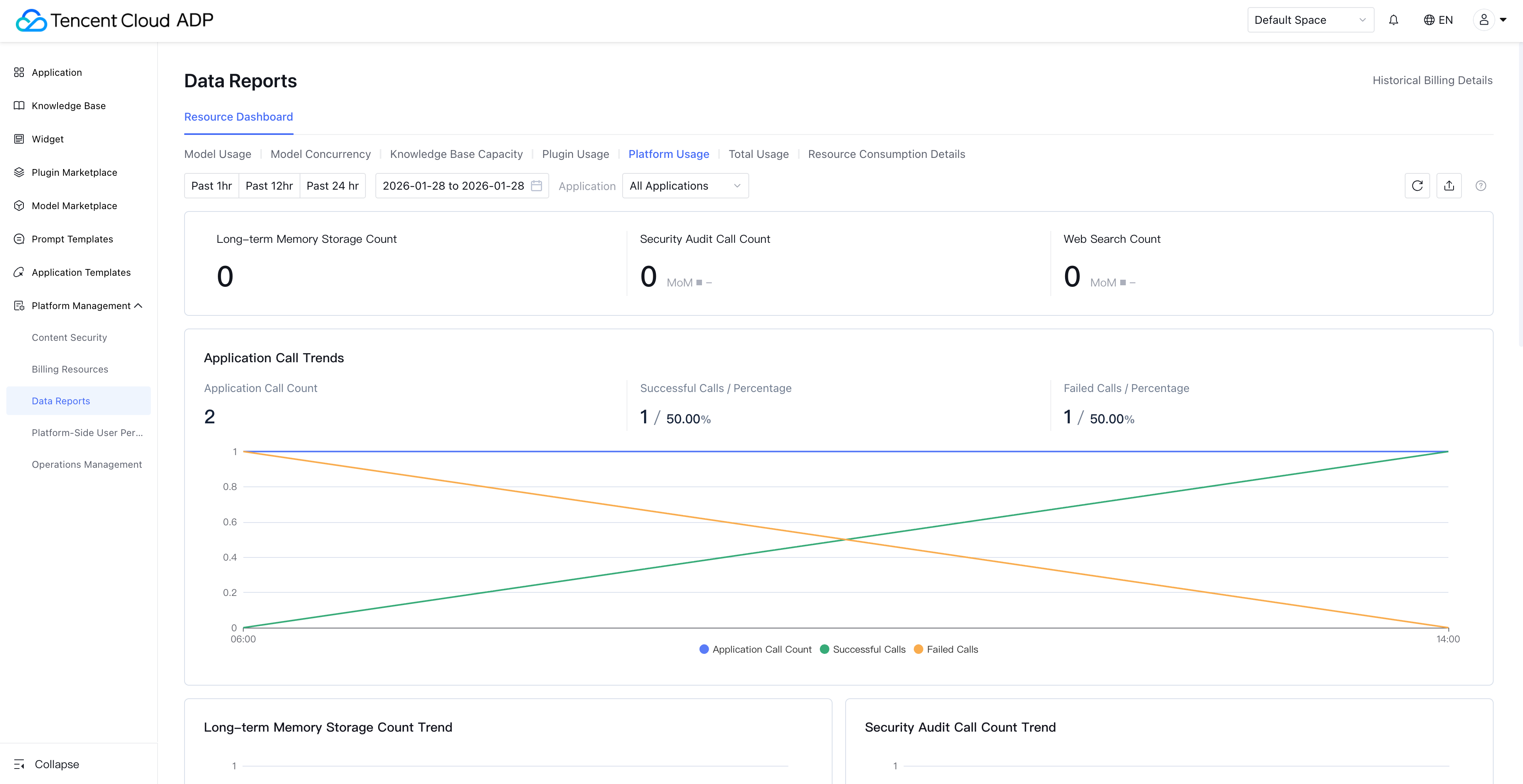
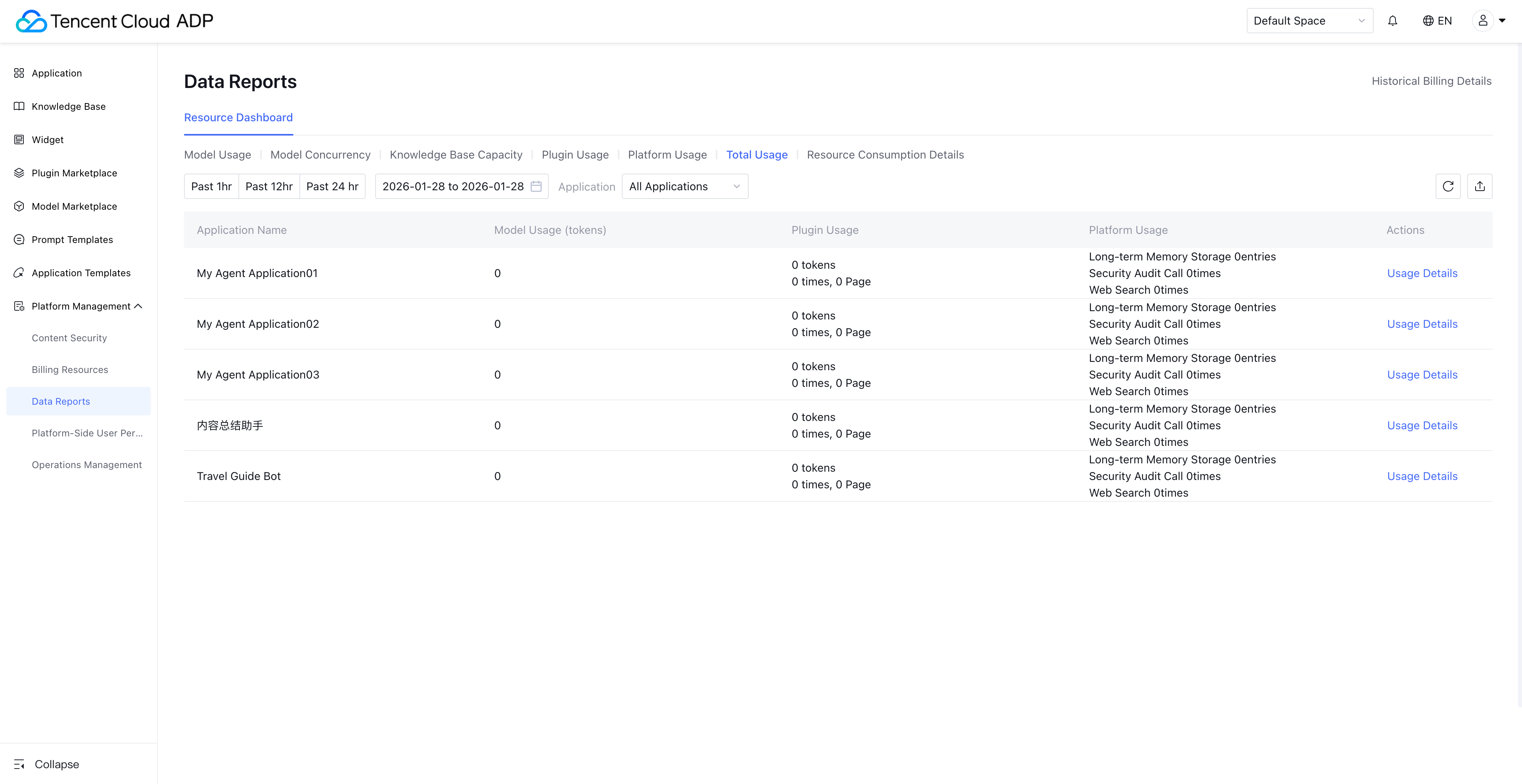
Total Usage: Support by application dimension to view grayscale resource summary of applications. This report does not include knowledge base and Widget usage.
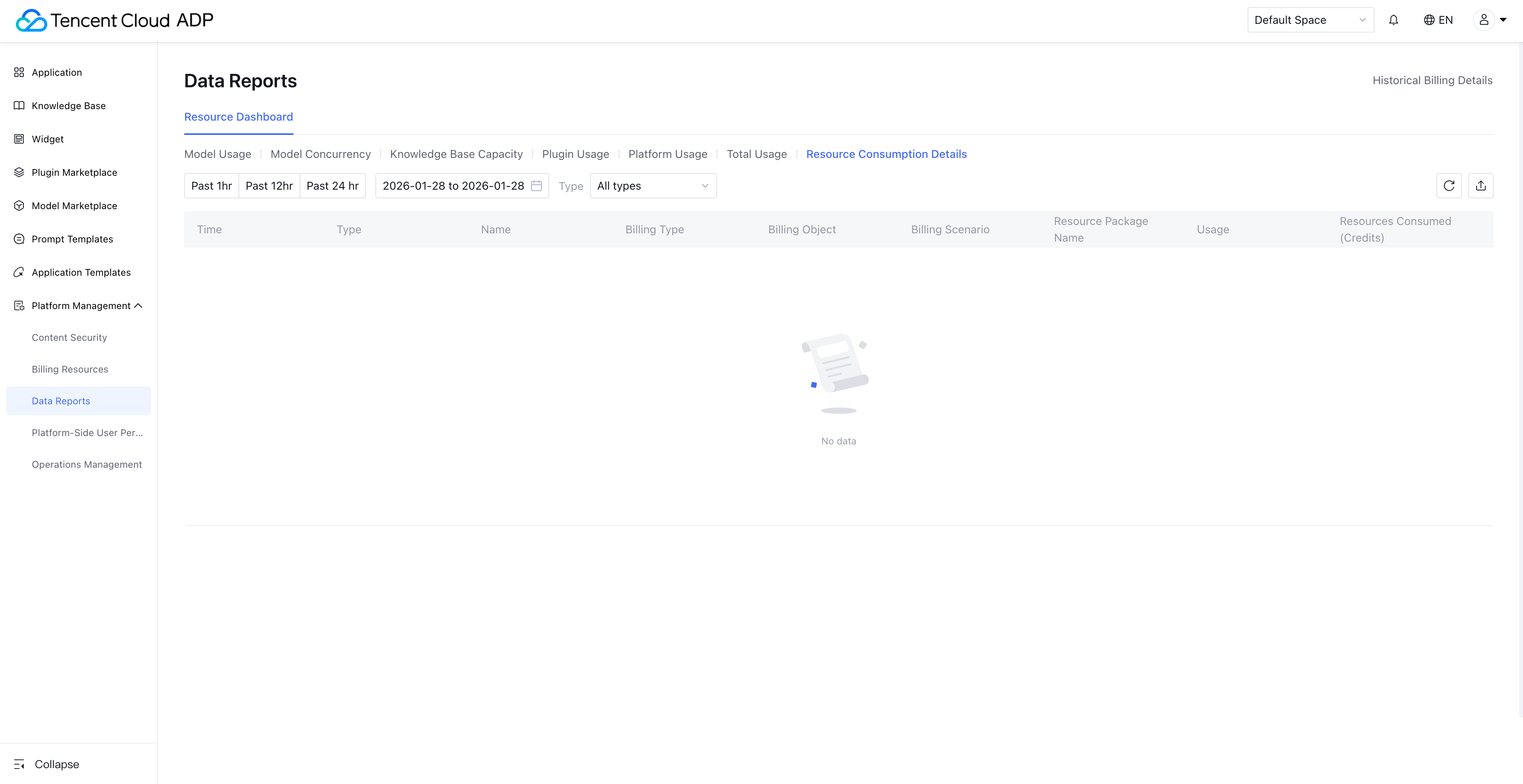
Resource Consumption Detail: You can view the resource consumption detail and PU resource deduction in this table. Data for today can be viewed the next day.
Note:
Except for resource consumption detail which can view the data of 30 days, the rest dashboards can view/export data of 90 days.
Help and Support
Was this page helpful?
You can also Contact sales or Submit a Ticket for help.
Help us improve! Rate your documentation experience in 5 mins.
Feedback