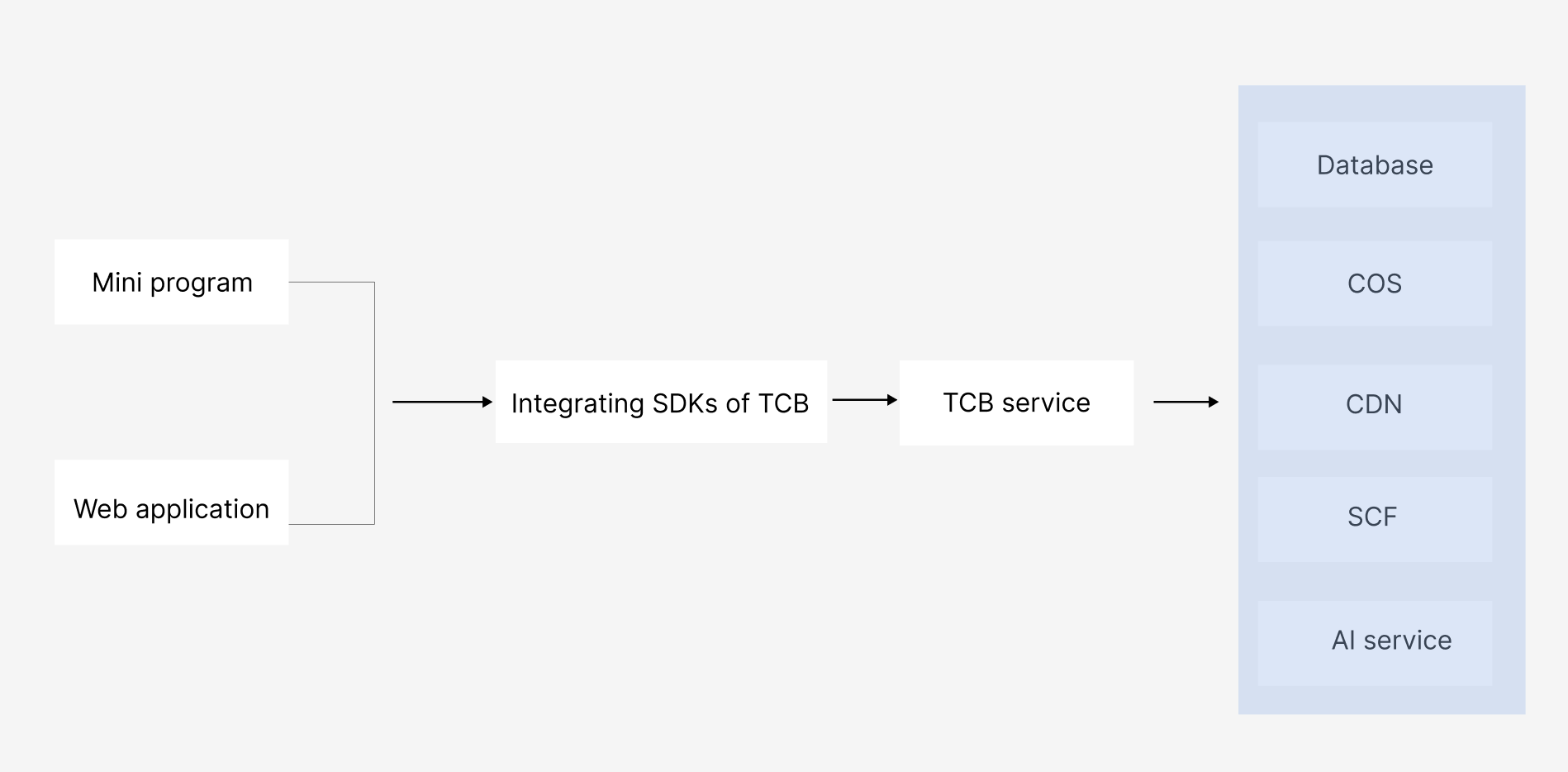
Under the architecture of CloudBase (TCB), the basic capabilities are applicable to development in various scenarios. Its overall architecture is as follows:
WeChat Mini Program
TCB provides complete native cloud support and WeChat service support for mini program developers, weakens backend and Ops concepts, eliminates the need to set up servers, and enables quick launch and iteration by using APIs provided by the platform for core business development.
WeChat Official Account/HTML5 Application/PC Web Application
TCB provides rich SDK capabilities for HTML5 applications, allowing developers to quickly build HTML5 applications that can serve as WeChat official account backends, regular HTML5 applications, and HTML5 event pages. They can also serve as PC Web backend applications, such as Web management systems and Web sites.
Basic Concepts
Application Association
To use the features of cloud functions, cloud storage, and cloud databases provided by TCB, you need to first add TCB to your web applications, namely, application association.
By obtaining the Web-side SDK provided by TCB and associating it with your web applications, you can operate backend resources. Copy the code snippet below and paste it at the bottom of your HTML code and before any other script tags, to add TCB to your web application. For example:
The login authentication methods supported by Web-side development of TCB are:
Anonymous login authorization
Authorization without login
Mailbox login authorization
Custom login authorization
Username and password login authorization
Note:
Developers can use different login methods based on different business scenarios. For detailed login authorization methods, see Overview.
Domain Name Authorization
TCB only allows pages under authorized domain names to access it through the SDK. Developers can add their websites from secure sources by adding the website domain names to be set to the allowlist for security verification.
Directions:
1. Log in to the TCB console, select environment in the left sidebar, and enter security configuration.
2. Click Add Domain Name to add an authorized domain name.
Note:
If only the secure domain name allowlist is added without selecting a login method for authentication, the client SDK cannot be used normally to call resources. These two security verifications need to be used in conjunction with each other.