In the sharing or embedding scenarios, when a user opens a page, we may want to apply default filters to the data, for example, displaying only data for a specific department. Business Intelligence (BI) enables data interaction between parameters and page components by adding parameters to the URL.
Prerequisites:
This document only introduces the parameter construction in the URL. To learn about the complete process, refer to the related documents on Sharing and Page Embedding.
In this document, you will learn:
How to construct a single parameter.
How to construct multiple parameters.
Constructing a Single Parameter
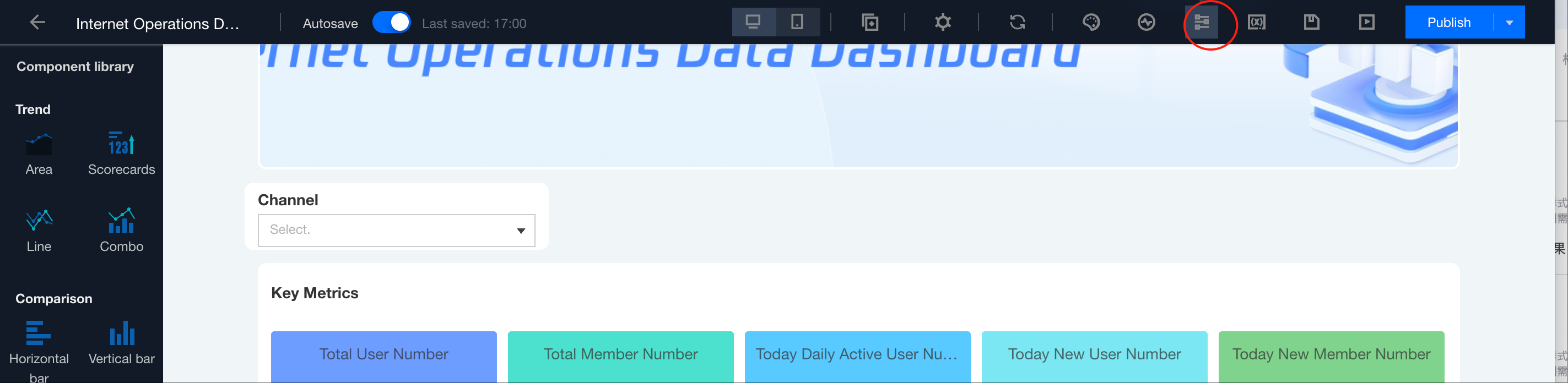
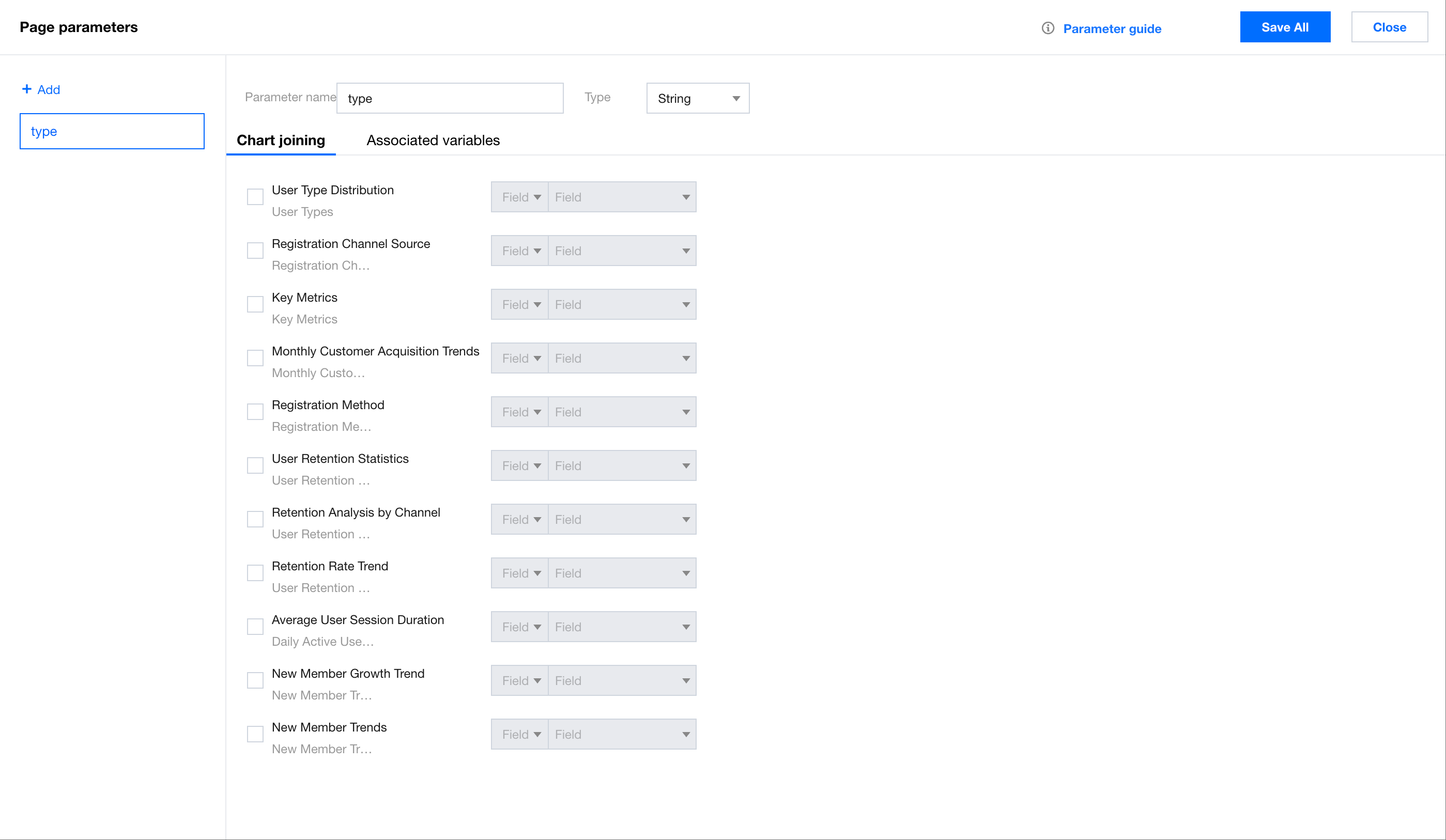
1. Obtain the parameter name: Obtain the parameter name through the Page Parameters feature.
As shown in the image above, we obtain the parameter name "type".
2. Assemble the parameter body: Use the following format to assemble the parameters to be passed.
/* Format */
value=${parameter_value}&target=${parameter_name}
/* For example, the following is equivalent to province being Shanghai. */
value=Shanghai&target=province
3. URL transcoding:
In a non-coding environment, you can also handle the parameters easily using the following format.
/* For example, the following is equivalent to province being Shanghai. */
params[]=value=Shanghai%26target%3Dprovince
Most browsers support transcoding Chinese characters. If the automatic transcoding fails, you can search for the online tool "urlEncode" to transcode the Chinese manually.
If generating links in batches with code, you can use the encodeURIComponent method to encode the parameter body.
//encodeURIComponent is the URL format conversion function.