With Kong Ingress Controller, Cloud Native API Gateway implements features, such as plugin configuration, health check, and load balancing for Kubernetes services. By integrating Kong Ingress Controller, Cloud Native API Gateway can be directly associated with the Kubernetes lifecycle. Ingress Controller monitors container cluster changes and updates Cloud Native API Gateway configurations to properly proxy all traffic, without needing manual management.
2. In the left sidebar, choose Cloud Native Gateway > Cloud Native Gateway. Click the target instance to go to the instance details, and then click Ingress on the left.
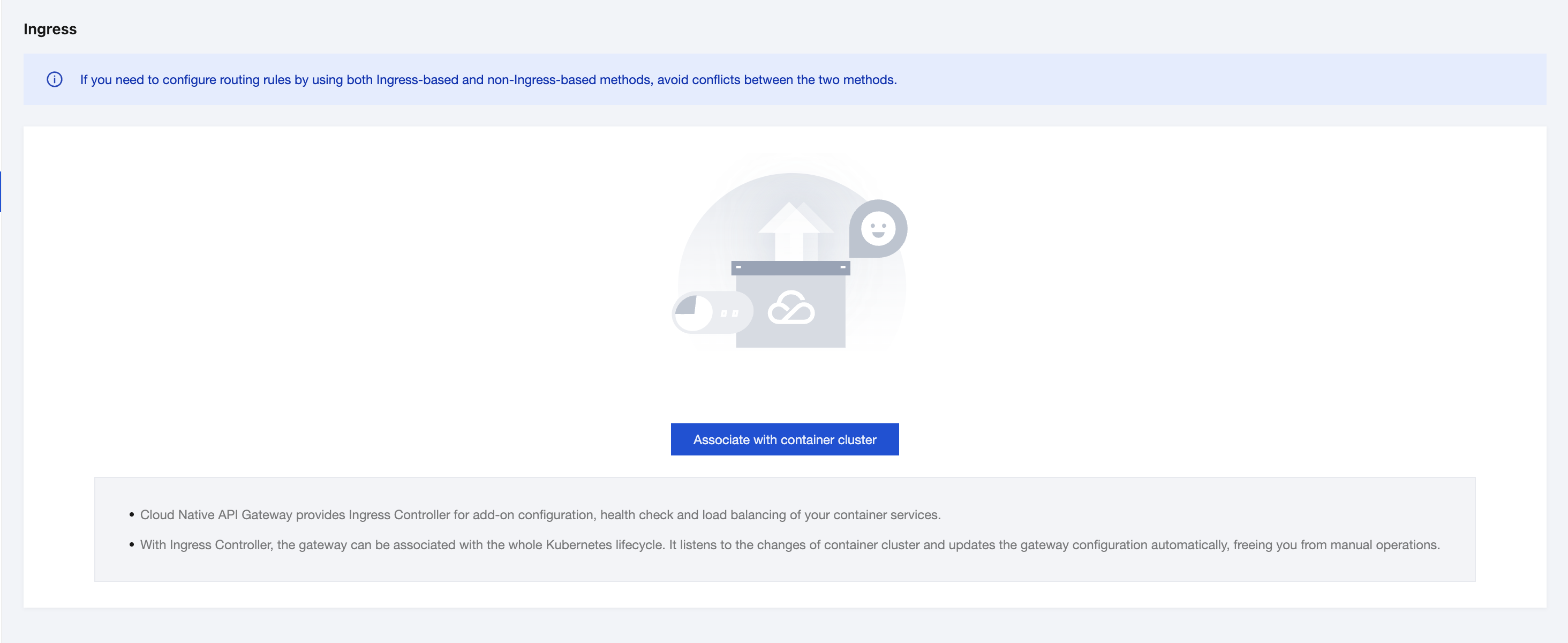
3. When no container cluster is associated with, a message indicating that a container cluster needs to be associated with is displayed on the page.
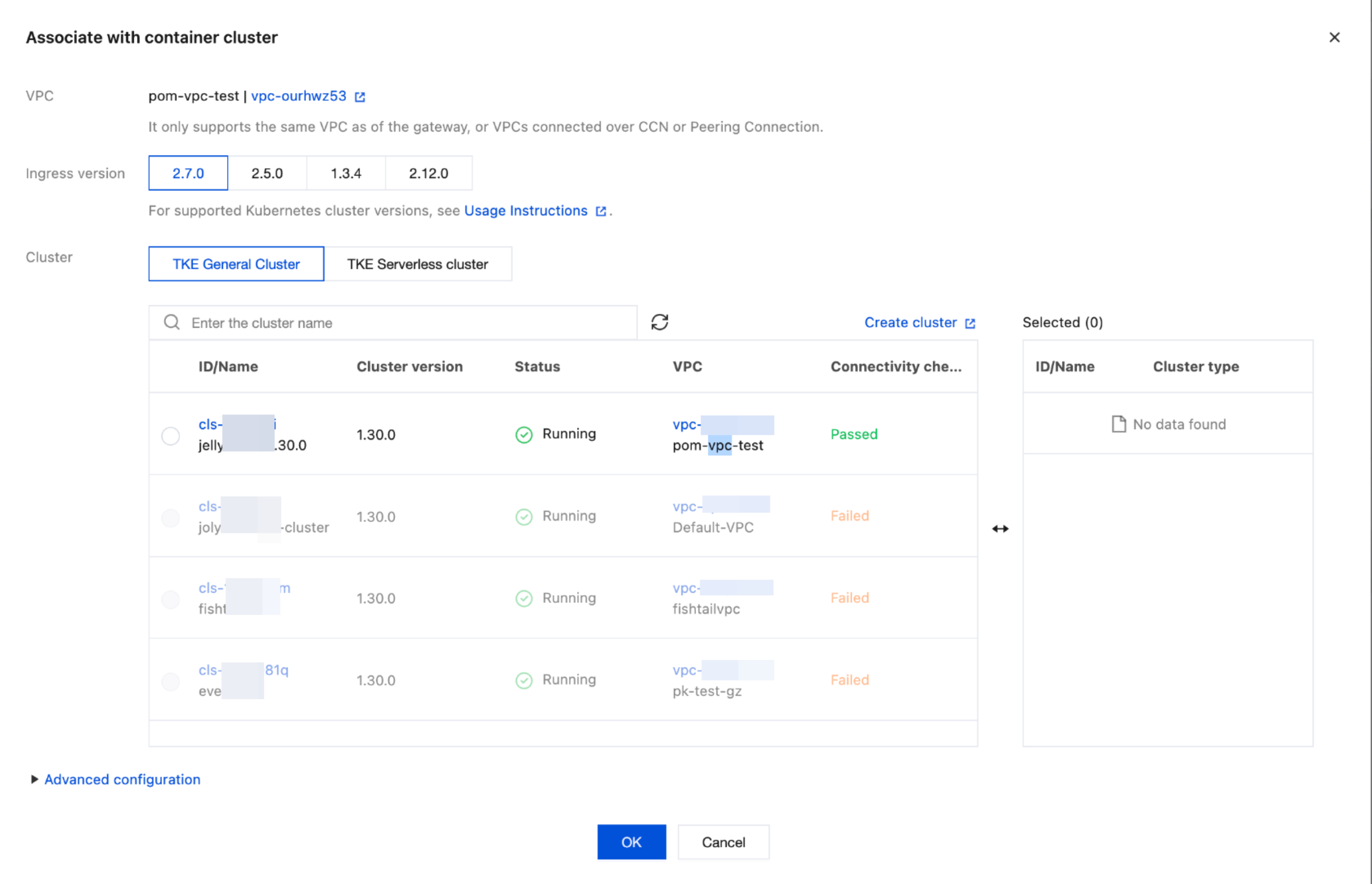
4. Click Associate Container Cluster Now, specify the cluster type and other information, and click OK to enable Kong Ingress Controller.
Note:
Select a container cluster connected to the gateway instance network, including those in the same Virtual Private Cloud (VPC) or in a VPC connected through Cloud Connect Network (CCN) or Peering Connection.
Ingress versions 2.7.0, 2.12.0, 2.5.0, and 1.3.4 are supported. Only Ingress version 2.7.0 supports associating with multiple container clusters.
IngressClass is set to kong by default. Custom Ingress classes can be configured to identify the gateway instance.
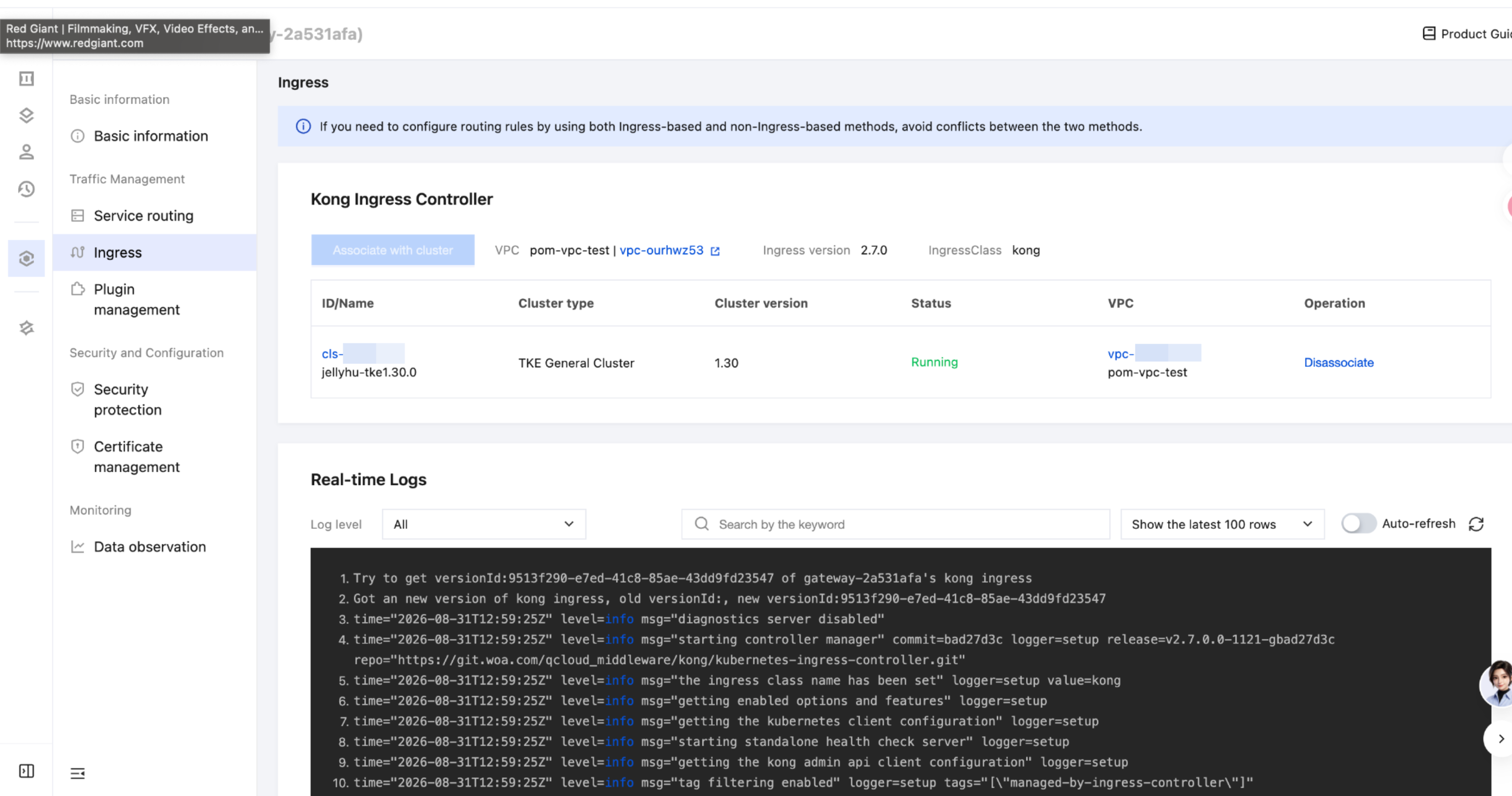
5. Confirm that information about the selected container cluster is displayed.
6. Create the corresponding Ingress rule (create it based on the information below). Configure the ingress.class field in the Kubernetes Ingress resource to the IngressClass name configured in Step 4.
Attention:
For Ingress resources with apiVersion set to v1beta1 and v1, the configuration methods vary. Configure Ingress resources based on the following examples. For detailed differences between different versions, see Cloud Native API Gateway official documentation.
Configure Ingress resources with apiVersion set to v1beta1 by referring to the following example.
apiVersion: extensions/v1beta1
kind: Ingress
metadata:
name: demo
annotations:
kubernetes.io/ingress.class: kong
spec:
rules:
- http:
paths:
- path: /tse
backend:
serviceName: nginx
servicePort: 80
Configure Ingress resources with apiVersion set to v1 by referring to the following example.
apiVersion: networking.k8s.io/v1
kind: Ingress
metadata:
name: demo-v1
annotations:
konghq.com/plugins: "httpbin-auth"
spec:
ingressClassName: kong
rules:
- http:
paths:
- path: /demo-v1
pathType: Prefix
backend:
service:
name: nginx
port:
number: 80
7. Click Service Routing > Service on the left to go to the service list and check whether the corresponding service is generated.
8. If the service is generated, click the service name to go to the service details page, and click the Service Information tab to check whether the node information exists.
Step 2: Disabling Kong Ingress Controller
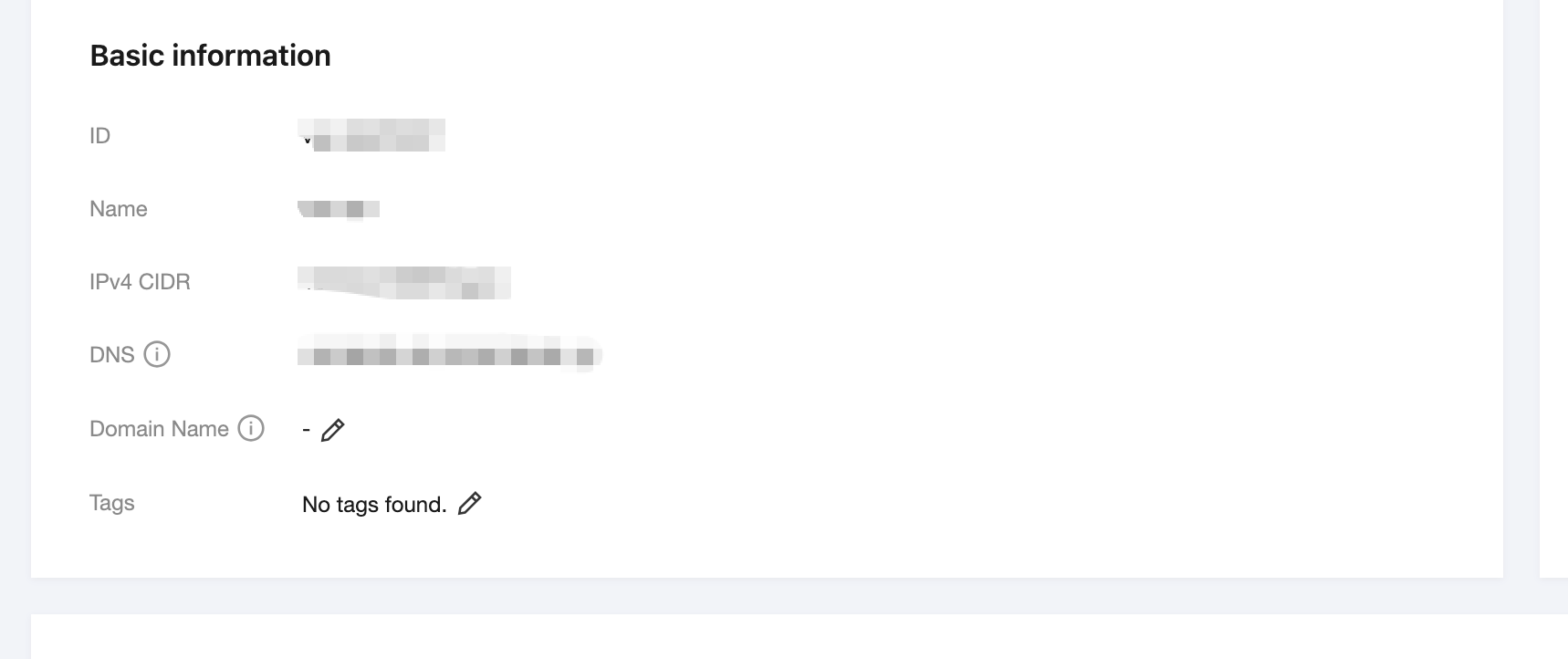
1. On the Cloud Native API Gateway instance details page, click the Basic Information tab and click the Kong Ingress Controller card.
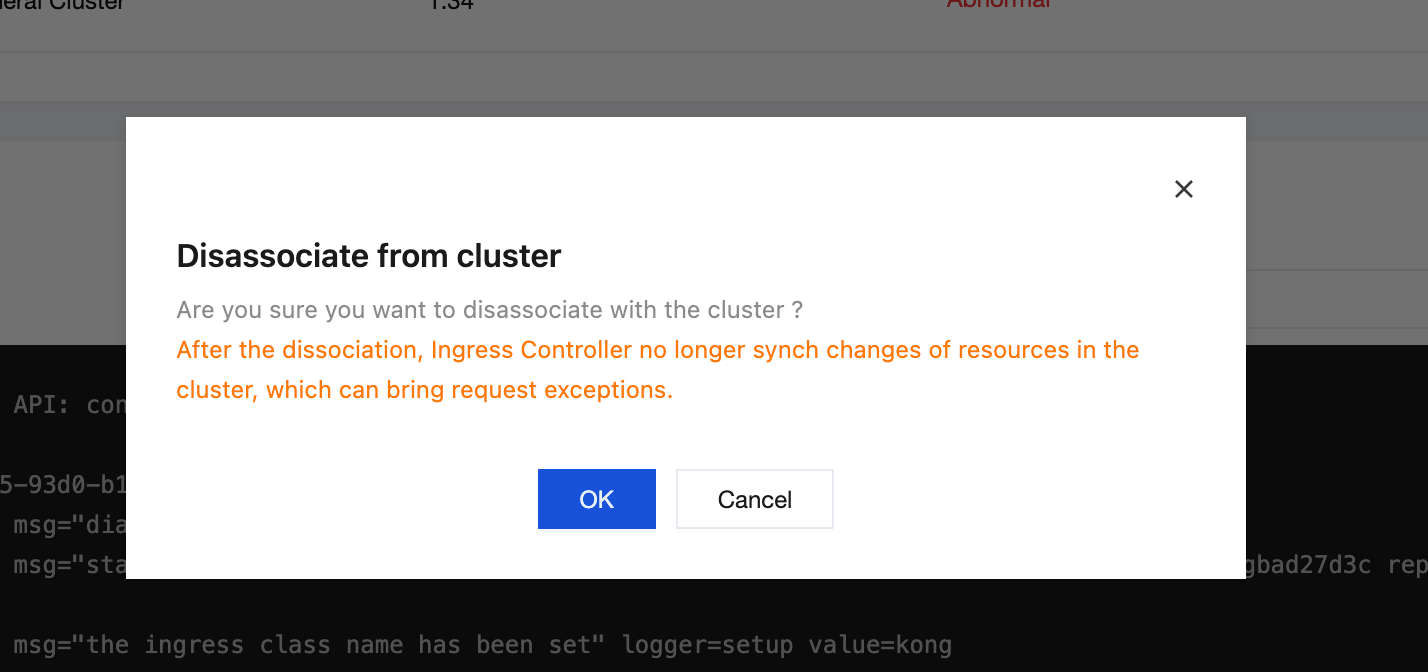
2. Click Disassociate in the Operation column of the target container cluster to disassociate with the cluster.
Attention:
After Kong Ingress Controller is disabled, Cloud Native API Gateway no longer monitors container cluster changes, resource changes cannot be synchronized to the gateway instance, and access to TKE through the gateway may be abnormal.