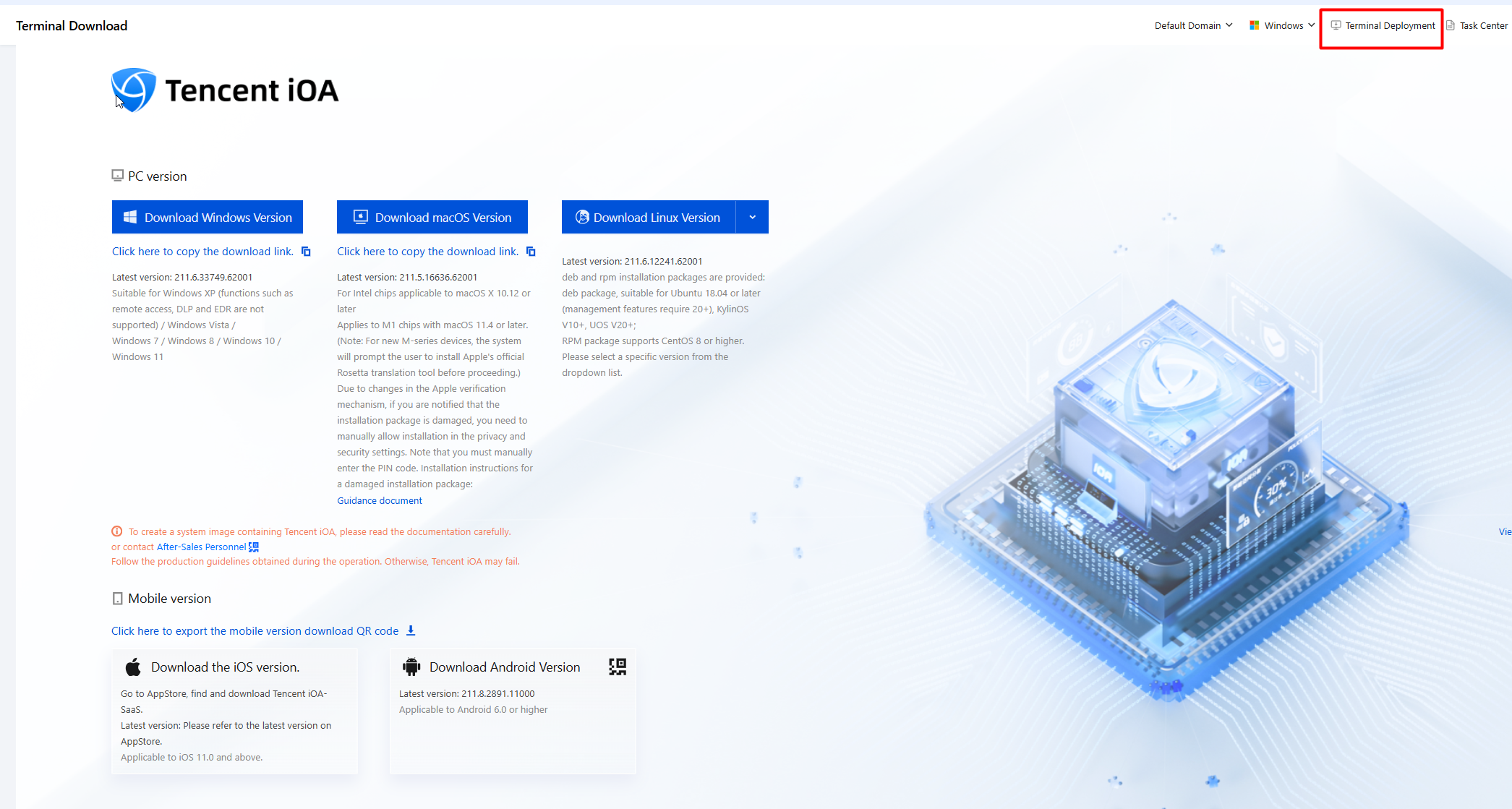
2. On the terminal deployment page, the administrator can select the corresponding client version to download and send the installation package to users via email or other methods for self-installation.
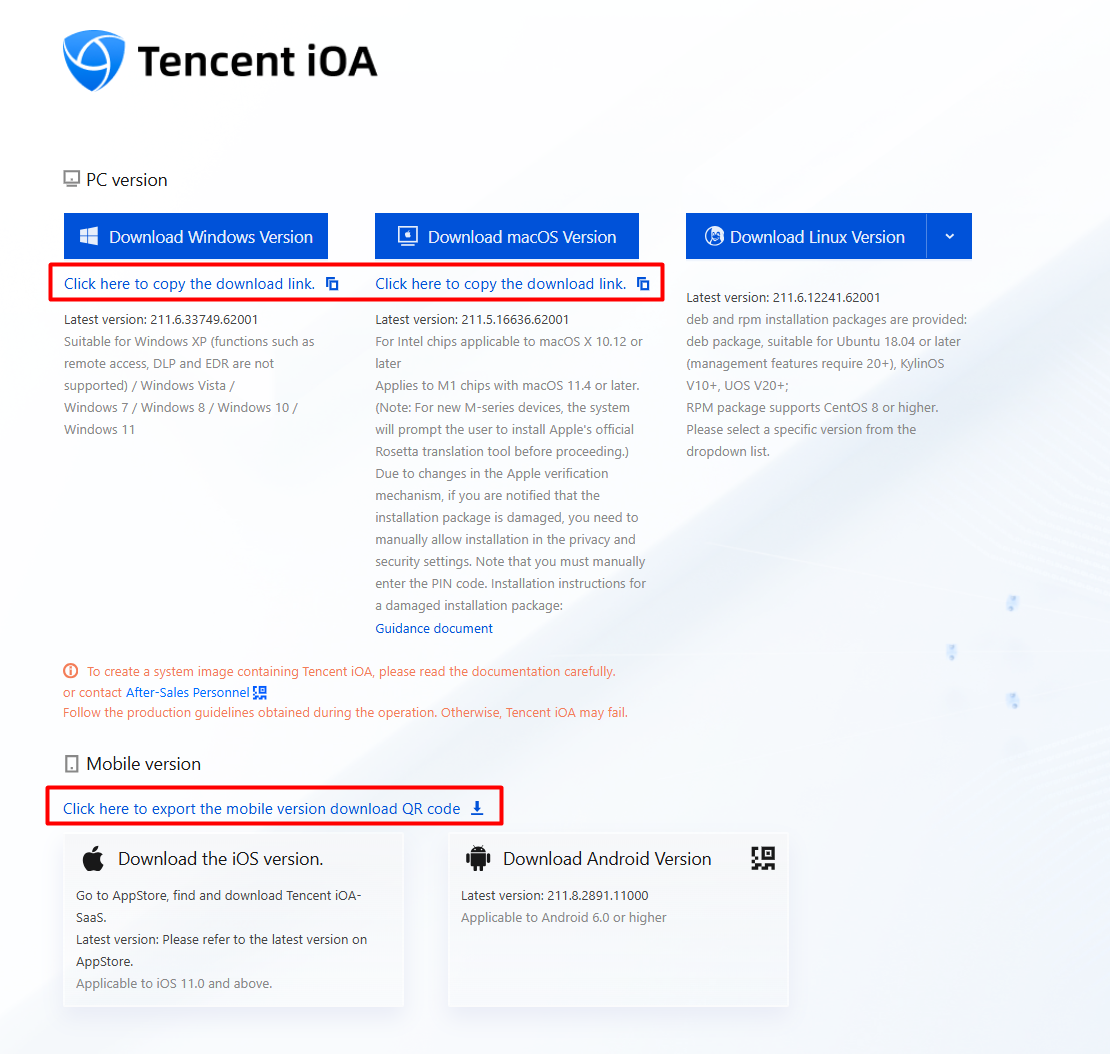
3. Copy the client download URL/export the download QR code. You can then send the installation package to users via email or other methods for self-installation.
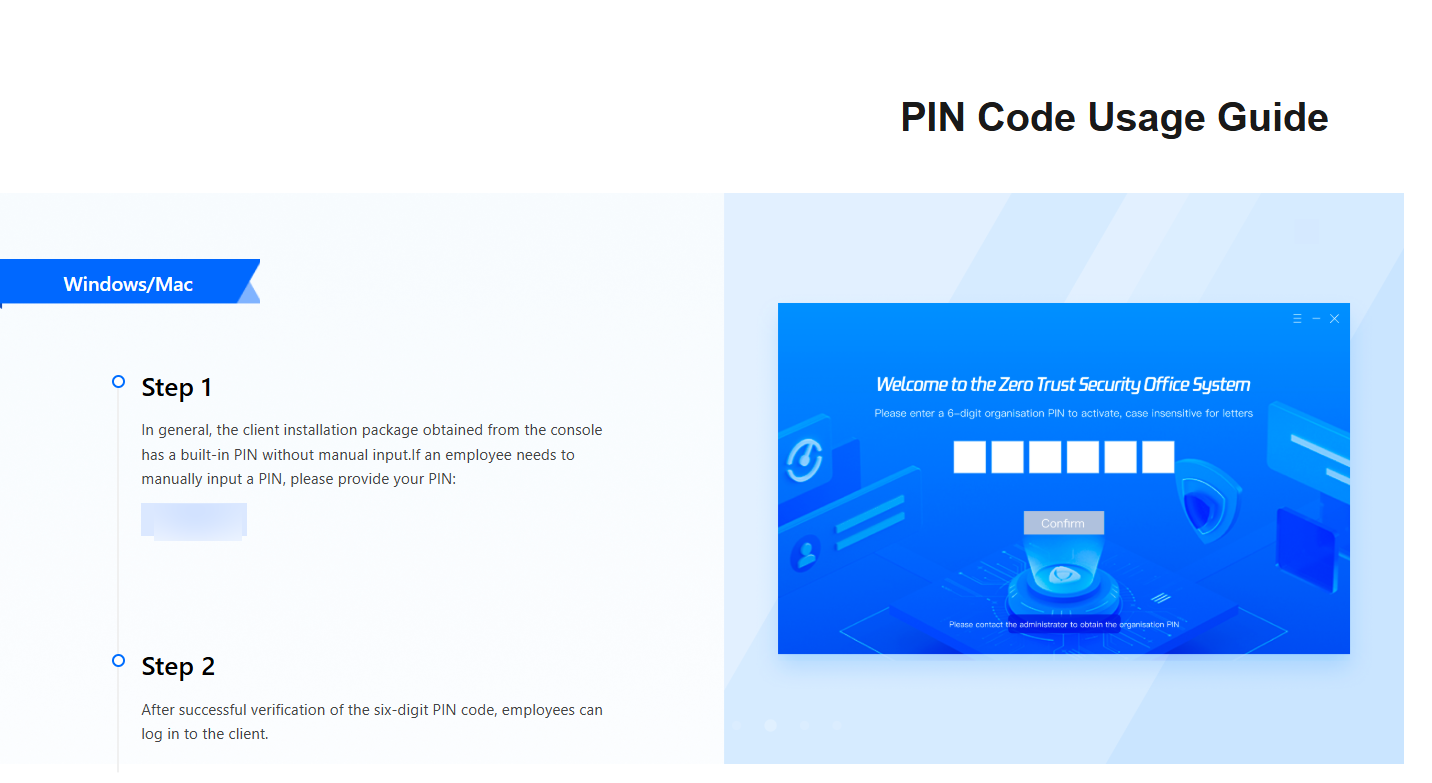
4. Scroll down on the client deployment page to obtain the PIN and usage instructions.
Note:
This PIN is a unique identifier for your company. If manual entry is required, instruct employees to enter this PIN manually.
5. After installation is complete, click the corresponding icon to open the iOA client.