结合 Supabase 快速构建后端服务
下载
聚焦模式
字号
Supabase 提供基于 PostgreSQL 的全栈开发平台,集成实时数据库、身份认证、自动生成 API、对象存储和边缘函数,具备开箱即用的实时数据同步、细粒度权限控制及 Serverless 扩展能力,支持开发者快速构建 AI 集成的现代化应用,同时保持对 SQL 和开源生态的完全掌控。更详细的 Supabase 功能请参考 官方文档。
本文将指引您快速部署 Supabase,并配置连接云数据库 PostgreSQL 作为后端数据库,快速搭建应用。
环境准备
拉取 Supabase 代码
# Get the codegit clone --depth 1 https://github.com/supabase/supabase# Make your new supabase project directorymkdir supabase-project# Tree should look like this# .# ├── supabase# └── supabase-project# Copy the compose files over to your projectcp -rf supabase/docker/* supabase-project# Copy the fake env varscp supabase/docker/.env.example supabase-project/.env# Switch to your project directorycd supabase-project# Pull the latest imagesdocker compose pull
修改 .env 文件
修改
supabase-project/.env 文件的如下几项,请确保云数据库 PostgreSQL 实例中已创建对应的账号。POSTGRES_HOST=云数据库 PostgreSQL 实例 vipPOSTGRES_DB=postgresPOSTGRES_USER=supabase_adminPOSTGRES_PORT=5432POSTGRES_PASSWORD=云数据库 PostgreSQL 实例账号密码
修改 docker-compose.yml 文件
修改
supabase-project/docker-compose.yml 文件,搜索 external Postgres database 关键字,文件中有提示,如果使用外部 PG,将对应部分注释掉:depends_on:# db:# Disable this if you are using an external Postgres database# condition: service_healthy
在云数据库 PostgreSQL 中创建对象
在拉起 Supabase 之前,我们需要创建一些对象(user、database、schema),否则会导致 Supabase 无法拉起。此处的密码应该与POSTGRES_PASSWORD 配置的密码一致。
CREATE USER supabase_admin pg_tencentdb_superuser password '你的密码';CREATE DATABASE _supabase;create schema _analytics;
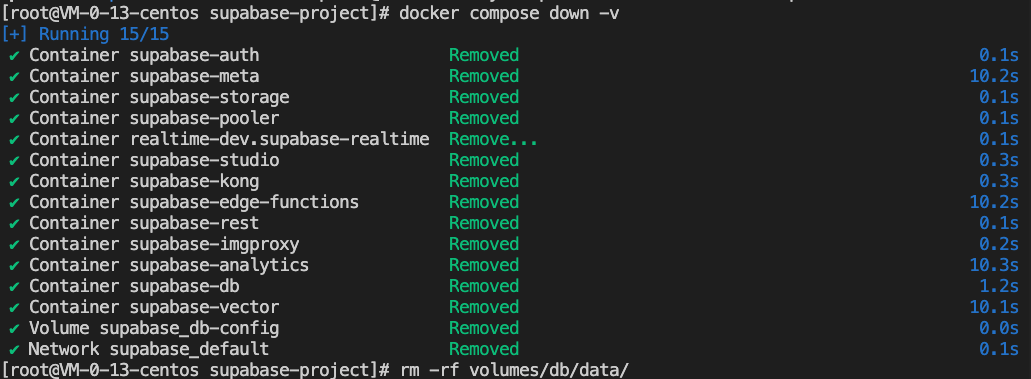
清除缓存
如果之前未启动过 Supabase,无需执行此步骤。
# Stop docker and remove volumes:docker compose down -v# Remove Postgres data:rm -rf volumes/db/data/
启动 Supabase
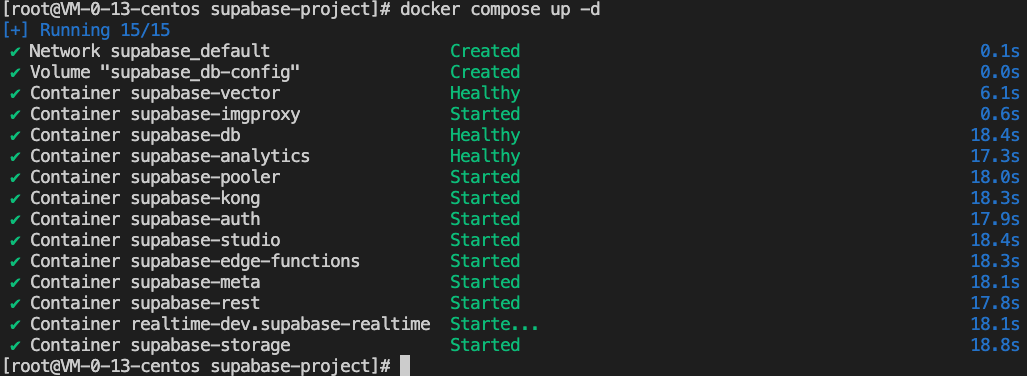
上述配置完成后,即可启动 Supabase。
docker compose up -d
登录 Supabase 界面
访问虚拟机实例外网 IP 对应的如下链接:http://虚拟机实例外网 IP :8000/,Supabase 提供的初始化账号密码为:
supabase
this_password_is_insecure_and_should_be_updated
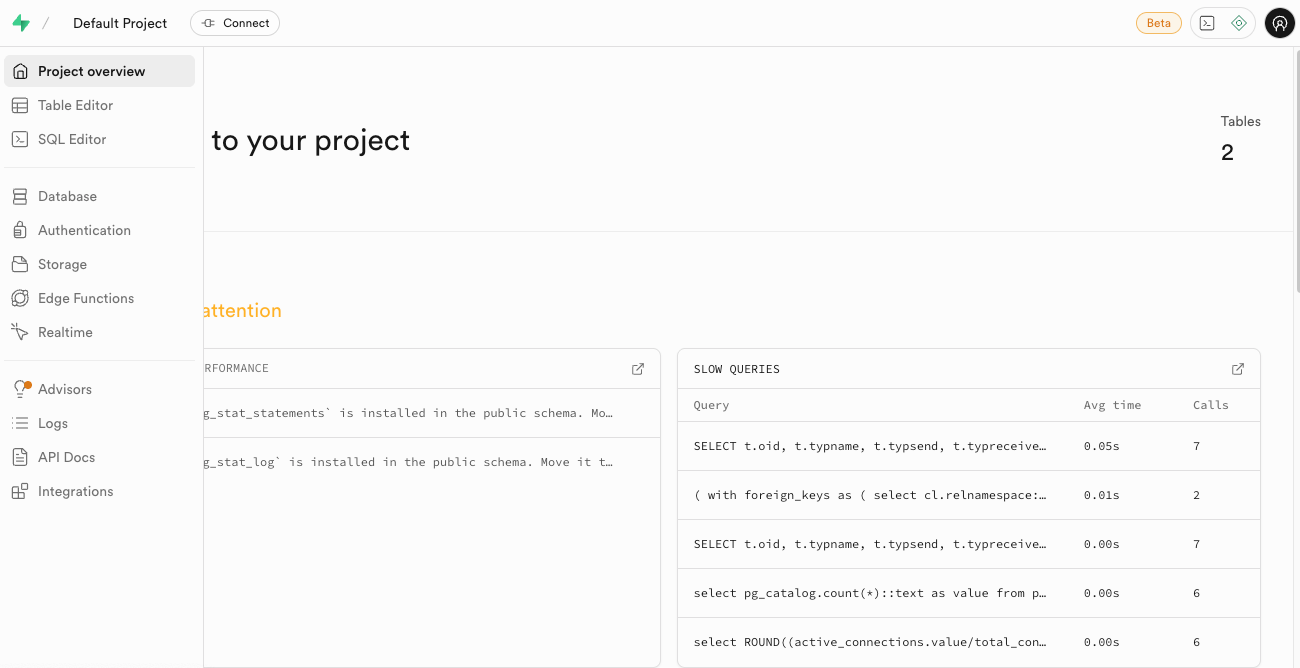
成功登录后的界面:
文档反馈