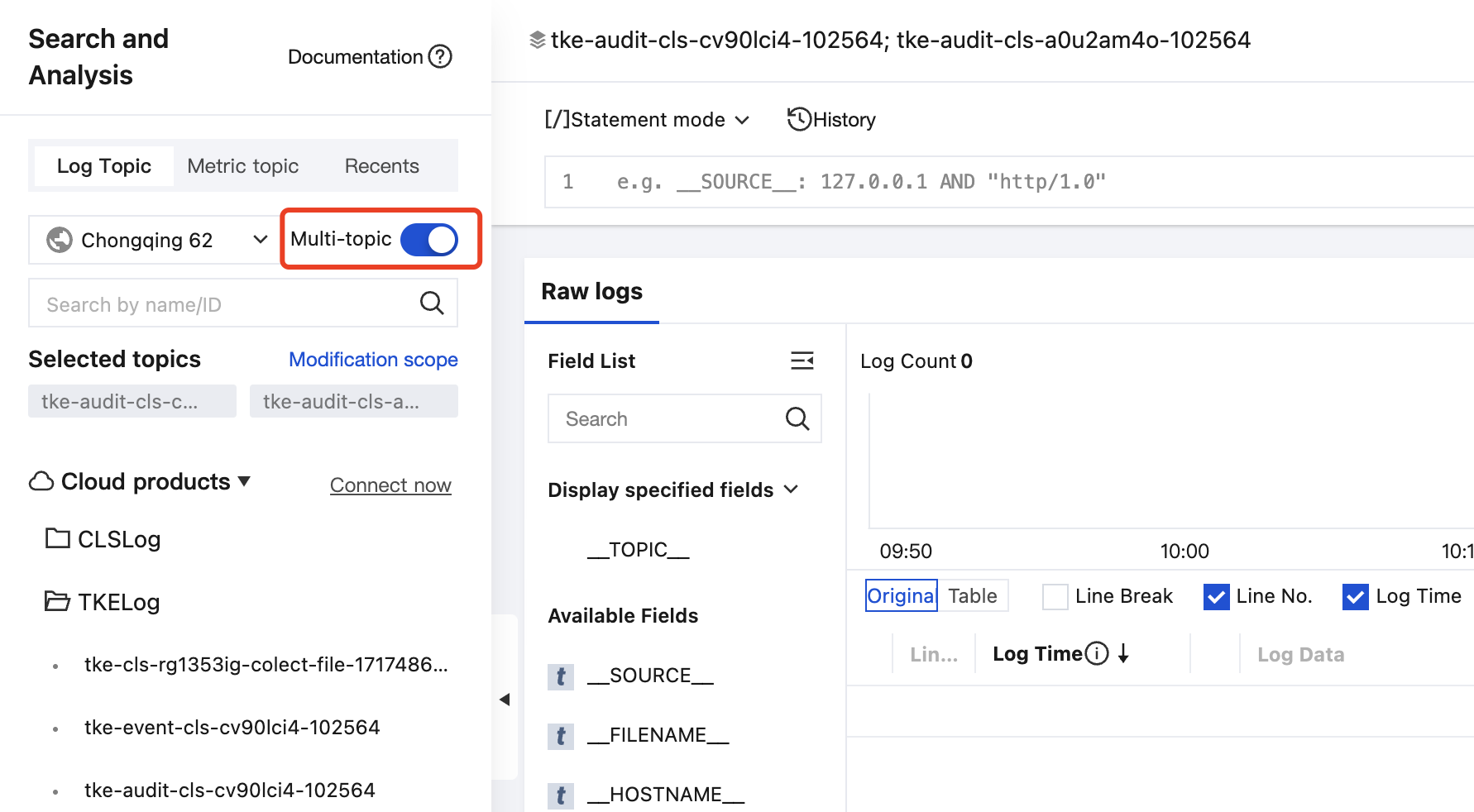
Multi-topic retrieval is used to centrally retrieve logs distributed across multiple log topics, for example, by RequestID to retrieve related logs across log topics. This document shows you how to use multi-topic retrieval.
Use Limits
Supports selecting log topics across log sets, but does not support selecting log topics across regions.
Up to 50 log topics can be searched simultaneously.
Only supports retrieval of raw logs, SQL-based statistical analysis is not supported yet.
2. In the left sidebar, click Search and Analysis to enter the retrieval analysis page.
3. Enable Multi-topic in the upper left corner to enter multi-topic retrieval mode, then select the log topics to be searched and click OK.
4. Enter the retrieval and analysis statement, select the time range on the right side, and then click
to execute the retrieval.
Notes:
When the index configuration among multiple topics is inconsistent, the retrieval statement may report errors under some log topics. At this time, only the data and error information of log topics without error reporting are displayed. For example, Topic A has the field KeyA and enables the key-value index, but Topic B does not have this field. When using the retrieval statement KeyA:xxx to perform retrieval, Topic B execution will report an error, and only logs related to Topic A can be viewed.