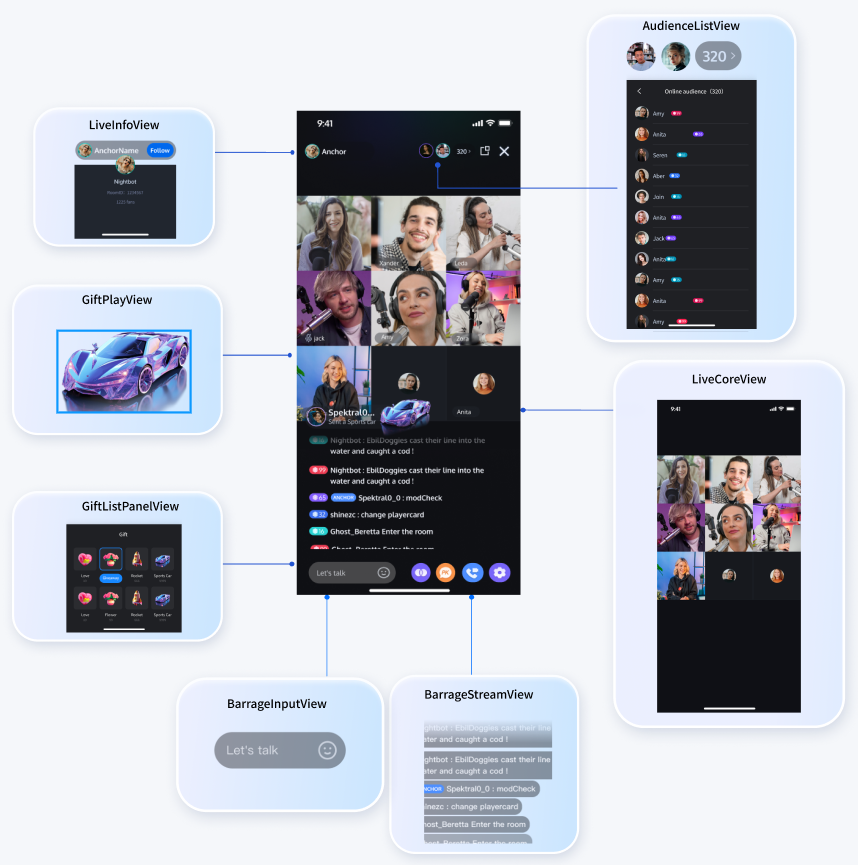
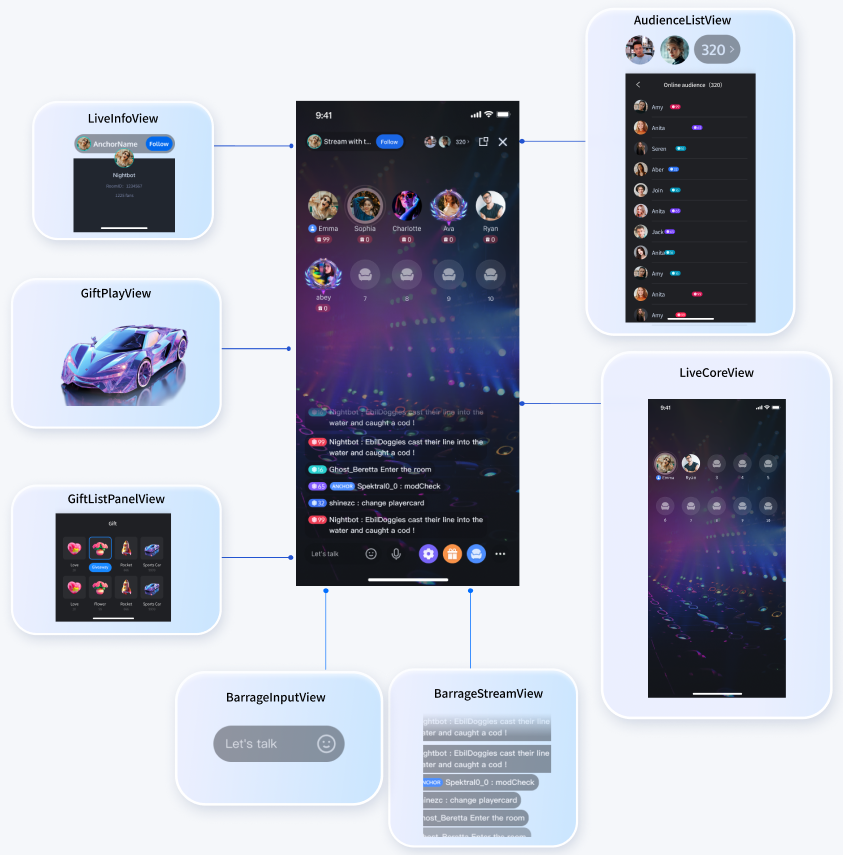
When integrating a single feature, we provide a series of UI components for live-streaming scenarios, including audio and video core components, voice chat core components, live room information components, audience list components, message components, gift components, and more. Based on these UI components, you can quickly build your own live streaming business logic like building blocks.
Effect Display
Live Streaming Scenarios
Voice Chat Scenarios
Component Overview
Component English Name
Component Chinese Name
Supported Platforms
Function
Thumbnail
LiveCoreView
Live stream core component
Android,iOS,Flutter
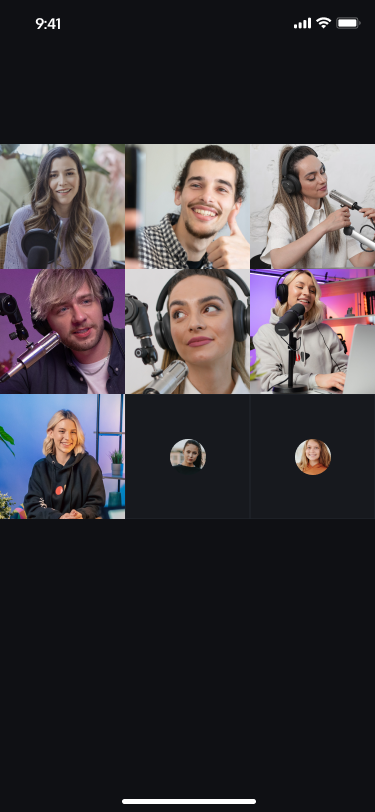
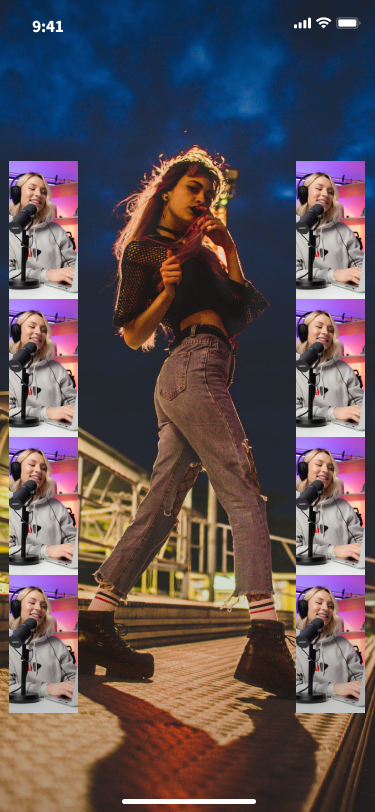
The live stream core component provides various APIs such as preview before broadcasting, starting video live streaming, stopping video live streaming, connecting with the audience in the live streaming room, and cross-room connection with other anchors.
SeatGridView
Voice chat core component
Android,iOS,Flutter
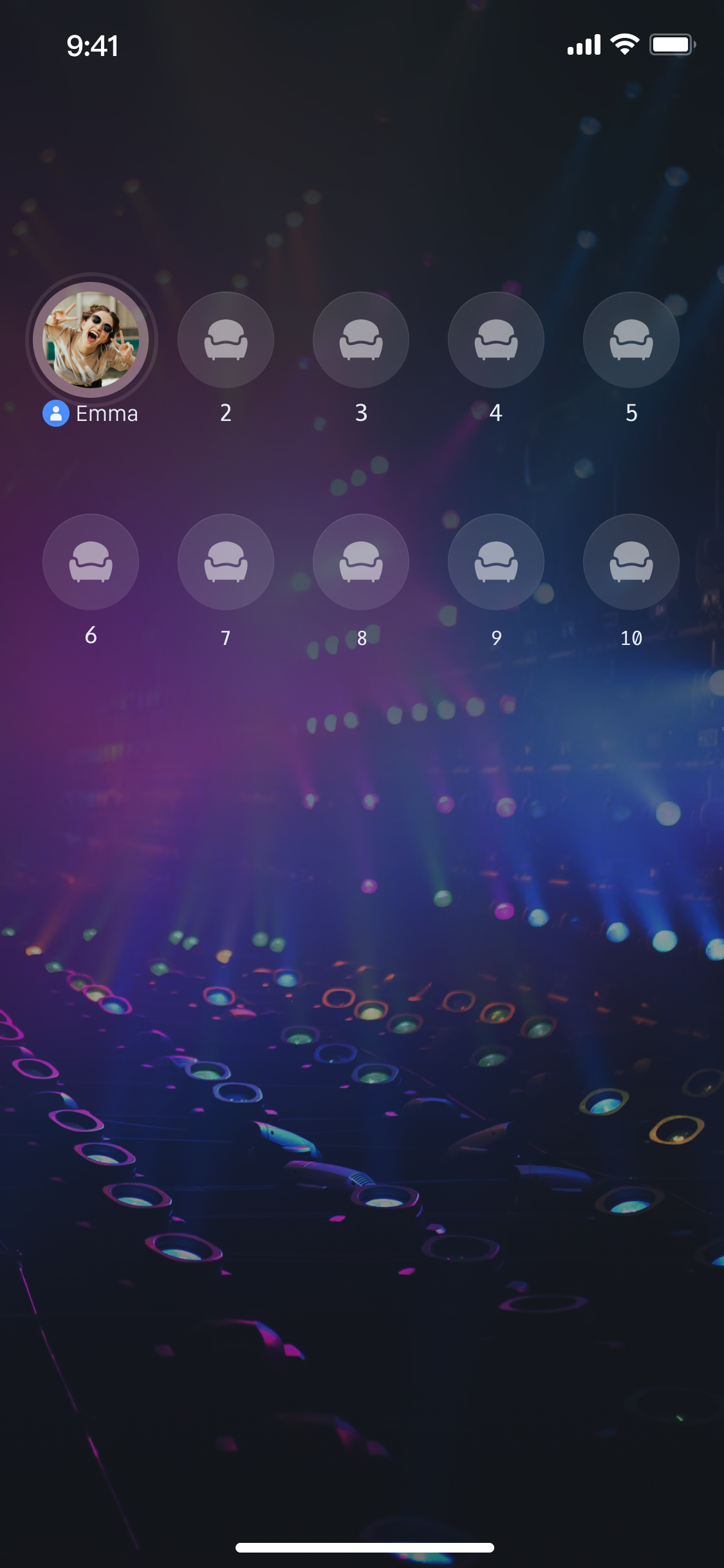
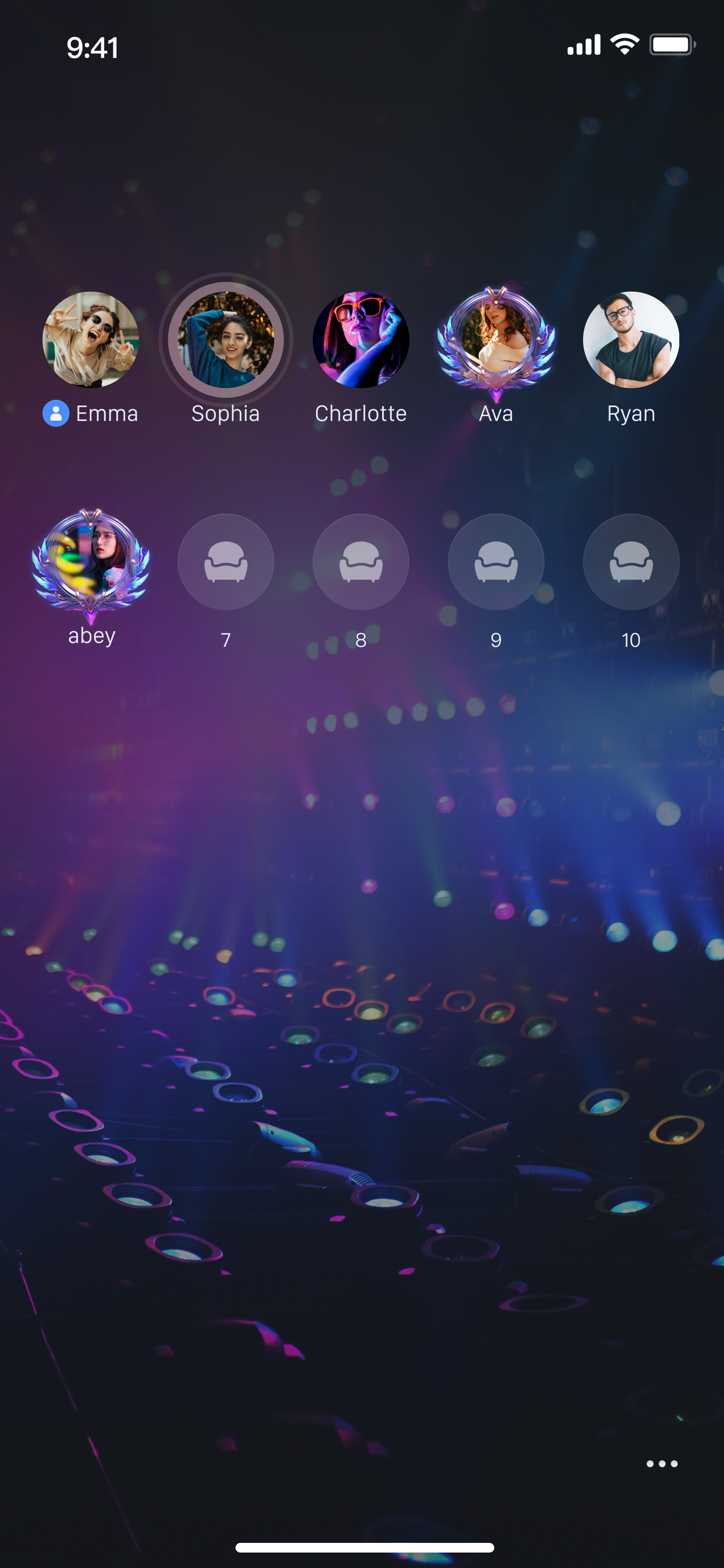
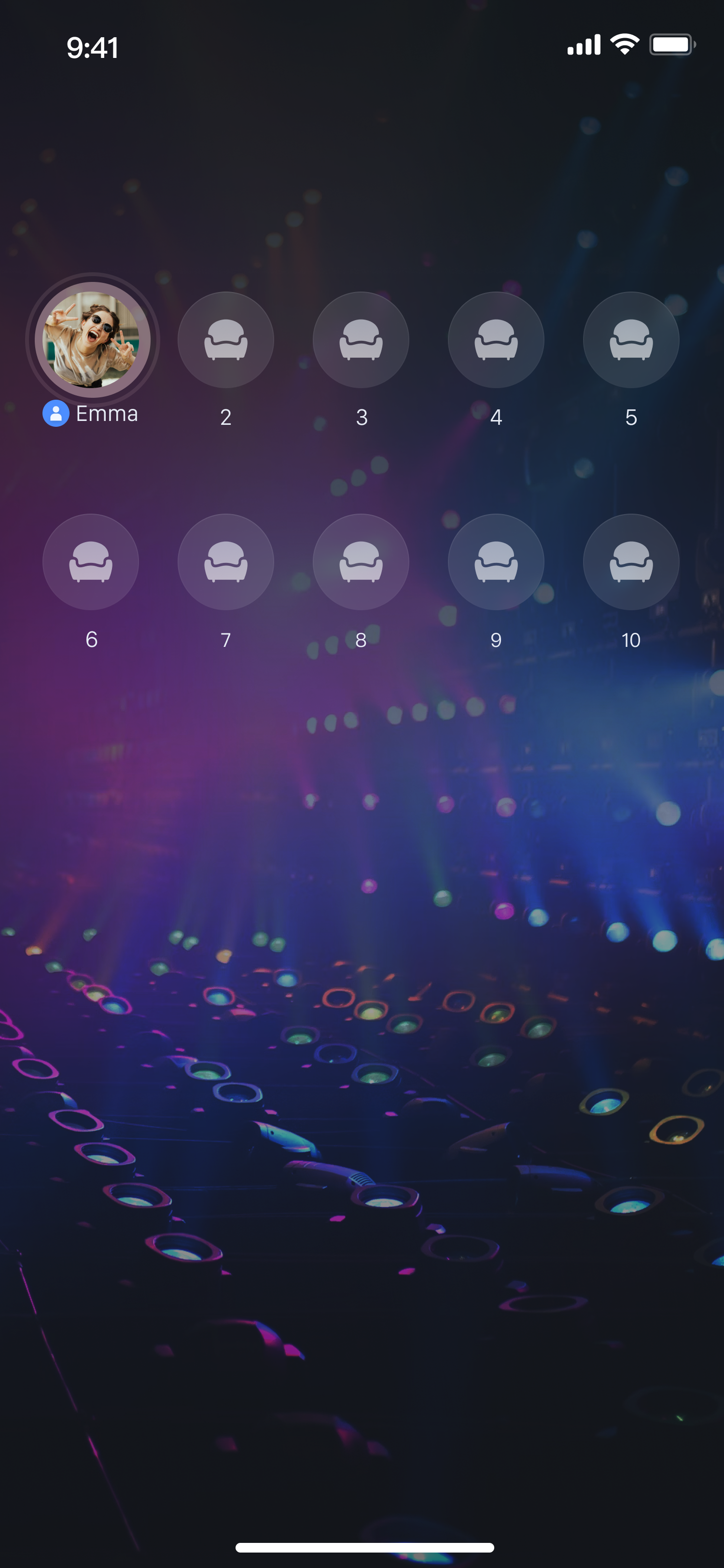
The voice chat core component can easily start or stop the voice chat room and efficiently manage microphone seat operations in the live streaming room, including applying for a microphone, inviting to speak, moving seats, and kicking someone off the mic. With SeatGridView, you can quickly integrate the voice chat room module into your application, significantly enhancing user experience while reducing development costs.
AudienceListView
audience list component
Android,iOS,Flutter
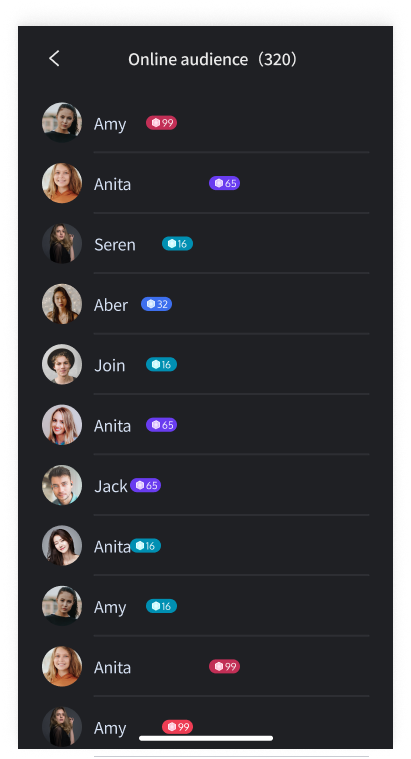
The audience list component displays the latest 100 newcomers in the live stream and the total number of viewers. You can show a simplified view of the audience list on your live broadcast interface. When the simplified view is clicked, it can pull up the audience list detail view.
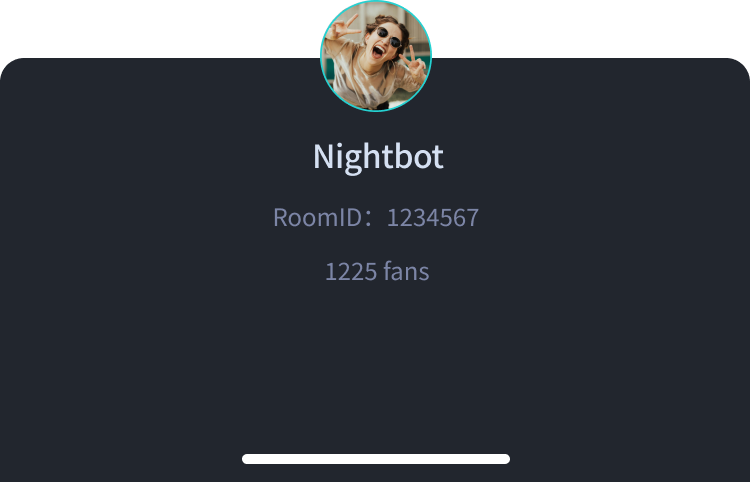
LiveInfoView
live streaming room information component
Android,iOS,Flutter
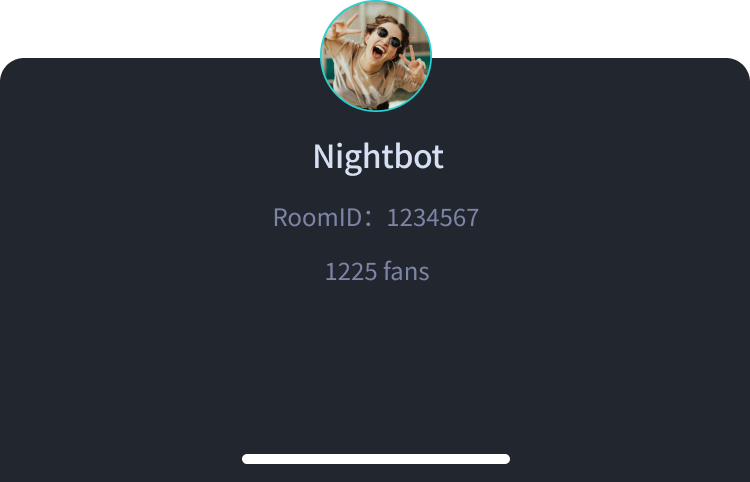
The live streaming room information component displays anchor information and live room information, and supports functions such as following or unfollowing favorite anchors.
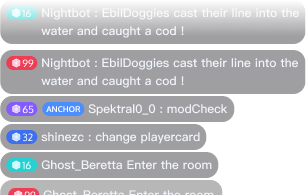
BarrageStreamView
message rendering component
Android,iOS,Flutter
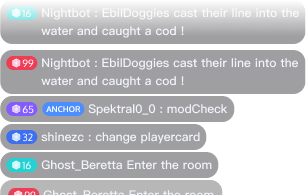
message rendering component displays barrage messages on the screen.
BarrageInputView
message sending component
Android,iOS,Flutter
message sending component allows users to input emojis and text messages in bullet screens and send the messages to the live streaming room.
GiftPlayView
gift player
Android,iOS,Flutter
The gift player mainly provides playback functionality for showing bullet animations, displaying full-screen animations (in svga and mp4 formats), and playing like animations.
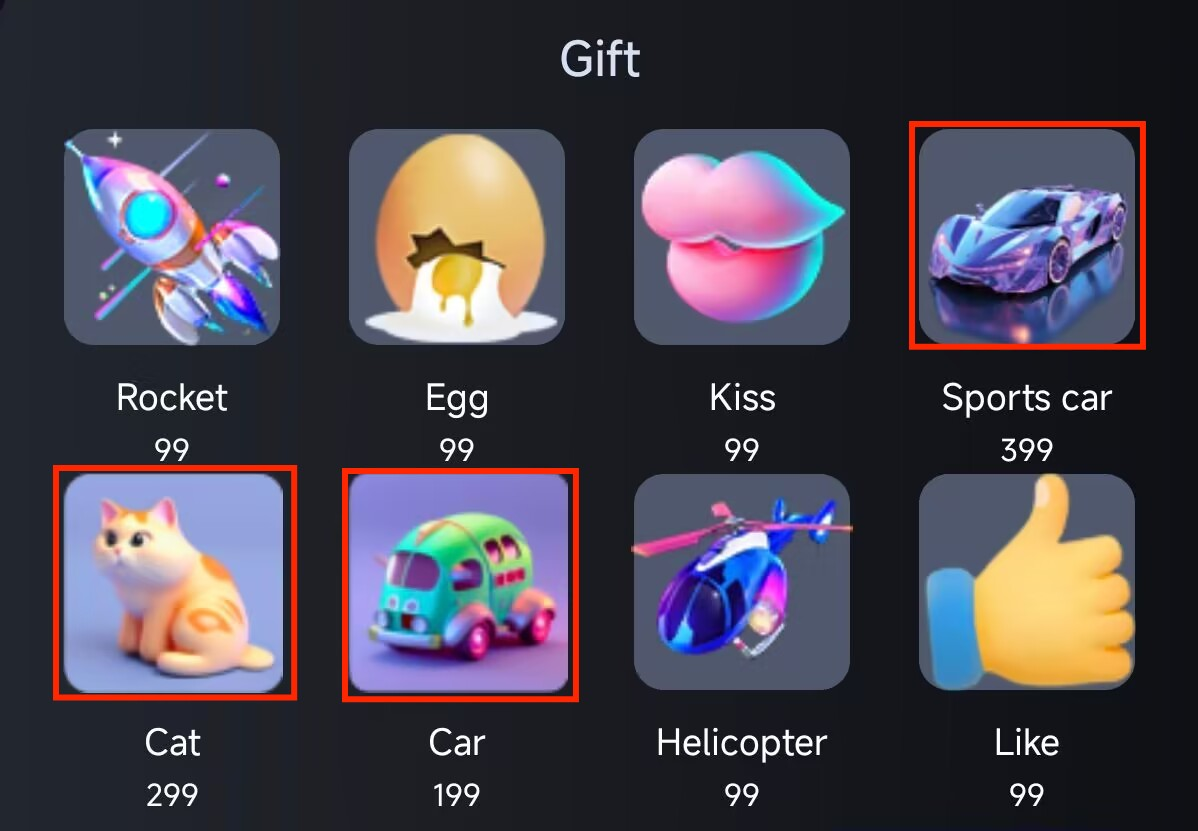
GiftListPanelView
gift
Android,iOS,Flutter
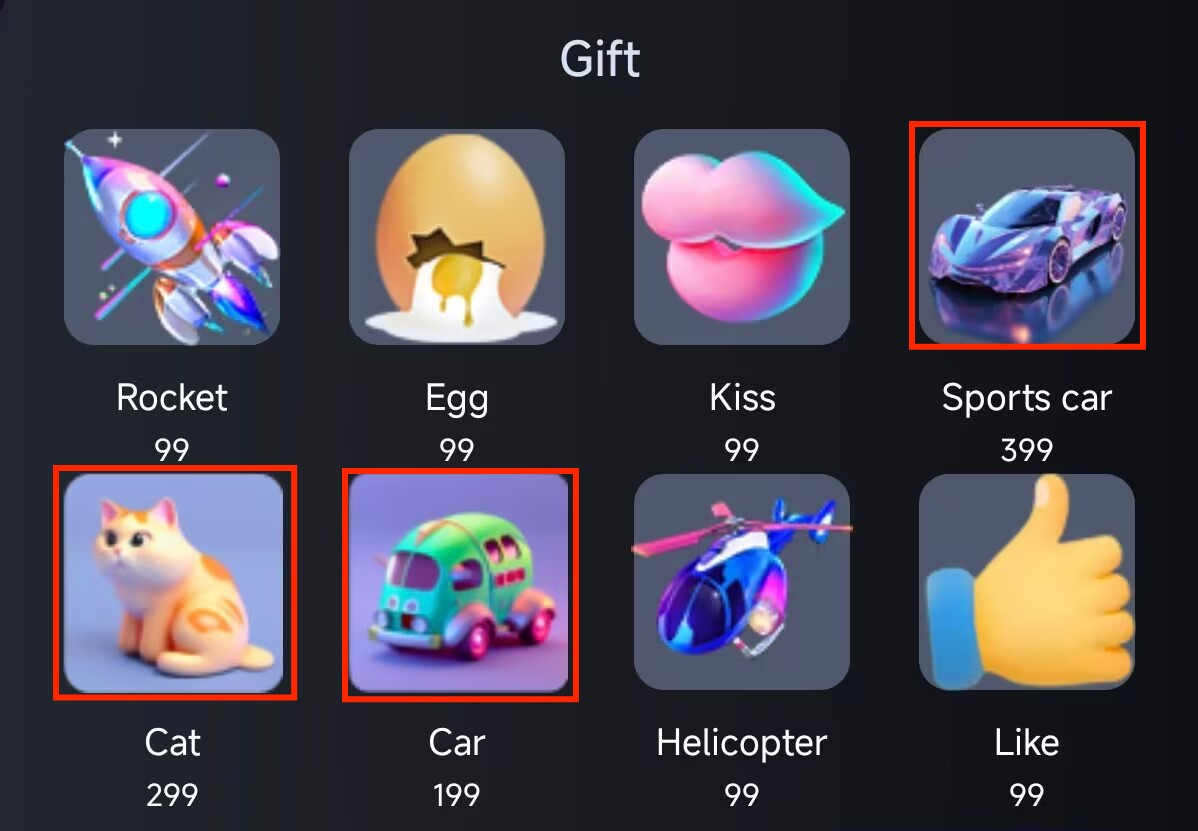
The gift panel component displays our default built-in gifts. Clicking these gifts allows you to send them to the live streaming room.
Introducing the LiveCoreView Component
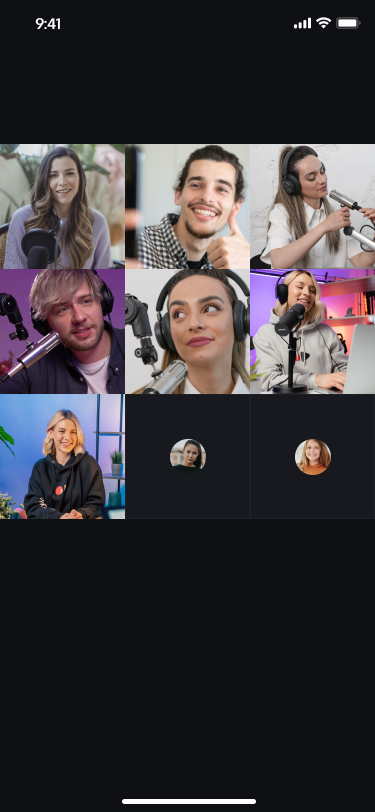
LiveCoreView is a basic control we developed for the video live streaming UIKit. This core control provides various APIs, including preview before broadcasting, start video live streaming, stop video live streaming, live streaming room connection with audience, and cross-room connection with other hosts, and so on. You just need to call a few lines of API from the LiveCoreView component to achieve the following live streaming.
For specific integration of the LiveCoreView component, see LiveCoreView integration documentation.
Anchor is live streaming
Anchor is connecting - Nine-grid layout
Anchor is connecting - Floating window layout
Introducing the SeatGridView Component
Core control components of the voice chat room (SeatGridView) can easily enable or disable the voice chat room and efficiently manage seat operations in the live streaming room, including requesting to speak, inviting to speak, moving seats, and removing speakers. With the aid of SeatGridView, you can quickly integrate the voice chat room module into your application, significantly enhance user experience, and simultaneously reduce development costs.
For specific integration of the SeatGridView component, see SeatGridView integration documentation.
Broadcaster creates a room and takes the mic.
Broadcaster chats with the audience on mic.
Key Component Introduction
Live Streaming Room Information Component
LiveInfoView displays the broadcaster and live streaming room information. By default, it shows the broadcaster information view. When you click the broadcaster information view, it will display the detailed view of the live streaming room information.
The AudienceListView displays the latest 100 viewers who entered the live streaming room and the total number of spectators. By default, it shows the list view. After clicking, it will expand to display the detailed view of the audience list.
Audience list view
List details of the audience
Specific access method. For details, see Audience List.
Message Rendering Component
BarrageStreamView (message rendering component) displays barrage messages on the screen.
BarrageInputView (message sending component) allows users to input emojis and text messages in bullet screens and send the messages to the live streaming room.
GiftPlayView (gift player) The gift player mainly provides playback functionality for showing bullet animations, displaying full-screen animations (in svga and mp4 formats), and playing like animations.
gift player
specific access method. For details, see: gift player.
Gift Panel Component
The GiftListPanelView displays our default built-in gifts. Clicking these gifts allows you to send them to the live streaming room.