If you forgot your database account password or need to modify it while using TDSQL for MySQL, you can reset it in the console.
Note:
We recommended that you regularly reset the password at least once every three months for the sake of data security.
Directions
1. Log in to the TDSQL console. In the instance list, click an instance ID or Manage in the Operation column to enter the instance management page.
2. On the instance management page, select Account Management tab, find the account for which to reset the password, and select More > Reset Password.
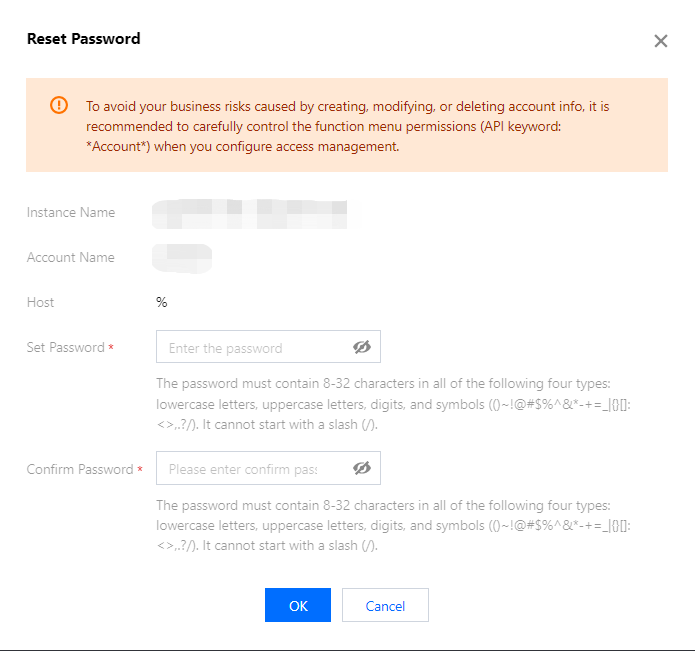
3. In the pop-up window, enter the New Password and Confirm Password and click OK.
Note:
To avoid the risks caused by creating, modifying, and deleting account information, we recommend that you configure access management, and reset the password with caution.