If you access Polaris (North Star) in the following four ways, we will provide automatic service registration capability. You do not need to create a new service and a service instance, and can view service instance details.
Access method
Supported Type
SDK
Supporting Java and Go.
Framework
Provides official integration with Spring Cloud and gRPC, and other frameworks can also be integrated independently.
ServiceMesh
Accessing via polaris-sidecar and compatible with the xDS protocol and envoy.
Kubernetes service governance
Supports automatic registration of K8s Services to Polarismesh, extending its governance capabilities.
The steps are as follows:
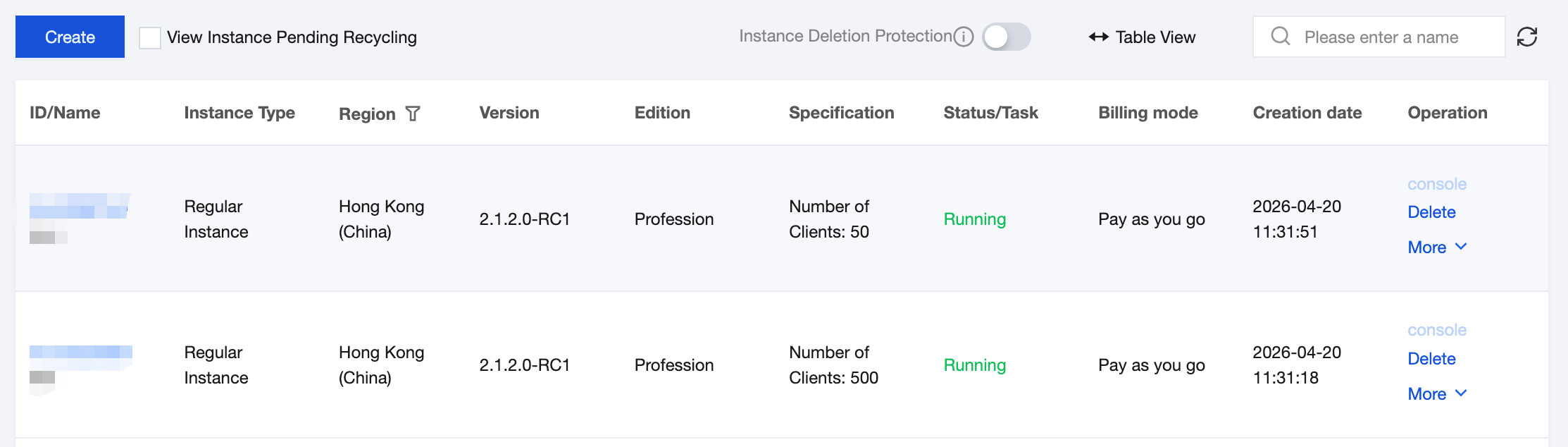
1. Log in to TSF console and go to the Polaris instance list page.
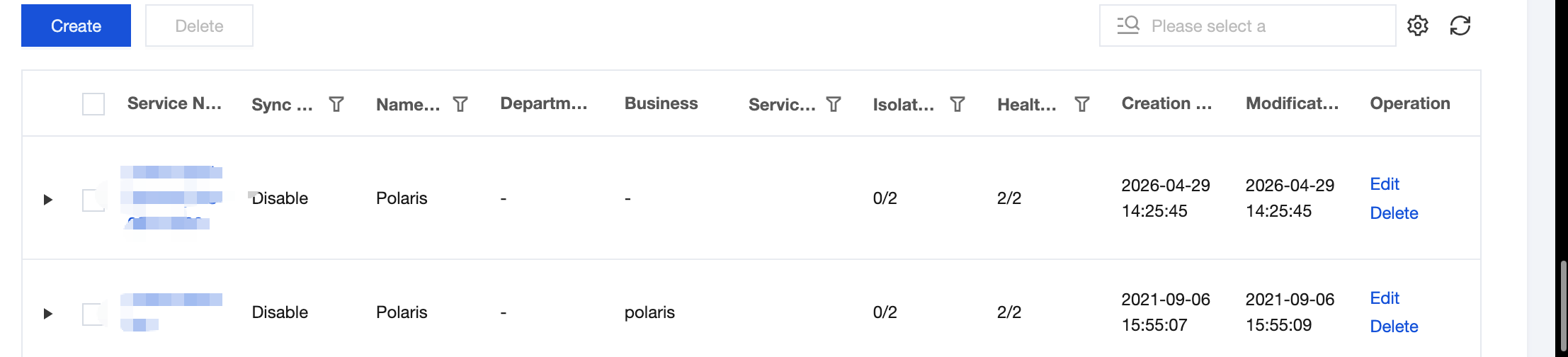
2. After selecting the target engine instance, on the Service Management page under Polaris, select the target service, and click the console button in the Actions column of the target service.
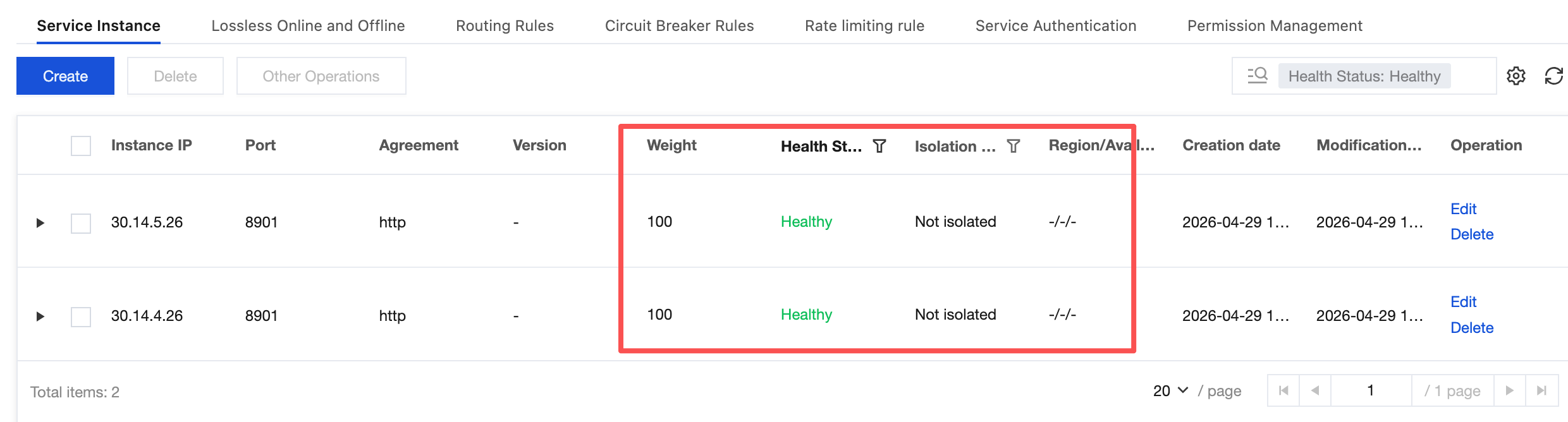
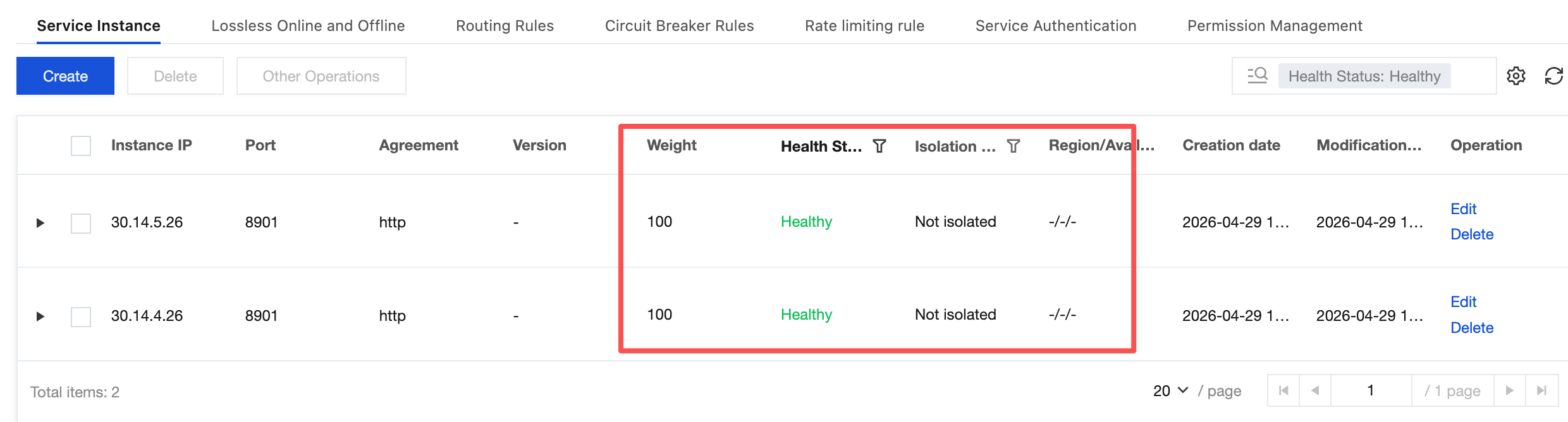
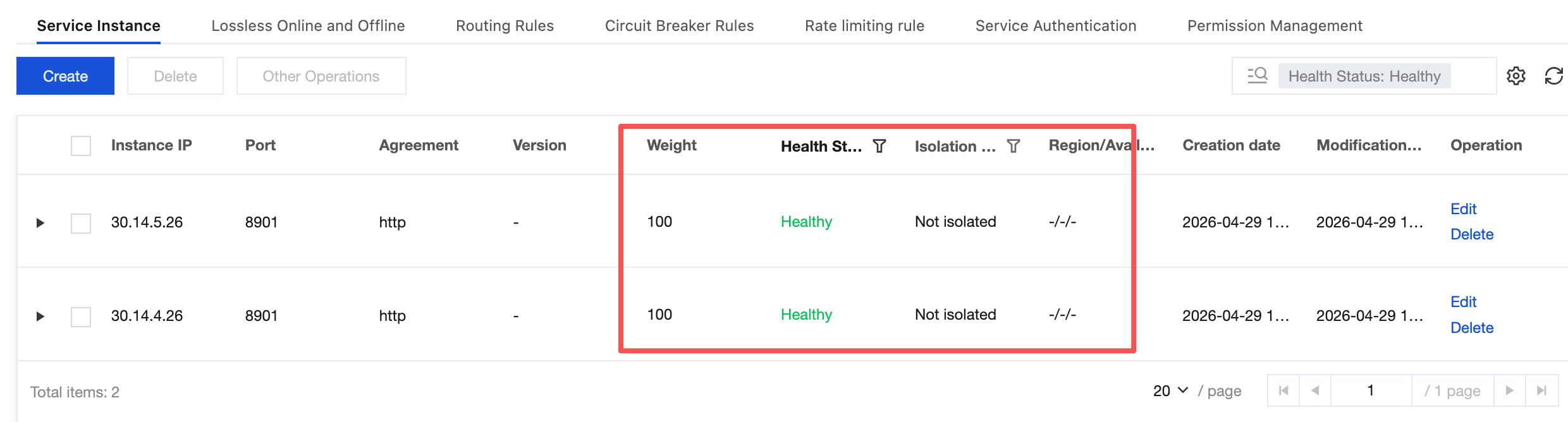
3. In the left sidebar, select Service List, choose a specific service, click the service name to go to the service instance page. You can view information such as service instance IP address, port, protocol, health status, and isolation status.
Scenario 2
If you use other methods to access Polaris (North Star), you need to manually create a service and service instances in the TSF console. The steps are as follows:
1. Log in to TSF console, select Polaris (North Star) in the left sidebar.
2. After selecting the target engine instance, click Console in the Actions column of the target engine instance, enter the username and password to go to the POLARIS MESH console page.
3. In the left sidebar, select Service List, select a specific service, and click the service name to go to the service instance page.
4. On the service instance page, click New.
5. On the Create Service Instance page, select relevant information based on your business requirements.
Instance IP: Enter the service instance IP address.
Port: Enter the service instance port.
Note:
Within the same service, the combination of IP address and port must be unique.
Weight: Set the traffic weight for the instance.
Protocol: Optional. Enter the service instance protocol.
Version: Optional. Enter the service instance version.
Instance Tag: Optional. Instance tags can be used to identify the purpose or characteristics of the instance, in the format key:value.
Health status: After the health status is disabled, the instance status will be displayed as abnormal and cannot be invoked.
Enable health check: When the health check is enabled, the server-side is responsible for checking the health status of service instances.
Whether to isolate: In the isolated state, the caller cannot discover the isolated service instance, regardless of whether the instance IP address is healthy.
6. Click Submit to complete creating the new service instance.
Edit Service Instance
1. On the Service List page, select a specific service and click the service name to go to the service instance page.
2. On the service instance page, select the target service instance and click the Edit button in the operation column.
3. On the Edit Service Instance page, edit the relevant information based on your business requirements.
4. Click Submit to complete editing the service instance.
Delete Service Instance
1. On the Service List page, select a specific service and click the service name to go to the service instance page.
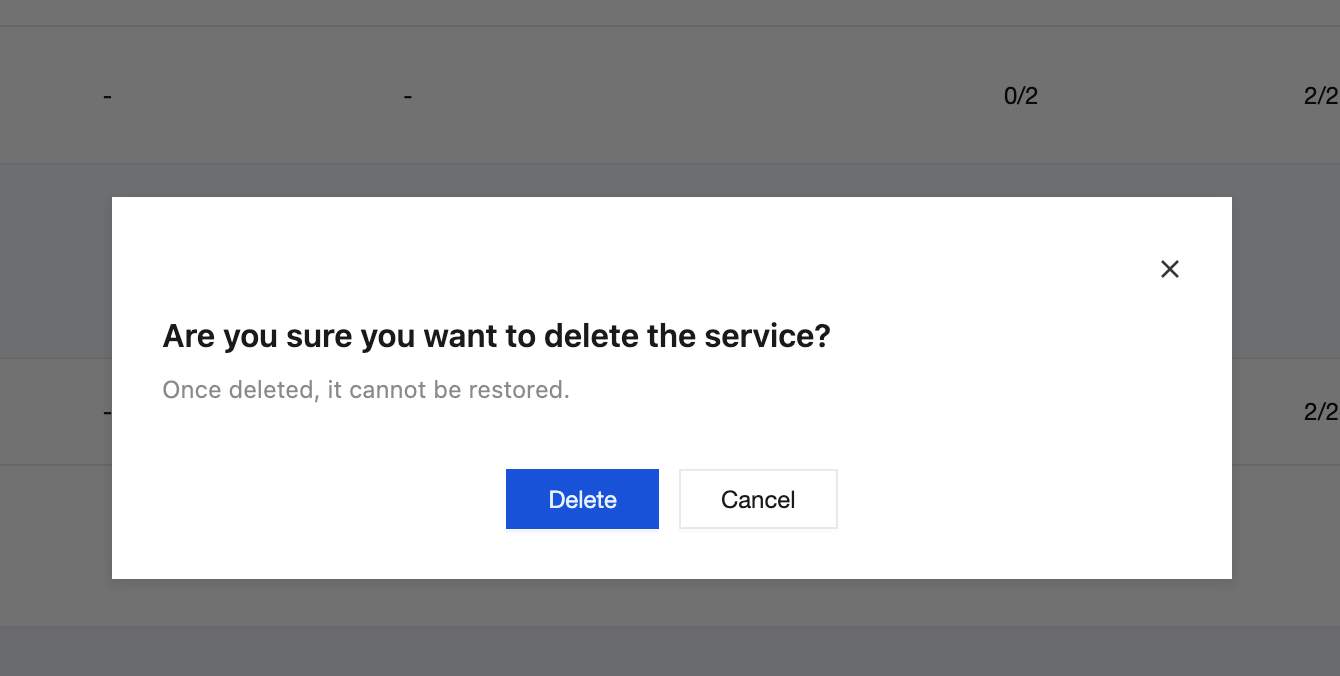
2. On the service instance page, select the target service instance and click the Delete button in the operations column.
3. Confirm the deletion on the secondary dialog box page.