The root account authorizes sub-accounts by associating policies. The policy setting can be specific to the level of [API, Resource, User/User Group, Allow/Deny, and Condition].
Account system
Root account: It owns all Tencent Cloud resources and can access any of them without restriction.
Sub-account: Include sub-users and collaborators.
Sub-user: It is created and fully owned by a root account that created the sub-user.
Collaborator: Originally has the identity of a root account. After being added as a collaborator of the current root account, it becomes one of the sub-accounts, able to switch back to the root account identity.
Identity credentials: Include two kinds: login credentials, which refer to the user login name and password, and access certificates, which refer to Cloud API keys (SecretId and SecretKey).
Resource and Permission
Resources: Objects operated within cloud services, such as a CVM instance, COS bucket, or VPC instance.
Permission: It is an authorization that allows or forbids users to perform certain operations. By default, a root account has access to all its resources, while a sub-account doesn't have access to any resources under the root account.
Policy: It is a syntax rule that defines and describes one or more permissions. The root account performs authorization by associating policies with users/user groups.
Using TSE with Sub-accounts
Before a sub-account is authorized, ensure that the root account has obtained access authorization and possesses the TSE_QCSRole role. For details, refer to Root Account Obtaining Access Authorization.
When a sub-account uses TSE, authorization is required in two aspects:
1. When using TSE, you may need to access other cloud product resources (such as VPC and TKE) of the user, for example, to view the AZ information of the user's subnet. Therefore, you must grant the sub-account permissions to access other cloud products. For detailed steps, refer to Step 1: Grant the Sub-account Permissions to Access Other Cloud Products.
2. To use TSE, a sub-account must also be granted read/write permissions. For detailed steps, refer to Step 2: Grant the Sub-account Permissions to Use TSE.
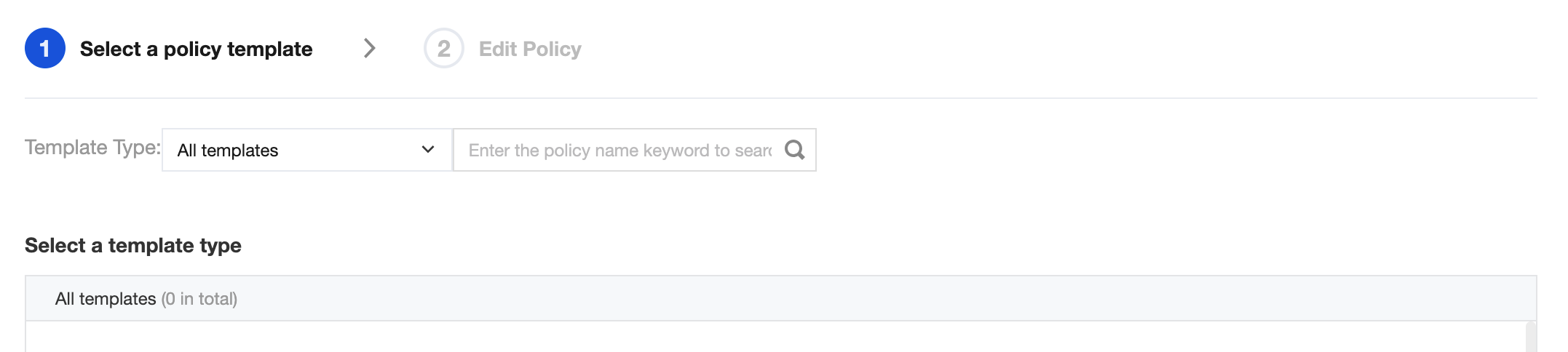
5. Referring to the call interface table and policy syntax below, you can grant the sub-account appropriate call permissions for other cloud products based on actual needs, generate a custom policy, and click Complete after filling in all information.
The use of the TSE platform involves calls to the following cloud products. The root account must grant separate authorization to the sub-account to ensure the use of corresponding TSE product features. The calls to cloud products involved by TSE in custom policies are as follows: [](id:msg).
Cloud Product
API Name
API Function
Operation Affecting the TSE Platform
CVM
DescribeZones
Query AZs
Viewing the AZ of a subnet when an instance is created
VPC
DescribeVpcs
Queries the VPC list.
Selecting the VPC to which the instance access address belongs when an instance is created
VPC
DescribeSubnets
Queries the VPC list.
Selecting the subnet to which the instance access address belongs when an instance is created
Cloud Monitor (Monitor)
GetMonitorData
Pull metric monitoring data
Viewing monitoring data in TSE
Cloud Monitor (Monitor)
DescribeDashboardMetricData
Pull metric monitoring data
Viewing monitoring data in TSE
TKE
DescribeClusters
Query cluster information.
Binding a K8S cluster to TSE PolarisMesh
TKE
DescribeClusterSecurity
Query cluster key information.
Binding a K8S cluster to TSE PolarisMesh
A policy syntax example is as follows:
{
"version":"2.0",
"statement":[
{
"effect":"allow",
"action":[
"vpc:DescribeVpcEx",
"vpc:DescribeSubnetEx",
"monitor:GetMonitorData",
"monitor:DescribeDashboardMetricData",
"tke:DescribeClusters",
"tke:DescribeClusterSecurity"
],
"resource":[
"*"
]
}
]
}
Associating the Custom Policy with the Sub-account
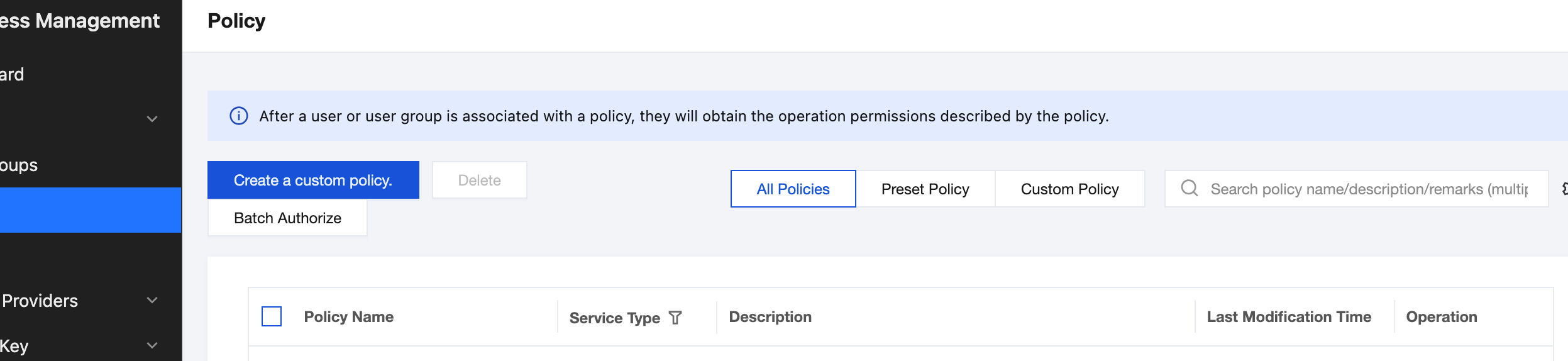
2. In the left sidebar, click Policy to go to the Policy Management List page.
3. On the right side, click Custom Policy to filter, locate the custom policy created in Step 1, and then click Associate User/Group/Role in the Operation column.
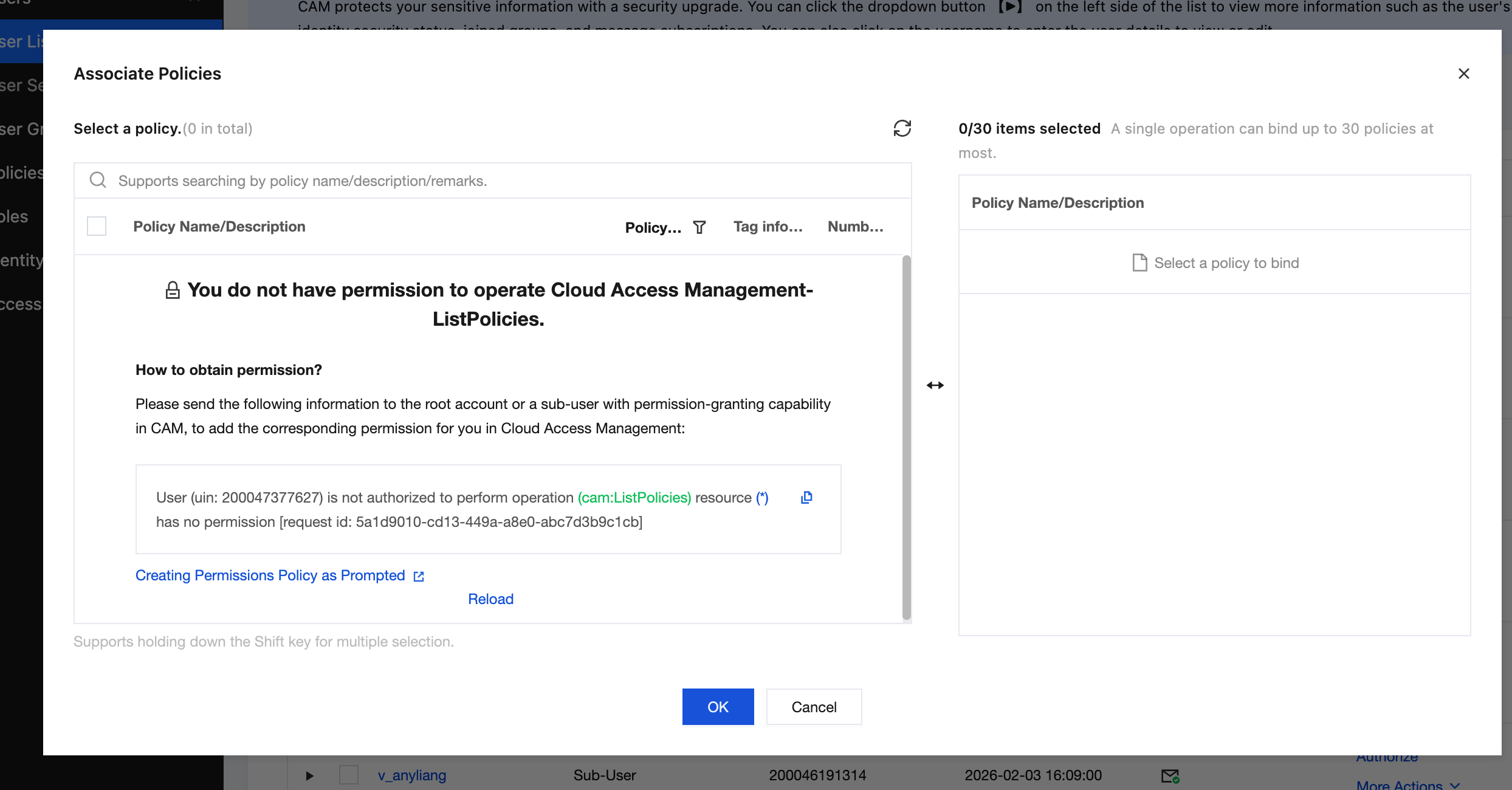
4. Select the sub-account to grant the permission, and click OK to complete authorization.
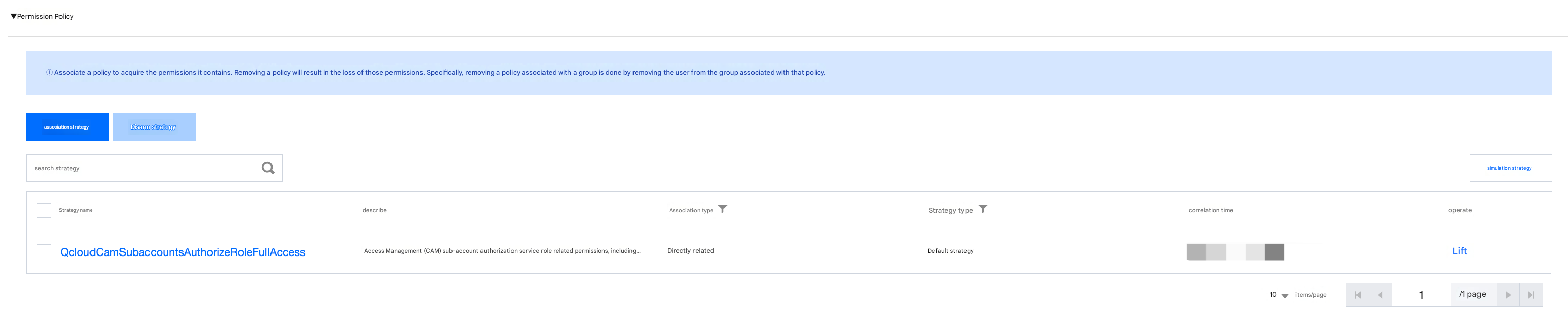
5. Click OK to complete the authorization. The policy will be displayed in the user's policy list.
Step 2: Granting Sub-accounts Access to TSE
For related operations, see the following documents: