tencent cloud

DokumentasiTencent Cloud Observability Platform

Deleting Chart

Unduh
Mode fokus
Ukuran font
Terakhir diperbarui: 2024-01-27 17:45:42
This document describes how to delete a monitoring chart.

Directions

2. In the left sidebar, click Dashboard > Dashboard List to go to the dashboard list page.
3. In the dashboard list, find the dashboard from which you want to delete a chart, and click the dashboard name to go to the dashboard management page.
4. Find the chart that you want to delete, and click

> Delete.
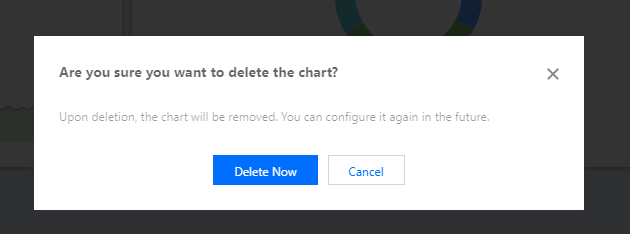
5. Click Delete Now in the window that appears.


Bantuan dan Dukungan

Apakah halaman ini membantu?

masukan