tencent cloud

Tencent Cloud Observability Platform

Uninstalling Plugin

PDF
Mode fokus
Ukuran font
Terakhir diperbarui: 2024-11-01 21:27:45
This document describes how to uninstall a TCMG plugin.

Directions

1. Log in to the TCMG console.
2. Select the Grafana instance from the instance list.
3. Click Plugin on the left sidebar.
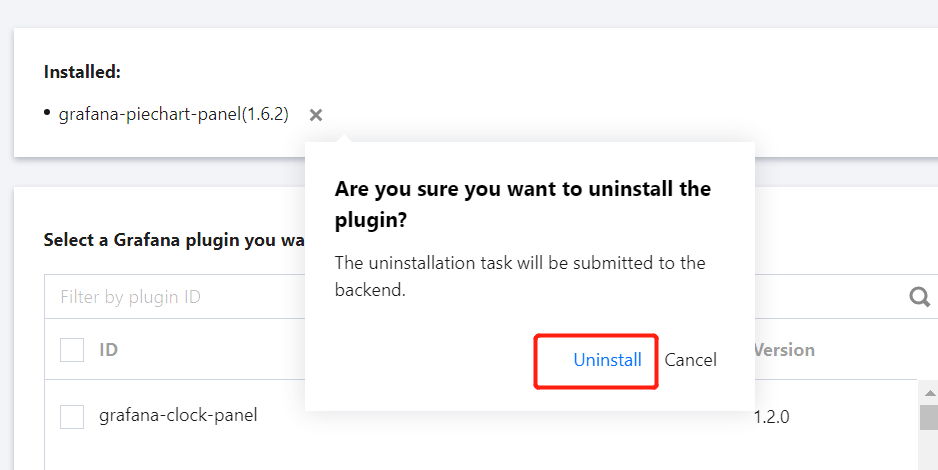
4. Select the plugin to be uninstalled in the list of installed plugins, click × on the right, click Uninstall > OK in the pop-up window, and wait for the instance to be rebooted.


Bantuan dan Dukungan

Apakah halaman ini membantu?

masukan