If your root account has multiple businesses and each business has its own resources, you may want employees from different businesses to be able to see and manipulate different resources when logging in with their CAM sub-accounts.
In this case, you can use two permission setting options in CAM to implement isolated resource access: authorization by resource ID or by tag.
Use Case
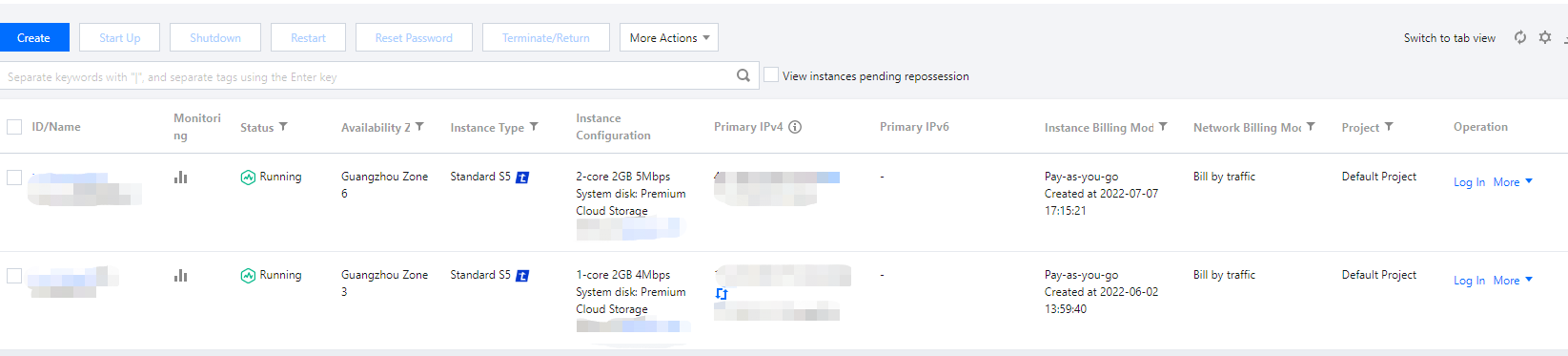
Taking CVM as an example, suppose there are two CVM instances as detailed below:
Resource ID
Image ID
Tag
Project
ins-duglsqg0
img-eb30mz89
game:webpage
webpage
ins-ijp192hy
img-eb30mz89
game:app
app
Create a CAM sub-user cvmtest01 for an employee and use the above two permission setting options to allow cvmtest01 to only view and access ins-duglsqg0.
Expected Result
The list of CVM instances in Guangzhou region viewed by the admin account:
The list of CVM instances in Guangzhou region viewed by cvmtest01: