Configuring Deletion Protection
ダウンロード
フォーカスモード
フォントサイズ
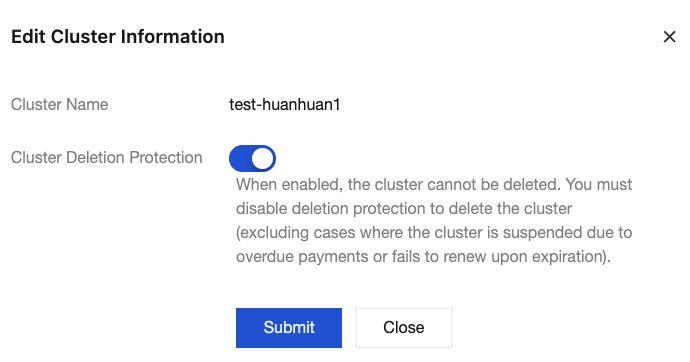
After deletion protection is enabled for a cluster, the cluster cannot be deleted through the console or using an API. To delete the cluster, you need to manually disable the deletion protection feature first. It is recommended that this feature always be enabled for key businesses.
Constraints and Limitations
Cluster deletion protection does not take effect to system-level deletion. For example, pay-as-you-go clusters are isolated and subsequently released due to overdue payment, and yearly/monthly subscription clusters are isolated and released after expiration.
Operation Steps
1. Log in to the TDMQ for RocketMQ console, and click the ID of the target cluster on the Cluster page to go to the cluster basic information page. In the Cluster Details module, locate the deletion protection switch.

2. Enable or disable cluster deletion protection based on business requirements.
フィードバック