Creating Subnet
Download
フォーカスモード
フォントサイズ
This article describes how to create a subnet in the Tencent Cloud CDC network.
Prerequisites
Directions
1. Log in to Tencent Cloud CDC console > Network > Subnet.
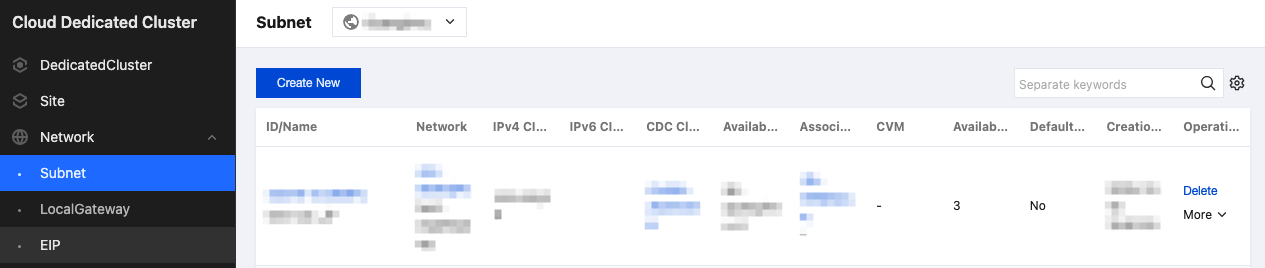
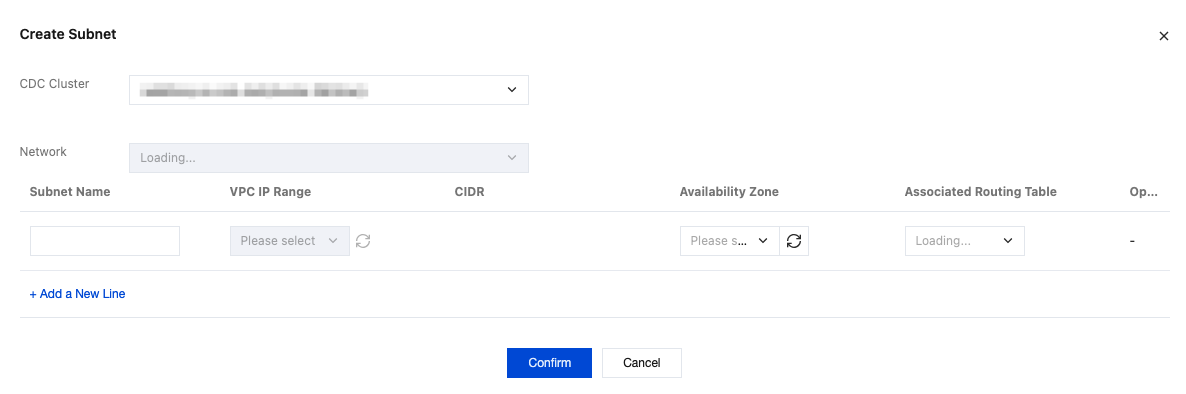
2. Click Create New, and in the pop-up window, select the CDC cluster you want to deploy, the associated network, and plan your network information.
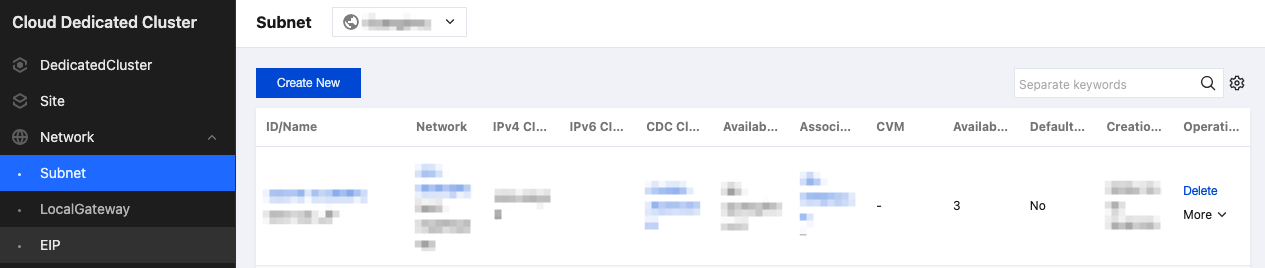
3. You can then view your subnet list on the subnet page.
フィードバック