2. In the left sidebar, click Dedicated Cluster to go to the Tencent Cloud CDC management page.
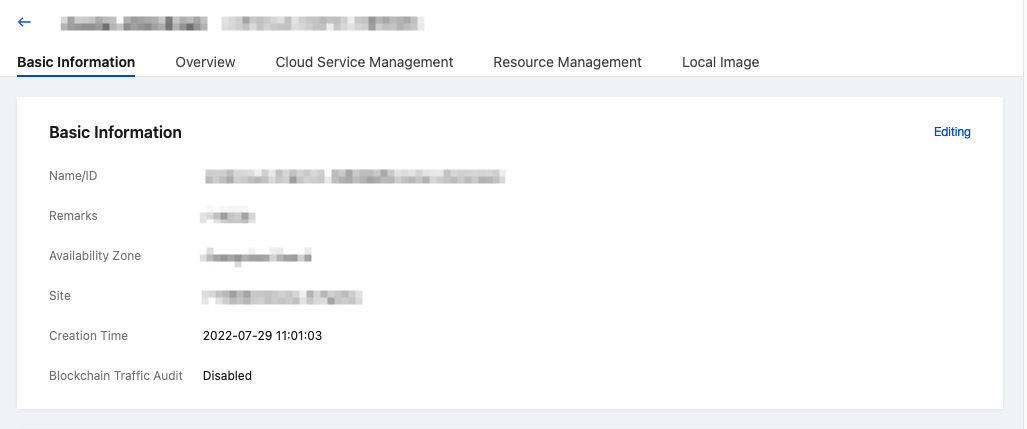
3. Click any cluster to view the cluster basic information.
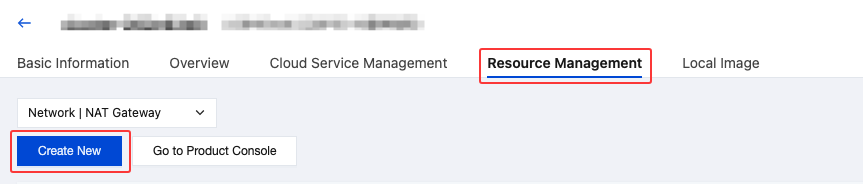
4. Click Resource Management, select the NAT Gateway Tag, and click New to configure NAT Gateway.
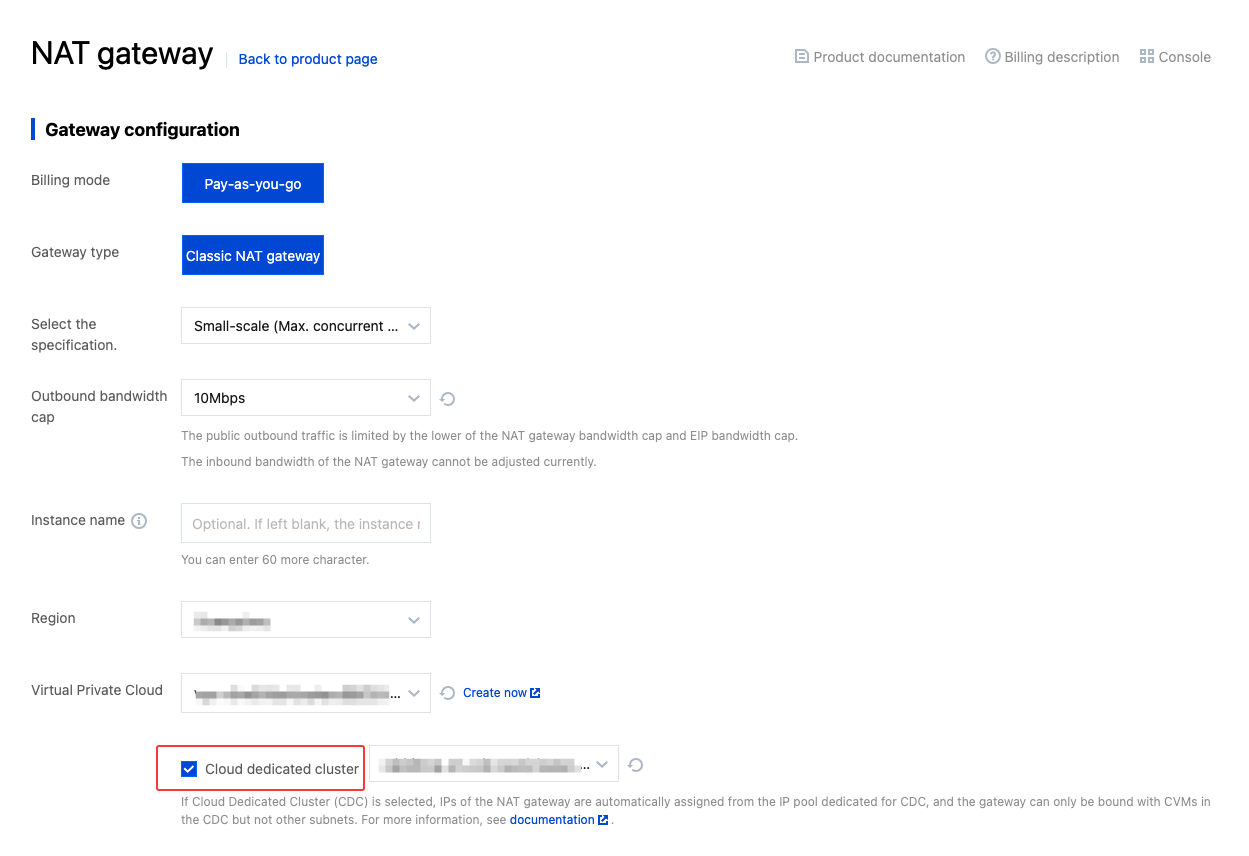
5. In the NAT Gateway configuration page, select the appropriate specifications according to your business requirements, and select Tencent Cloud CDC.
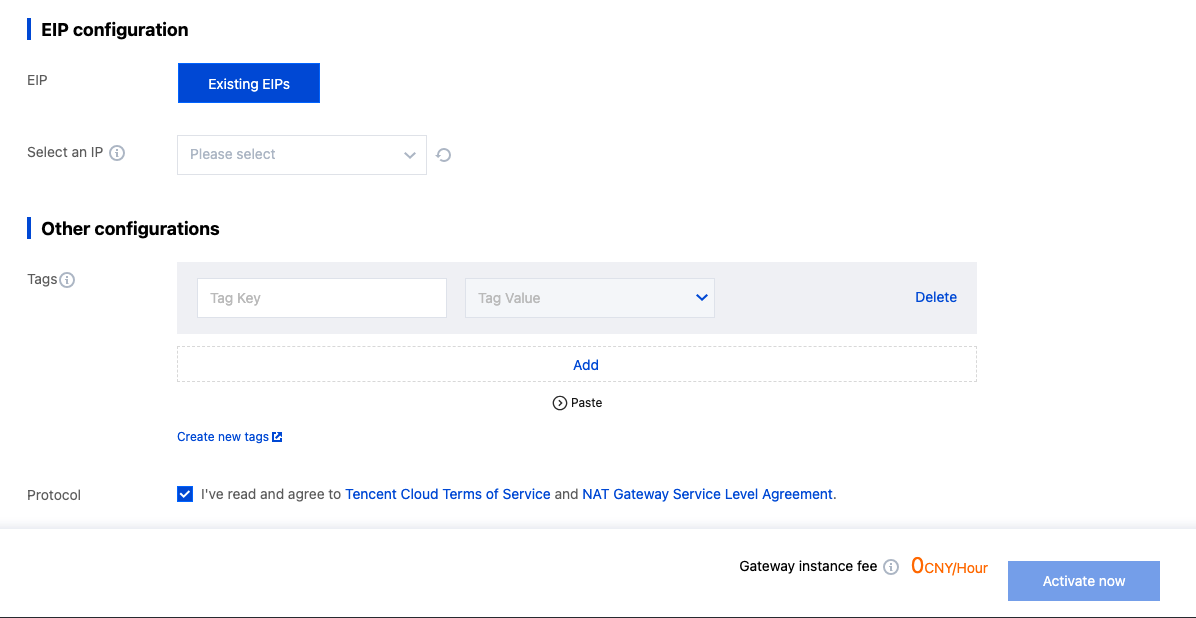
6. After all configurations are completed, click Activate Now to proceed. Note that you must select Tencent Cloud CDC during configuration; otherwise, additional fees will be incurred.