Kilo Code
ダウンロード
フォーカスモード
フォントサイズ
Kilo Code is an open-source AI coding assistant that adapts to your entire development workflow, whether in IDEs, terminals, browsers, or mobile office environments. Leveraging AI capabilities that deeply understand codebases, it efficiently generates code, automates code reviews, debugs issues, and accelerates R&D delivery. This article describes how to configure and use the Tencent Cloud Large Language Model Token Plan in Kilo Code.
Prerequisites
Before starting the configuration, make sure you have completed the following preparatory work:
Install Kilo Code and use Token Plan
Search for and install the Kilo Code plugin in the IDE. Below, the installation and configuration process is demonstrated using JetBrains and VS Code as examples.
1. Open VSCode, search for Kilo Code in the Extensions Marketplace, and install it.
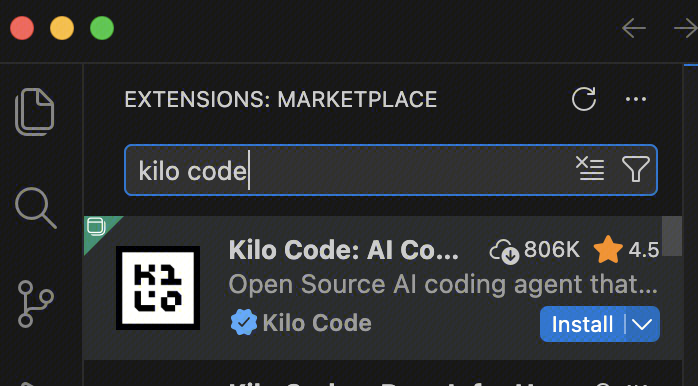
2. Open Kilo Code, select Bring my own Key, and configure the following information:
API Provider: OpenAI Compatible (Token Plan API is compatible with the OpenAI standard).
Base URL:
https://tokenhub-intl.tencentcloudmaas.com/plan/v3.API Key: The API Key dedicated to the Token Plan.
Model: Enter the Model ID supported by the Token Plan, and click Use custom.
3. After configuration is complete, you can enter your requirements in the input box to interact with the model.
4. Model Switching: You can click on the top right corner Settings, search for models in the Model input box, and select Use custom to switch.
1. Open JetBrains, search for Kilo Code in the Extensions Marketplace, and install it.
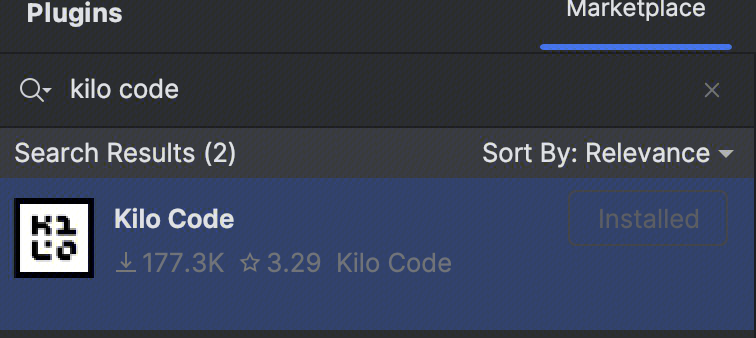
2. After installation is complete, restart the IDE, click the icon on the right, and then click Bring my own Key to go to the settings page and configure the following information:
API Provider: OpenAI Compatible (Token Plan API is compatible with the OpenAI standard).
Base URL:
https://tokenhub-intl.tencentcloudmaas.com/plan/v3.API Key: The API Key dedicated to the Token Plan.
Model: Enter the Model ID supported by the Token Plan, and click Use custom.
3. In Kilo Code, click the Settings in the upper-right corner and modify the Model to switch models.
フィードバック