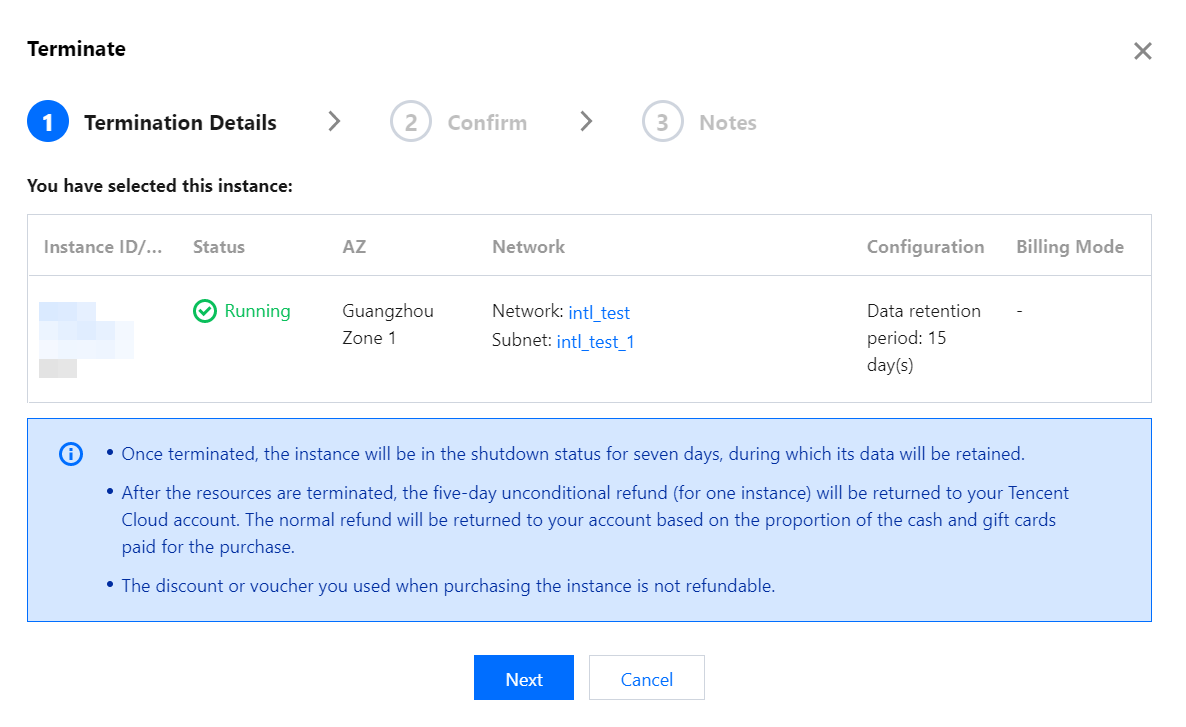
If you no longer use an instance, you can terminate it, and it will be suspended once terminated. You can reboot suspended instances according to different scenarios and needs.
Relevant Impact
Once an instance is suspended, its data will be affected as follows:
IP: the corresponding IP address is retained but does not provide normal services.
Grafana: Grafana cannot be accessed at the corresponding domain name.
Data: data on the corresponding instance will be retained for a certain number of days. The specific number displayed in the confirmation information during instance termination in the console shall prevail.