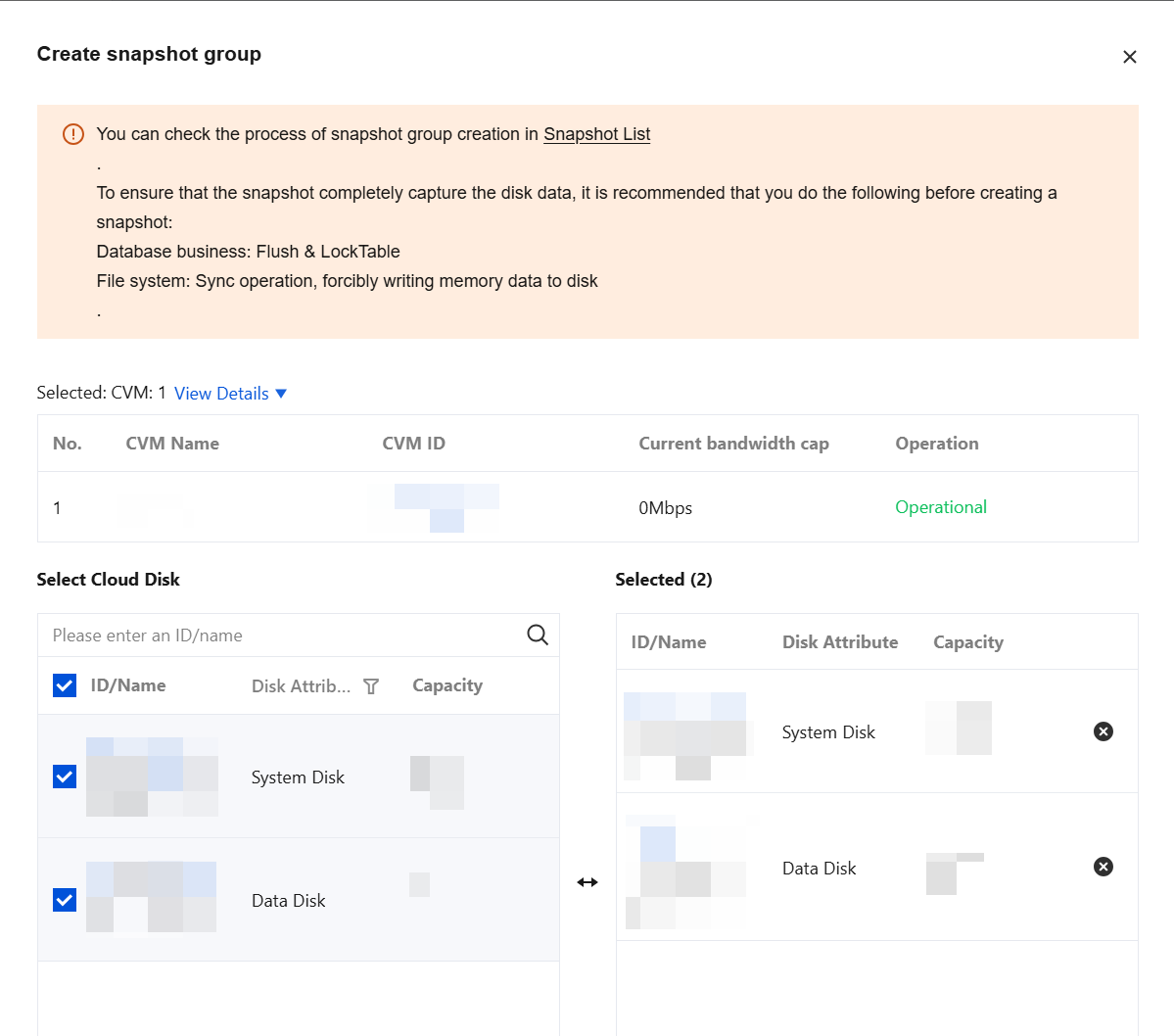
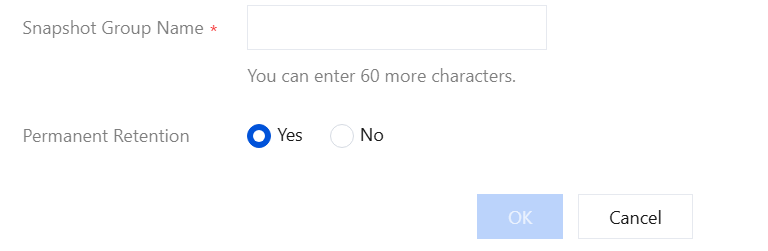
You can use a snapshot group to create snapshots for multiple CBS volumes of a CVM instance simultaneously. This approach ensures that when your business is deployed across multiple CBS volumes, the write-order consistency and crash consistency of data written to the CBS volumes are guaranteed.
Note:
The snapshot group feature is currently in a limited beta testing phase. You can contact your account manager or submit a ticket to apply for access.
Prerequisites
The number of your snapshots and their total capacity in the current region have not reached the maximum. For details, see Snapshot Usage Limits.
The CVM instance is in the Running or Stopped state. The CBS volume is attached to the CVM instance and is in the In-Use state.
Must-Knows
A created snapshot may be larger than the actual data volume on the disk. For specific reasons, see Snapshot-related Issues.
A snapshot only retains the data that has been written to the disk at that moment. It does not retain the data that is in memory and has not been written to the disk at that moment (for example, files in the /run directory of a Linux system). We strongly recommend that you shut down the instance or ensure that the data in memory is written to the disk and pause disk read/write operations before a snapshot is created. Then, proceed with the following two aspects.
Database Level
For database workloads, we recommend that you first lock all tables in the database to read-only status. This prevents new data from being written during snapshot creation, which would cause the new data to be missed by the snapshot. This document uses MySQL as an example and performs the following operations:
1. Run the following command to close all open tables and lock all tables in all databases with a global read lock.
flush tableswithreadlock;
See the figures below:
2. Create a snapshot for the CBS volume.
3. Run the following command to remove the lock.
unlocktables;
See the figures below:
System Level
From a system perspective, data is typically first stored in a memory buffer during processing and then written to the CBS volume at an appropriate time to improve system efficiency. Therefore, when a snapshot is created, the data that remains in the buffer and has not been written to the CBS volume cannot be written to the snapshot or restored from it, which affects data consistency.
You can run the sync command to force the data in the file system memory buffer to be written to the CBS volume immediately and to avoid writing new data before a snapshot is created. If no error message is returned after the command is run, it indicates that the data in the cache has been written to the CBS volume. See the figure below: