2. Choose Dashboard > View Dashboard in the left sidebar to go to the dashboard page.
3. Click Add Group at the top, enter the group name, and create a group.
4. Drag the chart to add it to the group.
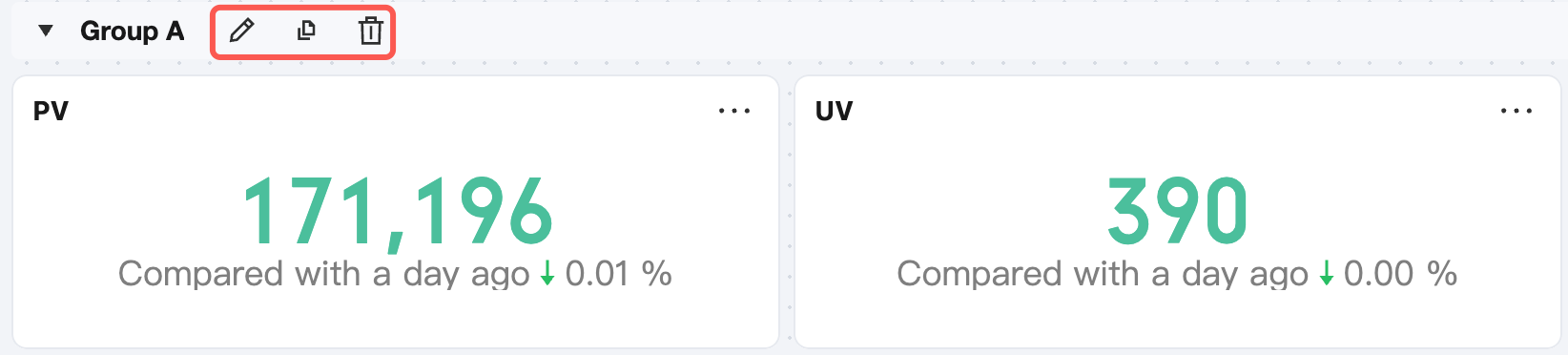
5. Groups can be edited, copied, deleted, and dragged and dropped. When copying or deleting a group, you can choose whether to copy or delete all charts in the group in batches at the same time.
When collapsed, groups can be dragged and dropped.