WAF Plan Upgrade Method
ダウンロード
フォーカスモード
フォントサイズ
WAF Plan Upgrade Method
1. Log in to the WAF console, and in the left navigation, choose Connection Management > Instance Management.
2. On the Instance Management page, select the desired instance, and click Scaling.

Extra Domin Package Upgrade Method
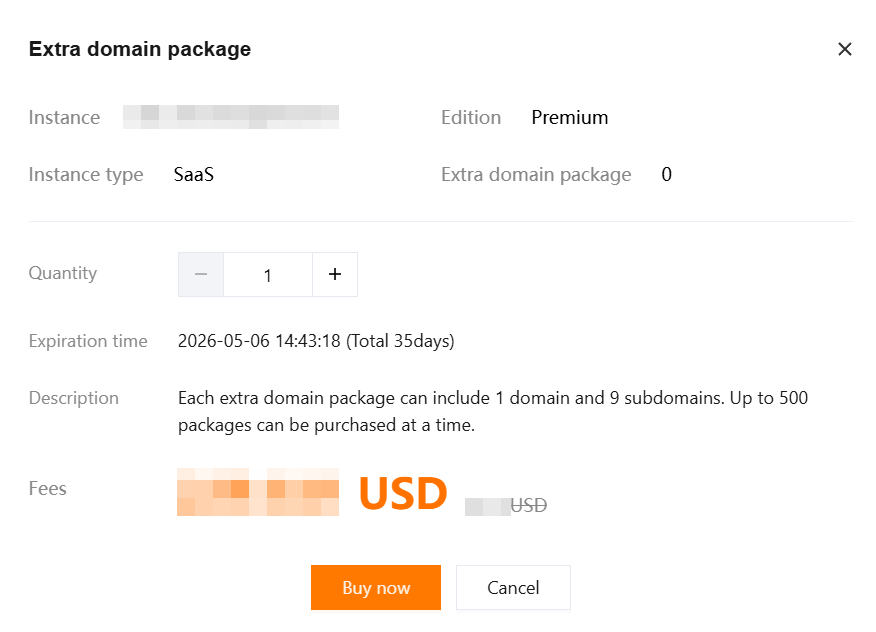
1. On the Instance Management page, select the desired instance, and choose More > Extra domin package.

2. In the Extra domin package pop-up window, select the purchase quantity, and click Buy now.
Extra Capacity Package Upgrade Method
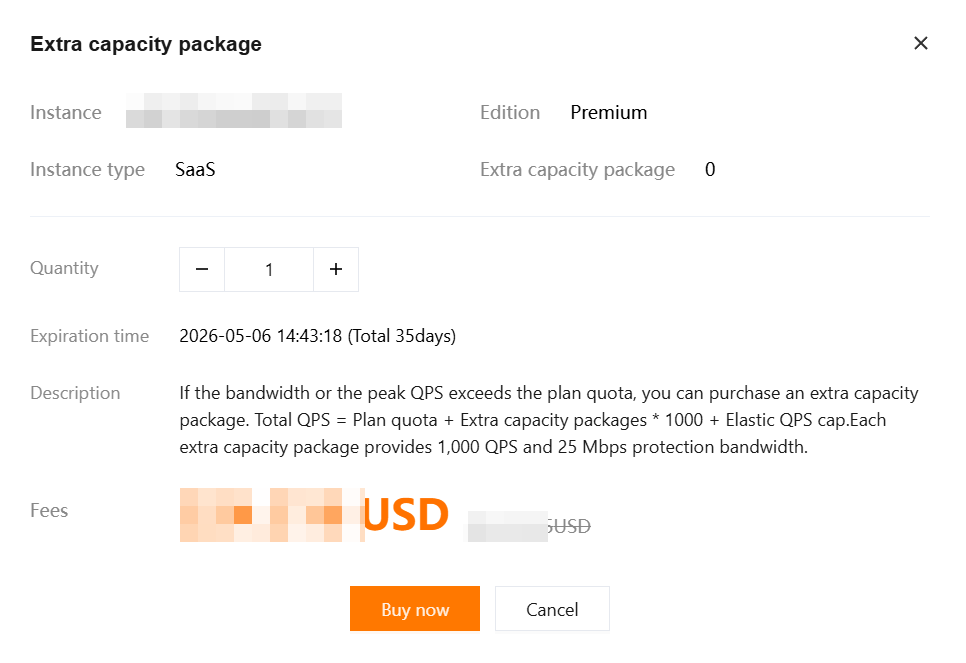
1. On the Instance Management page, select the desired instance, click More > Extra capacity package.

2. In the Extra capacity package pop-up window, select the purchase quantity, and click Buy now.
BOT Upgrade Method
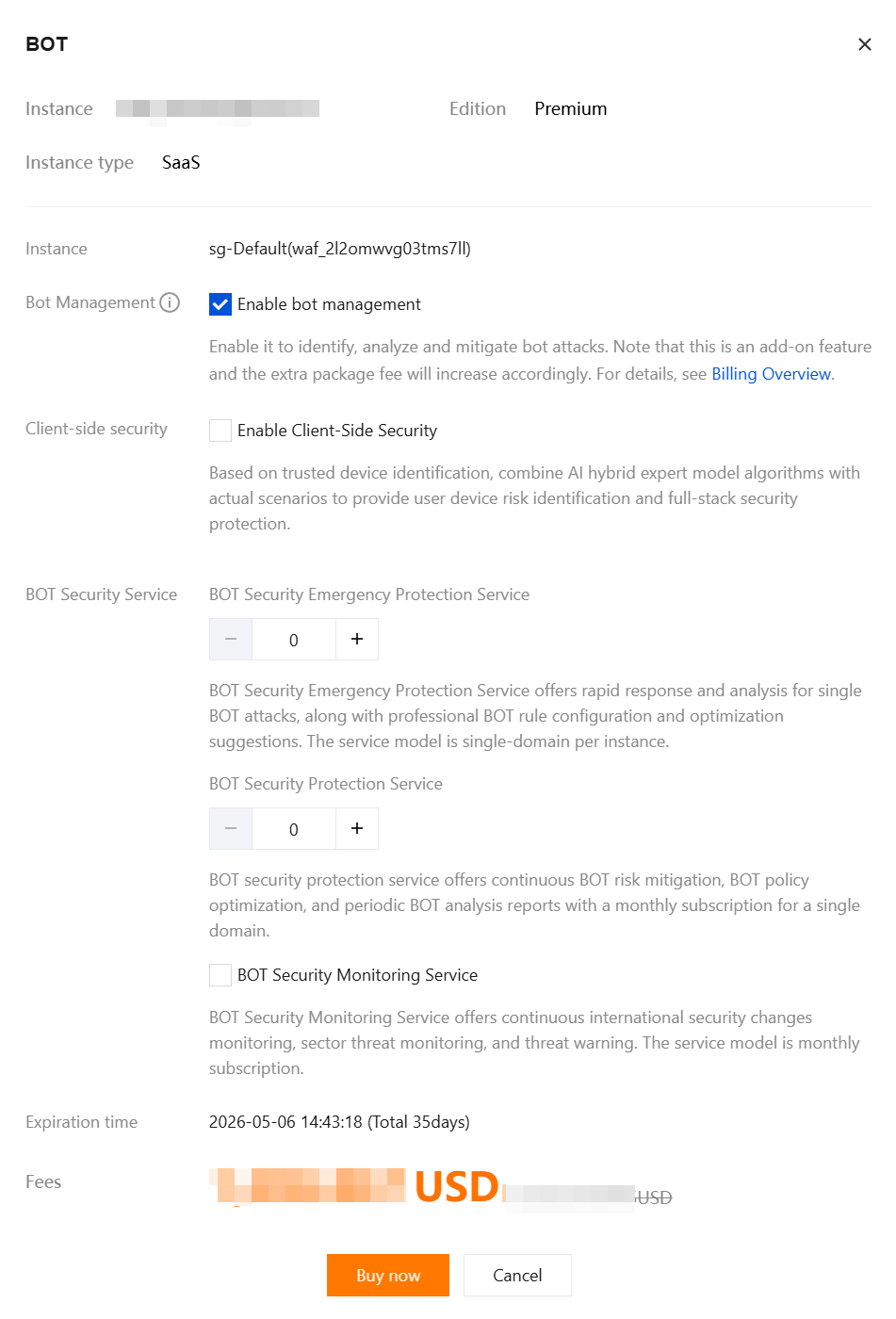
1. On the Instance Management page, select the desired instance, click More > BOT.

2. In the BOT pop-up window, select the required services, and click Buy now.
API Security Upgrade Method
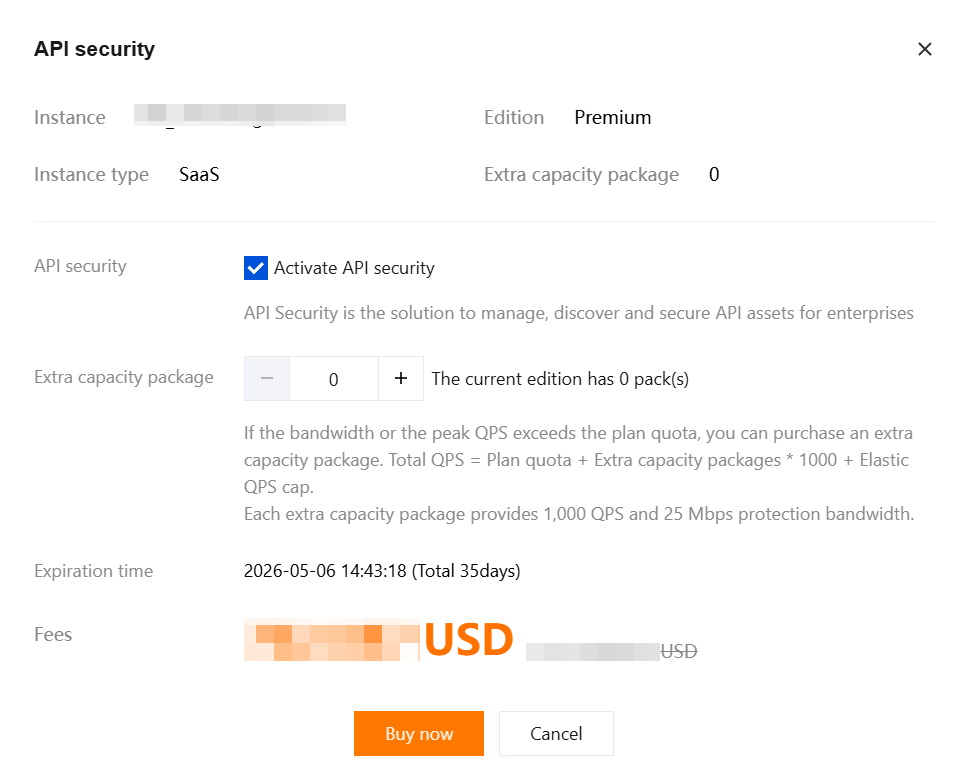
1. On the Instance Management page, select the desired instance, and choose More > API security.

2. In the API security pop-up window, select the required services and specify the quantity of Business Extension Packs, then click Buy now.
Exclusive IP Upgrade Method
Note:
Only SaaS WAF supports Exclusive IP. To enable this feature, submit a ticket or contact your dedicated account manager to apply for purchase.
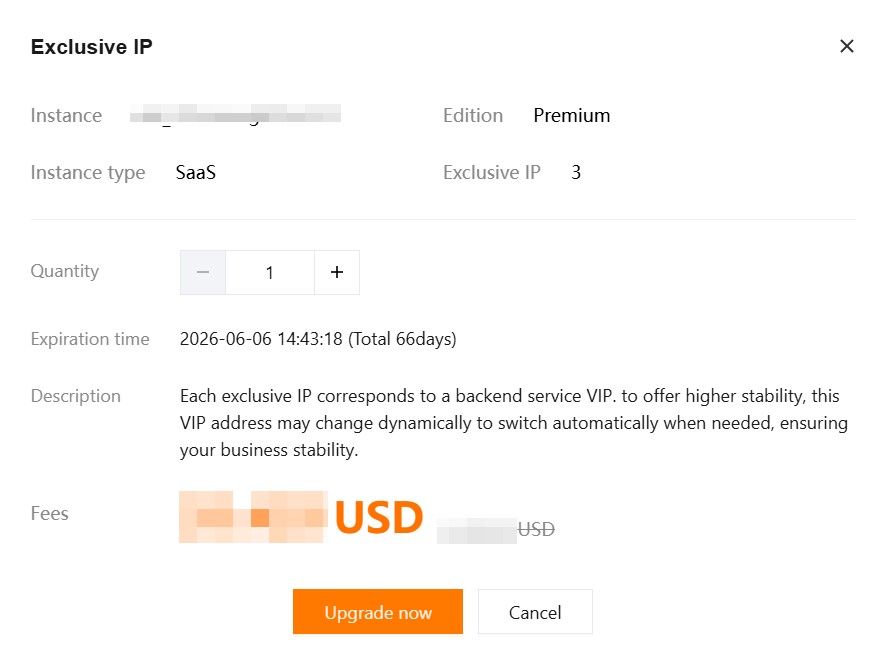
1. On the Instance Management page, select the desired instance, and choose More > Exclusive IP.

2. In the Exclusive IP pop-up window, select the purchase quantity, and click Upgrade now.
Log Storage Package Upgrade Method
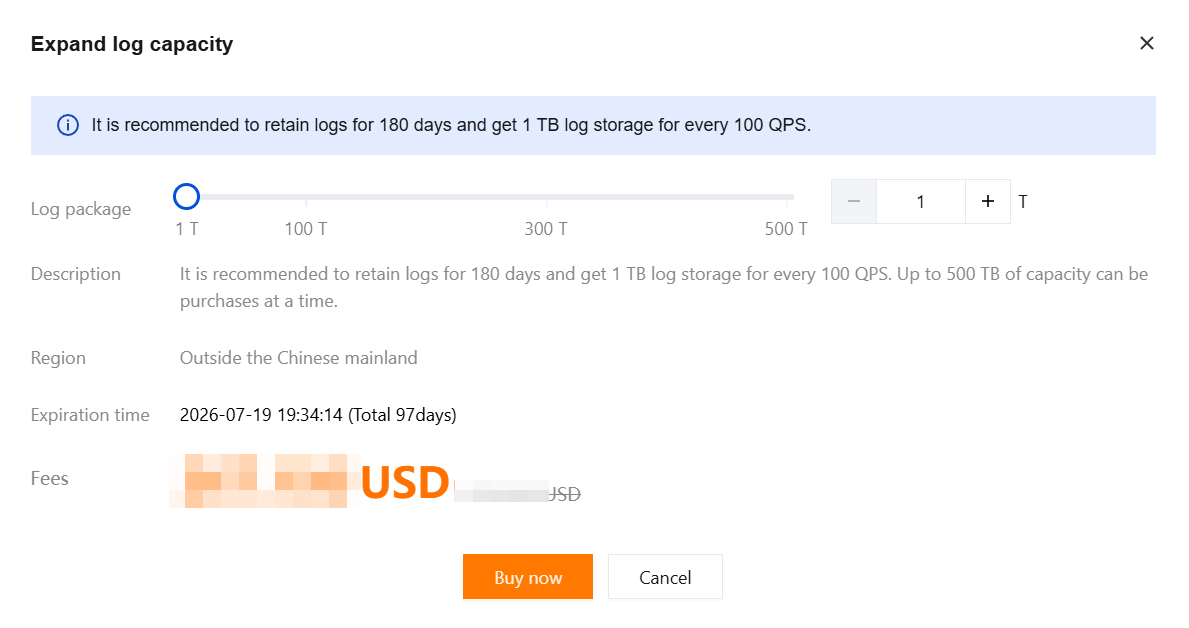
1. On the Instance Management page, in the Specifications Overview module, click Expand log capacity.

2. In the upgrade CLS package pop-up window, select the purchase quantity, and click Buy now.
Instance Details Upgrade
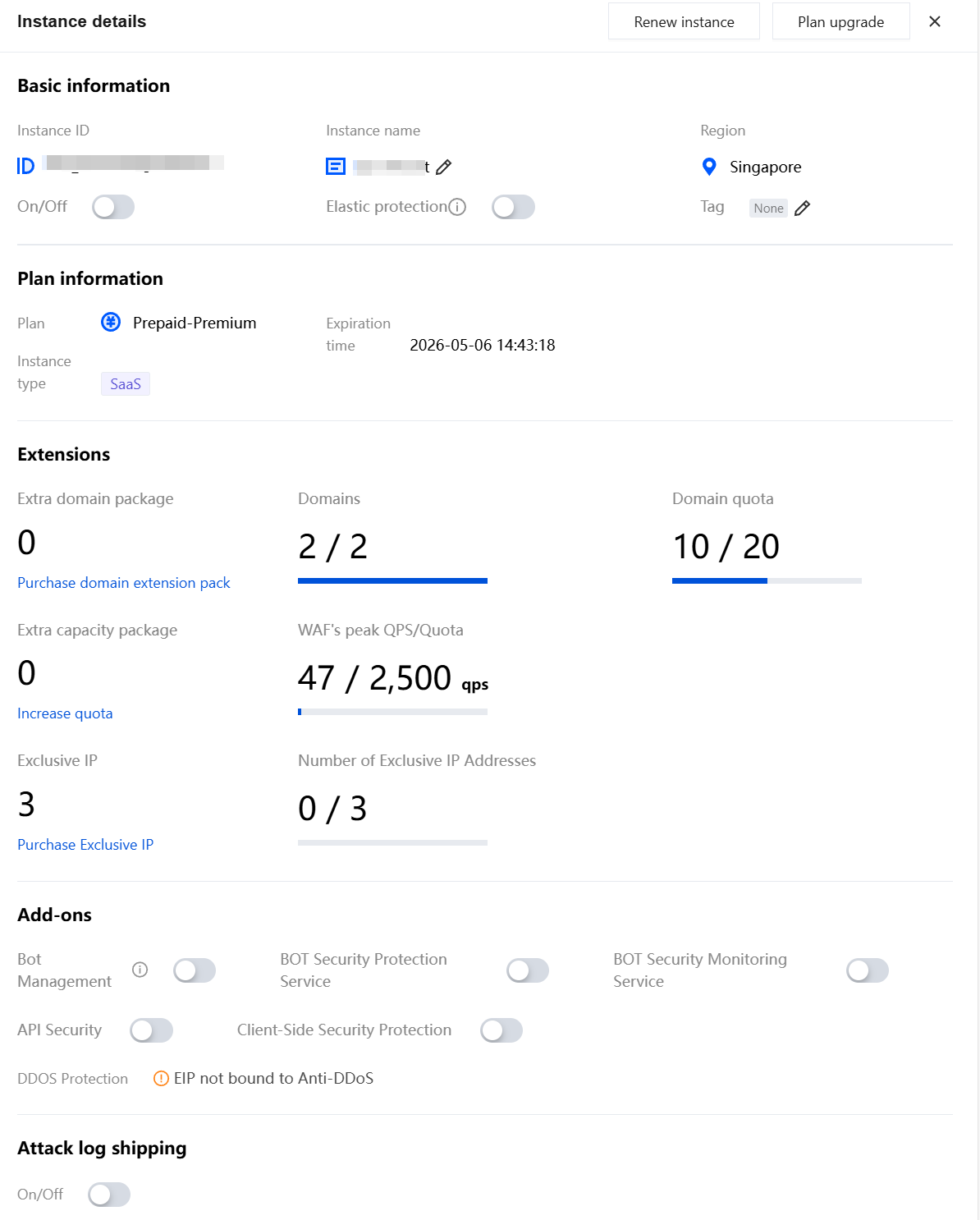
1. On the Instance Management page, select the desired instance, click Instance ID.

2. On the instance details page, you can upgrade and scale out the corresponding resources.
フィードバック