1. Log in to the CCN console and access the CCN management page.
2. In the CCN list, click the ID of the CCN to be disassociated to open the details page.
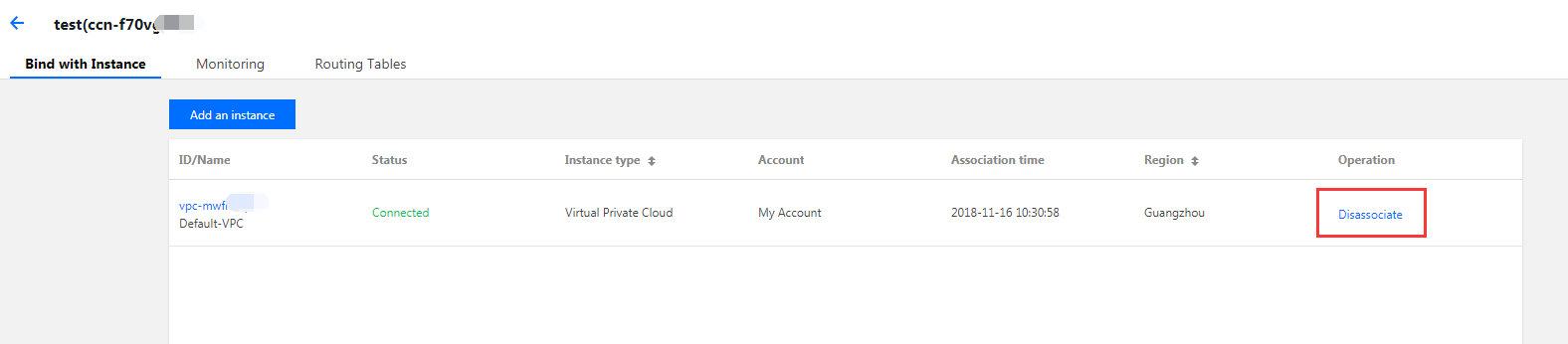
3. On the Bind with Instance tab, find the row of the network instance to be disassociated. Then, click Disassociate in the Operations column and click Confirm.