Viewing Routing Information
Download
포커스 모드
폰트 크기
1.Log in to the CCN console and access the CCN management page.
2. In the CCN list, click the ID of the desired CCN to open the details page.
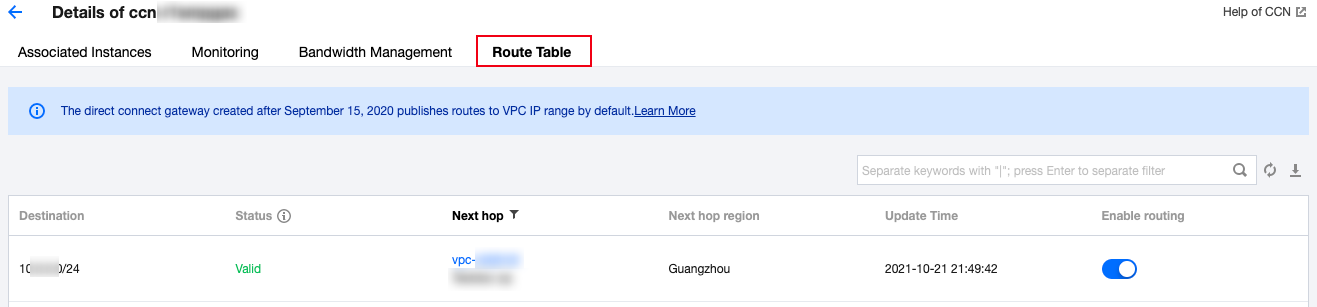
3. Click the Route Tables tab to view the route table of this CCN.
Note:
A route table is in one of the following states:
If no IP range conflict occurs, the route table is Valid by default.
If the route conflicts with an existing route, the route table is Invalid. For more information about the conflict rules and restrictions, see Use Limits - Routing Restrictions.
If you need to use an "invalid" route, see Disabling a Route and Enabling a Route.
피드백