Database Account Authorization Related
다운로드
포커스 모드
폰트 크기
On the Database Instance Authorization page, you fill in the root account password, but it shows that access failed?
The failure prompt is as follows:
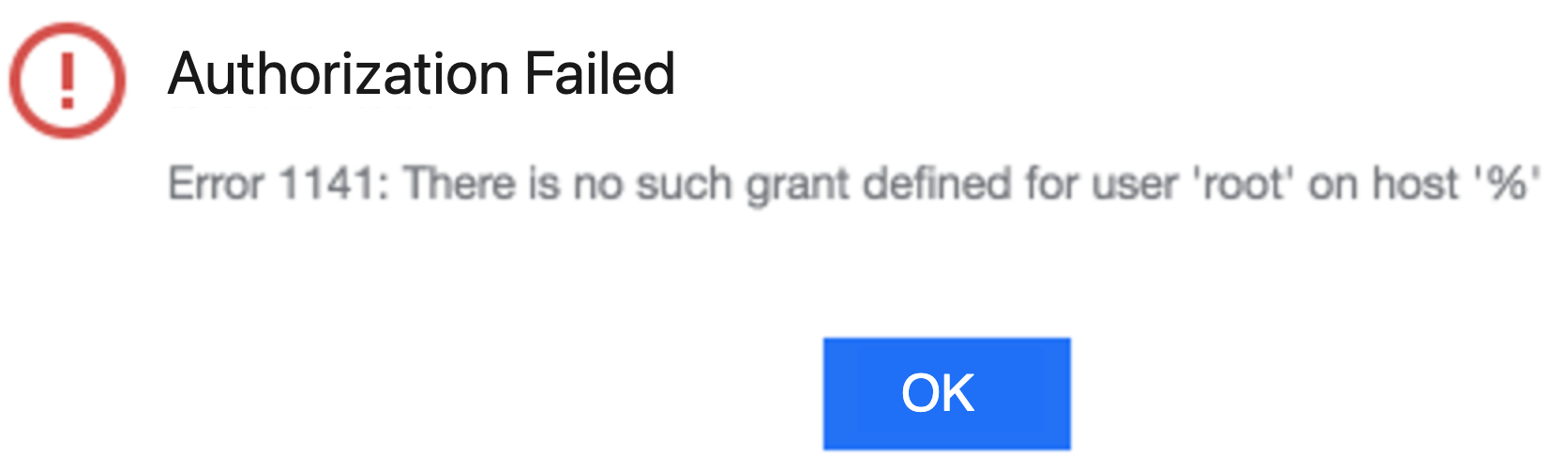
Ensure the root account's host configuration allows remote log-in. You can manually execute the following command on the database instance to modify the host:
update user set host = '%' where user = 'root';flush privileges;
You use an existing account for authorization, but a permission error is prompted?
You can manually grant the necessary permissions as prompted or click Generate Authorization Command. Copy the authorization command and execute it manually using the root account on the database instances. If the username is test, copy and execute the following authorization command:
GRANT PROCESS, REPLICATION SLAVE, REPLICATION CLIENT ON *.* TO 'test'@'%';GRANT SHOW DATABASES, SHOW VIEW, RELOAD, SELECT on *.* TO 'test'@'%';FLUSH PRIVILEGES;
피드백