Agent Workstation
다운로드
포커스 모드
폰트 크기
Workstation Overview
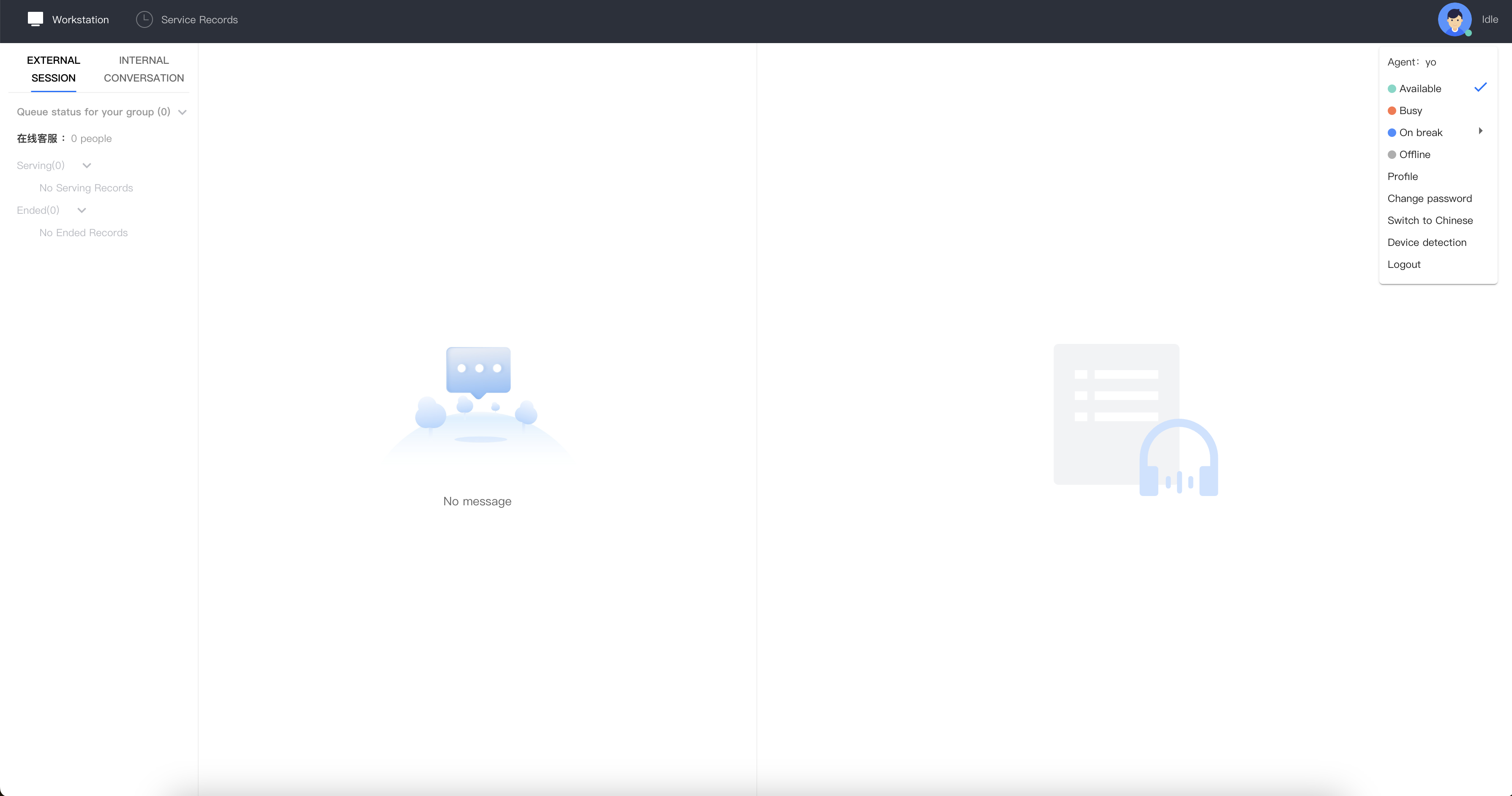
The agent workstation is primarily divided into three functional areas and one top navigation bar, as shown below:
Position | Feature | Description |
Top Navigation Bar | Workstation | Current Workstation |
| Status | Available: When available, the system assigns conversations to the agent. Agents can also initiate outbound calls. Busy: When busy, the system does not assign new tasks, but the agent can still make outbound calls. On break: During a break, agents can select a specific reason for the break; the system will not assign tasks, but outbound calls can still be made. Offline: Once offline, the system stops assigning tasks, and the agent cannot make outbound calls. |
| | |
Left Section | Conversation Task Area | This area displays current active tasks, including phone calls and online audio/video communications. |
피드백