This document describes how to modify your record as needed.
Directions
1. Log in to the Private DNS console and click Private Domain List on the left sidebar to enter the private domain list.
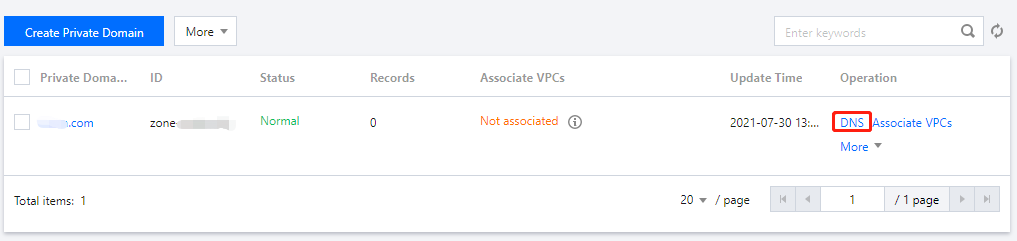
2. In the Private Domain List, select the domain for which you want to modify a record or click DNS in the Operation column to enter its DNS Records page as shown below:
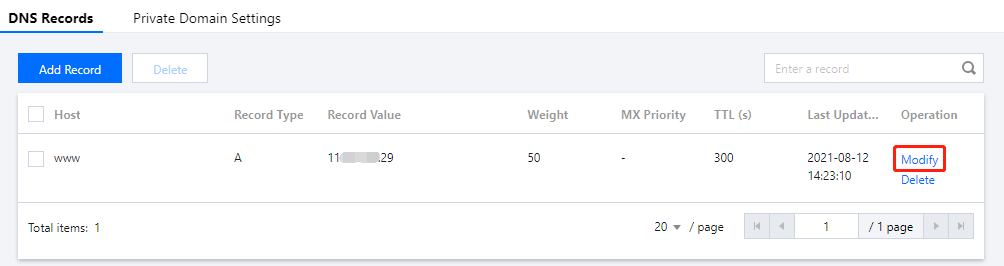
3. Select the record you need to modify and click Modify in the Operation column as shown below:
4. Modify the record and click Save to complete the modification.