Solution for handling non-InnoDB form issues detected during one-click migration verification
다운로드
포커스 모드
폰트 크기
TDSQL-C for MySQL offers a one-click migration feature, enabling migration from TencentDB for MySQL to TDSQL-C for MySQL with one click. This document describes the migration check steps during the one-click migration process, providing a solution to the issue with the prompt "Contains non-InnoDB table, failed to migrate".
Note:
The source database mentioned in this document refers to the source database using the one-click migration feature: a TencentDB for MySQL instance.
One-Click Migration Feature
If you have not used the one-click migration feature before but need to understand the problem scenarios and solutions in this document, you can click the following links to learn about the one-click migration feature.
Problem Description
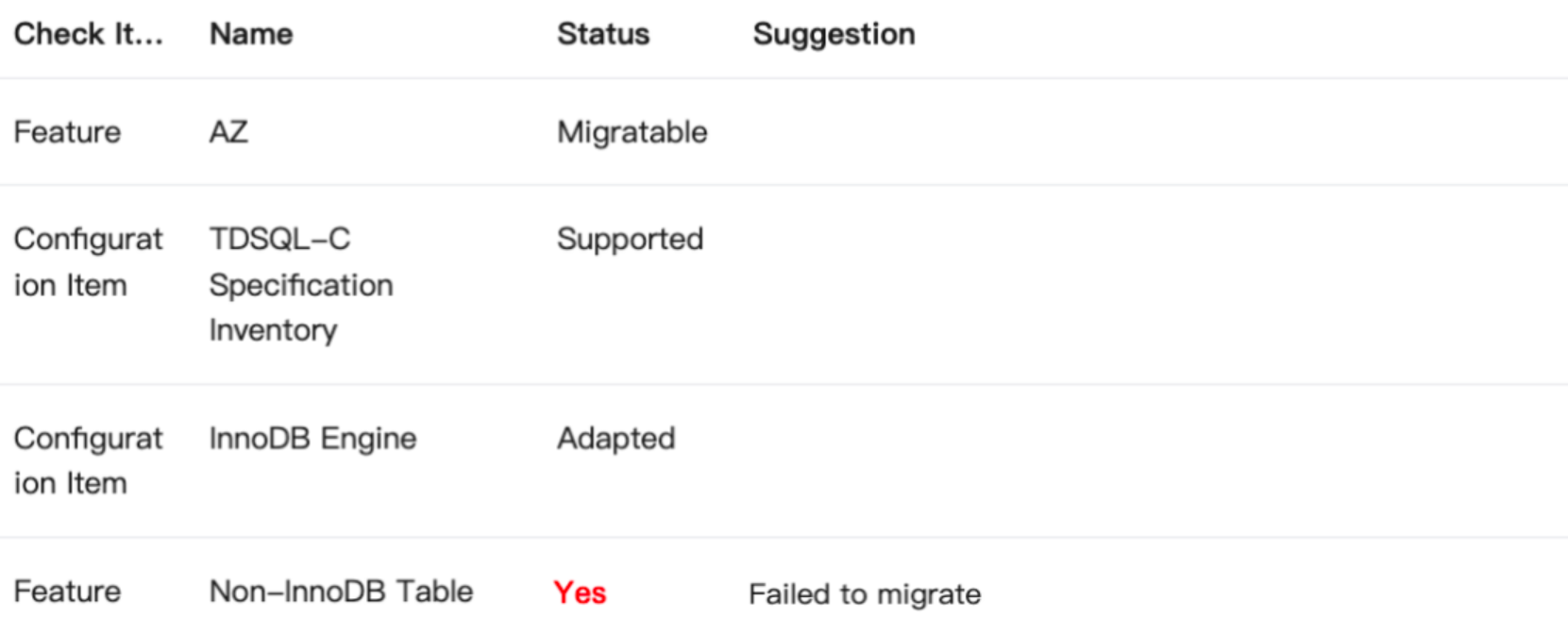
During the migration check for one-click migration, the prompt "Contains non-InnoDB table, failed to migrate" appears, as shown in the figure below.
Cause
1. The source database contains non-InnoDB tables.
2. A Data Transfer Service (DTS) migration task was performed on the source database before the one-click migration, generating the system database
__tencentdb__.Note:
When the DTS data migration feature is used to migrate data from MySQL to TencentDB for MySQL, DTS writes the system database
__tencentdb__ into the source database using the account executing the migration task, to record data comparison information during the migration process.Suggestions
For issue 1: The source database contains non-InnoDB tables.
TDSQL-C for MySQL only supports migration with the InnoDB engine. If the TencentDB for MySQL instance to be migrated contains non-InnoDB tables, they cannot be migrated.
For issue 2: A DTS migration task was performed on the source database before the one-click migration, generating the system database
__tencentdb__.The presence of the system database
__tencentdb__ in the source database can also trigger the above issue during the one-click migration check, preventing the one-click migration. You can check whether there are any unfinished DTS migration tasks in the source database. If there are none, you can delete the system database __tencentdb__ from the source database and then try the one-click migration again.Directions
The steps for addressing issue 2 are as follows.
Step 1: Checking Whether There Are Any Unfinished DTS Migration Tasks in the Source Database
1. Log in to the DTS console.
2. Choose Data Migration from the left navigation bar, select a region at the top, and then check the Migration Task List for any unfinished DTS migration tasks related to the source database.

If there are any unfinished DTS migration tasks related to the source database, complete the migration tasks first. Ensure that the status of the relevant DTS migration tasks is "Task successful" before proceeding to Step 2.
If there are no unfinished DTS migration tasks related to the source database, proceed to Step 2.
Step 2: Deleting the __tencentdb__ Database from the Source Database
1. Log in to the TencentDB for MySQL console.
2. In the instance list, locate the target instance and click Log In in its operation column.
3. In the Database Management Center (DMC) console, enter the account and password and click Log In.
4. In the SQL window, run the following command to delete the
__tencentdb__ database.Note:
Before deleting, ensure that the DTS migration task of the source TencentDB for MySQL database has been completed.
DROP DATABASE __tencentdb__;
Step 3: Re-Executing One-Click Migration
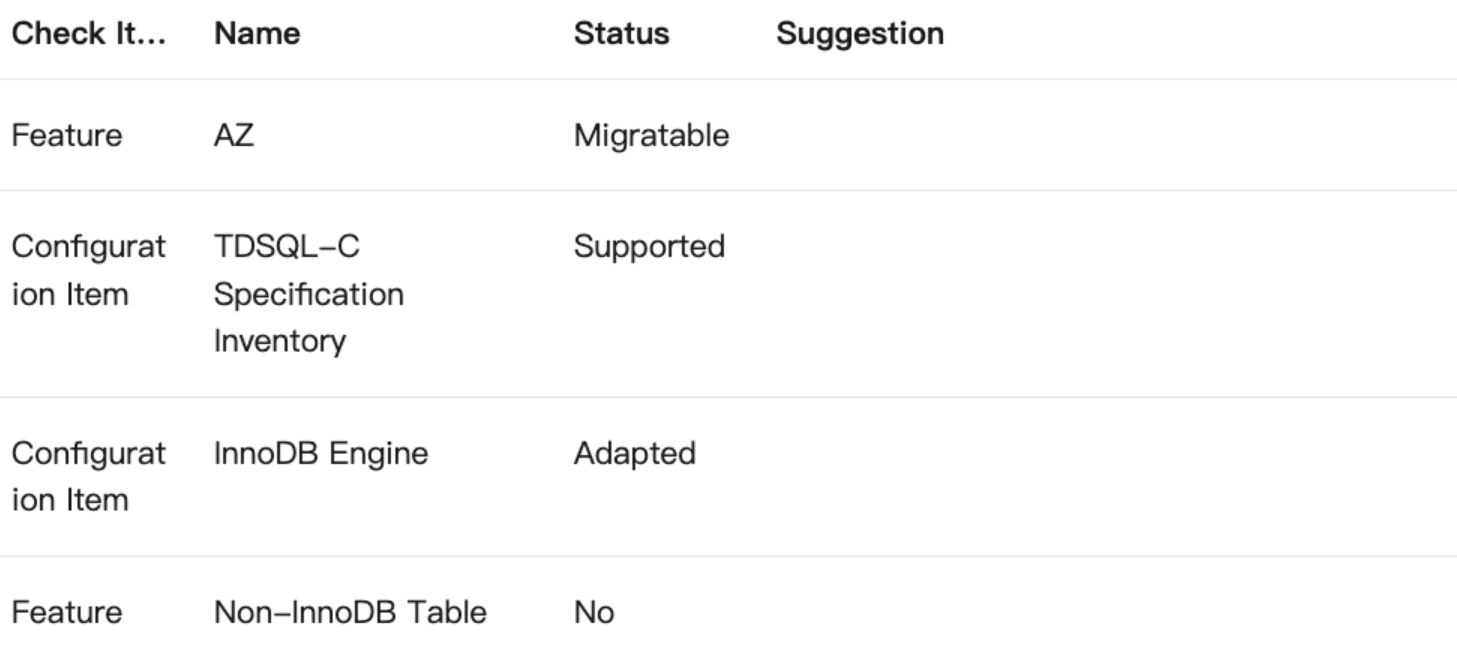
After completing Step 1 and Step 2, perform the one-click migration operation again to pass the migration check.
피드백