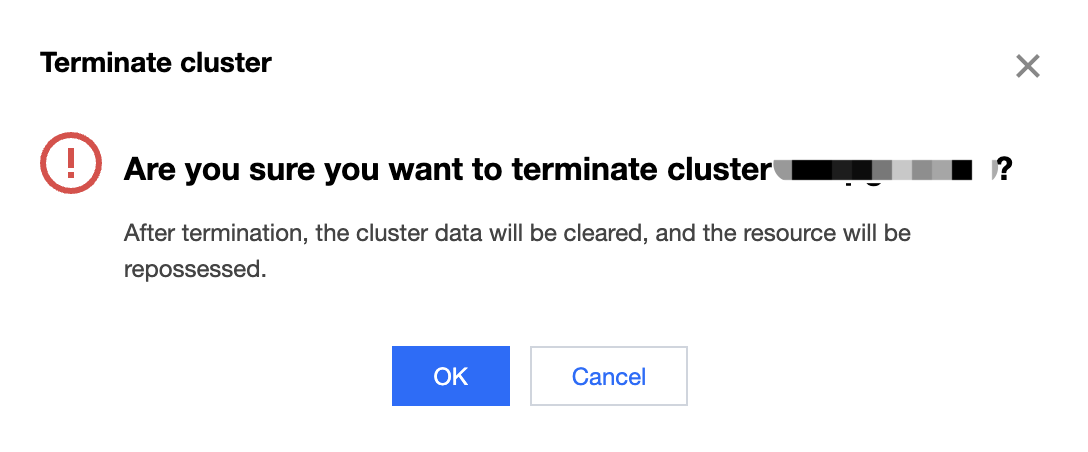
Proceed with caution when deleting a cluster, as all the data will be deleted.
Directions
1. Click Manage in the cluster list to enter the cluster details page.
2. Click Terminate in the top-right corner to enter the termination page.
3. Click Confirm, and the pay-as-you-go cluster will enter the Deleting status.
Note:
Pay-as-you-go and monthly subscribed clusters are terminated on different pages.
A pay-as-you-go cluster is terminated after confirmation. Once confirmed, the termination will start, and data cannot be recovered.
You will be redirected to the order refund page to terminate a monthly subscribed cluster. After the refund is confirmed, the cluster will be isolated and then retained for seven days, during which you can renew it to use it again. Note that you can only renew it once. If the cluster is not renewed, data will be cleared after seven days.