Customize Referer restriction rules
포커스 모드
폰트 크기
This example determines the source of a request by checking the Referer field in the HTTP request header. You can flexibly set the matching rules for the Referer field based on your needs. If the Referer field in a request is missing or its value does not match the preset domain name list, the edge function will block such requests and return a 403 status code to indicate that the access is denied. This is commonly used to restrict access to resources on websites.
async function handleRequest(request) {// Collect the Refererconst referer = request.headers.get('Referer');// If the Referer is empty, access is deniedif (!referer) {return new Response(null, { status: 403 });}// Set Referer allowlistconst urlInfo = new URL(request.url);const refererRegExp = new RegExp(`^https?:\\/\\/${urlInfo.hostname}\\/t-[0-9a-z]{10}\\/.*`)// If the Referer is not on the allowlist, access is deniedif (!refererRegExp.test(referer)) {return new Response(null, { status: 403 });}// Normal request, access EdgeOne node cache or origin-pullreturn fetch(request);}addEventListener('fetch', event => {// When the function code throws an unhandled exception, the Edge function transmits this request back to the originevent.passThroughOnException();event.respondWith(handleRequest(event.request));});
Example Preview
Enter the URL that matches the Edge function triggering rules in the address bar of the browser on the PC end and mobile end (e.g.,
https://example.com/images/ef-1.jpeg) to preview the example effect.HTTP request header
Referer is https://example.com/t-0123456789/page, and the Edge function responds normally to the image.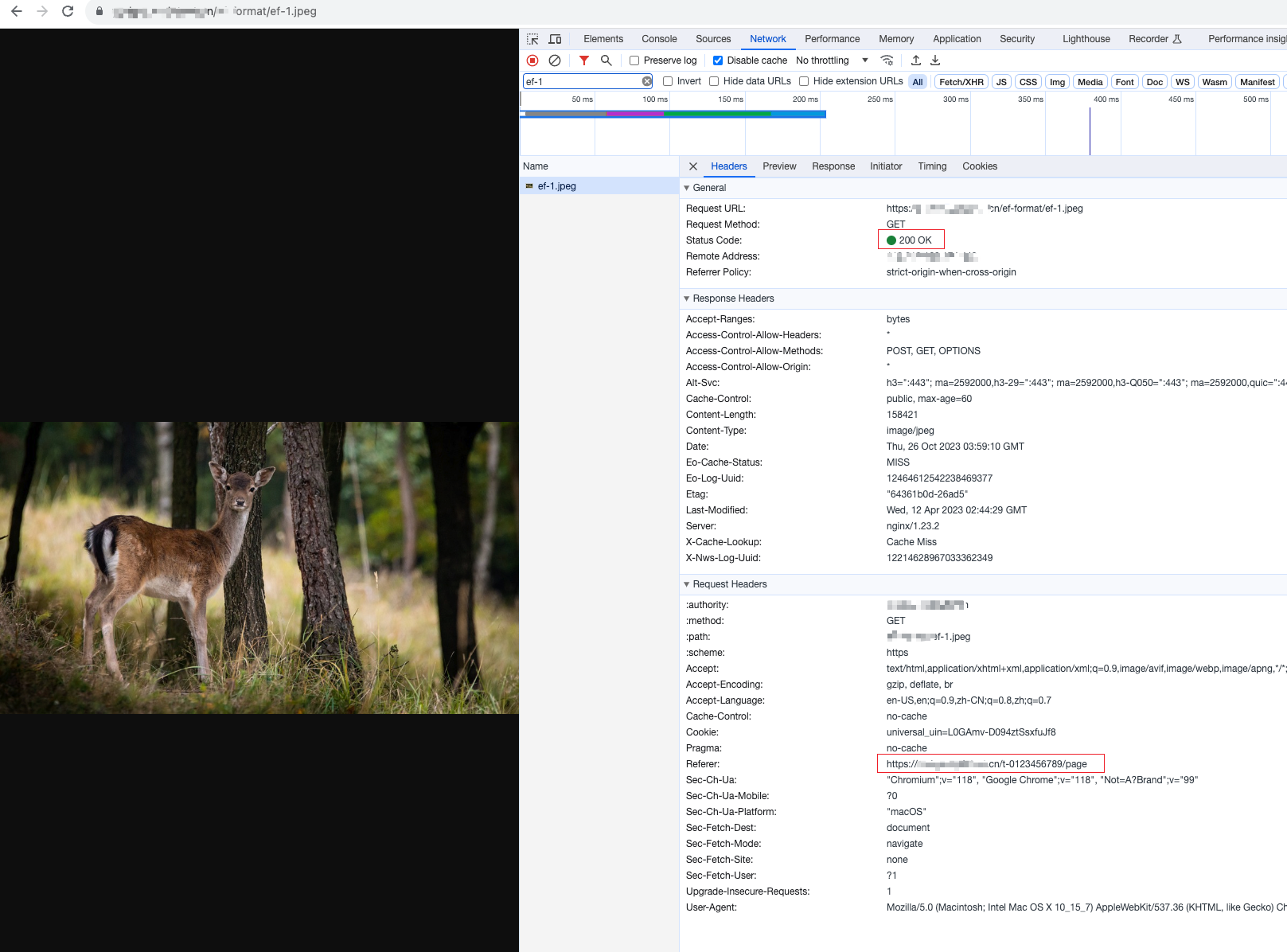
HTTP request header
Referer is not on the allowlist, and the Edge function identifies it as a leeching link and responds with a 403 status code.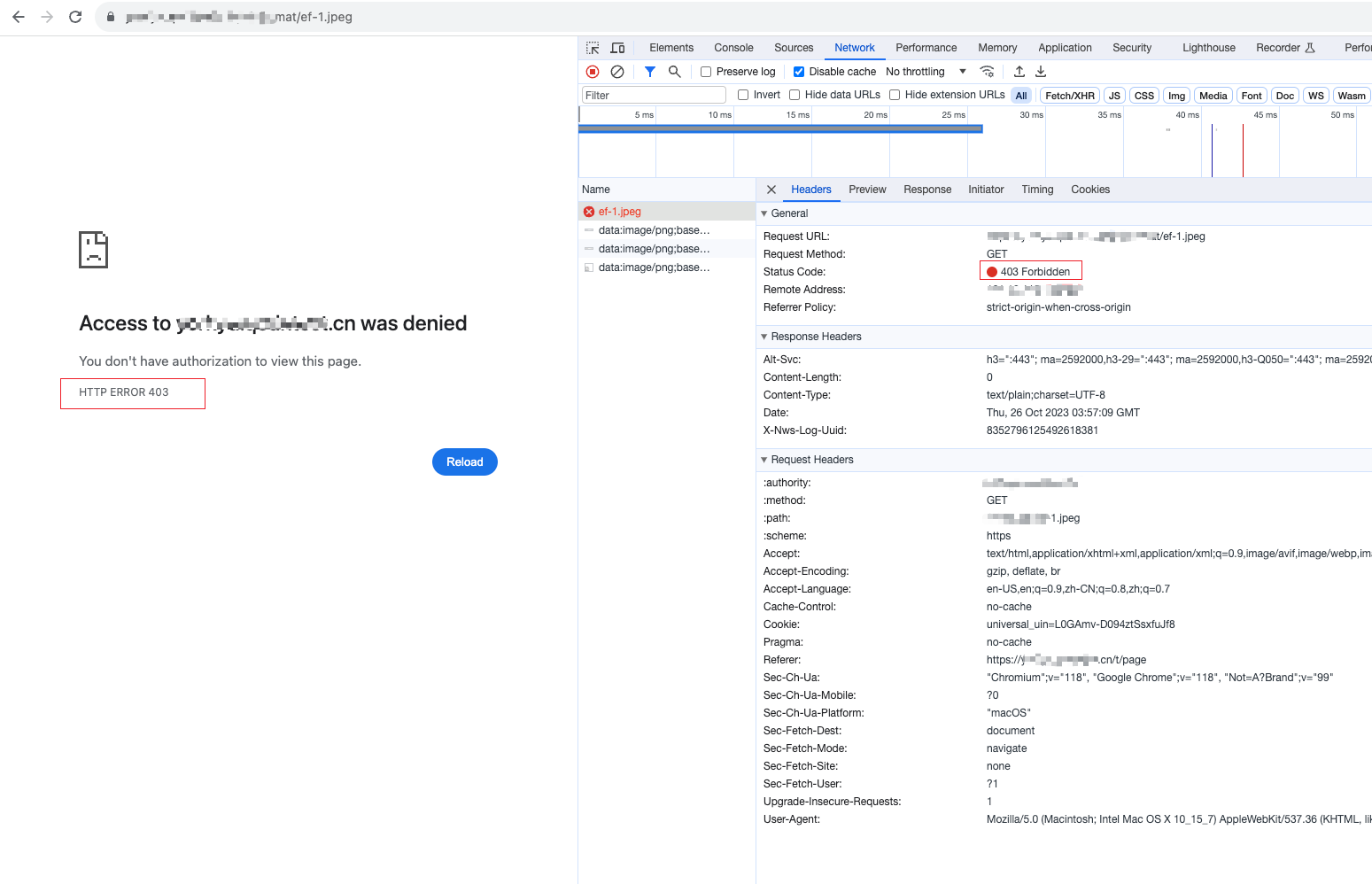
Related References
피드백