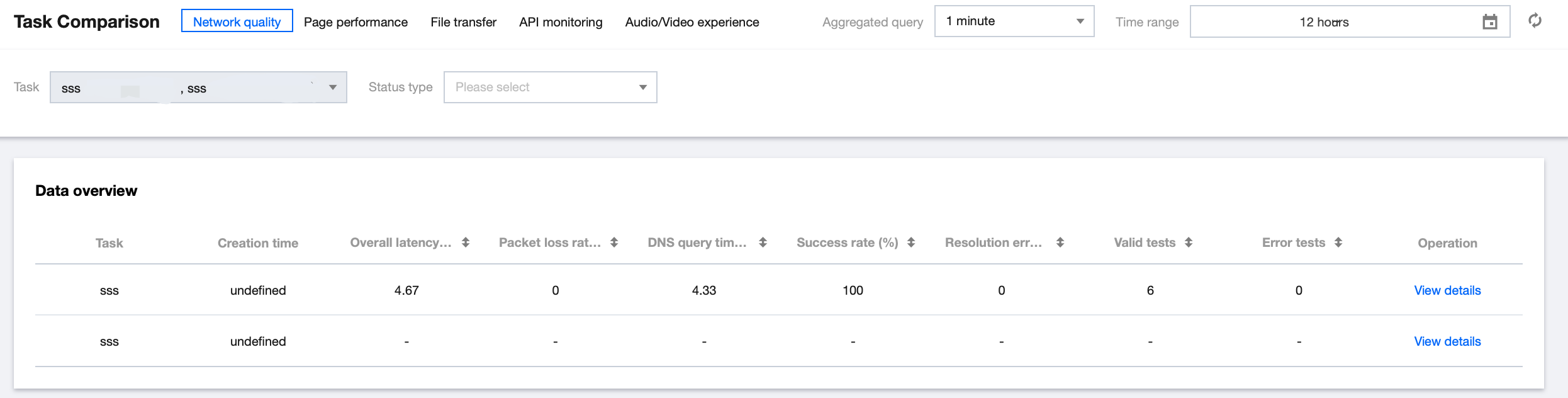
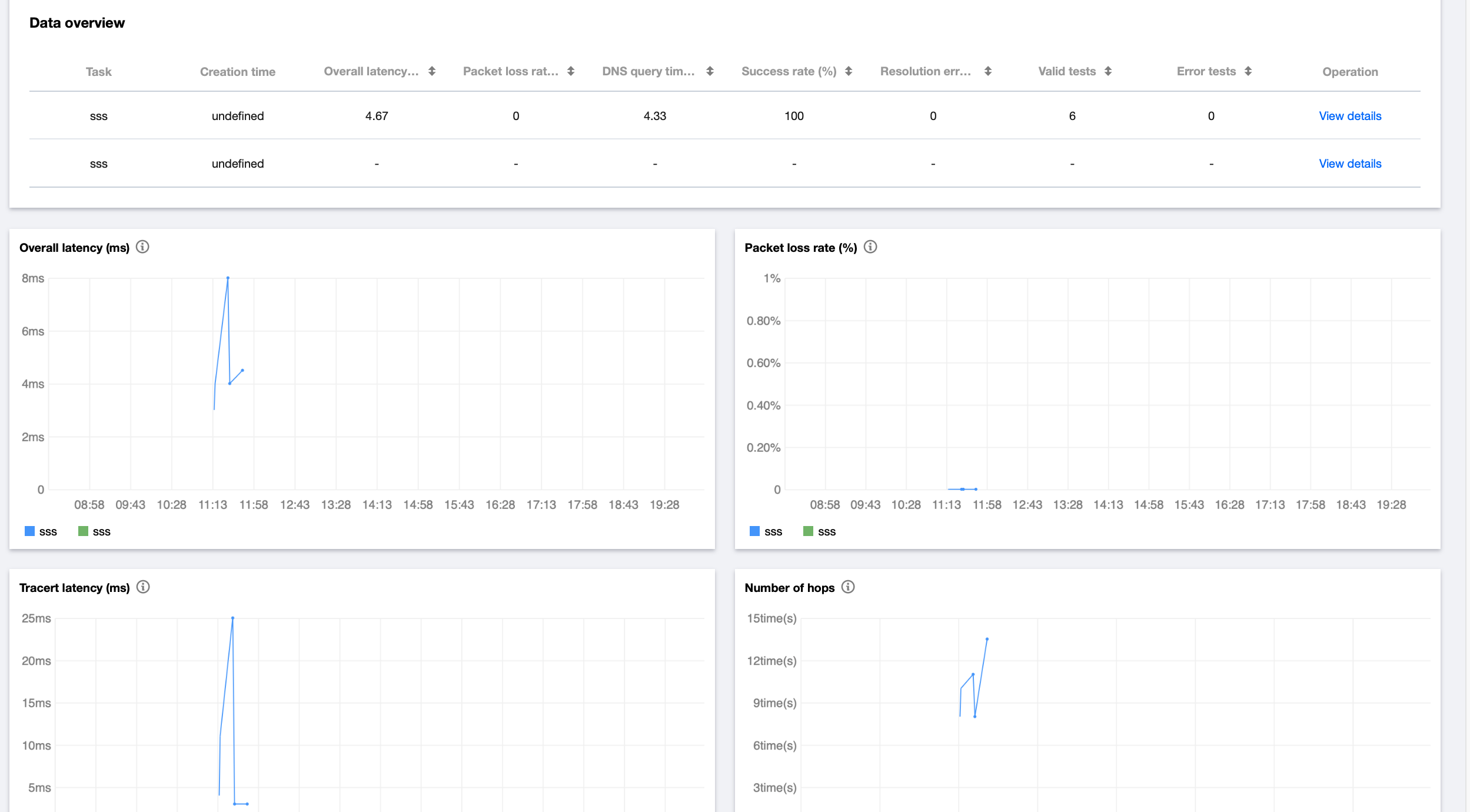
After creating multiple test tasks for the same scenario, you can leverage the task comparison feature to analyze their performance metrics. This feature applies to CDN quality comparison, horizontal comparison of website performance, etc.
2. In the top-left corner of the Task Comparison page, select the target task scenario and task type.
3. Then, you can horizontally compare the data of different test tasks in multiple dimensions such as map, line chart, figure, and detailed data on the Task Comparison page.