IP and Port Rate Limit
Download
포커스 모드
폰트 크기
Anti-DDoS allows you to limit traffic rate for business IPs and ports.
Directions
1. Log in to the new Anti-DDoS console and click DDoS Protection on the left sidebar.
2. Select an Anti-DDoS instance ID in the list on the left, such as "bgp-00xxxxxx".

3. In the IP/Port rate limit section, click Set.
4. On the IP/Port rate limit page, click Create.

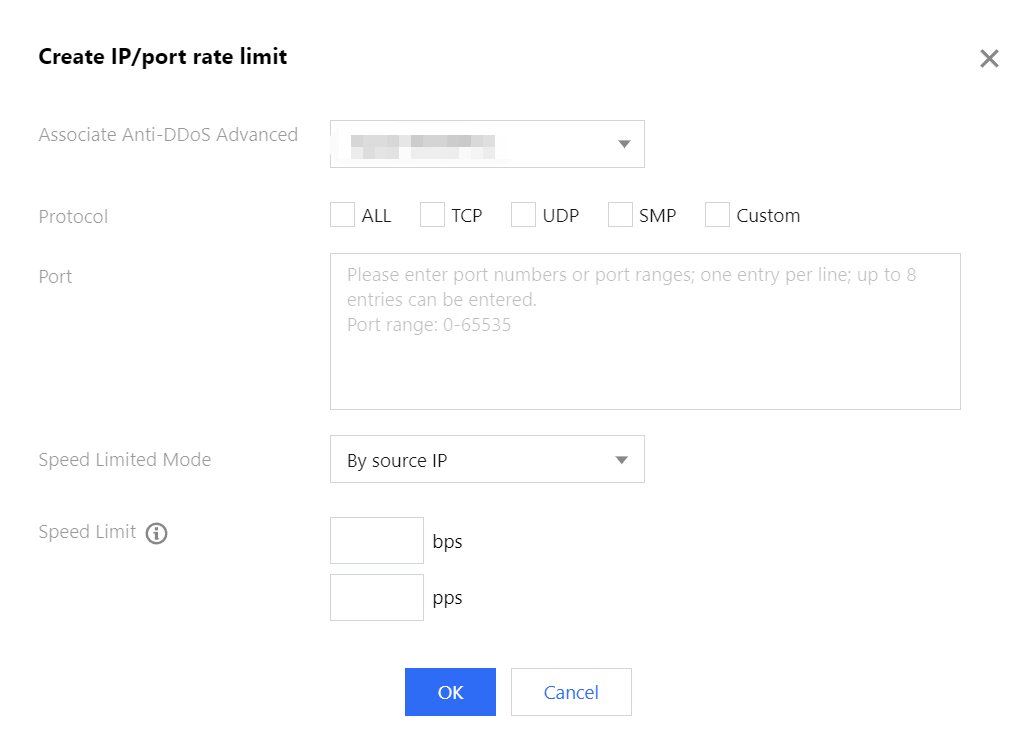
5. In the pop-up window, select a protocol, port, and limit mode, enter a rate limit, and click OK.
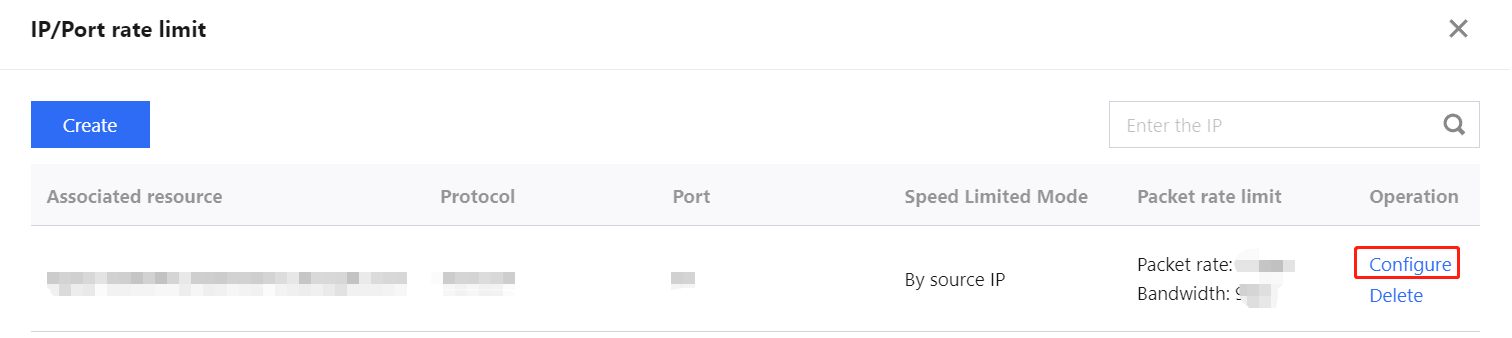
6. After the rule is created, it is added to the rate limit list. You can click Configure on the right of the rule to modify it.
피드백