Syncing Forwarding Rules to New Anti-DDoS Advanced Instances
다운로드
포커스 모드
폰트 크기
마지막 업데이트 시간: 2024-07-01 11:38:27
This document describes how to quickly sync forwarding rules when configuring multiple Anti-DDoS Advanced instances or non-BGP Anti-DDoS Advanced instances.
Directions
1. Log in to the new Anti-DDoS console, click Business Access on the left sidebar, and then click the Access via port tab.
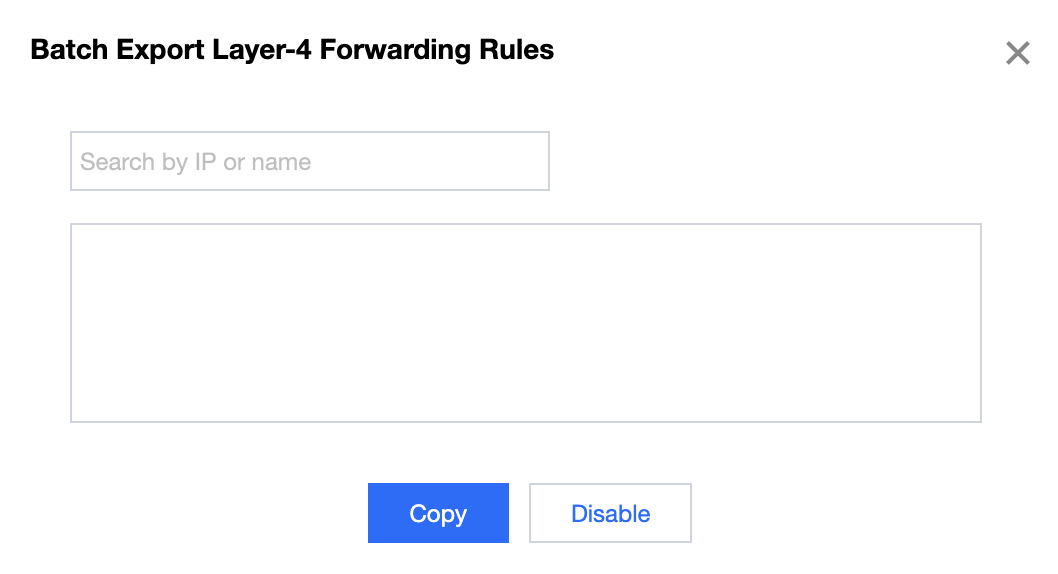
2. On the Access via port page, click Batch export.
3. Enter an Anti-DDoS Advanced instance in the input box. All the forwarding rules configured for the instance will be displayed. Select forwarding rules to export and click Copy.
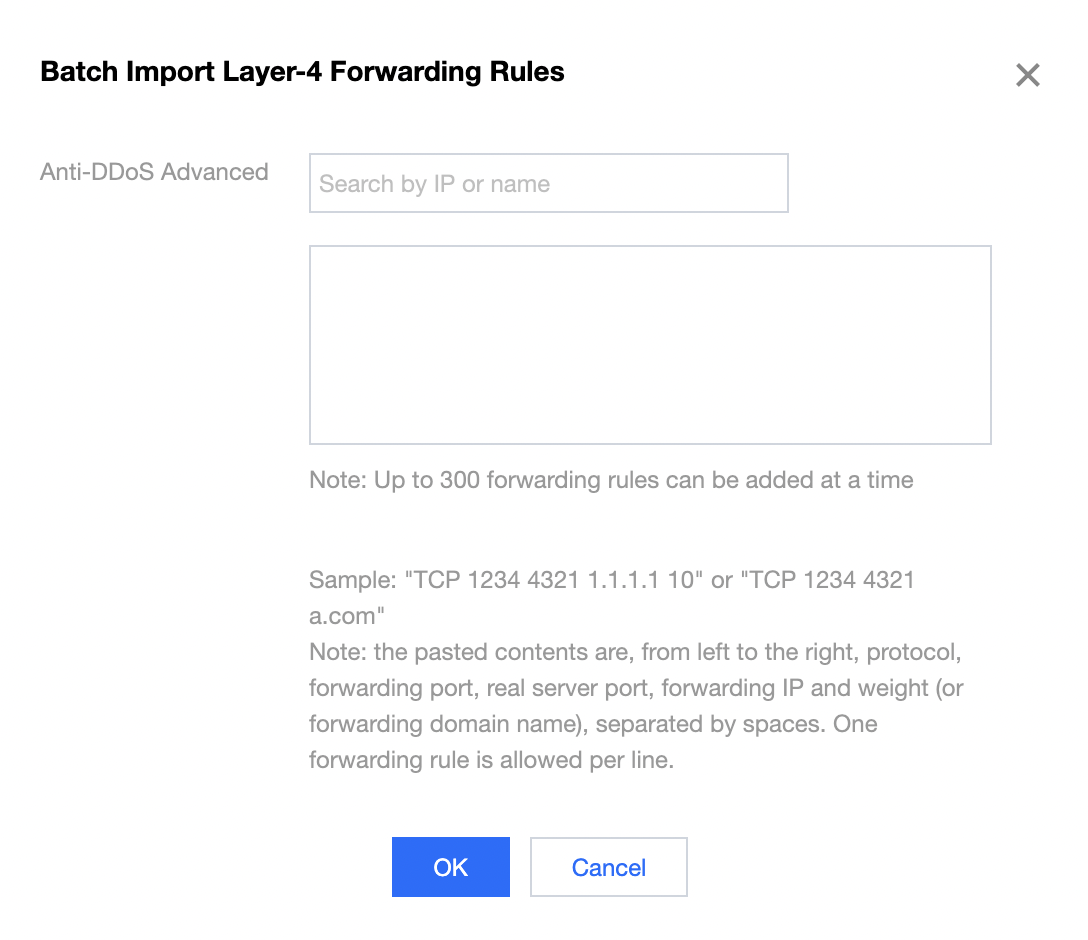
4. On the Access via port page, click Batch import.
5. Enter the new Anti-DDoS Advanced instance (with no forwarding rules configured) in the Anti-DDoS Advanced input box, paste the copied content in the input box below, and click OK.
6. Now you can view the forwarding rules in the list.