You can edit the tags of an instance by following the steps below.
Prerequisites
The Tag has been created. For details, see Creating Tags.
Edit Tags for a Single Instance
1. Log in to the TDSQL Boundless console. The system provides two ways to go to the Edit Tag page.
Method 1: In the Instance List, locate the target instance. In the Operation column, click More > Edit Tag.
Method 2: In the Instance List, locate the target instance and click its Instance ID. Go to the Instance Information tab. In the Basic Information section, find the Tag row and click the
icon on the right.
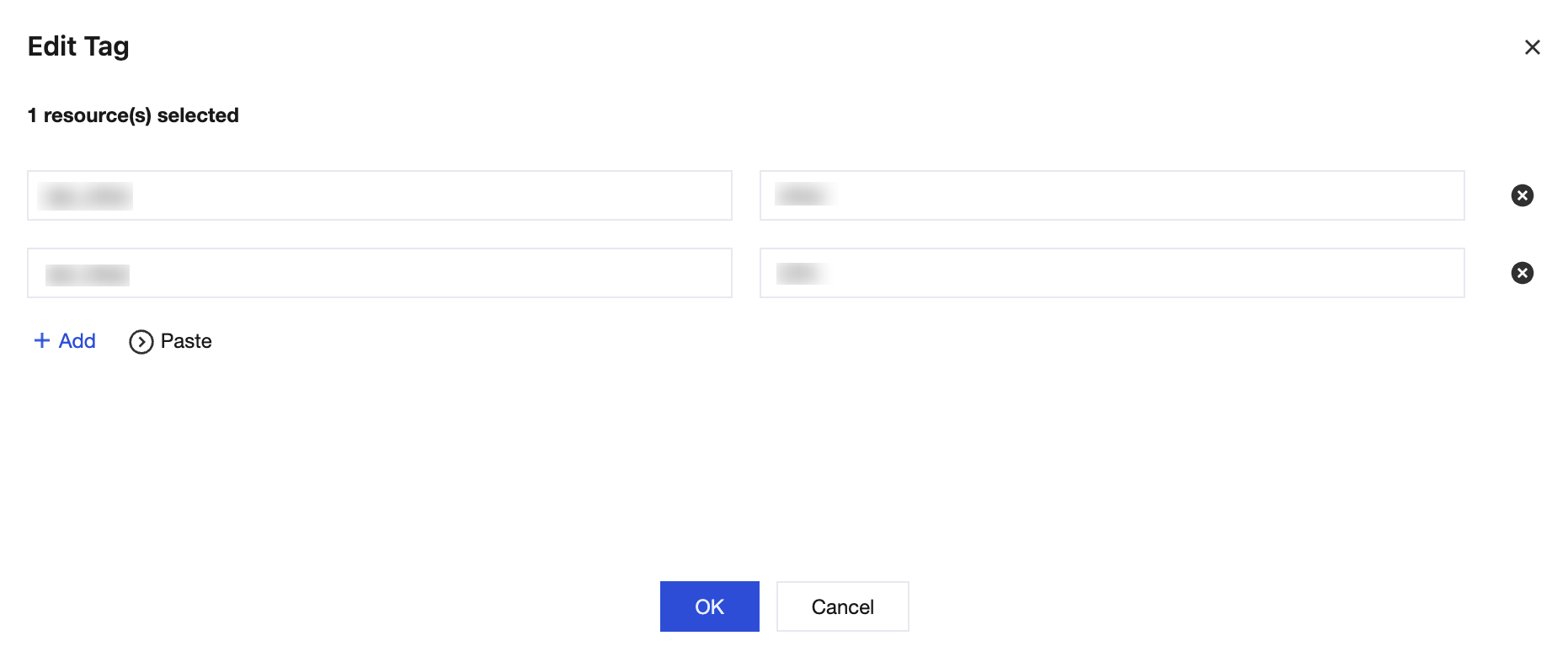
2. In the pop-up dialog box, you can add, modify, or delete Tags. After confirming the changes, click OK.
Editing Tags for Multiple Instances
1. Log in to the TDSQL Boundless console. In the Instance List, select the instances whose Tags you want to edit. Then, select Edit Tag above the list.
2. In the pop-up dialog box, you can add, modify, or delete Tags. After confirming the changes, click OK.