tencent cloud

TDSQL Boundless

문서TDSQL BoundlessUser GuideInstance ManagementModify Private Network Address and Port Number

Modify Private Network Address and Port Number

PDF
포커스 모드
폰트 크기
마지막 업데이트 시간: 2026-03-12 10:37:49
TDSQL Boundless distributed database supports modifying the private network address and port number of instances. This article describes how to modify them via the console.
Note:
TDSQL Boundless distributed database only supports modifying the private network address and port number of instances.
Both primary instances and disaster recovery instances support adjusting the private network address and port number, and the adjustment does not affect data synchronization between the disaster recovery instances and the primary instance.

Prerequisites

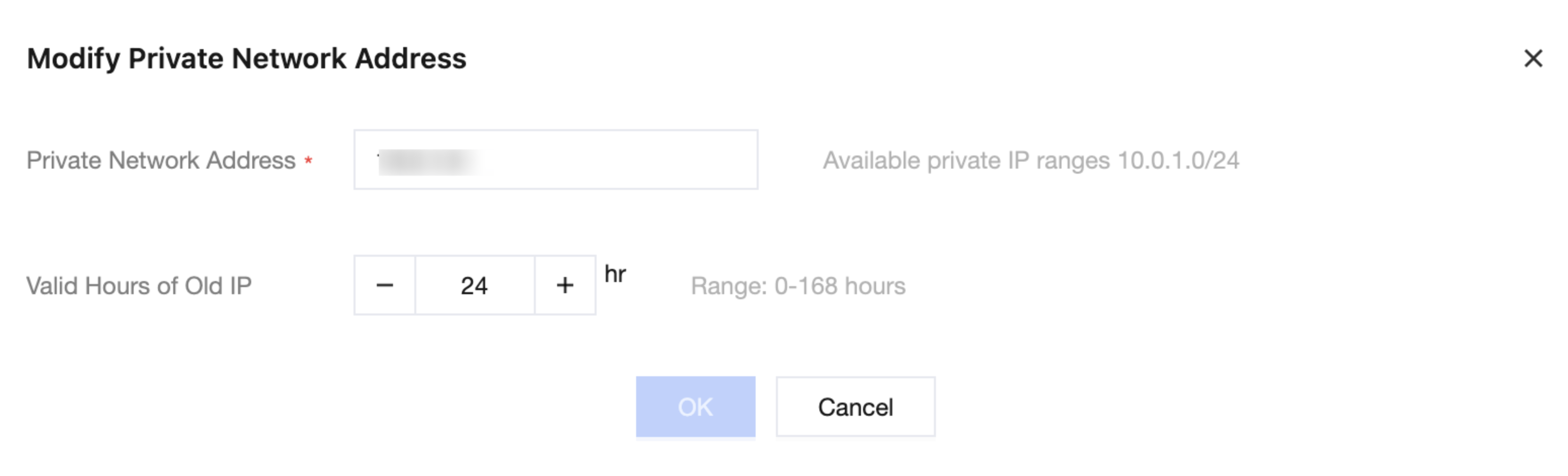
Modify Instance Private Network Address

1. Log in to TDSQL Boundless console, in the Instance List, click Instance ID or Manage in the Operation column.
2. On the Instance Details page, click

after Private Network Address.
3. In the pop-up box, modify the Private Network Address, and click OK.


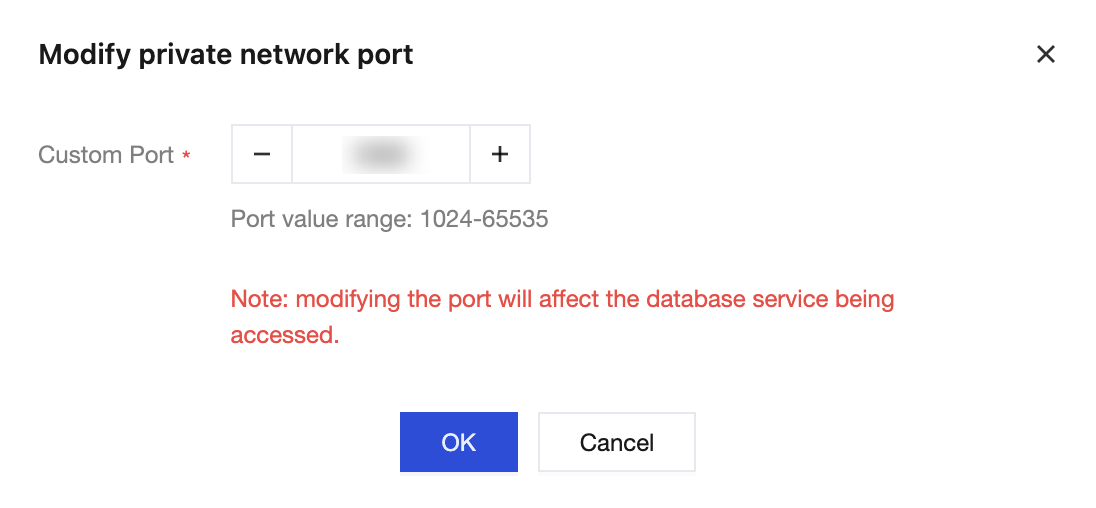
Modify the Port Number of the Instance Private Network Address

1. Log in to TDSQL Boundless console, in the Instance List, click Instance ID or Manage in the Operation column.
2. On the Instance Details page, click

after Private Port.
3. In the pop-up box, modify the Custom Port, and click OK.


도움말 및 지원

문제 해결에 도움이 되었나요?

피드백