Connecting via DMC
Download
포커스 모드
폰트 크기
Scenarios
DMC (Database Management Center) is a database management tool provided by Tencent Cloud. It supports features such as table-level operations, real-time monitoring, instance session management, SQL windows, and data management. You can use DMC to connect when you need to manage TDSQL Boundless databases visually through the Web interface.
Prerequisites
Steps
1. Log in to the DMC console. The following two methods are supported:
Method 1: On the TDSQL Boundless console Instance List page, locate the target instance and click Log In in the Operation column.

Method 2: On the Instance List page, click the target instance's Instance ID to go to the Instance Details page. Then, click Log In in the upper-right corner of the page.

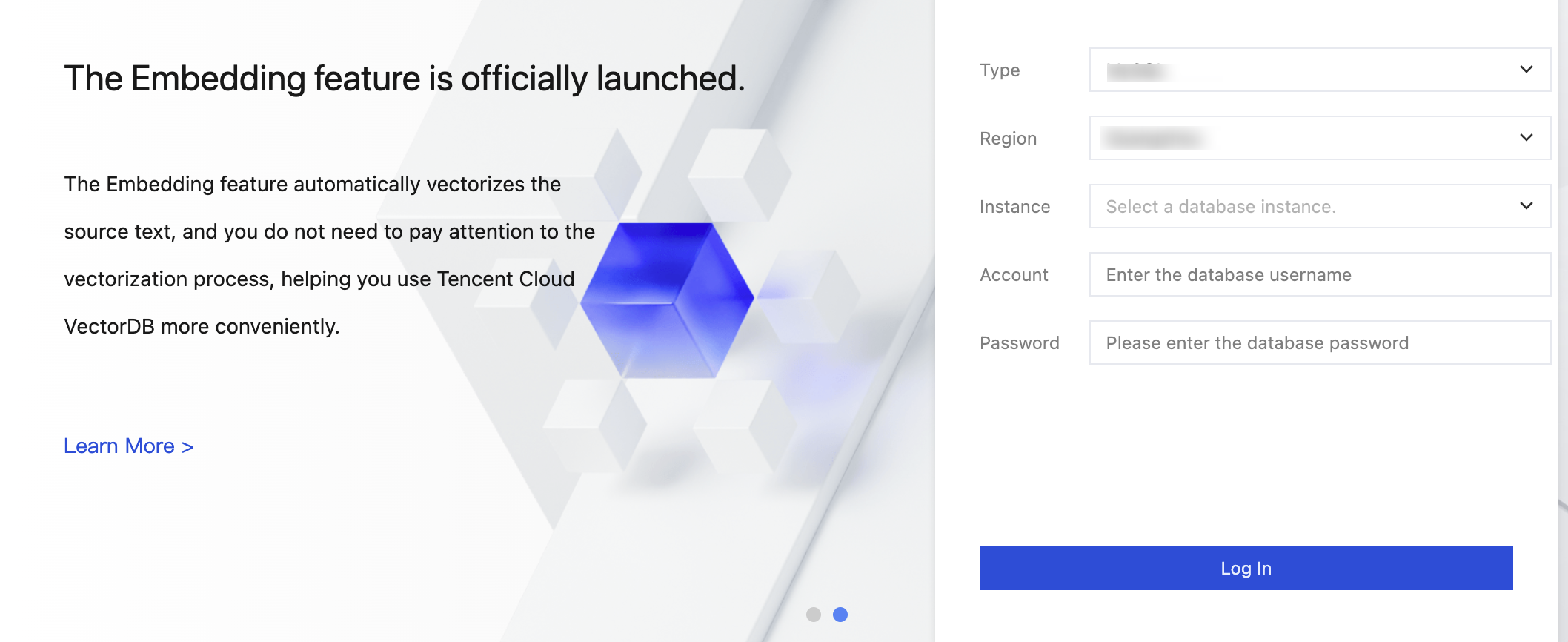
2. On the pop-up login page, enter the created database account and password, and then click Log In.
3. After a successful login, you go to the DMC management page, where you can perform relevant database operations.
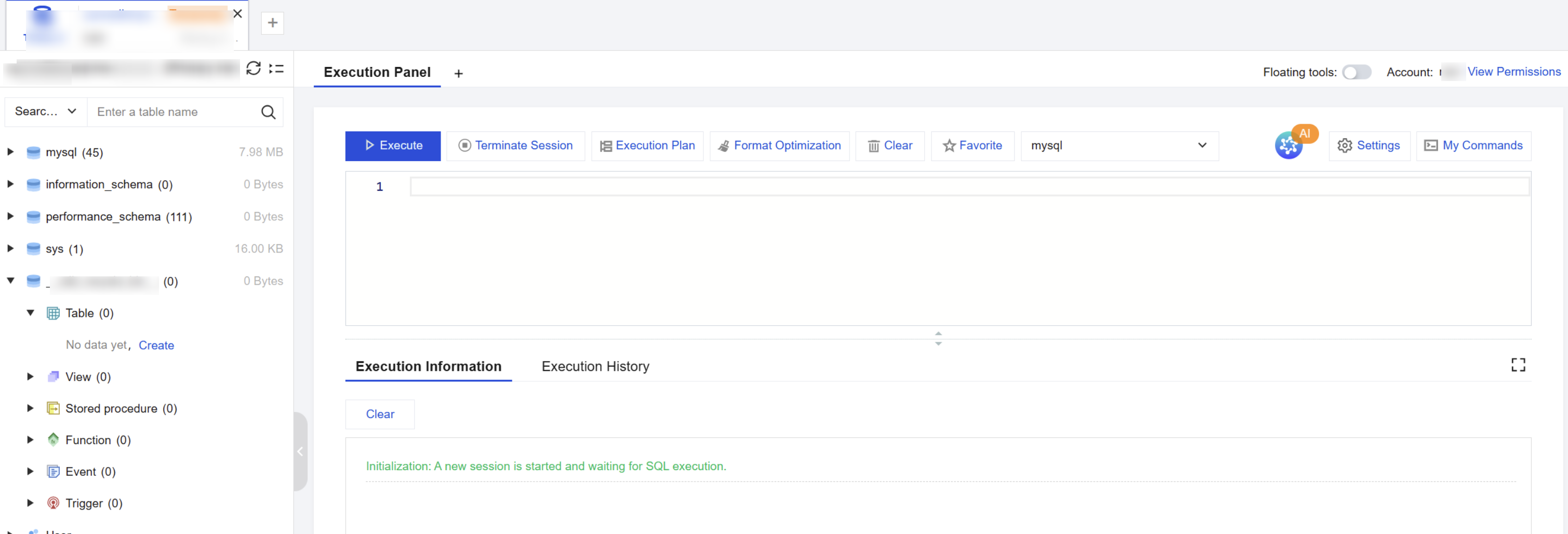
DMC Feature Overview
TDSQL Boundless supports the following features in DMC:
Feature Category | Feature Item | Description |
Basic Development | SQL Window | Provides a visual SQL editor, pre-configured with common SQL templates, and supports custom execution of SQL statements. |
Basic Development | Data Import and Export | Supports import and export of data at the database and table levels, and supports SQL, CSV, and Excel formats. |
Basic Development | Database management | Supports displaying database lists, creating databases, deleting databases, and modifying database character sets and collations. |
Basic Development | Table Operation | Supports table creation, deletion, structure editing, renaming, dropping, truncating, opening, and creating tables with the same structure. |
Basic Development | Other Data Object Management | Supports views and functions; does not support stored procedures, events, or triggers. |
Basic Development | Real-time Session Management | Supports session display and Kill operations; does not support killing sessions based on conditions. |
Basic Development | Quick login | Supports adding database instances, one-click login to the SQL window, and managing access usernames and passwords. |
Basic Development | Tag management | Provides pre-configured database instance tags and supports custom tags for categorization and management. |
Basic Development | Online DDL | Supports initiating online DDL change tasks, and allows viewing progress and results on the task management page. |
Advanced Development | Data Source Management | Not supported. |
Advanced Development | Structure comparison | Not supported. |
Advanced Development | Cross-database federated query | Not supported. |
피드백