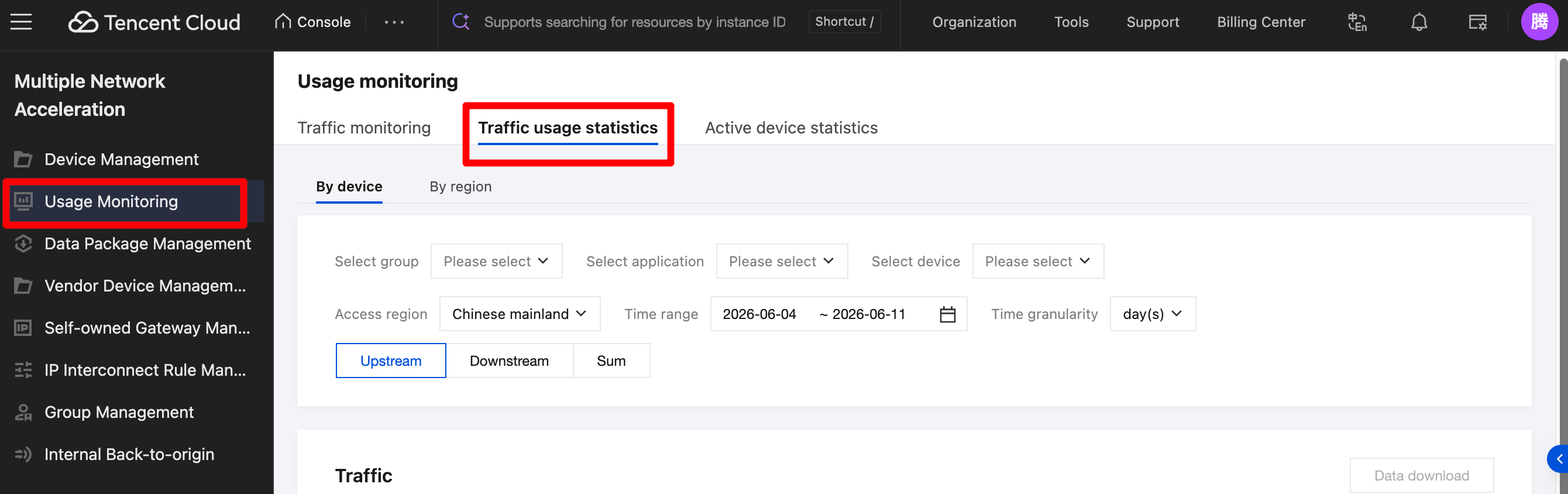
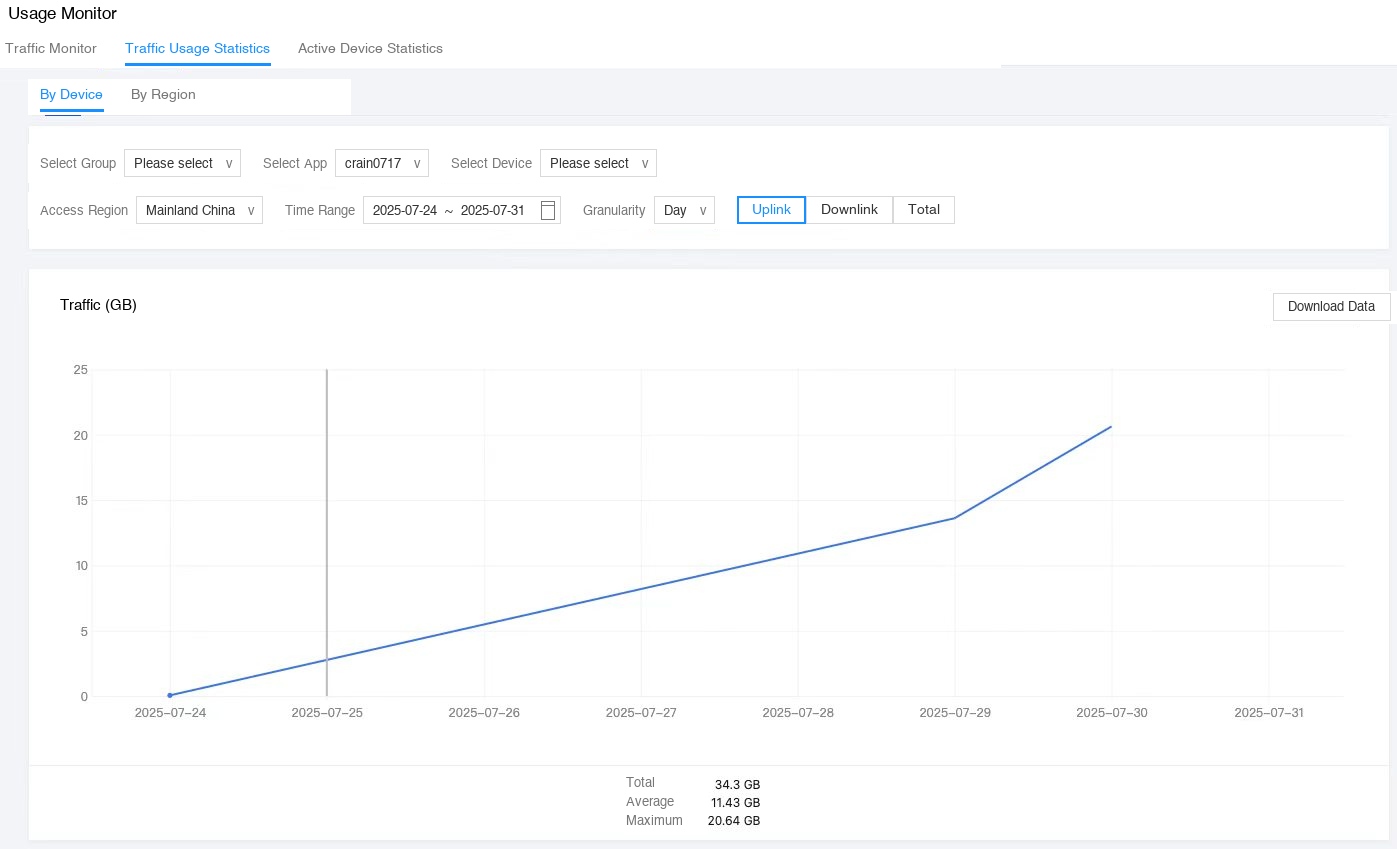
Go to the console, and select Traffic Usage Statistics on the Usage Monitoring page. You can select the devices you want to view by device or by region. Select the appropriate time and time granularity as needed to view the traffic usage statistics for the corresponding devices.
Drag the mouse on the line chart to view detailed data for any time point. Click Download Data to export the data currently being displayed. The traffic usage statistics are shown in the following figure: