After a customer private gateway is managed, you can view active gateways on the private gateway management page and search for them by gateway name.
IP Interconnection Rule Management
IP Interconnection Configuration
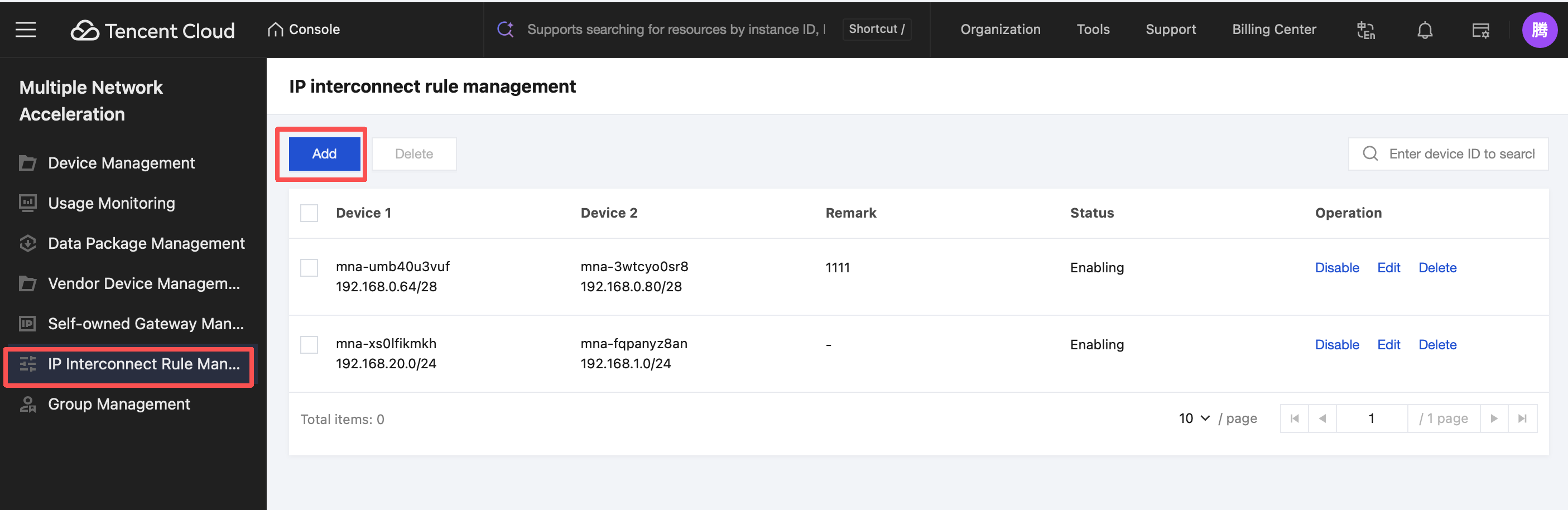
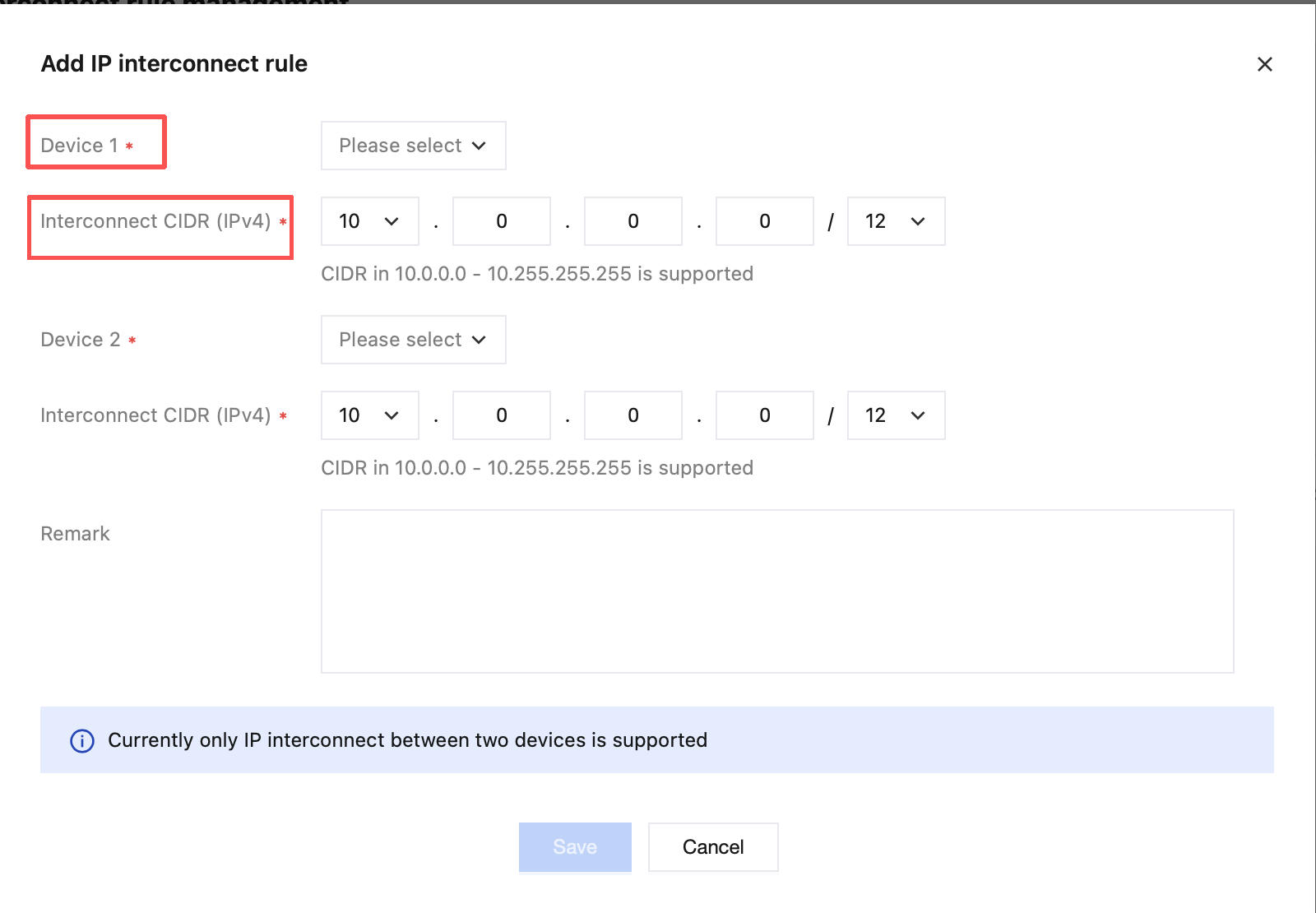
To use IP interconnection capability, you need to configure it first. Click IP Interconnection Rule Management in the left sidebar of the console, enter the management interface, and click Add to enter the configuration interface.
Select the devices to be interconnected and specify the network segments for interconnection.
Note:
The IP interconnection feature refers to configuring a Layer 3 mutual access function for the private network segments of two devices. After pairing, the corresponding devices can achieve bidirectional IP-layer access within the corresponding private network segments.
Note that a device cannot have two identical peer network segments.
Group Management
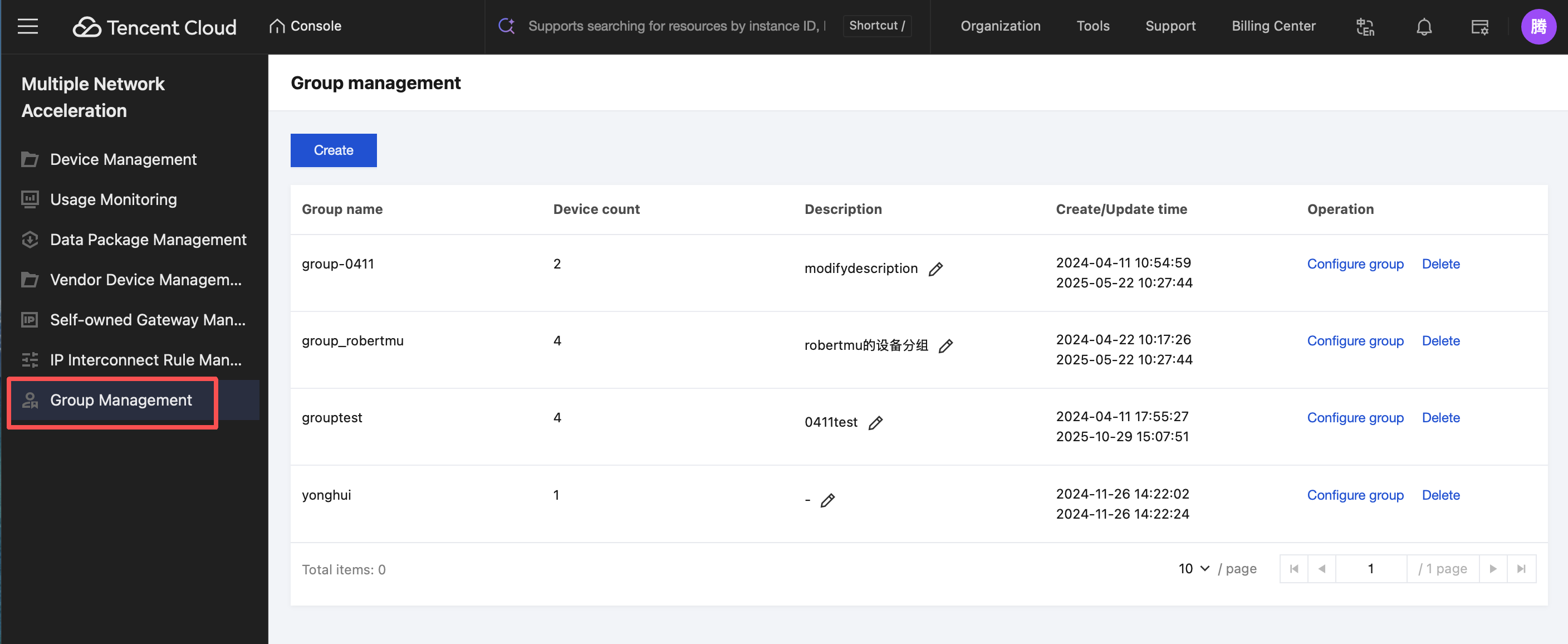
On the Multiple Network Acceleration group management page, you can manage device groups and view acceleration statistics by group.
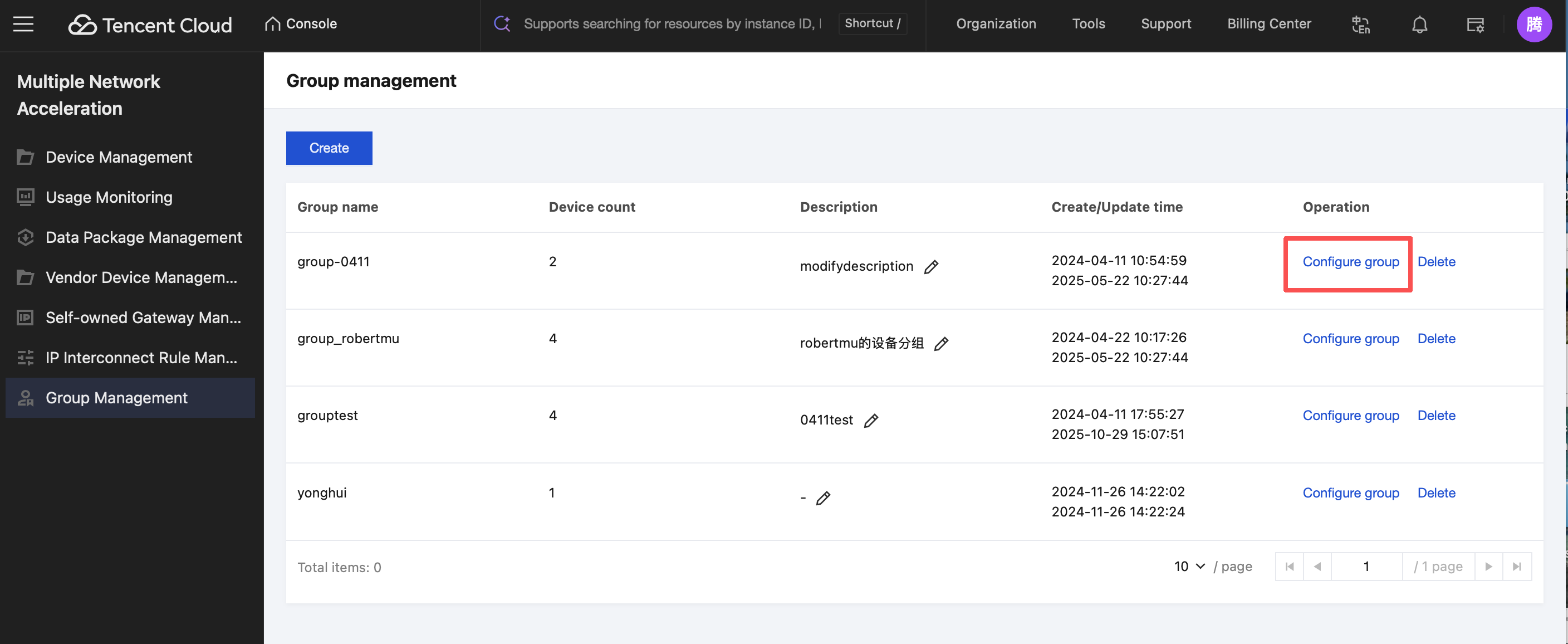
In the group list, click Configure group to view all devices in the current group and further view device details.