Patch Installation Guide
다운로드
포커스 모드
폰트 크기
In TencentOS Server, hot patches are supported through the tencentos-hotpatches software package. A new software package contains all previously released hot patches. After a specific issue is fixed, the OS team immediately publishes the hot patch to the official yum repository, and public cloud customers can install it directly from yum. In private deployment scenarios, the official team sends vulnerability and bug fix notifications and synchronizes the official repository as soon as possible to resolve issues.
Hot patch software package
The hot patch software package is named tencentos-hotpatches. You can run
yum list tencentos-hotpatches.x86_64 to check whether an update is available for the hot patch.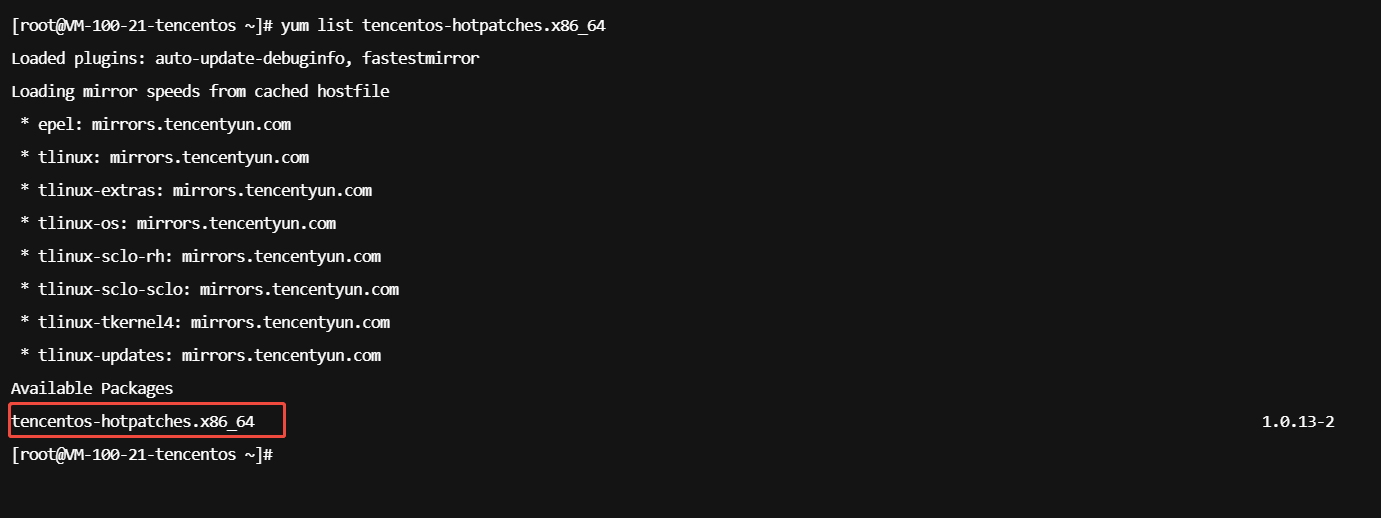
View patch update records
You can run
yum changelog tencentos-hotpatches to view hot patch update records and stay informed about vulnerability fixes. Note that this feature depends on the changelog plugin. If the changelog plugin is not installed, run yum install yum-plugin-changelog to install it.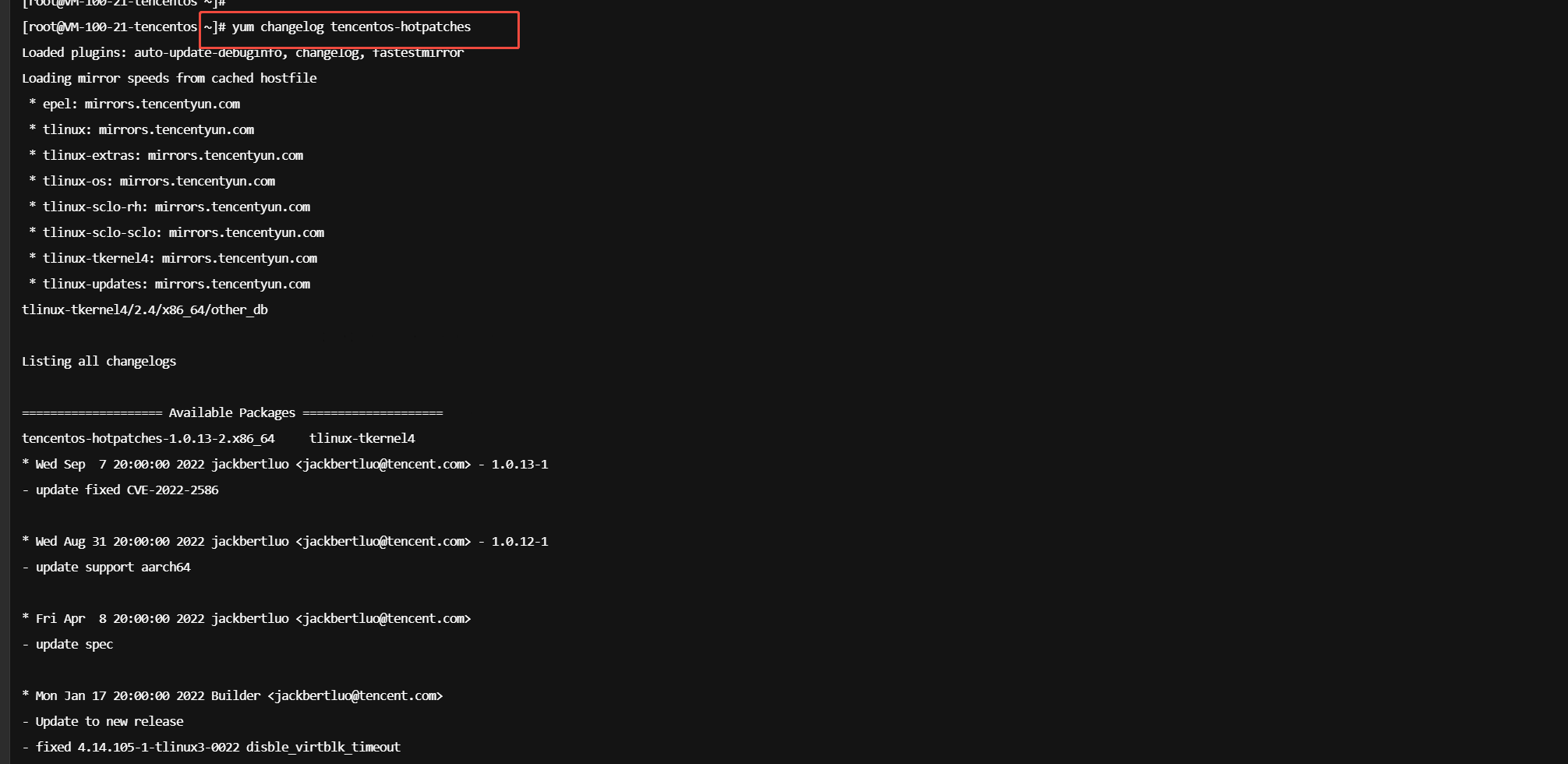
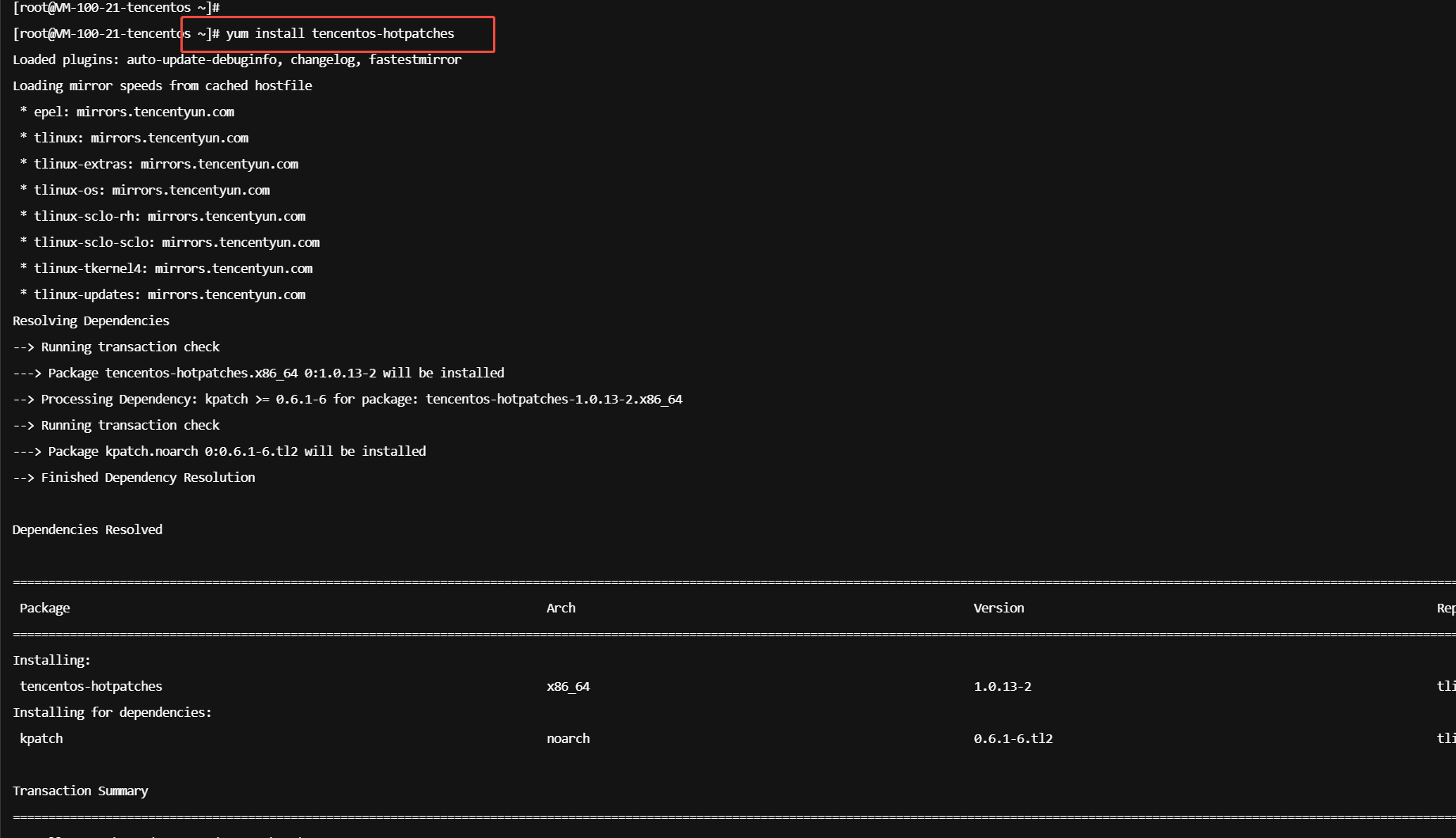
Install hot patches
yuminstalltencentos-hotpatches
Uninstall hot patches
Uninstalling a hot patch while it is active is generally not recommended, as this can expose the OS to significant security risks. If you must uninstall a hot patch, run
kpatch unload $patchname.Note:
Because the kpatch feature depends on the existing ftrace in the kernel, do not probe functions patched by kpatch using systemtap or kprobe. Otherwise, the kpatch feature will become invalid.
피드백